Manual Mesh - classicrocker883/MRiscoCProUI GitHub Wiki
How to make the Manual Mesh (MM)
It is possible to launch the manual mesh from the screen and allows you precisely adjust Z and go to the next point. Do not forget to save the mesh at the end.
Enable Mesh level compensation
Put in the start G-code script of the slicer (Cura, Simplify, Prusaslicer, Superslicer, etc.) after the G28 the commands:
G28 ; Home all axes
M420 S1 Z5 ; Use mesh level up to 5 mm
[!NOTE] If you have your printer connected to Octoprint, and you try to print a g-code with the
M420without a valid mesh you can get anM112error.
Please follow this guide to change the error handing in Octoprint.
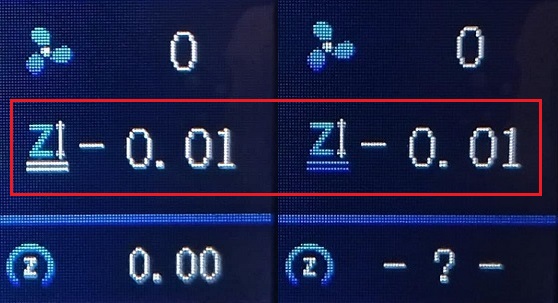
If the mesh level compensation is enabled while printing you can see the color change in the z-offset icon, in the most recent versions the icon background also blinks: