StaticData Entity - circles-arrows/blueprint41 GitHub Wiki
Creating Entities
StaticData Entity
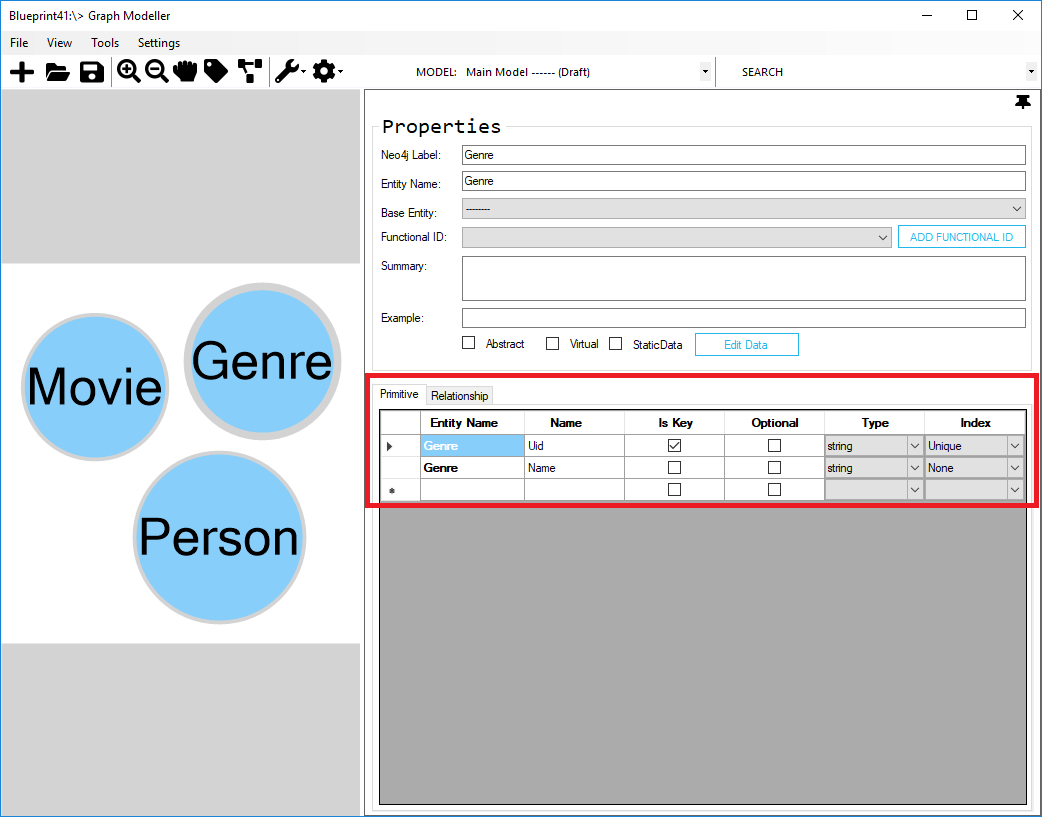
- Insert a new entity and name it as “Genre” and add new properties (Uid and Name).
| Name | Is Key | Optional | Type | Index |
|---|---|---|---|---|
| Uid | True | False | string | Unique |
| Name | False | False | string | None |
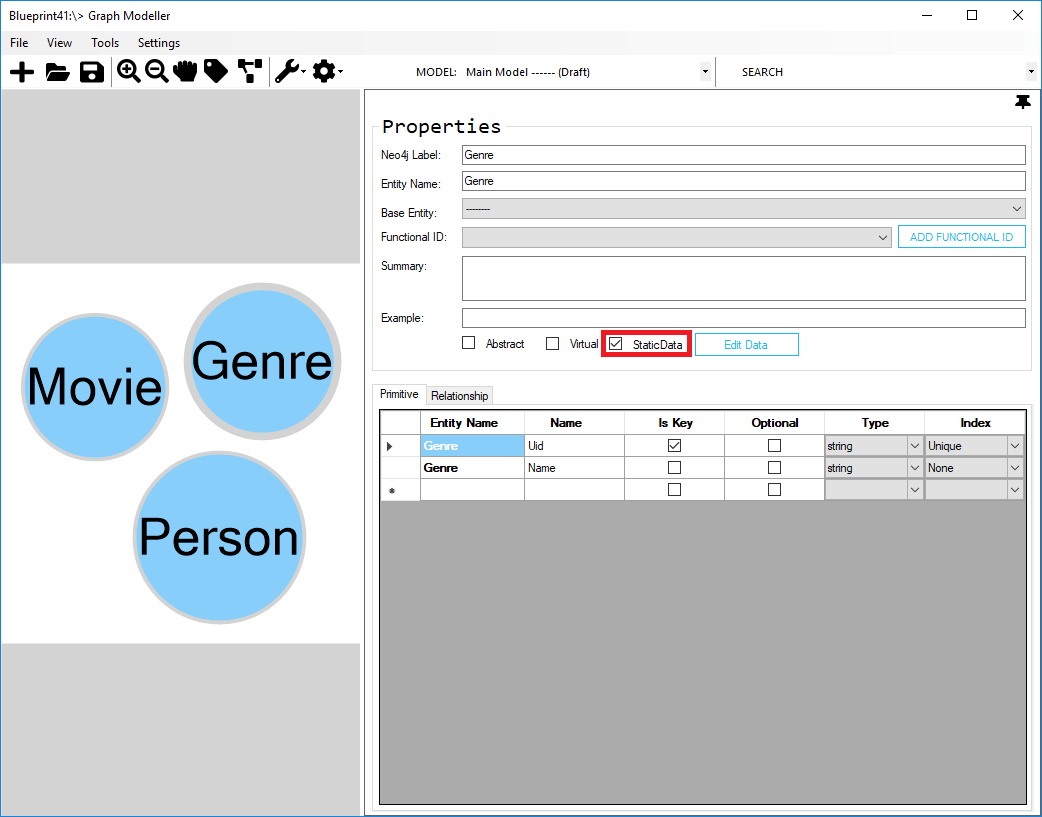
- To set the entity type as StaticData, check the StaticData checkbox in the properties pane.
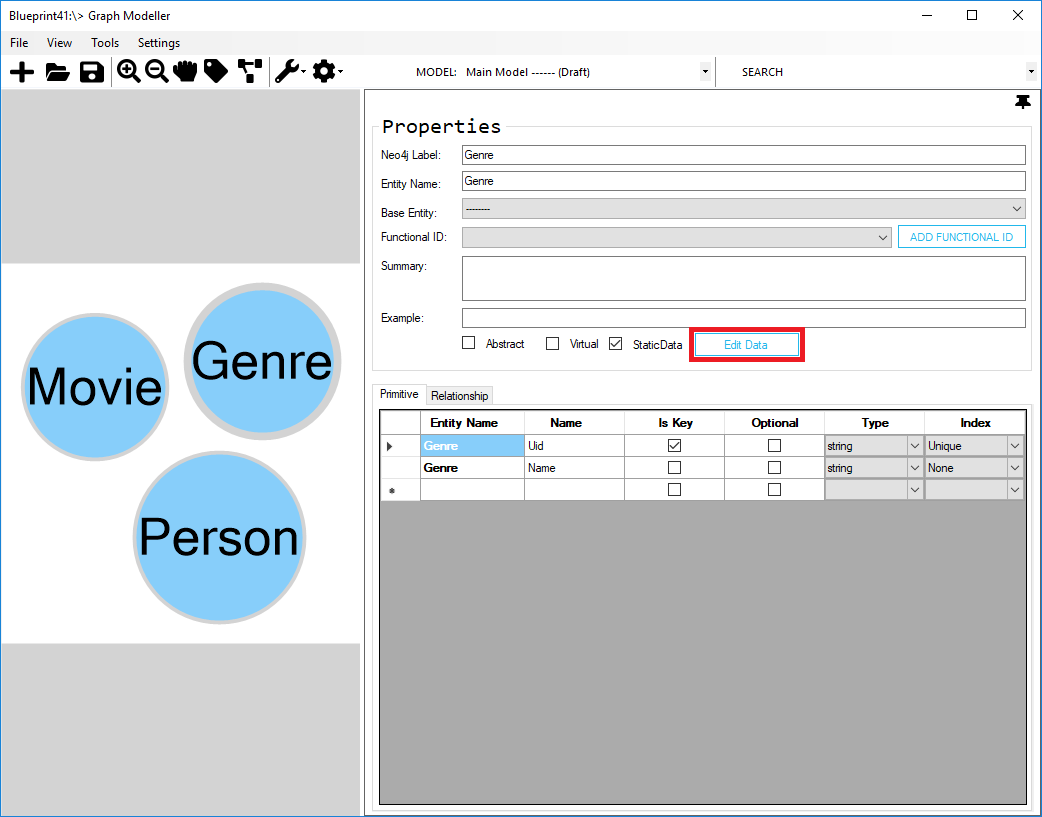
- To manage static data, click the Edit Data button.
- On Manage Static Data dialog, insert records/data and click the Save button.
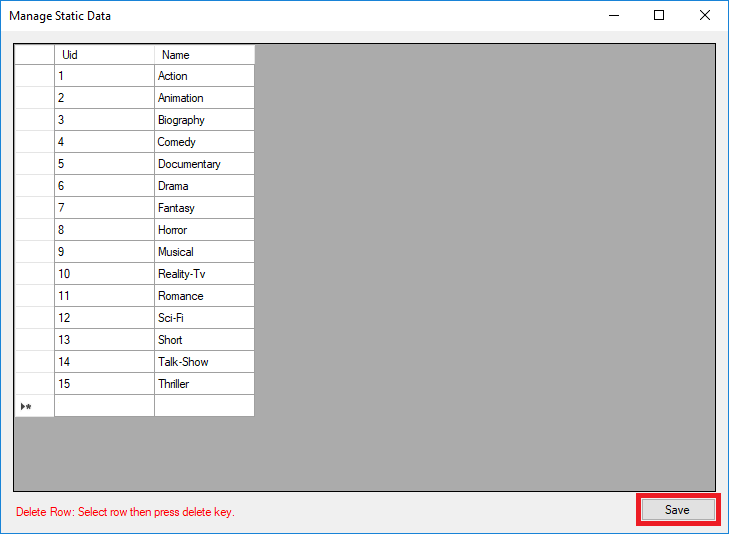
You have successfully created a StaticData entity type and added data into it.
Next, we'll create the abstract and virtual entity type.