Reproduce the starlink demo on the home page of the starlink website. - bosssu/Imagination-and-creativity GitHub Wiki
I'm a fan of elon Musk. Among his many companies, I am most concerned about Space X. Especially its Starlink project. Today, I'm going to reproduce the Starklink Demo on the home page of the Starlink website. Let me put a picture first:
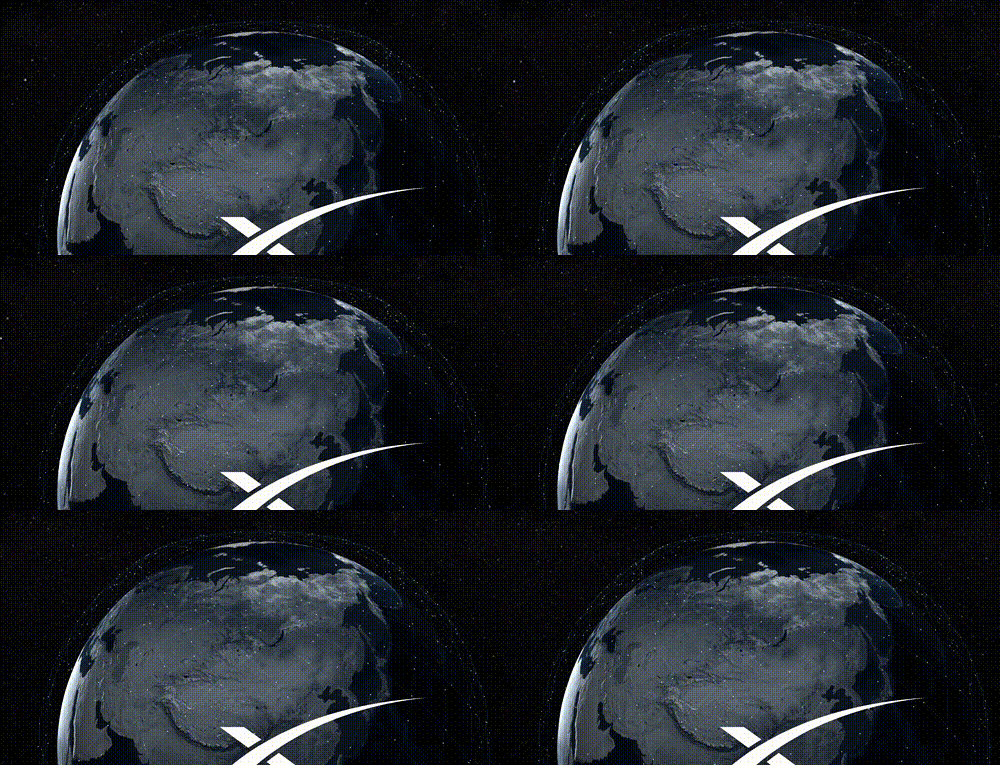
Let's briefly analyze:
The earth rotation part is very simple, that is:the main camera is revolving around the earth. The following is the main analysis of the satellite orbit and satellite mapping
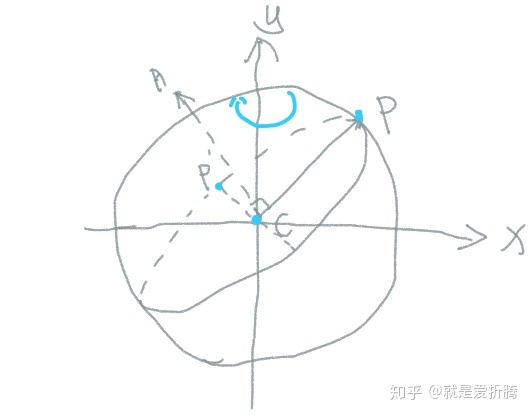
Orbit drawing can be divided into two steps:
The first step: the drawing of a single track. As shown in the figure above, it can be seen that the three points CP'P define a plane, and there is a circular orbit on this plane passing through points P and P' at the same time. It can be known that this orbit can be obtained by the rotation of the vector CP around the normal CA of the plane. And CA = CP X CP'. So we can calculate several points on the track, and then connect them through line segments. When calculating, we can simplify the above process:

Directly set the Z value of point P to 0, so the coordinates of the three points are simple. P(r * cos($\theta$),rsin($\theta$),0),C(0,0,0),P'(0,0,1).
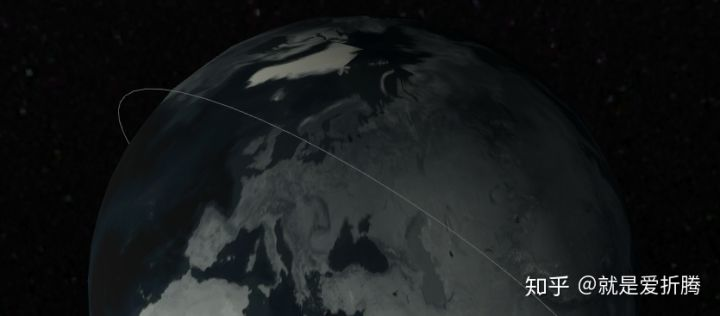
single track
Step 2: When a single track is created, we only need to copy the entire track and rotate it around the y-axis by a certain angle each time.
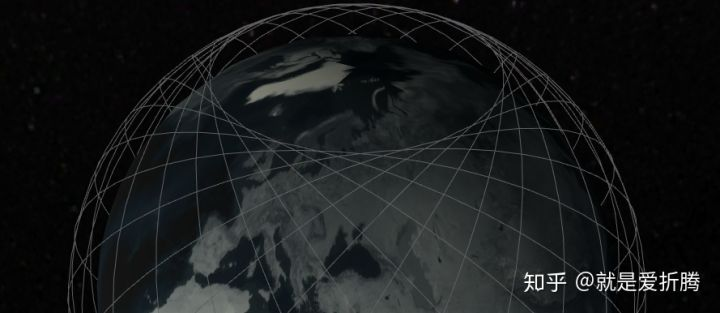
multiple tracks
Step 3: is to draw the satellites. First, you need to calculate the position of each satellite. This is exactly the same as the above principle. Then it is to draw the satellite at the corresponding position, the particle system I use here. This is done by directly assigning coordinate positions to each particle.
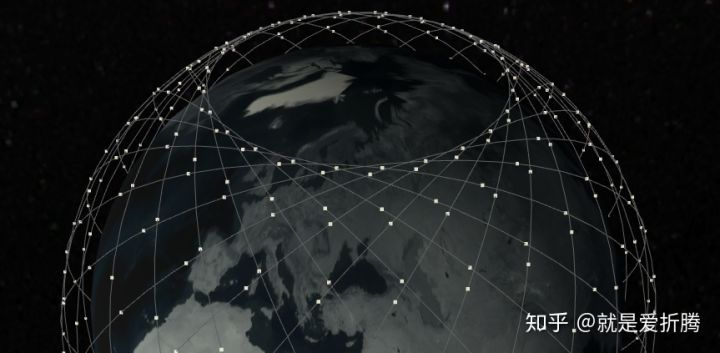
draw satellites
The last step : is to add animation to the satellite. This is relatively simple, just add a certain value to each frame of the rotation angle of the satellite on each orbit. The final effect :

Here is the link : https://github.com/bosssu/Imagination-and-creativity/tree/main/Assets/Samples/Starlink