How to Edit JVM Flags on CurseForge & the Minecraft Launcher - antibang/BaerCraft GitHub Wiki
How to edit JVM flags on CurseForge:
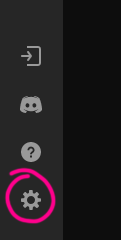
First, locate the gear icon on the bottom left-hand side of the CurseForge application.
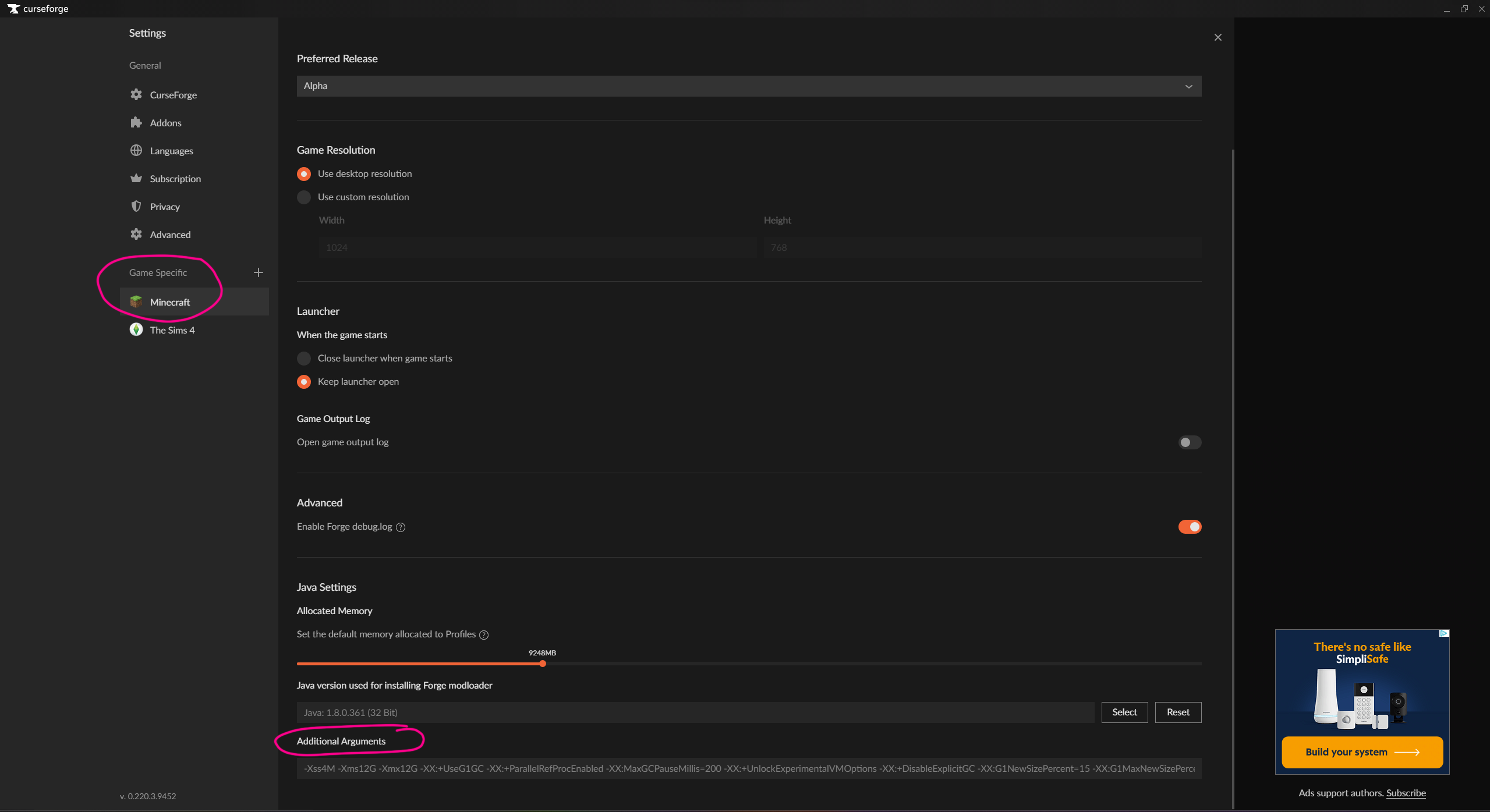
Then, select locate the section labeled as "Game Specific", and select the Minecraft icon and scroll all the way to the bottom. Lastly, insert your own flags, preferred flags, or the flags I recommend for BaerCraft in the "Additional Arguments" box. No more additional steps!
How to edit JVM flags in the default Minecraft launcher:
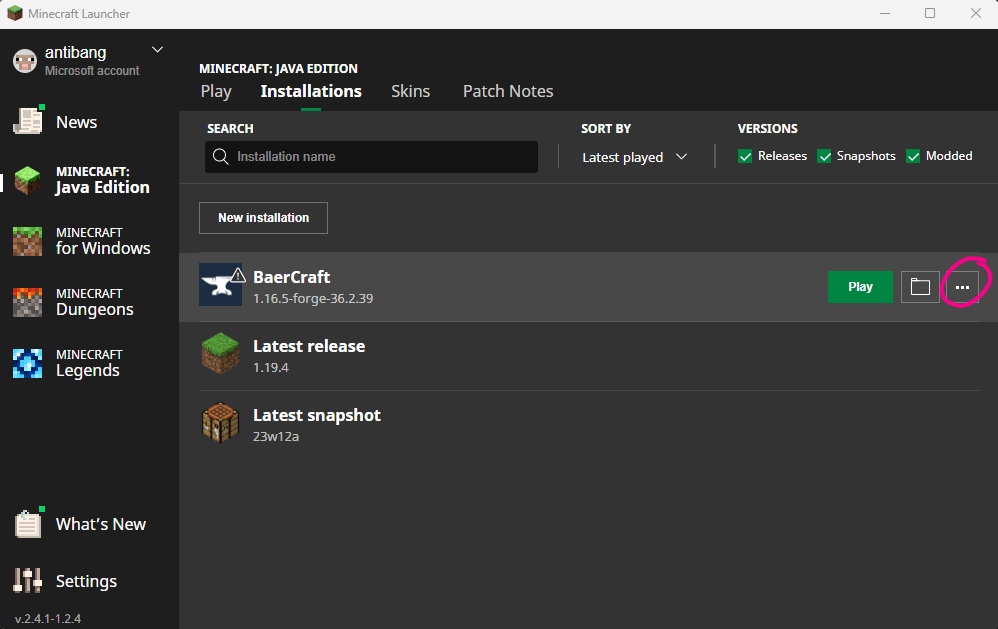
At the top of the Minecraft launcher, locate the "installations" tab, then select your installation that you want to change.

Then, press the 3 horizontal dots when hovering over the profile and select "Edit".
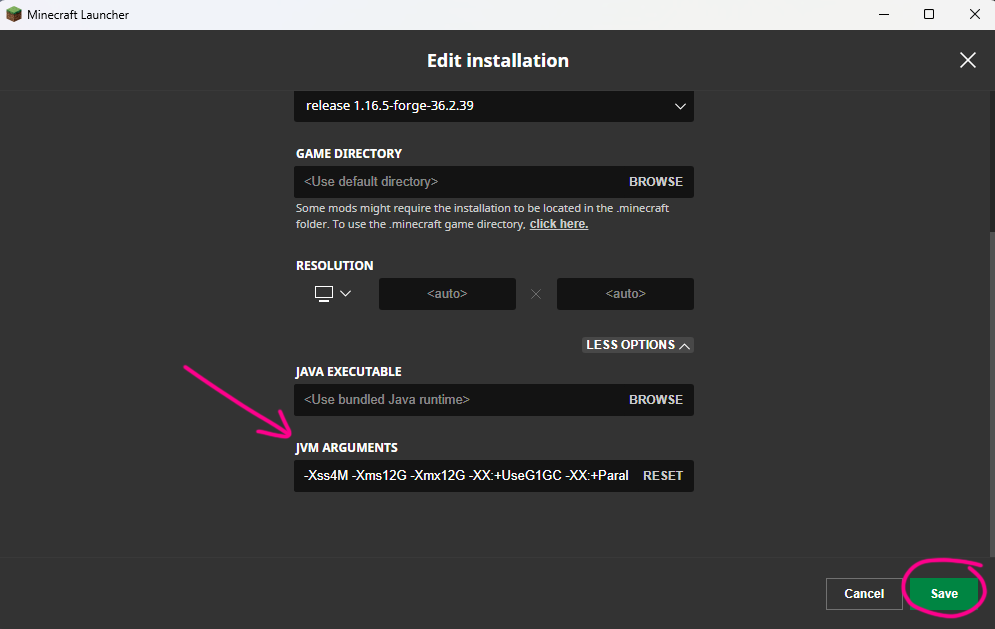
In that menu, select "More Options" at the bottom right-hand side.
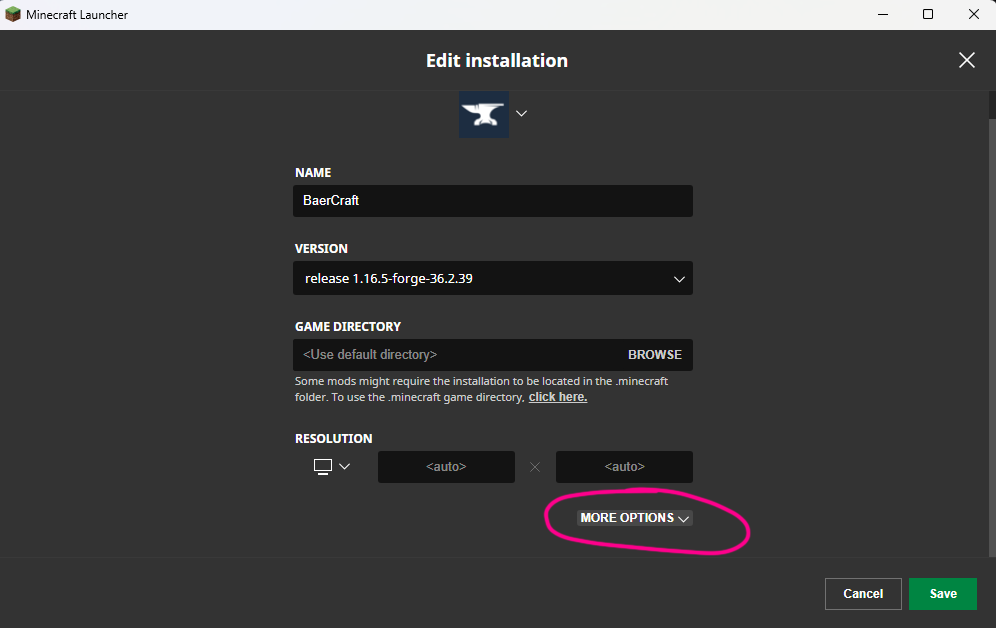
Then, insert your own flags, preferred flags, or the flags I recommend for BaerCraft in the "JVM Arguments" box. Make sure to press "Save" once you are done. Then simply launch Minecraft!