2. Installation NCAA 06 Next Mod - antdroidx/NCAA06Next GitHub Wiki
Installation
Pre-Installation / PCSX2 1.7 Test Builds
Please obtain at least this version of pcsx2 or higher:
https://github.com/PCSX2/pcsx2/releases/
Please use v1.7.2389 or higher!
Follow these instructions for PCSX2 Setup: https://github.com/h4wduk3n/NCAA06Next/wiki/1.-Setting-up-PCSX2
Installation of Textures
Unzip the downloaded file. Move the Textures folder into your PCSX2 directory.
Memory Card with Roster/Dynasty Updates
Move the Memcard folder from the Mod ZIP file into your PCSX2 directory.
Note: The roster saves are brought over from Operation Sports (Antdroid's Roster) source: https://forums.operationsports.com/forums/ncaa-football-rosters/994380-ncaa-2006-2011-playstation-2-2021-22-season-rosters-dynasty-mods.html
How to use Alternate Textures
In your PCSX2 folder , navigate to 'textures/SLUS-21214/alternate_replacements'. In this folder you can find alternates by conference. Take a 'home' or 'away' folder from one of these and replace the home and away in the actual 'replacements' folder. You may want to keep the archive around or backup your replacements folder so you can switch back.
ISO/Game & DB Editor Patches
These are OPTIONAL patches that improve immersion of the game experience as well as a Conference Realignment 2021 Dynasty starter kit.
There are various patches in the Mod zip file. Please look at the readme files within the folders for more help!
Install Tutorial Video [slightly outdated]
As of v4, download the source code zip from the release page and extract its contents into your pcsx2 folder.
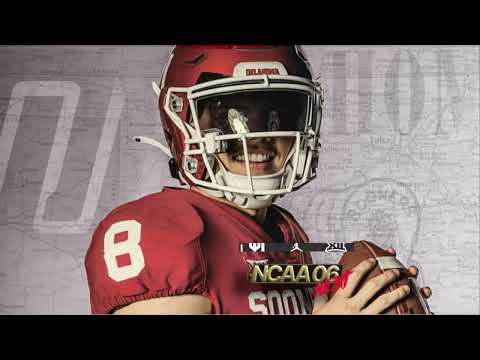
Here is a video tutorial of how to install the mod: