Mealie Setup Guide - ajgillis04/GillisDockerDepot GitHub Wiki
Mealie is a self-hosted recipe manager. Paste a link from a recipe website and it imports the recipe; it also does meal plans, shopping lists, scaling by servings, and (optionally) recipes from photos or videos using AI. In this repository it replaced Chowdown.
compose/server1/mealie.yaml:
services:
  mealie:
    container_name: mealie.${HOST_NAME}
    image: ghcr.io/mealie-recipes/mealie:latest
    environment:
      PUID: ${PUID}
      PGID: ${PGID}
      TZ: ${TZ}
      ALLOW_SIGNUP: "false"
      BASE_URL: https://mealie.${DOMAINNAME}
      MAX_WORKERS: 1
      WEB_CONCURRENCY: 1
    ports:
      - "${MEALIE_PORT}:9000"
    volumes:
      - ${DOCKERDIR}/mealie/data:/app/data
    deploy:
      resources:
        limits:
          memory: 1000M
    restart: unless-stopped
    labels:
      - "com.centurylinklabs.watchtower.enable=true"
Everything (database, images, backups) is in appdata/mealie/data.
Open http://<server-ip>:<MEALIE_PORT>. The first start opens a setup wizard. If you skip it, the default admin login is [email protected] / MyPassword. Change both straight away, especially before exposing Mealie outside your network.
- Load the starter data (Settings → Data Management): the built-in lists of foods, units and labels (grocery aisles). Mealie needs these to understand ingredient lines ("2 cups flour" → amount, unit, food), which is what makes scaling and shopping lists work.
- Categories for courses (Breakfast, Mains, Sides, Soups & Stews, Desserts & Baking, Drinks…), tags for main ingredient, cuisine and occasion, and tools (Instant Pot, Slow Cooker, Grill…).
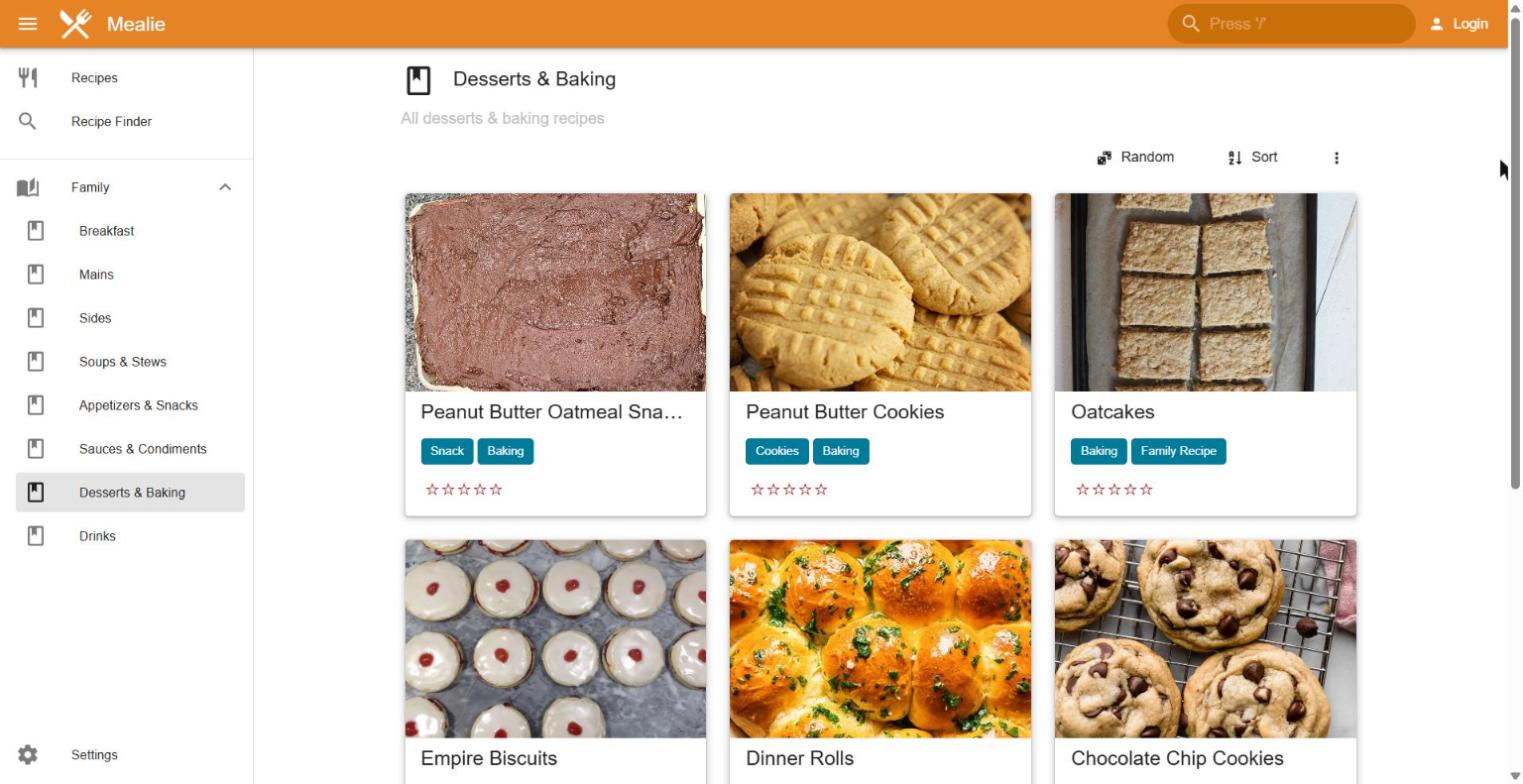
- Cookbooks are saved views (for example "all recipes in the Desserts category") that appear in the sidebar. They're the easiest way for family to browse.
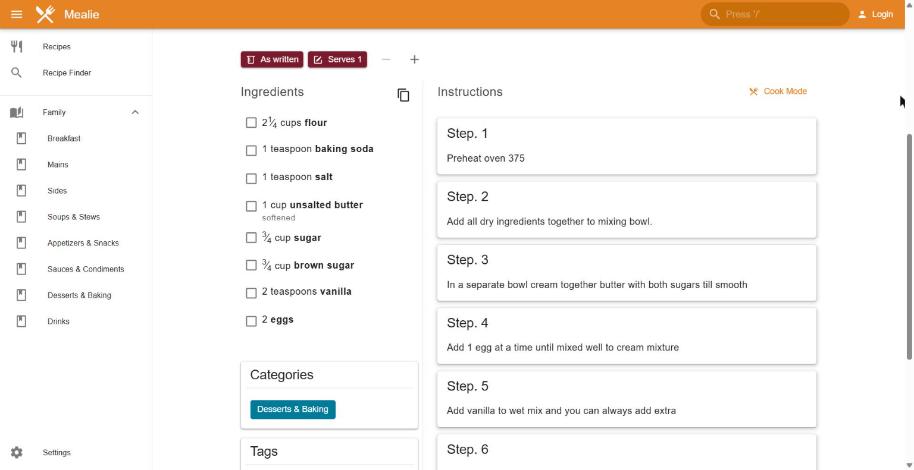
Once ingredients are parsed into amount, unit and food, the Serves buttons scale the recipe and ingredients can be sent to a shopping list:
By default everything is private. To let people read recipes without logging in:
- Group settings: turn off Private Group.
- Household settings: turn off Private Household and turn on Allow users outside of your group to see your recipes.
- Each recipe has its own Public switch. New recipes follow the household default.
The public recipe page is https://mealie.example.com/g/<group-slug> (the default group is home). The plain front page still goes to the login screen, so share the /g/home link. Editing still needs an account. If Mealie sits behind Cloudflare Access: Zero Trust, visitors must pass that first.
Under Group settings → AI Providers you can connect any OpenAI-compatible service, including a local Ollama Setup Guide:
| Role | Example | What it enables |
|---|---|---|
| Default provider | Ollama, base URL http://<ollama-host>:11434/v1, a vision-capable model such as gemma4:e4b, any API key text |
AI ingredient parsing, importing from messy websites |
| Image provider | same model | Create recipe from a photo (a recipe card or cookbook page) |
| Audio provider | an OpenAI-style speech-to-text server such as Speaches Setup Guide, model Systran/faster-distil-whisper-small.en
|
Import from a video (YouTube, TikTok, Instagram) |
Use the Test button on each provider. A speech-to-text-only provider fails the test until it's assigned as the audio provider; after that, Mealie tests it by transcribing instead.
The AI ingredient parser is good but can drop alternatives: "Ranch or blue cheese dressing" may come back as just "dressing". Mealie keeps the original text alongside, but review lines with "or" before saving.
Chowdown recipes are Markdown files with YAML front matter (title, image, tags, ingredients, directions), plus an images/ folder. A short script can import them through Mealie's API:
- Create each recipe with
POST /api/recipes, thenPUTthe full recipe (ingredients as notes, steps, tags). - Upload the photo with
PUT /api/recipes/<slug>/image. Very large photos (100+ megapixels) are rejected; shrink them first. - Bold lines such as
__Sauce:__map nicely to Mealie's section titles. - Chowdown ships three sample "components" (graham cracker crust, red berry topping, vanilla custard); leave them out.
Watch out: after import, Mealie may split some lines into amount/unit/food and leave only fragments in the visible note (for example "tbls packed"). The full line is kept in the ingredient's original text, so nothing is lost; re-parse from that field.
To keep an old Chowdown address working, point it at a tiny redirect instead of Chowdown. This repository uses compose/server1/chowdown-redirect.yaml, an nginx:stable-alpine container whose config returns a 301 to https://mealie.example.com/g/home.
- Mealie makes its own backups (Settings → Backups), saved in
appdata/mealie/data/backups. Copy the data folder before big changes. - Watchtower keeps it updated monthly.