Telegram public channel setup - affiliatesolutionhelp/tutorial GitHub Wiki
This guide explains how to add a Telegram channel to the Affiliate Solution platform. By following these steps, users can seamlessly integrate their Telegram channel with the platform, allowing them to post messages and engage with their audience more effectively. The guide provides clear instructions and tips to ensure a successful integration.
1. Click "Telegram"

2. Click "Channels"

3. Click "Add New Channel"
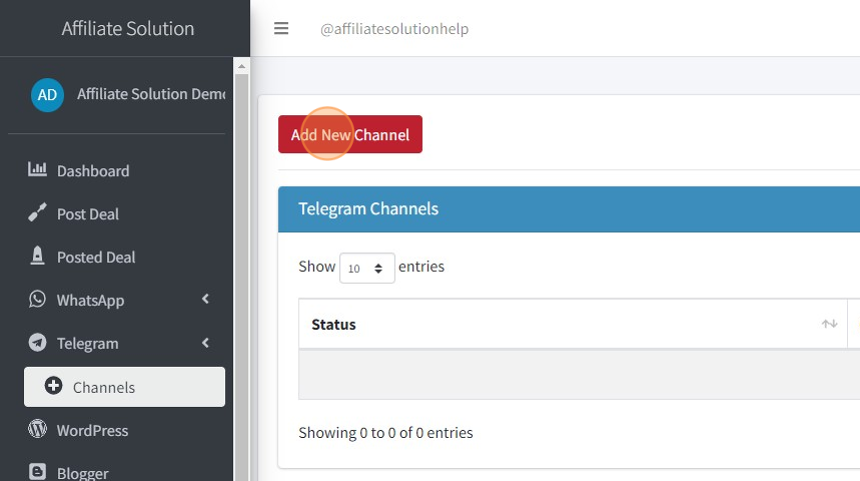
4. Select your channel username

5. Copy your channel name

6. Add your channel username like below For example: bestamazingonlinedealz
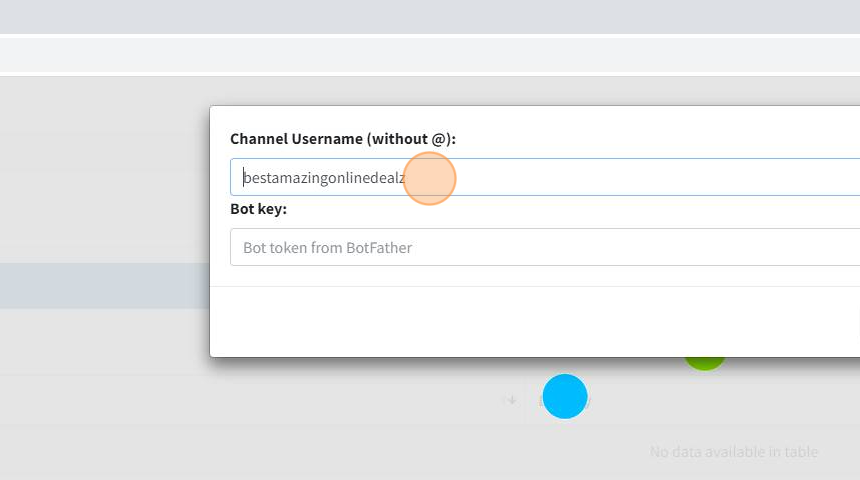
7. Let's create a new bot in Bot Father Go to Telegram application and search BotFather

8. Click here:

9. Enter your bot name For Example: "My channel Bot"

10. Now enter bot username For Example: "amazingdealchannelbot"

11. To copy bot link, click on bot link

12. Copy Link

13. Go to your Telegram Channel

14. Click here:
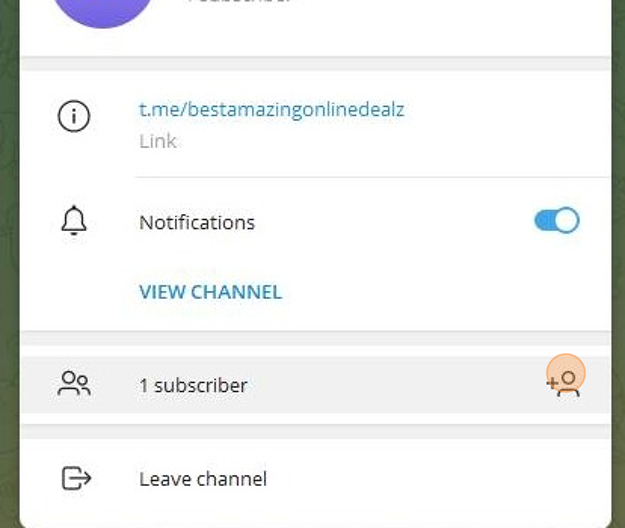
15. Paste link here

16. Select bot

17. Click on "Add" button

18. Click on "Make Admin" button

19. Click on "Save" button

20. Go back to BotFather

21. Copy token

22. Paste token here
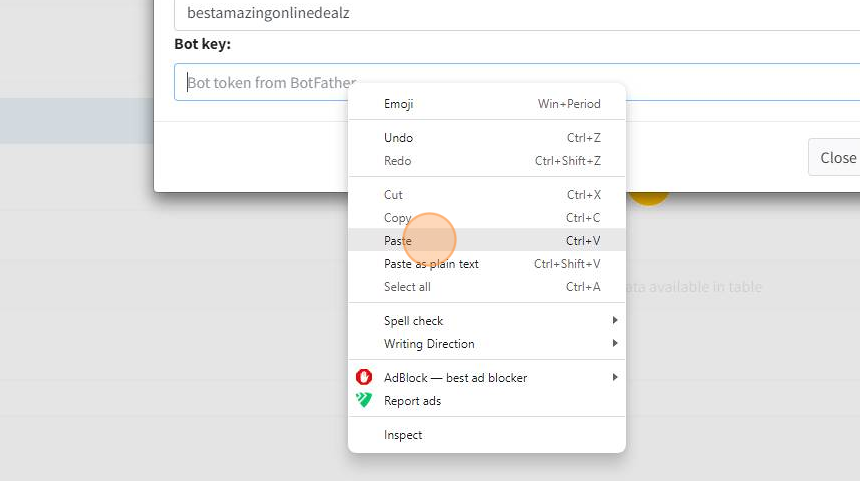
23. Click on "Save" button

24. Enable Telegram channel to post message
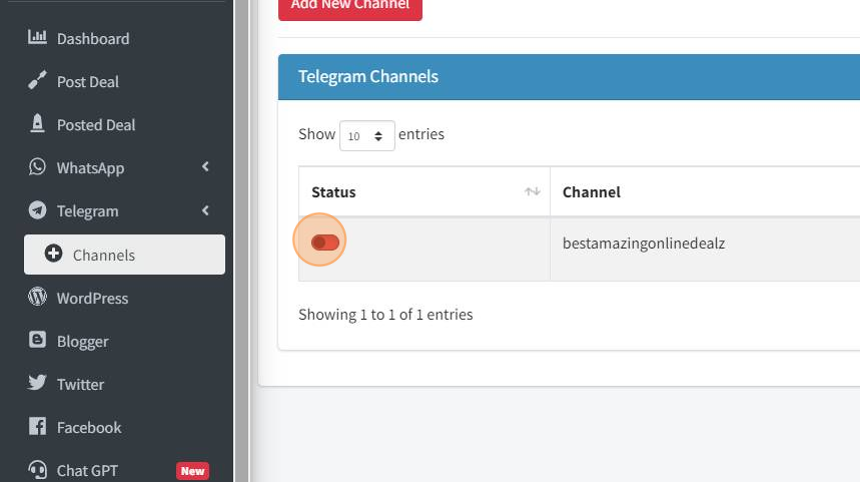
25. Icon color should change from Red to Green as below

26. Click on Logout

27. Sign in again in Affiliate Solution

28. We'll share a single deal message and verify its appearance on the Telegram channel. Click on Post Deal Menu

29. Add your deal message as shown below

30. Tick the Telegram checkbox and deselect all other checkboxes in the Share Options.
Click on "Post Deal" button

31. The deal message has been successfully posted to the Telegram channel.
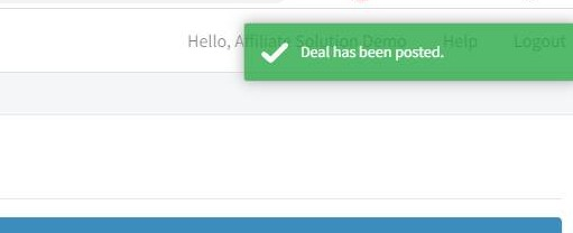
32. Please verify on Telegram channel; you'll notice that the message has been posted along with our affiliate tag.

33. You've nailed it! Your Telegram channel is all set up and good to go on Affiliate Solution.