How: Refresh or Delete WhatsApp client - affiliatesolutionhelp/tutorial GitHub Wiki
This guide provides step-by-step instructions on how to refresh your WhatsApp client, ensuring that you have the latest updates and fixes. By following these simple steps, you can optimize your WhatsApp experience and stay up to date with the latest features and improvements.
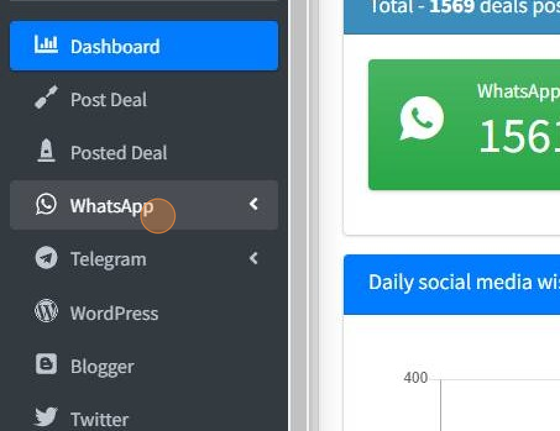
1. Click "WhatsApp"
2. Click "Refresh WhatsApp Client"

3. To Refresh WhatsApp client click on re-cycle icon

4. Click Yes to refresh WhatsApp client Click No to cancel it

5. Click on Bin icon to delete WhatsApp client

6. Click Yes to delete WhatsApp client Click No to cancel it
