Gemini API Key - affiliatesolutionhelp/tutorial GitHub Wiki
How to generate Gemini API key?
1. Open https://ai.google.dev/

2. Click here

3. Click on Create API Key

4. Select Google cloud projects, if it is not available in drop down, create new project
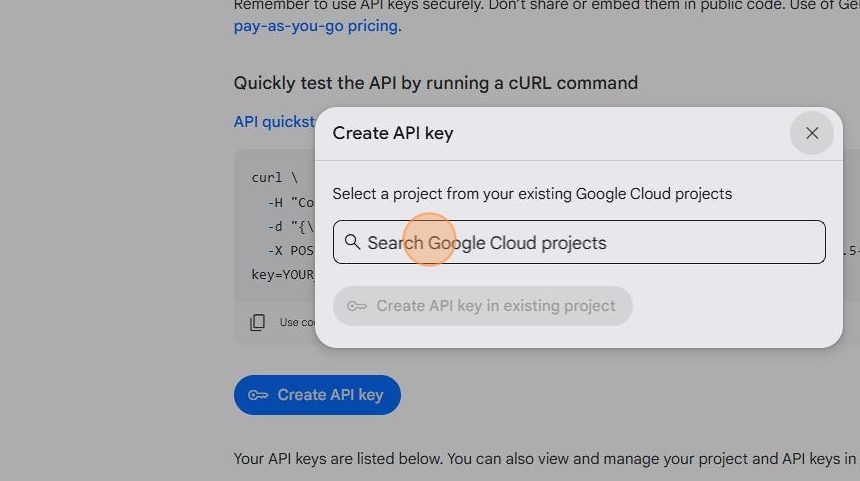
5. Select your project

6. Click on Create API Key in existing project

7. Copy the API key

8. Login into Affiliate Solution website

9. Click on AI Menu

10. Click on Gemini Sub menu

11. Click on Add Gemini Token button

12. Paste your Gemini token which you copied earlier

13. Click on Save button
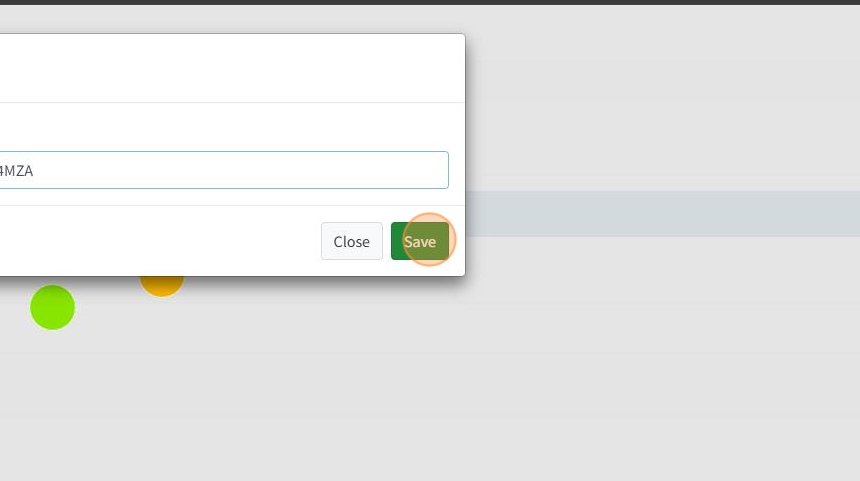
14. Enable the Gemini Token
