Getting Started OOP - ZackWilde27/Z3dPy GitHub Wiki
OOP Getting Started
Docs for function version can be found here
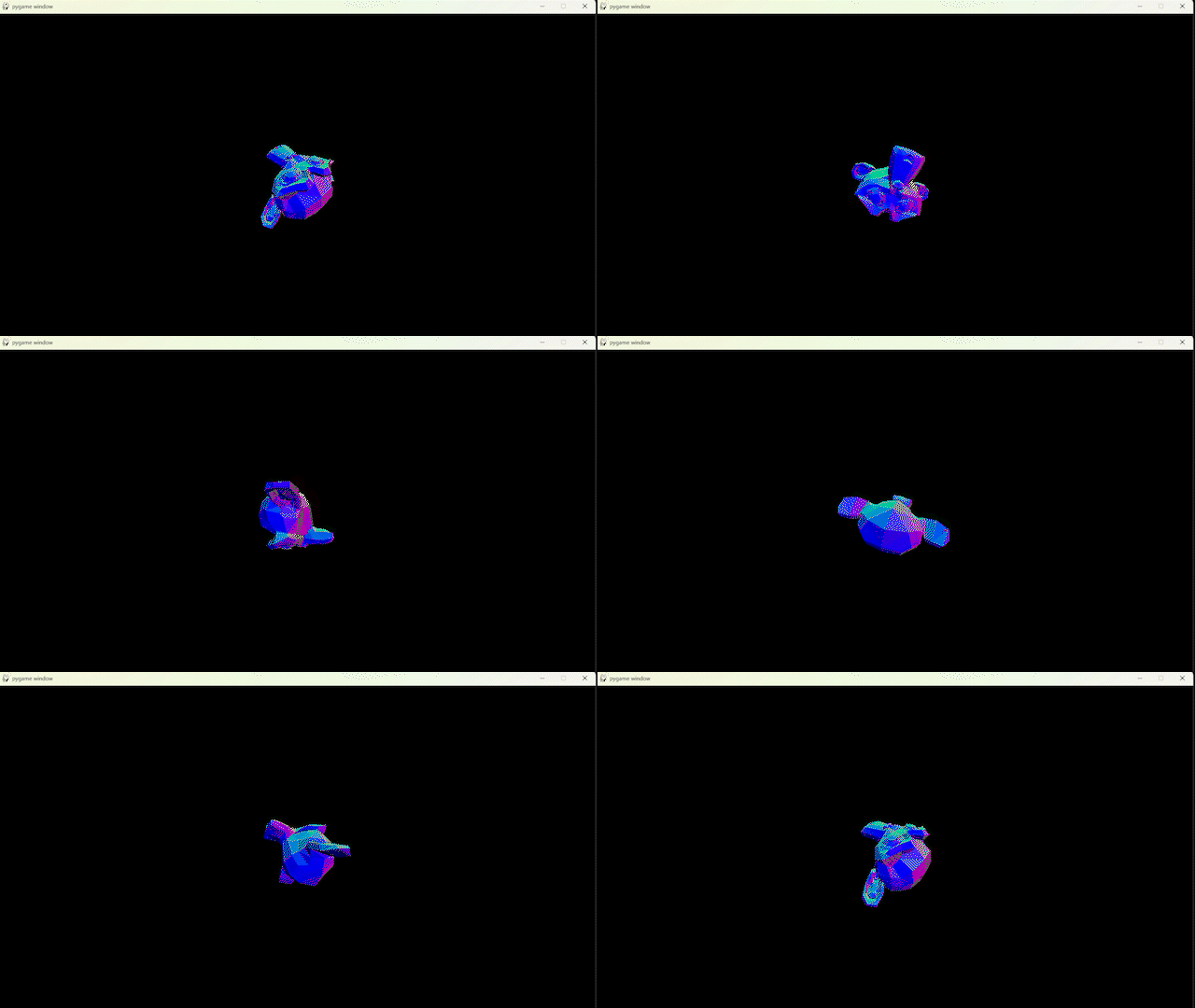
We'll import the OOP engine and use pygame for our screen.
At this point there was no built-in support for tkinter
import z3dpOOP as zp
import pygame

# Just some PyGame stuff
pygame.init()
screen = pygame.display.set_mode((1280, 720))
clock = pygame.time.Clock()
Next create our camera object. Width and height should match the output screen
# Create our camera (x, y, z, width, height)
myCamera = zp.Camera(0, 0, 0, 1280, 720)
Now load a mesh to draw, I'll use the built-in susanne.
# Use the LoadMesh function to load an OBJ file (filename, x, y, z)
myMesh = zp.LoadMesh("engine/mesh/susanne.obj", 0, 0, 2)
Rendering 3D in Z3dPyOOP is done in 2 stages:
- Rastering
- Drawing
# Rastering
for tri in zp.RasterMeshList([myMesh], myCamera):

    # Drawing
    zp.PgDrawTriangleF(tri, screen, 1, pygame)

# Also update display afterwards
pygame.display.flip()
In this case, I want the colour to represent it's normal value, but there are many other shading options
zp.PgDrawTriangleRGBF(tri, screen, tri.normal, pygame)
Now all that's left to do is chuck it in a loop
# Only needs to be done per frame if the camera's going to move
zp.SetInternalCamera(myCamera)

while True:

    screen.fill("black")

    for tri in zp.RasterMeshList([myMesh], myCamera):
        zp.PgDrawTriangleRGBF(tri, screen, tri.normal, pygame)

    pygame.display.flip()

    # Rotate mesh
    myMesh.rot.x += 1
    myMesh.rot.y += 2
    myMesh.rot.z += 3
Final Script:
import z3dpOOP as zp
import pygame

# Just some PyGame stuff
pygame.init()
screen = pygame.display.set_mode((1280, 720))
clock = pygame.time.Clock()

# Create our camera (x, y, z, width, height)
myCamera = zp.Camera(0, 0, 0, 1280, 720)

# Use the LoadMesh function to load an OBJ file (filename, x, y, z)
myMesh = zp.LoadMesh("engine/mesh/susanne.obj", 0, 0, 2)

while True:
    # More PyGame stuff to prevent freezing
    for event in pygame.event.get():
        if event.type == pygame.QUIT:
            pygame.quit()
    # Make sure FPS stays the same across various machines
    clock.tick(30)

    # Clear screen
    screen.fill("black")

    # Render 3D
    for tri in zp.RasterMeshList([myMesh], myCamera):
        zp.PgDrawTriangleRGBF(tri, screen, tri.normal, pygame)

    # Update display afterwards
    pygame.display.flip()