How to install miniconda and build your own virtual environment - WPC-Systems-Ltd/WPC_Python_driver_release GitHub Wiki
-
Minicondais a free minimal installer for conda. It is a small, bootstrap version of Anaconda that includes only conda, Python, the packages they depend on, and a small number of other useful packages, including pip, zlib and a few others. - Use
minicondato create a virtual environment with specific Python version. Prefixmini-stand for simplified version of conda. - Install necessary packages (for WPC Python driver) via
pipin miniconda. - Follow six-step guide below to install
minicondaand build virtual environment.
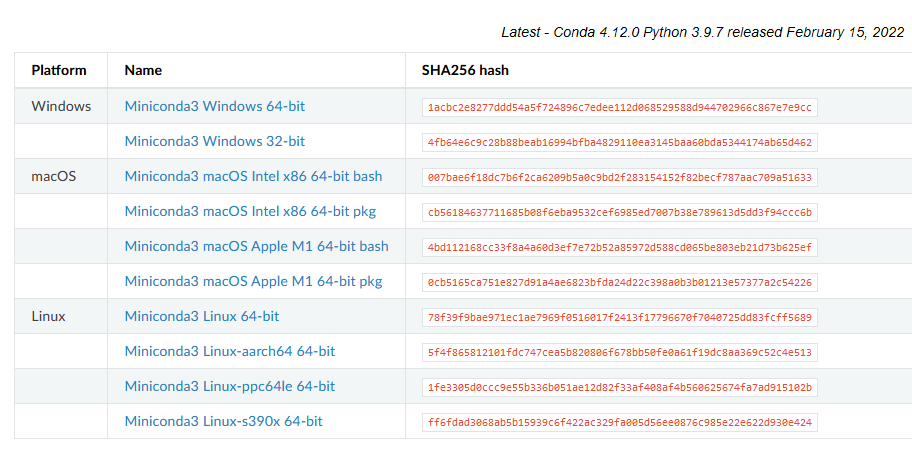
- Link: https://docs.conda.io/en/latest/miniconda.html
- Choose
Miniconda3 Windows 64-bitwithWindowsplatform.
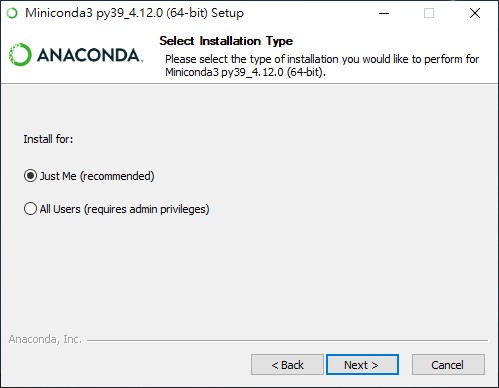
- Choose Just Me (recommended)
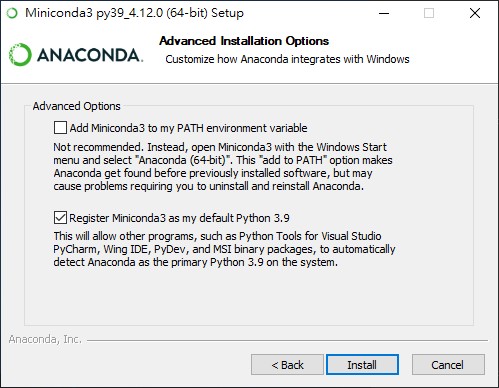
- Do not click Add Miniconda3 to my PATH environment variable
- Open
Anaconda Prompt (miniconda3)and run it as administrator.

$ conda create --name <myenv> python=<a.b>
-
<myenv>is environment name you want to create,<a.b>is preferred python version. - For example: If I want to create myenv310 environment with python version 3.10.
conda create --name myenv310 python=3.10
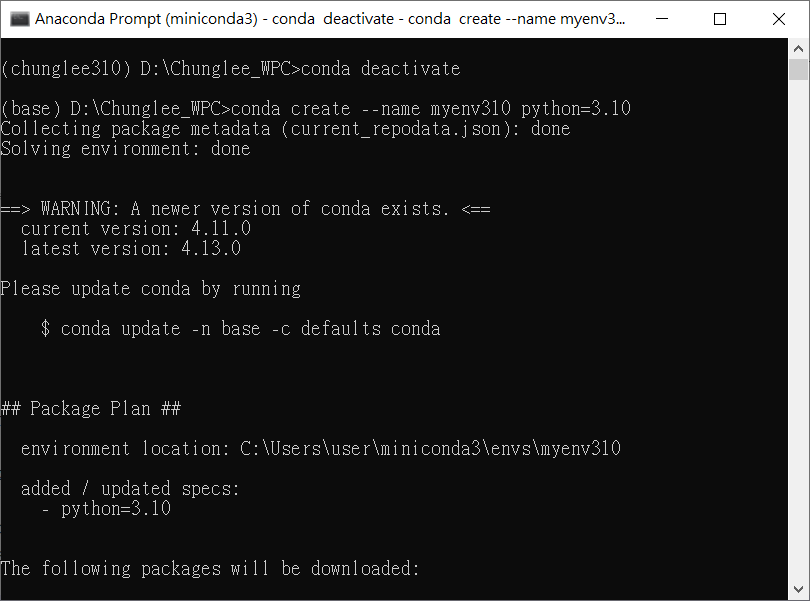
- Press
yin console and starting environment installation.
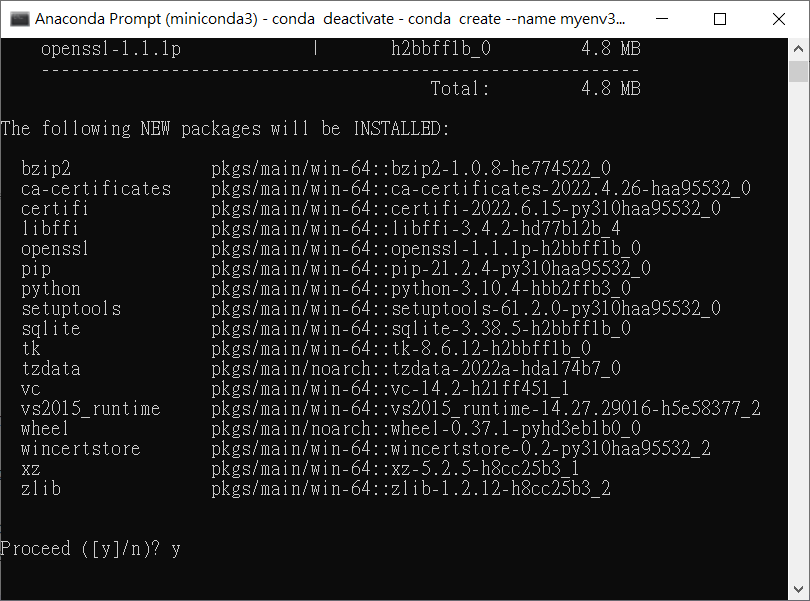
- If you see these messages on the screen, it means installation successfully.

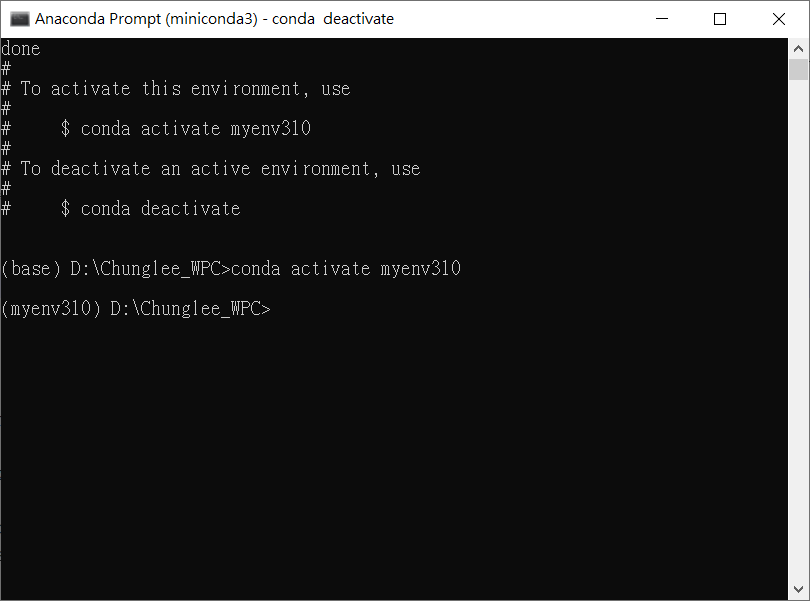
- Warning: By default, your environment is in
base, you have to switch your environment tomyenv310manually. - Activate environment
myenv310.
$ conda activate <myenv>
conda activate myenv310
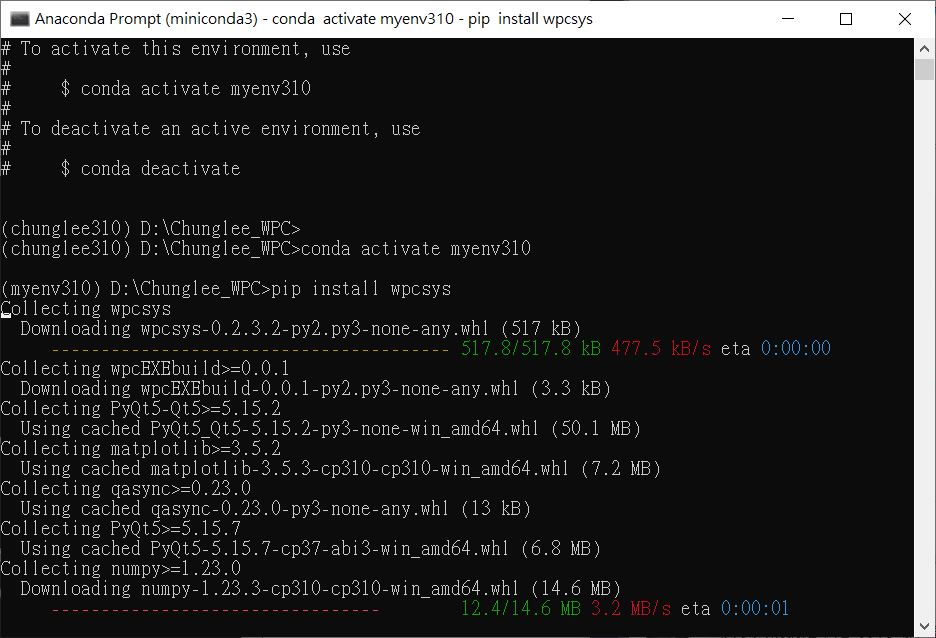
Install wpcsys using pip:
$ pip install wpcsys
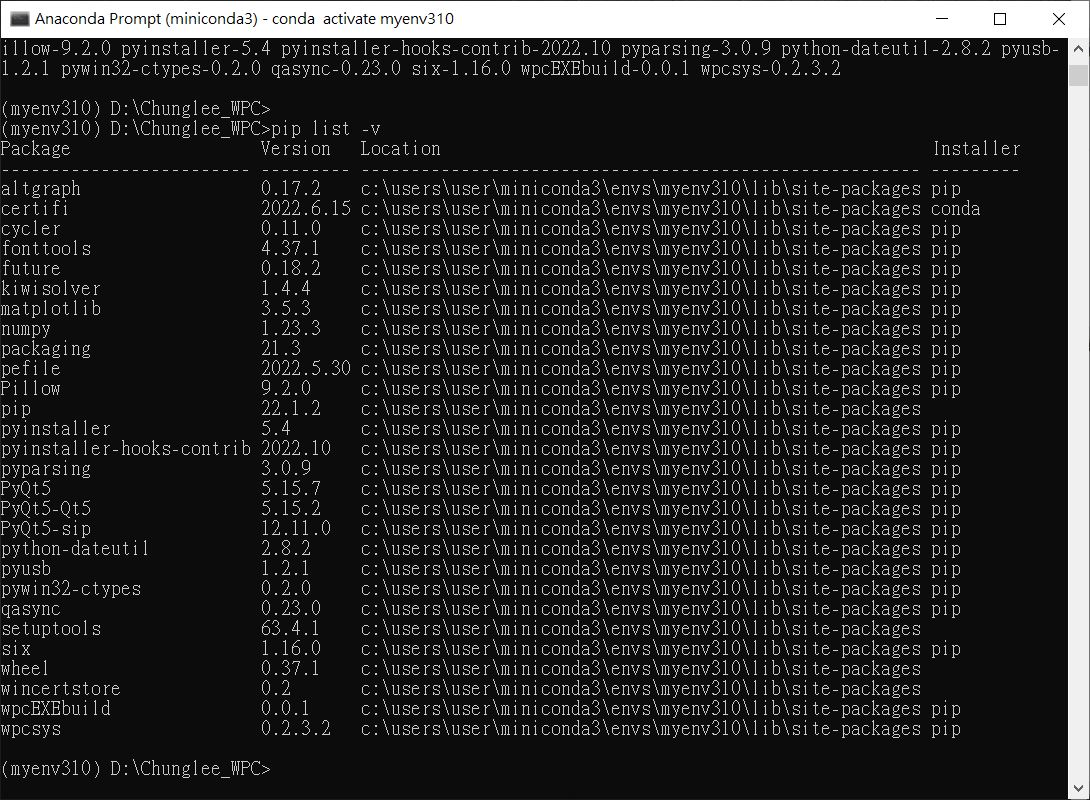
$ pip list -v