Game screens and flow - ThindAmrit17/Battleship GitHub Wiki
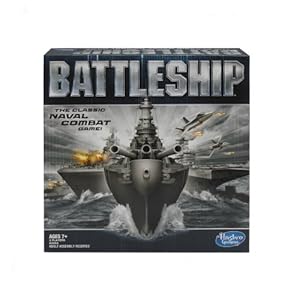
The main menu of the game will have different options in it such as option button, settings, play button and even we can able to see high score from the main- menu only. The menu will look like this
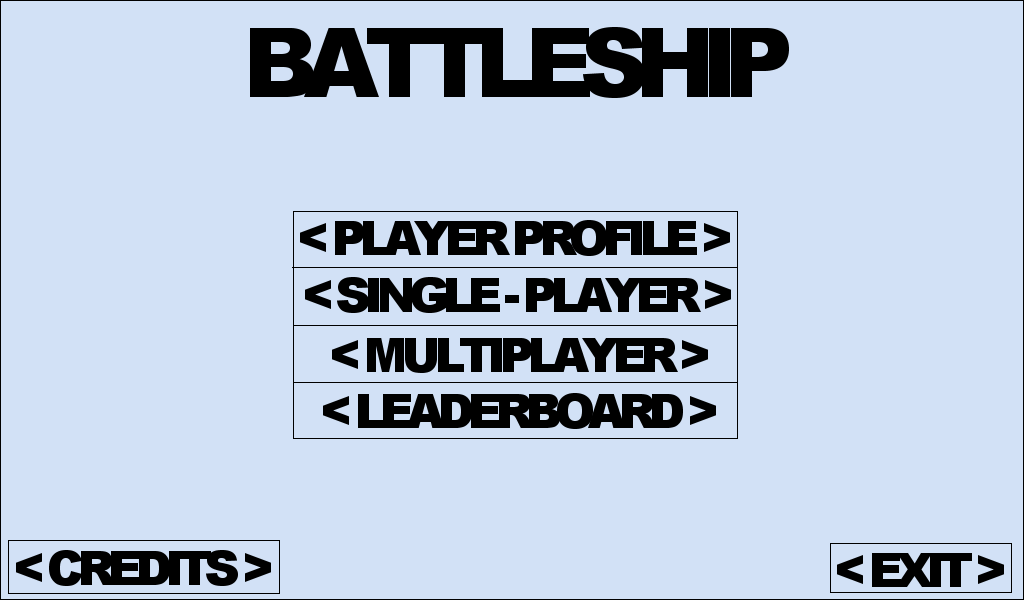
The game opens with a splash screen. In main menu player have different options to choose from. He can either go to settings and change the controls, graphics or audio of the game. The play can even see high score from the main screen of the game or he can go to see the credits of the game
The main part is the playing part. From main-menu player can select play option which will take him to the game board setup. After setting the game board, game will started. After player loose the battle, he have to options, either to quit and close the game or the option to play gain. If player select no option, he will be taken to credits and then ultimately to main screen from where he can either end the game or do something else.