Techincal Tree - Terasology/JoshariasSurvival GitHub Wiki
About
The technical tree adds in recipes for more items. It also uses the crafting skill from the skill tree to create higher tiers of items and blocks.
Setup Information
Before testing these test cases, make sure to create a fresh new world using the JoshariasSurvival mod.
Recipes
Crafting Help
- Open Mod Help by pressing P key
- Verify that Help window opens and shows information about the mod
- Click the Items tab at the top
- Verify that all craft able items are shown and have icons
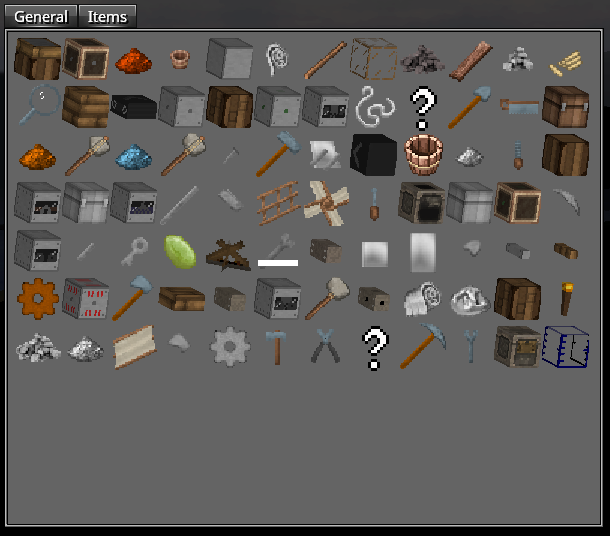
- Verify that hovering over an Item shows the name
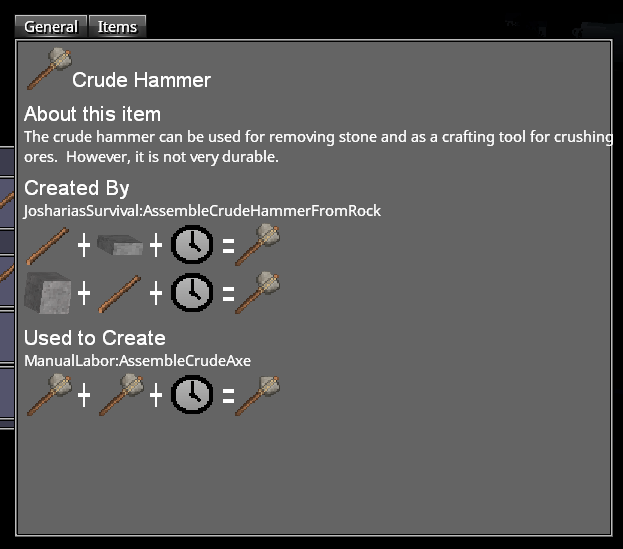
- Click on an item
- Verify that the recipe is shown and hovering over all parts shows tool-tip
Crafting Recipes in Inventory
- Open Inventory (I key)
- Verify Recipe icons appear on the right
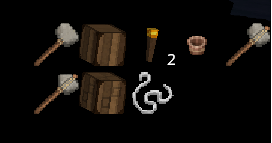
- Click one of the recipes
- Verify that the recipe is shown as well as hovering over all parts shows tool-tip
Simple Crafting
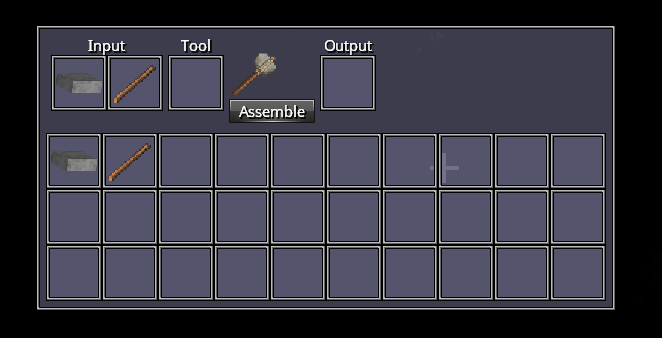
Crafting tool with no “Tool” required
- Collect a loose rock from the ground by breaking it
- Collect a stick by breaking leaves
- Open Inventory (I key)
- Place rock and stick in input
- Verify that Crude Hammer appears and Assemble button is clickable
- Click Assemble
- Collect Crude Hammer from Output
Crafting tool with “Tool” required
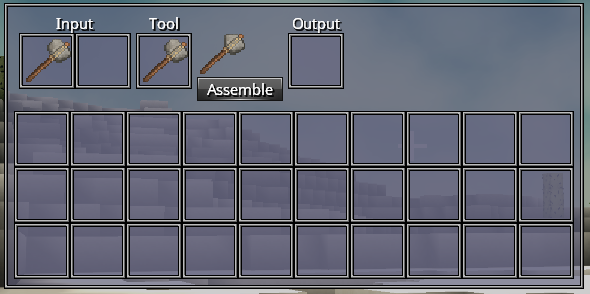
- Obtain two Crude Hammers from crafting one or: Press ~ key to open console Type “give CrudeHammer 2”
- Open Inventory
- Place one Crude Hammer into Input and the other into Tools
- Verify that the Crude Axe appears and Assemble is clickable
- Click Assemble
- Collect Crude Axe
Campfire
- Obtain torch by crafting or using give command
- Wait until night or set time to night using command
- Verify that torch gives off light
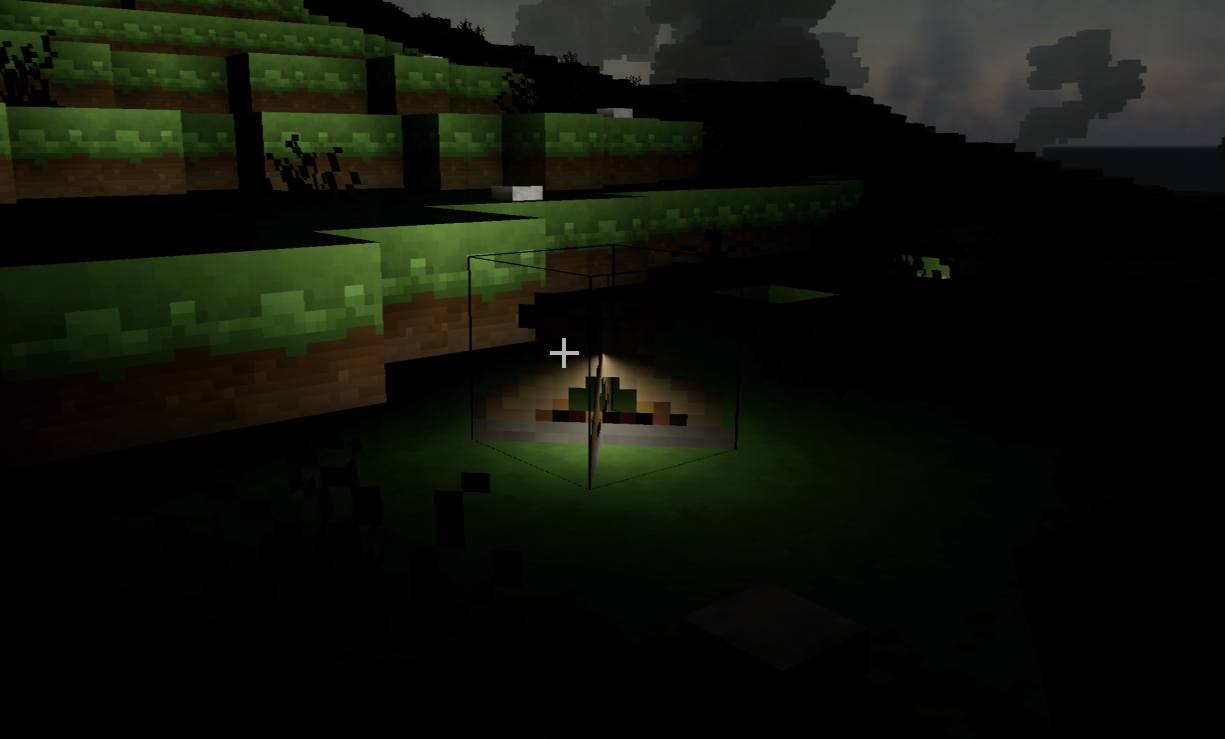
- Obtain campfire by crafting or using give command
- Wait until night or set time to night using command
- Verify campfire gives off large amount of light once placed compared to torch
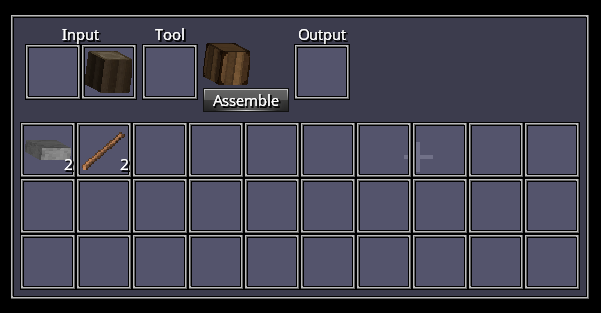
Crafting Assembly Table
- Break one tree block
- Open Inventory (I key)
- Place wood block in Input
- Verify Assembly Table appears and Assemble button is clickable
- Click Assemble
- Collect Assembly Table from Output
Complex Crafting
Using Assembly Table
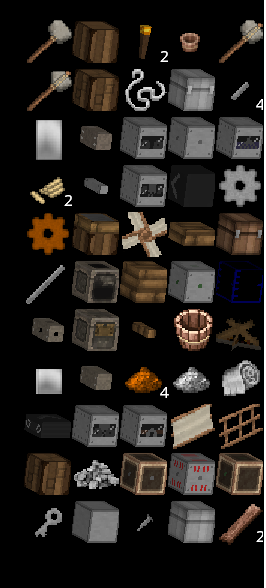
- Place Assembly Table in hot bar
- Right clock any solid tile to place Assembly Table
- Click E key on Assembly Table
- Verify more recipes show up on right side of screen
Crafting without required Crafting level
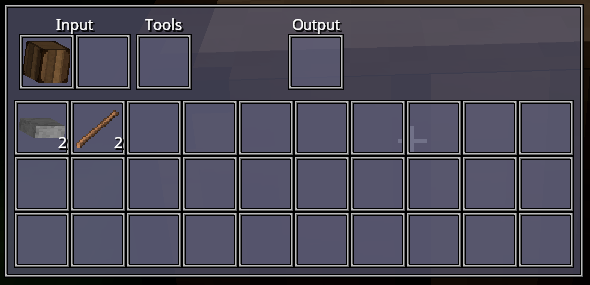
- Acquire two Assembly Tables using give command
- Place down one Assembly Table
- Open Assembly Table with E key
- Place other Assembly Table into Input
- Verify that Tool Assembly Table does not appear and there is no Assemble button
Crafting with required Crafting level
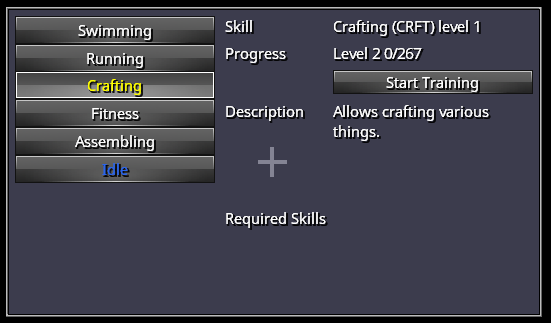
- Open Skill tree with L key
- Click Crafting
- Click Start Training
- Open console with ~ key
- Enter command “finishTrainingEventualSkill”
- Verify that crafting is now level 1
- Acquire two Assembly Tables using give command
- Place down one Assembly Table
- Open Assembly Table with E key
- Place other Assembly Table into Input
- Verify that Tool Assembly Table appears and Assemble button is clickable
- Click Assemble
- Collect Tool Assembly Table
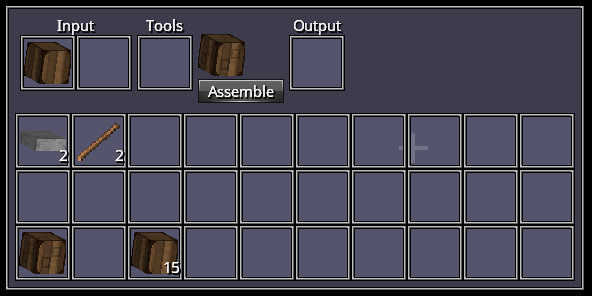
Hearth and Firebox interaction
- Obtain Hearth and Firebox using give commands
- Place down one Hearth next to one Firebox
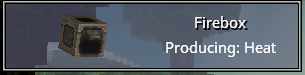
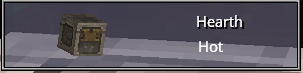
- Verify that both are cold by hovering over them and checking tooltip at the top of the screen
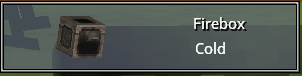
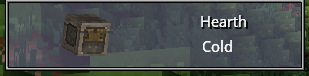
- Obtain Plank using give command
- Open Firebox with E key
- Place Plank into Fuel
- Exit Firebox
- Verify that both are hot by hovering over them and checking tooltip at the top of the screen