Use with app or website - StateSmith/StateSmith-drawio-plugin GitHub Wiki
Benefits of this workflow:
- Supports multiple monitors. vscode doesn't yet support multiple monitors. You can use the offline draw.io app so that one monitor has your diagram, and the other has your other code. This would probably be the best for C# developers that want to use Visual Studio.
- More stable than vscode draw.io extension. Receives bug fixes much faster.
- Easily double click a
.drawiofile to launch the draw.io app.
- If you haven't already installed the draw.io offline app, download it from draw.io github releases.
- Download StateSmith-drawio.plugin js file.
- Add plugin to draw.io.
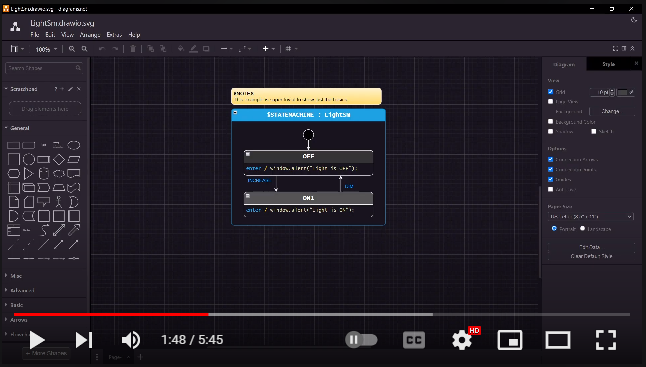
This video shows you how to easily setup the draw.io offline application to use the StateSmith plugin.
You can copy the contents of StateSmith-drawio-plugin-<version>.js and paste directly into your browsers developer console to load the plugin.
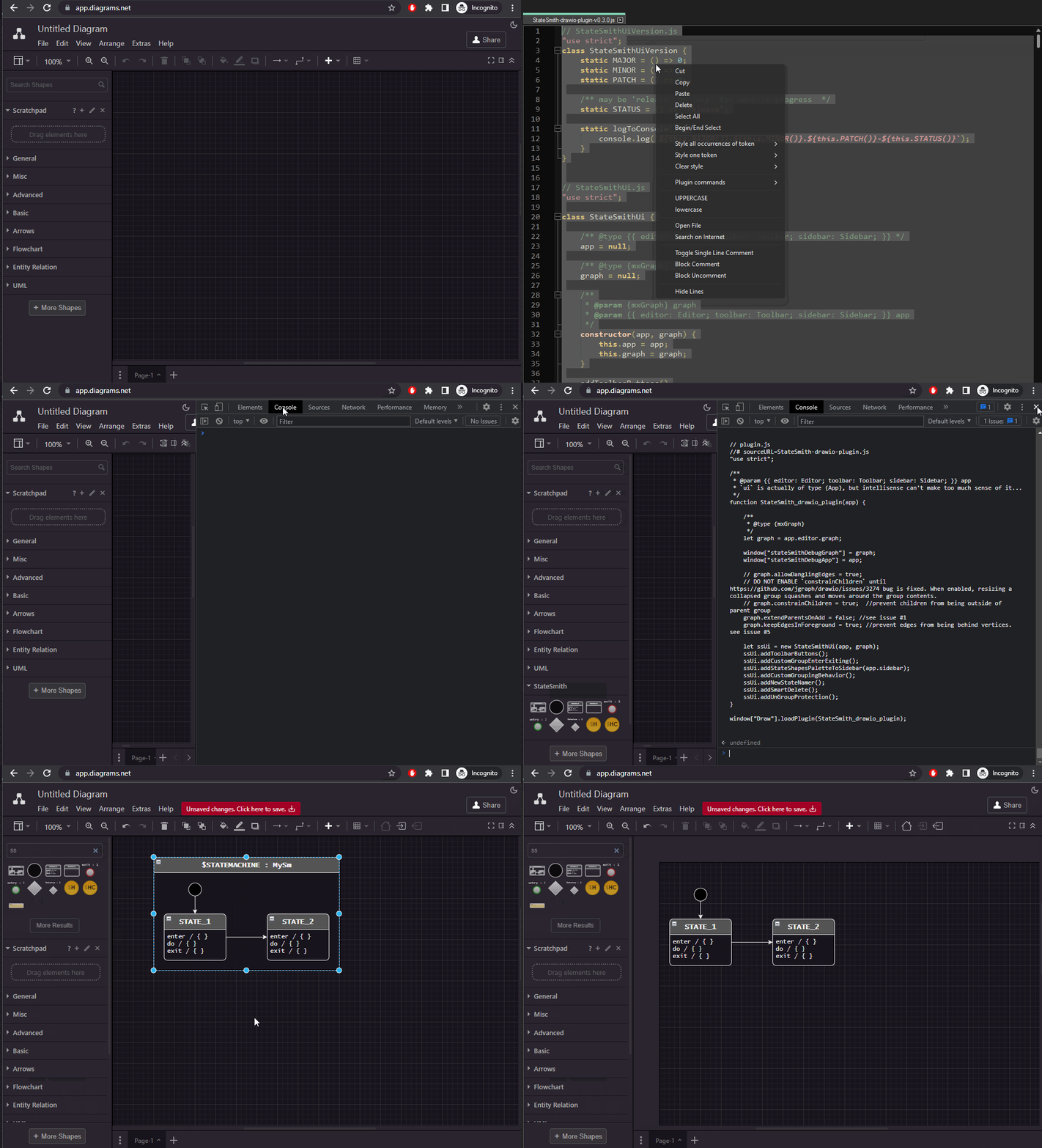
You can also save a snippet as shown in this video to make it more convenient.
Limitation of draw.io. I don't think there's much we can do there. Just download the diagram from confluence and edit offline if you want to use the StateSmith plugin.