Viewing and Creating Tags - SmartBear/ready-git-plugin GitHub Wiki
You use tags to categorize source files (for instance, to specify the version number). To view existing or create new tags, follow these steps:
-
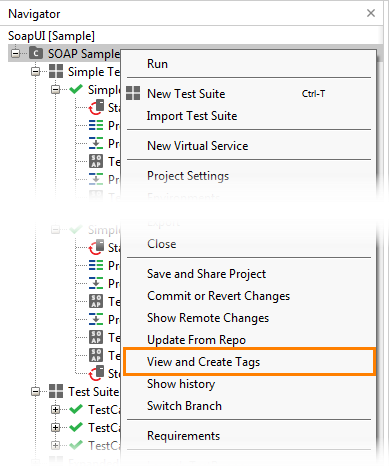
In ReadyAPI, right-click your project in the Navigator panel and select View and Create Tags from the context menu:
-
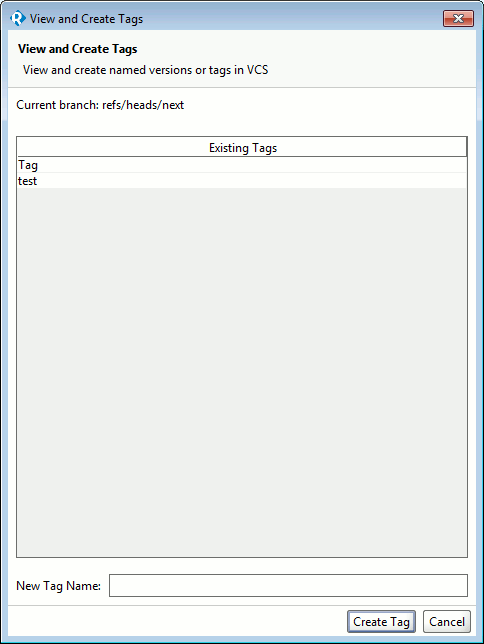
The View and Create Tags dialog will appear. In this dialog, you can view all existing tags.
-
To create a new tag, enter its name in to the New Tag Name field and click Create Tag: