Viewing Remote Changes - SmartBear/ready-git-plugin GitHub Wiki
Before pulling the changes from the repository, or pushing the changes to it, you may want to check what was changed. You do this in the following way:
-
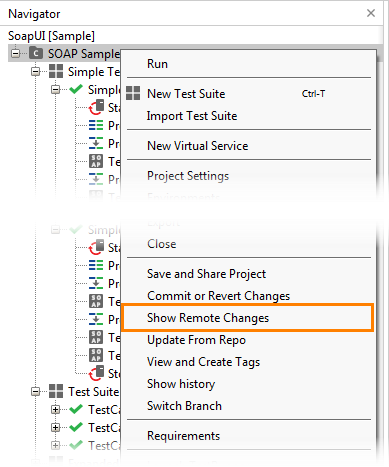
In ReadyAPI, right-click the project in the Navigator panel and select Show Remote Changes from the context menu:
-
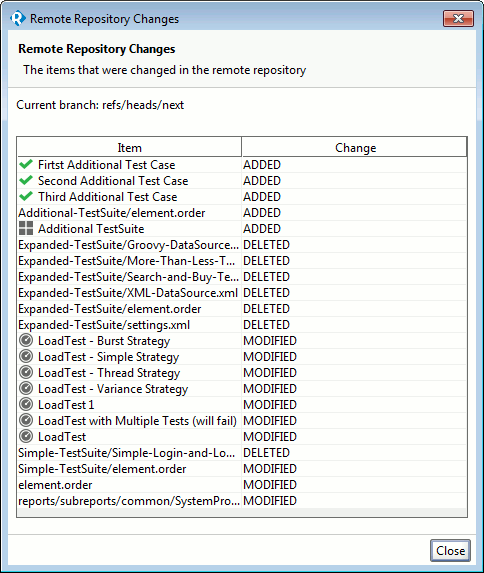
The Remote Repository Changes dialog will appear. In this dialog, you can view changes stored to the repository: