Removing the Plugin - SmartBear/ready-git-plugin GitHub Wiki
To remove the plugin:
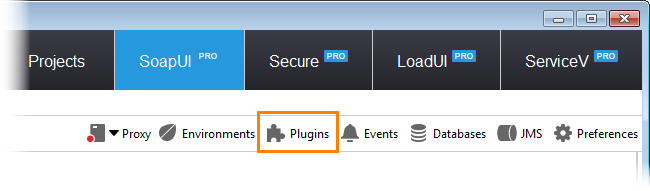
- In ReadyAPI, select Plugin Manager from the toolbar:
-
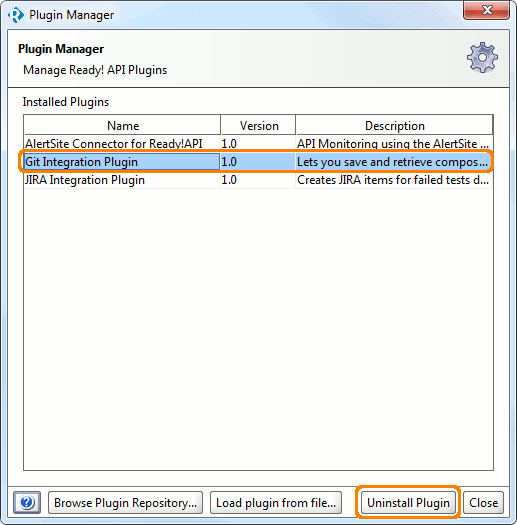
The Plugin Manager dialog will appear. It lists all the installed ReadyAPI plugins (see the image below).
-
In the dialog, select the Git Integration Plugin and click Uninstall Plugin.
If the plugin was uninstalled successfully, you will see an appropriate message.
-
Close the Plugin Manager dialog.
-
Restart ReadyAPI in order for changes to take effect.