Installing the Plugin - SmartBear/ready-git-plugin GitHub Wiki
To install the plugin:
-
Launch ReadyAPI.
-
Click Plugins on the toolbar:
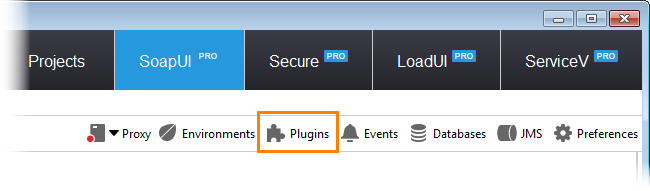
- This will invoke the Plugin Manager dialog. The Available tab lists plugins you can install.
-
Find the Git Integration Plugin, and
-
Click Install/Upgrade Plugin:
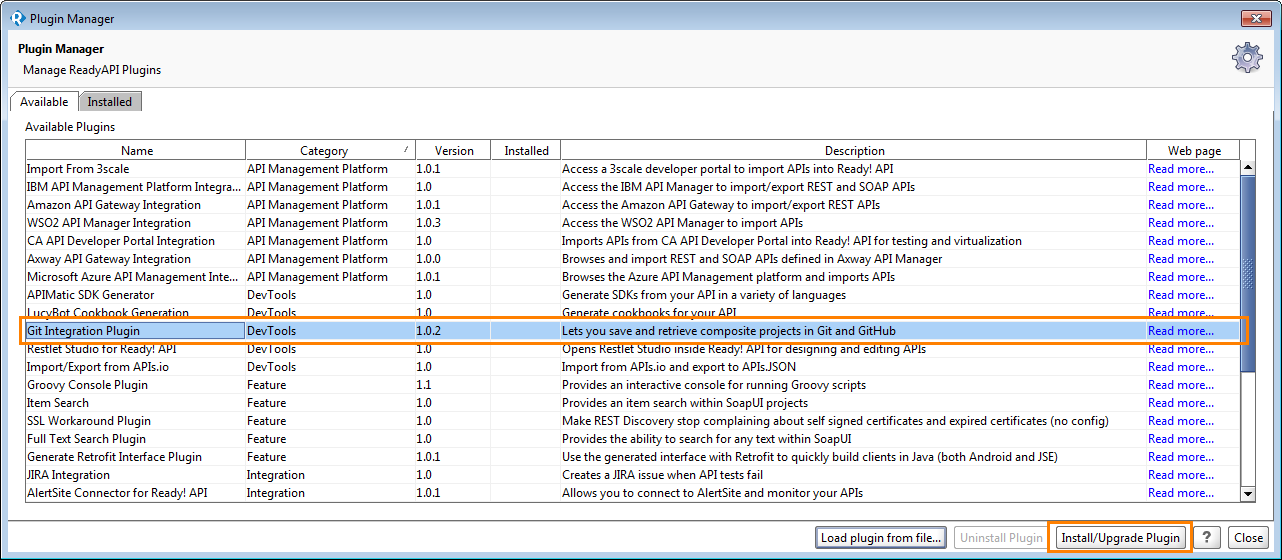
ReadyAPI will ask your confirmation for downloading and installing the plugin:
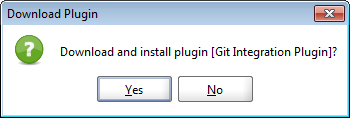
Click Yes.
ReadyAPI will copy the plugin to your computer and install it.
Note: Copying and installing may take some time.
ReadyAPI will display a message informing you that the plugin has been installed successfully.
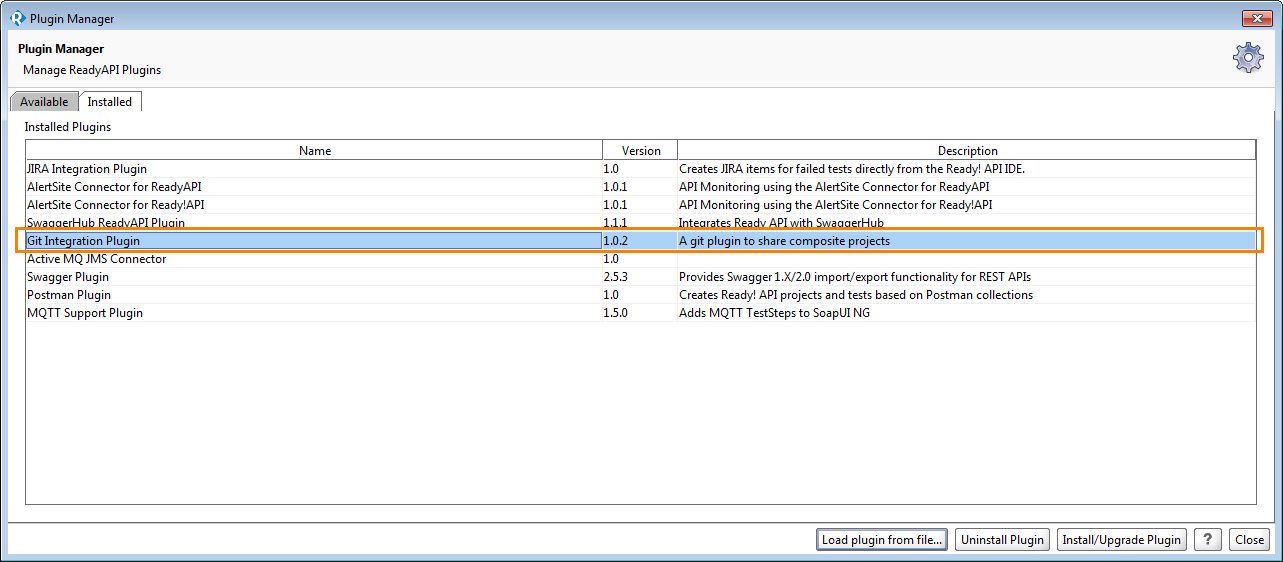
- After installing the plugin, you will return back to the Plugin Manager, where you will see the installed JIRA Integration plugin:
- Click Close.