Use a Touch Sensor to make an Interactive Box of Live Spiders! - Sensorycc/YUXI-Mixed-Reality-Hardware-Toolkit GitHub Wiki
This tutorial walks you through the process of connecting a Capacitive Touch Sensor Hat to Spacebrew and visualize the message in Unity. The project was done on MacOS. This tutorial will walk you through how to install the Cap Hat on your Raspberry Pi, have it send messages to Spacebrew, and receive Spacebrew messages in Unity.

Hardware needed
Software needed
- Terminal for Mac
- Unity
- Spacebrew
Steps
Step 1: Solder the Sensor chip to the Raspberry Pi
- Instead of soldering them directly to each other, solder a set of header pins to the sensor so it's not a p permanent attachment.

- Attach the Cap Hat to the Pi
)
Step 2: Connect the Raspberry Pi and set it up
- Perform the software steps on Adafruit page: https://learn.adafruit.com/mpr121-capacitive-touch-sensor-on-raspberry-pi-and-beaglebone-black/software
- Download the MRHT folder
Step 3: Organise the folders on your Pi
- Log in to your Pi
- Navigate to the
Adafruit_Python_MPR121folder. - Copy the folder
Spacebrewfrom theMixed-Reality-Hardware-Toolkitinto Adafruit_Python_MPR121. - Make sure
pySpacebrewis also inAdafruit_Python_MPR121 > Python > examples
Step 3: Run the test of the sensor
- Run
simpletest.pyfromAdafruit_Python_MPR121 > examplesby enteringsudo python simpletest.pyin terminal. - You should see the result printed in the console when you touch the different touch pins

- Download and place caphat_pub.py into
Adafruit_Python_MPR121 > Python > examples. - Run
caphat_pub.pyin terminal to confirm it's working. Tap on pin 0 and it should look like this:
Step 4: Download and run the Unity file
- Download the Unity project from here.
- Open the scene
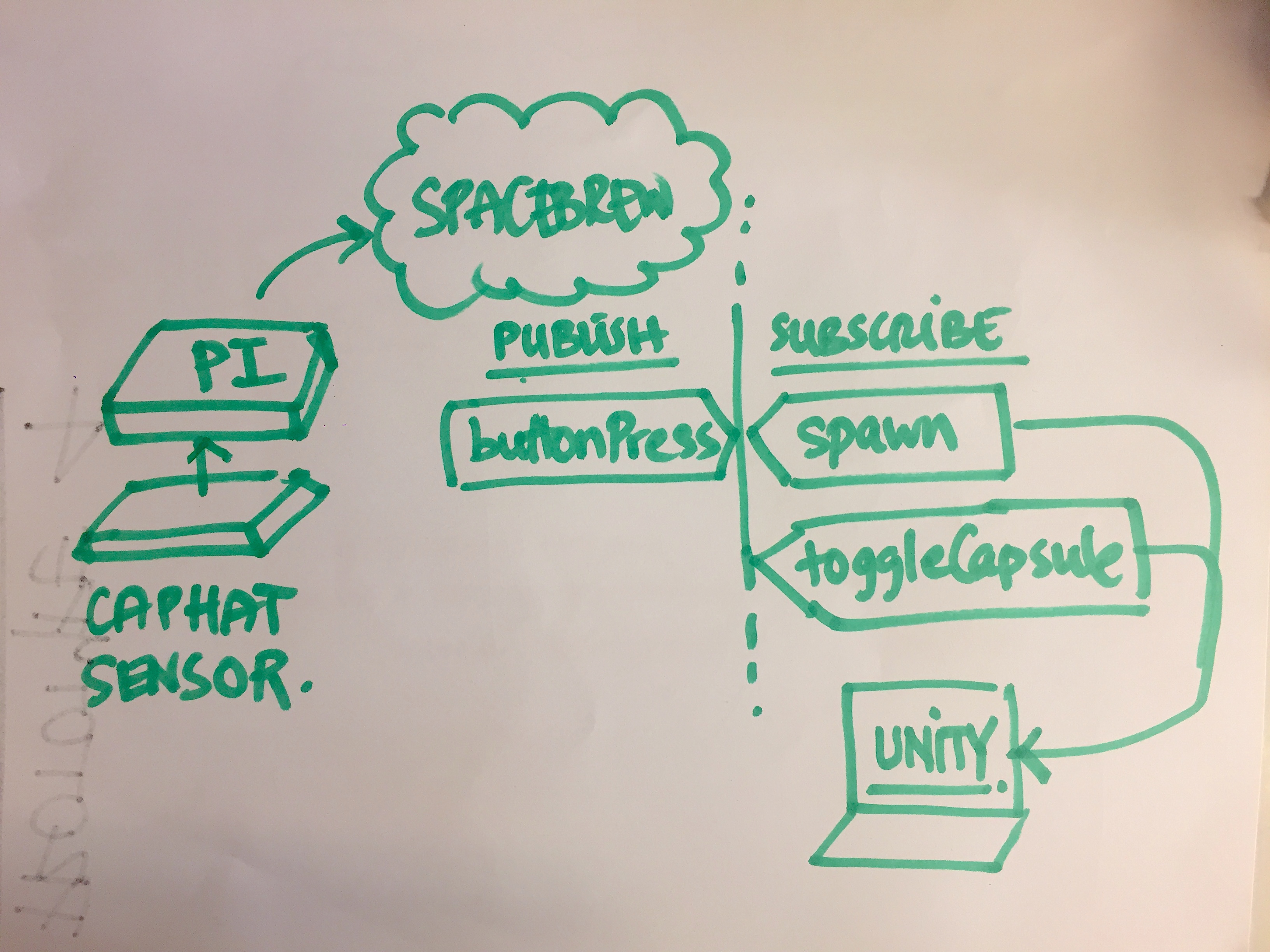
WALKINGSPIDERS. - We have one publisher:
buttonPressthat is triggered when the sensor detects a touch on pin 0 - We have two subscribers:
spawnandtoggleCapsulespawncorresponds to the functionspiderLaunch()which makes new spiders.toggleCapsulecorresponds to the functionspiderWalk()which makes the spider walk using thetransform.Translatefunction.
Step 5: Putting it together in Spacebrew
- From the Spacebrew server page, link your Raspberry Pi publisher (here named
MRHT_Light_Button) to both the Unity subscribersspawnandtoggleCapsule.
Step 6: Putting it together in real life.
- Take an alligator clip, clip one end to pin 0 on the hat, and the other to a gross conductive material of your choice.
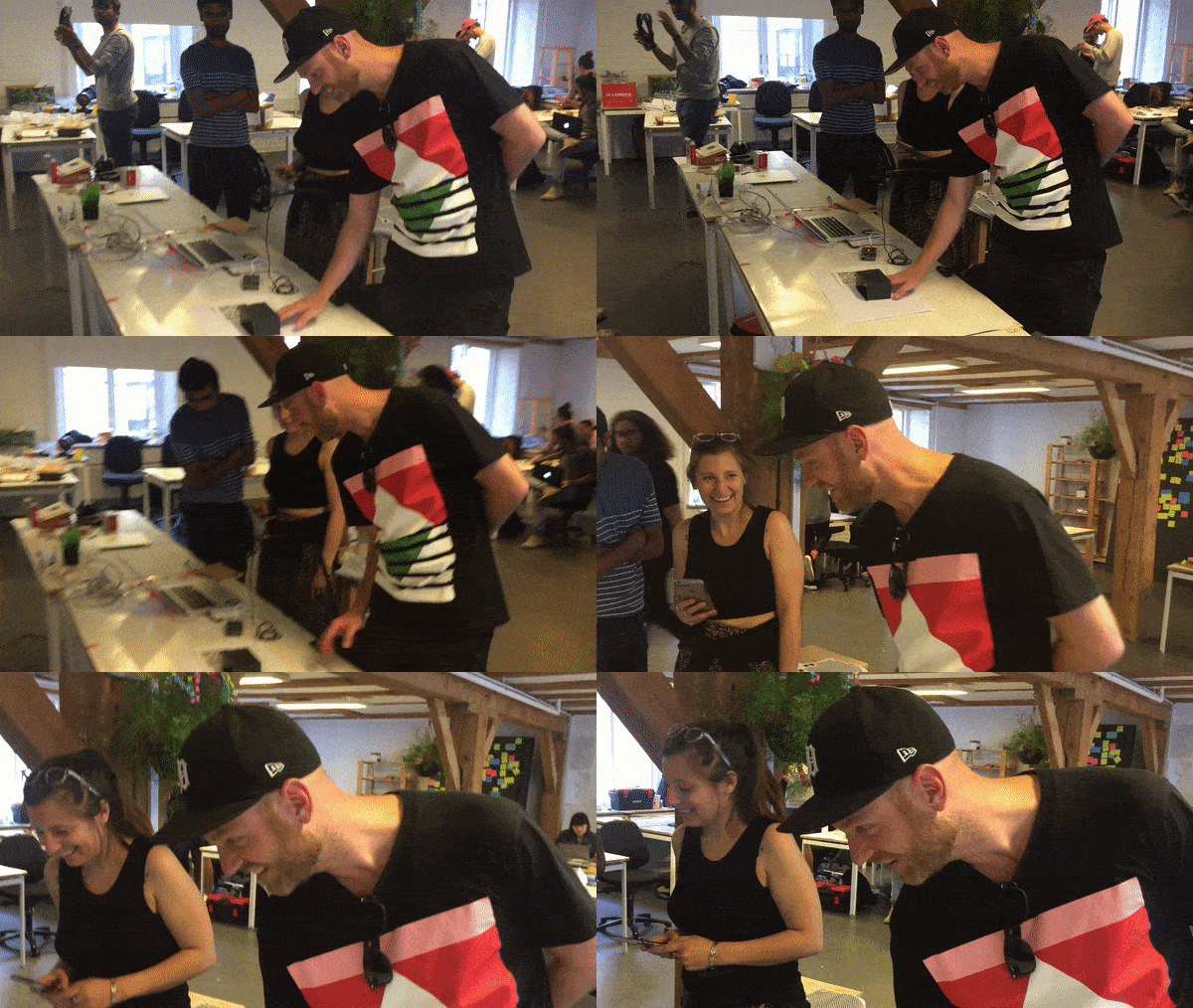
- Slip gross thing inside a box, make your friends touch it and watch them squeal in disgust!
)