HSR_Cleanup Task - SIGVerse/sigverse_unity_project GitHub Wiki
Execute Cleanup Task with HSR
Startup Procedure
Start the Ubuntu side and then the Windows side.
Ubuntu Side Startup Procedure
Open a new terminal and run the following command:
ros2 launch sigverse_hsr_teleop_key teleop_key_launch.xml
To start rviz, execute the following command.
ros2 launch sigverse_hsr_teleop_key teleop_key_rviz_launch.xml
Windows Side Startup Procedure
Start the [Assets/SIGVerse/ExampleScenes/HSR/HsrCleanup(.unity)] scene with reference to this page.
Run
You can control HSR by keyboard operation on the teleop_key.launch terminal.
This example is a task to grasp one of the objects on the desk and carry it somewhere.
When "1" is entered on the ROS side, task message is sent from Unity to ROS.
When "2" is entered on the ROS side, the human avatar will tell you what to grasp and where to carry it by pointing.
Please operate the robot to grasp and carry the target object.
If the cleanup task is successful, "Task Finished" is displayed.
- Check the terminal for details of the operation.
If you want to finish, stop the Unity side and then the ROS side.
Ubuntu side (teleop_key_rviz.launch) (It might differ from the latest version)

Windows side (It might differ from the latest version)

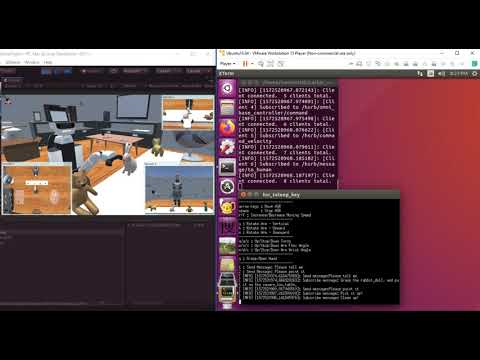
Reference Video (It might differ from the latest version)