Create a Dataclip in Heroku to query the feedback data - Rokory/tabbycatdocs GitHub Wiki
- Sign in to Heroku.
- On the start page of Heroku, click your Tabbycat instance.
- Click the Resources tab.
- On the Resources tab, click Heroku Postgres.

- On the Datastores page, click the Dataclips tab.
- On the Dataclips tab, click Create Dataclips.
- Enter dataclip title, and into the code section, paste this SQL query.
- Click Save & Run. You should see data for the adjudicators similar to the image below.
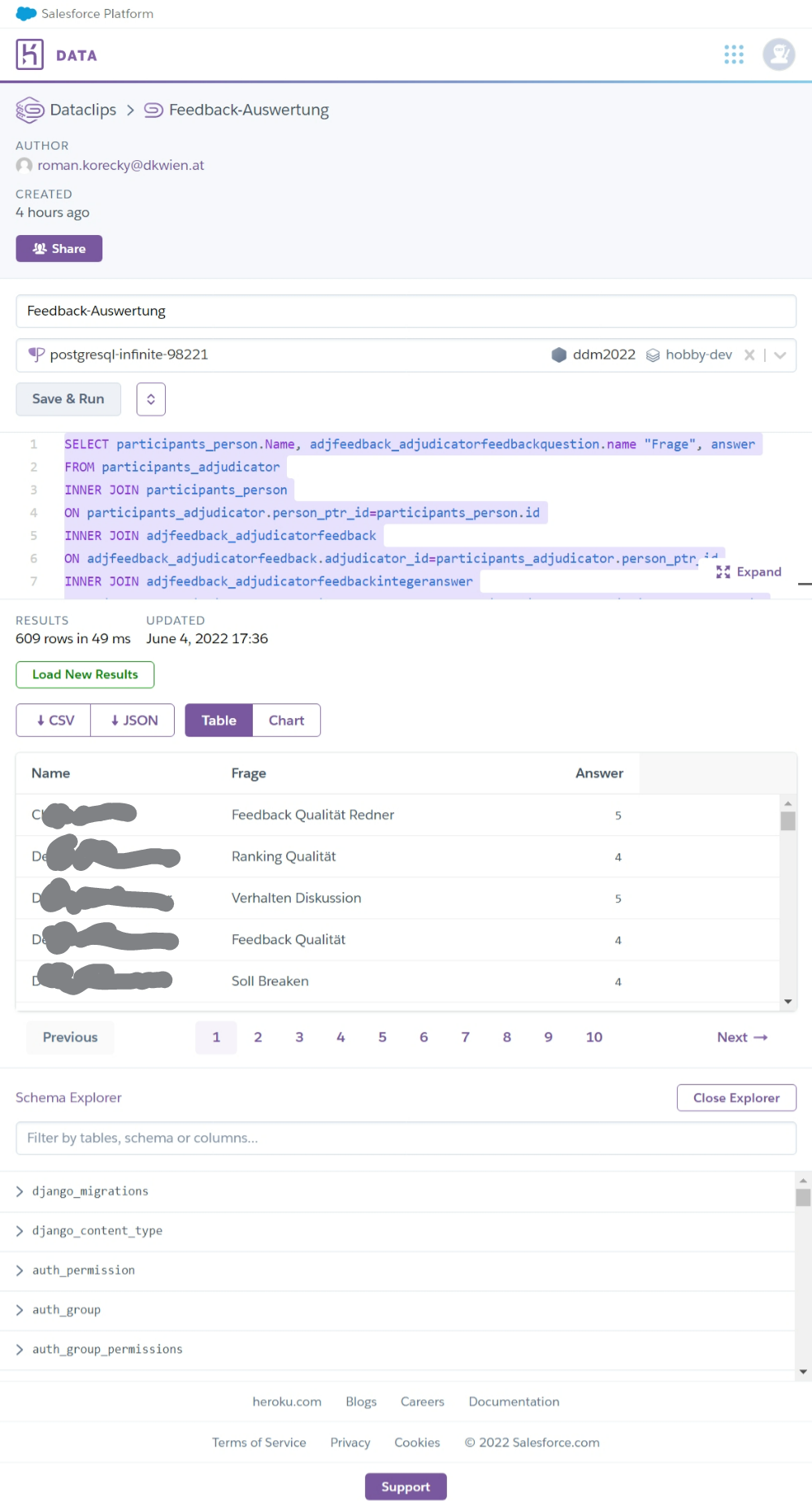
Now, you can continue to Analyze feedback data in Excel using Power Query