Online Multiplayer - RighteousRyan1/TanksRebirth GitHub Wiki
A video format can be found here.
A Simple Understanding
- UDP Protocol
- P2P Connection
- Port fowarding works, but if you cannot port forward, this guide is for you
Steps
In order to play multiplayer in this game with your friends, you need to set-up a Radmin VPN server.
The process with Radmin VPN is very simple.
Hover over "Network" and then press "Create Network" (or you can just press Insert)
Once you've done that, you'll be greeted with a popup menu asking you to enter a network name and network password (as well as a password re-entry for confirmation)
Enter a suitable name and password.
Once that is complete, simply have the others you wish to play with join this network via the network name and password you've just entered.
Once that is done, you will want to open Tanks Rebirth.
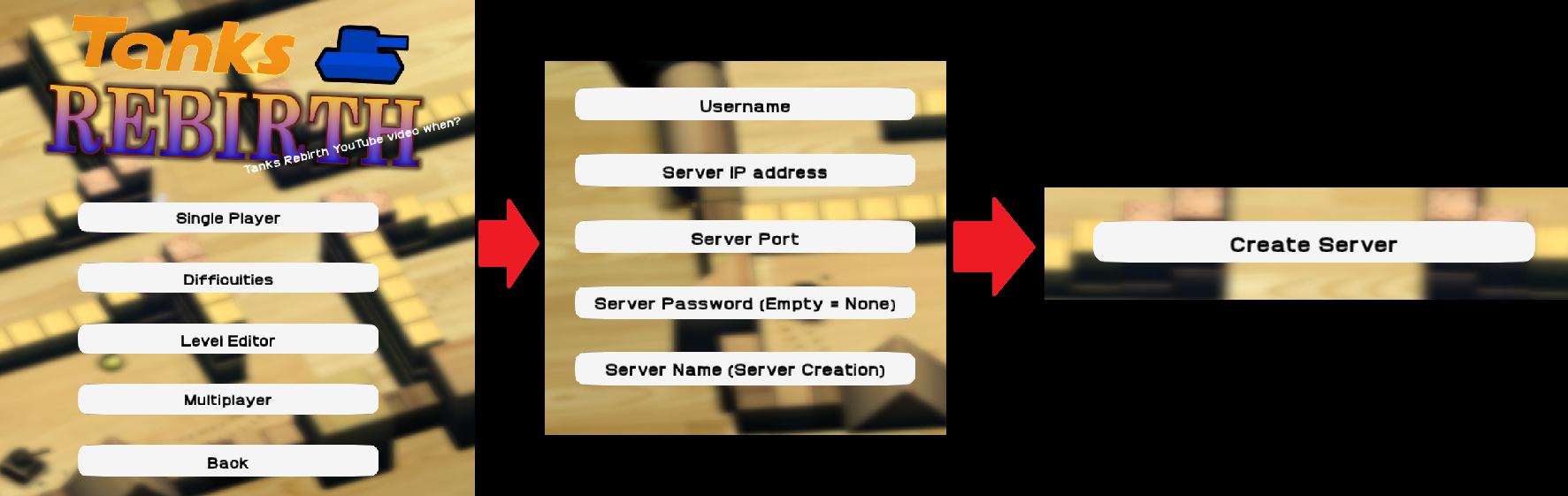
Navigate your way to the "Multiplayer" menu.
You will have a list of credentials that will need to be entered in.
Steps
If you are the HOST, you will need to input your RadminVPN IP or just localhost into the "Server IP Address" text box.
You can make the port practically anything, but for Tanks Rebirth I generally use 7878.
Be sure to give yourself a username and give the server a name, and give the server a password, but only if you plan on hosting a port forwarded server yourself. Otherwise, the password isn't particularly important.
After that, simply press "Create Server"
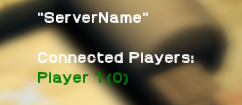
You will know if you did something right if you see this on the right of your screen, or something similar (as the graphic/display may be changed in the future)
When your friend(s) is/are connected to your Radmin VPN network, they will need to right-click the host's PC's name. To copy the IP you will need, just click "Copy IP Address"
If you are unsure how to check your PC's name, you can search up "pc name" in your Windows search bar. You will find it there. You may also change it, but you will need to restart your computer.
As a way to check your connection eligibility, you can ping your peers by right clicking and pressing Ping within Radmin VPN's user interface.
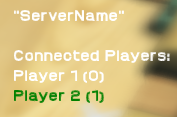
When they are connected, it will display their username under yours, with their client ID in parentheses () next to it.
For the time being, BE ABSOLUTELY SURE THAT BOTH PLAYERS OWN THE CAMPAIGN OF THE HOST'S CHOOSING. Otherwise, other clients will reject or even crash.
Happy tanking!