New Tab Page - RebelBrowser/rebel GitHub Wiki
Chromium's New Tab Page (NTP) is a native page compiled into the browser. On Desktop platforms, the NTP is a WebUI available under chrome://new-tab-page. On Android and iOS, the NTPs are native pages. Thus branding each NTP would require branding several different implementations of the NTP, and would require new browser releases to publish changes to the NTP.
Rebel's approach is called the Remote New Tab Page (RemoteNTP). It is a remotely hosted application to serve as the single NTP for all platforms.
Rebel's default NTP is implemented in the RemoteNTP repository. It is a React application and is hosted in an Amazon S3 bucket. It provides the all of the features of Chromium's NTP: tiles, search, background photographs, and access to the browser theme settings. It also has additional features, such as notification support to display important notifications to the end user.
The NTP is built around a set of JavaScript browser APIs embedded into Rebel under the window.rebel object. This is described in detail below, but for reference, these APIs are available via the Browser API node package. This package exists to provide a developer-friendly wrapper around the window.rebel object, with backward- and forward-compatibility. Documentation of the API is available as well.
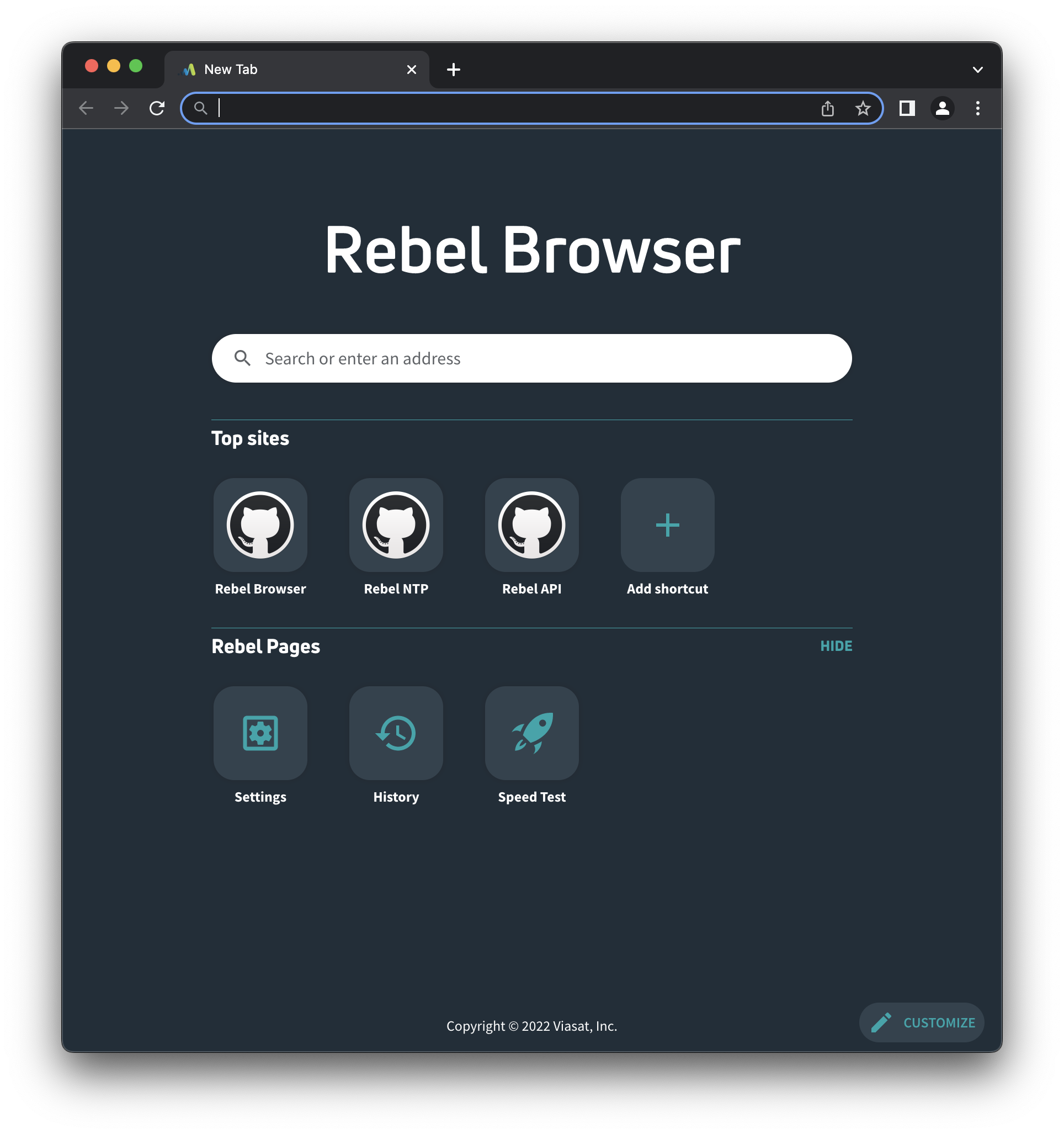
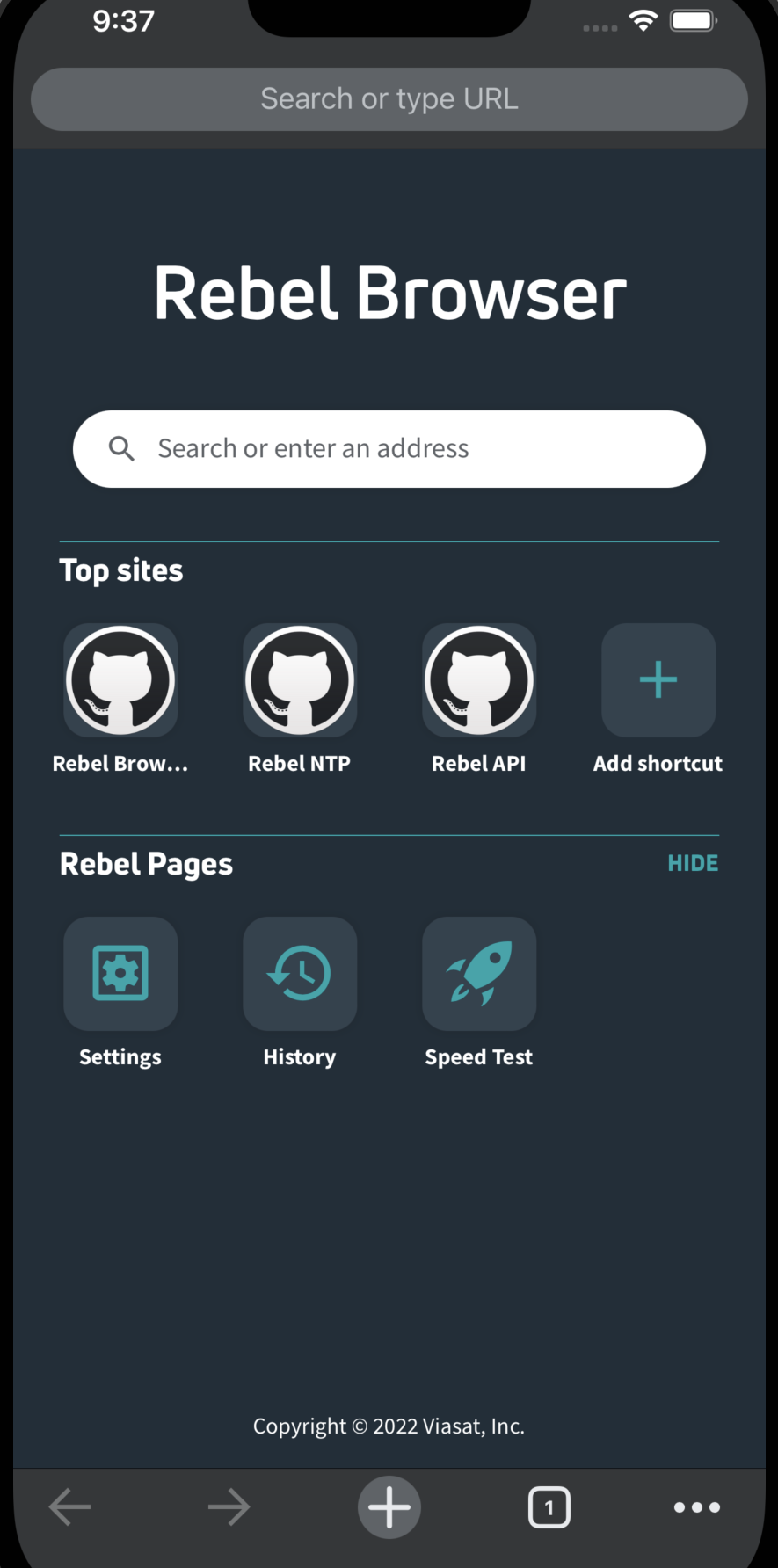
Desktop and Android platforms are both based on the Blink rendering engine, thus share mostly the same implementation. This implementation is quite analogous to Chromium's SearchBoxExtension and InstantService design.
For background, it is recommended to read Chromium's Multi-process Architecture and Mojo IPC overview.
In the renderer process, Rebel overrides Chromium's ChromeContentRendererClient with a RebelContentRendererClient. This allows Rebel to monitor for newly created render frames, and create an instance of the RemoteNtp class in the renderer.
The RemoteNtp class is the entry point for injecting the window.rebel JavaScript API into the render frame, which is does by way of the RemoteNtpExtension class. The RemoteNtpExtension is responsible for creating the JavaScript objects, and sending and receiving messages to and from the NTP application, using Gin (a developer wrapper around V8).
When the RemoteNtpExtension receives an API invocation from the NTP application, it will usually need to forward to message from the renderer process to the browser process, which stores the user's profile. For example, the renderer is unaware of the user's most visited site list or configured search engine; that information is available only in the browser process, thus the API request must be forwarded along.
When this needs to happen, RemoteNtpExtension will call back into the RemoteNtp instance which created it. The RemoteNtp instance handles all IPC with the browser process via Mojo. The interfaces for this IPC are defined in the remote_ntp.mojom file.
In the browser process, Rebel overrides Chromium's ChromeContentBrowserClient with a RebelContentBrowserClient. This class handles lazy registration of Mojo interfaces within the browser for the NTP. When the renderer process sends an IPC message to the browser process, this client will create an instance of a RemoteNtpRouter, which will receive the IPC message.
Each RemoteNtpRouter has an associated RemoteNtpTabHelper. Tab helpers are an essential component in Chromium. An instance of RemoteNtpTabHelper is created for every browser tab that is opened, and is sort of the browser process's view into the renderer process. When the RemoteNtpRouter receives an IPC message, it forwards the message to the associated RemoteNtpTabHelper. From there, the tab helper usually forwards the message to the work horse of the RemoteNTP - the RemoteNtpService.
The RemoteNtpService works much like Chromium's InstantService. There is one instance created per user profile. It collects and listens for changes to the user data required for the NTP, such as their most visited site list, theme settings, etc. When the tab helper requests this data, the RemoteNtpService collects the required information and responds with a Mojo-define structure storing that information.
The response is forwarded back up to the renderer process in the reverse order that the request was received. The RemoteNtpTabHelper gives the response to the RemoteNtpRouter, which invokes a Mojo IPC to send the response to the RemoteNtp in the renderer. That response is handed off to the RemoteNtpExtension, which translates the response to JavaScript for the NTP application to receive.
On Android, not all requests may be fulfilled by the RemoteNtpService. For example, one API embedded by the RemoteNtpExtension is window.rebel.loadInternalUrl(). This allows the NTP to load chrome:// URLs, such as chrome://settings to navigate to the user's settings page. On desktop platforms, this simply navigates the URL itself to load the WebUI for the settings page. However, on Android, the settings page is a native page, and is not navigable via chrome://settings.
To access these native pages requires a bridge from the browser-process C++ classes to the the Android Java classes. This is achieved via a Java Native Interface (JNI). For the NTP, this is called the RemoteNtpBridge, and has C++ and Java definitions.
So when the NTP requests the settings page, instead of forwarding the request to the RemoteNtpService, the RemoteNtpTabHelper sends the request through the RemoteNtpBridge.
In the Android application, the main Activity is the ChromeActivity. In Rebel, this is overridden with the RebelActivity. The RebelActivity is responsible for creating the Java-side of the RemoteNtpBridge, and also implements the concrete method to load the settings Activity when the RemoteNtpBridge receives the request.
On iOS, the rendering engine is not Blink, as browsers are required to use WebKit. Thus the renderer process (and the RemoteNtp / RemoteNtpExtension) interfaces are not available, as those are tied to Blink.
Instead, Rebel has overridden the NewTabPageCoordinator interface to prevent the native page from loading, and instead load the RemoteNtpView. The RemoteNtpView is a wrapper around a WebView to load the RemoteNTP URL.
The window.rebel JavaScript API is injected by the RemoteNtpApiProvider. The API provider owns a concrete WKScriptMessageHandler, which is the standard way of receiving JavaScript messages from a WebView. This concrete implementation is the RemoteNtpViewScriptMessageHandler.
When the message handler receives a JavaScript message, the RemoteNtpApiProvider typically forwards the request to an iOS-specific implementation of the RemoteNtpService.
If the RemoteNTP fails to load for any reason, an offline copy of the NTP is rendered instead. The offline copy of the NTP is created during gclient sync. A hook has been added to DEPS to sync the RemoteNTP repository and build the application. This process also generates a .grd resource file to define the HTML/CSS/JS resources of the NTP, and a C++ header file to define the same resources for use within C++.
On desktop and Android, the browser listens for failed loads via the RemoteNtpNavigationThrottle, which is created by Rebel's RebelContentBrowserClient. Upon failure to load, the navigation is redirected to chrome://remote-ntp-offline. Navigations to this host are handled by the RemoteNtpSource object, set up by the RemoteNtpService. It uses the generated C++ header to map resource requests under chrome://remote-ntp-offline to the built-in sources created during gclient sync.
On iOS, when the RemoteNtpView fails to load, WebKit uses the WKNavigationDelegate interface to inform the RemoteNtpView of the failure. At this point, the current RemoteNtpView is destroyed and is replaced with a new RemoteNtpView that instead loads chrome://remote-ntp-offline. Similar to RemoteNtpSource, there is a RemoteNtpSchemeHandler on iOS to service resource requests owned by the RemoteNtpView.