haproxy_troubleshooting - PiBa-NL/pfsense-haproxy-package-doc GitHub Wiki
HAProxy Troubleshooting
For troubleshooting there are 2 parts that i find verry helpful depending on the issue at hand.
- Stats page
- Syslog logging
Stats
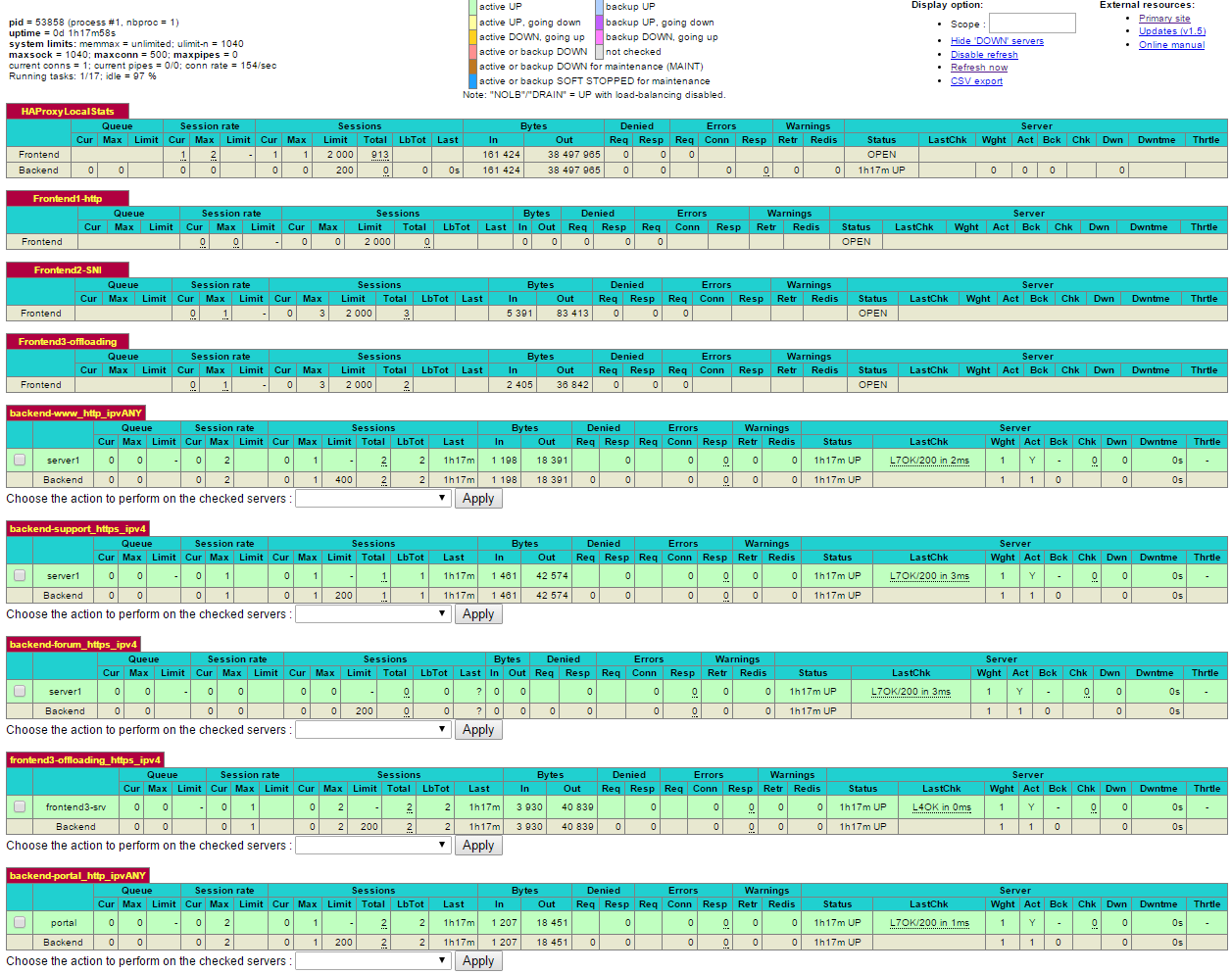
If health checks have been configured on the servers the backend will easely show what servers are up or down. Layer 7 checks provide the most information about this, but even a layer 6 or 4 check is better then none at all in my opinion.
If a server is shown in red like here, also hover over the check result for a second it will tell what the short error code means a little more readable:

There are different error codes that ask for different resolution..
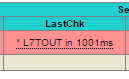
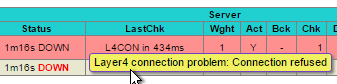
A layer 4 issue might indicate that a wrong server ip or port was filled in, or that the server is not running / accepting connections, perhaps a firewall on the server itself, or a missing route could all cause these kind of issues. A layer 6 issue indicates a problem with the SSL certificates. A layer 7 issue would generally be due to a unexpected or no status returned by the webserver, the webserver might take to long to present the checked url. Or does not support the configured check method/options.
For configuring the healthcheck the following options should be accepted by most webserver, but are more difficult to filter out from normal webserver logs.
option httpchk GET / HTTP/1.1\r\nHost:\ www.yourdomain.com\r\nAccept:\ */*
If the backend requires authentication another option could be to change the url to a different page that does not need authentication, perhaps specifically added to the webserver for this purpose.
option httpchk GET /healthcheck.php
Or accept that authentication error as the 'valid' result.
http-check expect status 401
Syslogs
If all backend server are 'up' in the stats but 'sometimes' users are reporting problems then logging is important to configure and collect.
Haproxy allows for configuring syslog server destinations. The actual logging to files must by configured on that destination syslog-server.
The default log format is rather detailed if configured for the appropriate format.
For mode HTTP servers option httplog should be configured.
For mode TCP servers option tcplog should be configured.
If needed its also possible to capture additional traffic headers which will be added into the syslog messages.
More information about these options can be found in the official documentation: http://cbonte.github.io/haproxy-dconv/snapshot/configuration-1.6.html#8