02. Sign In - ParkA-org/ParkA-MobileApp GitHub Wiki
Sign in
- Log in page
- User personal information
- User profile picture
- User document information
- User account confirm
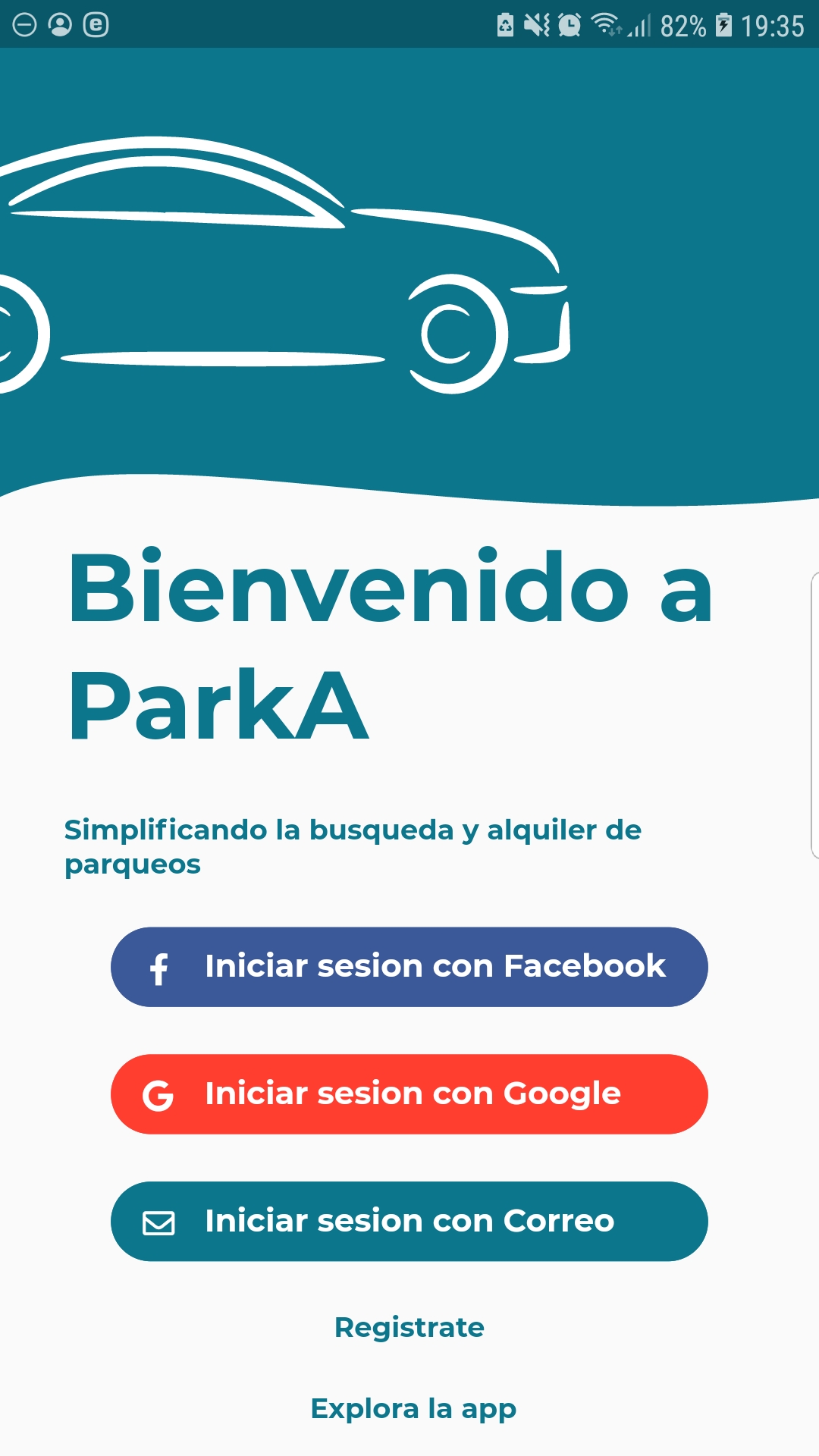
Log in page
In order to sign in, a user must navigate to the log in page where he will tap on the Registrate button that will navigate him to the registration form.
User personal information
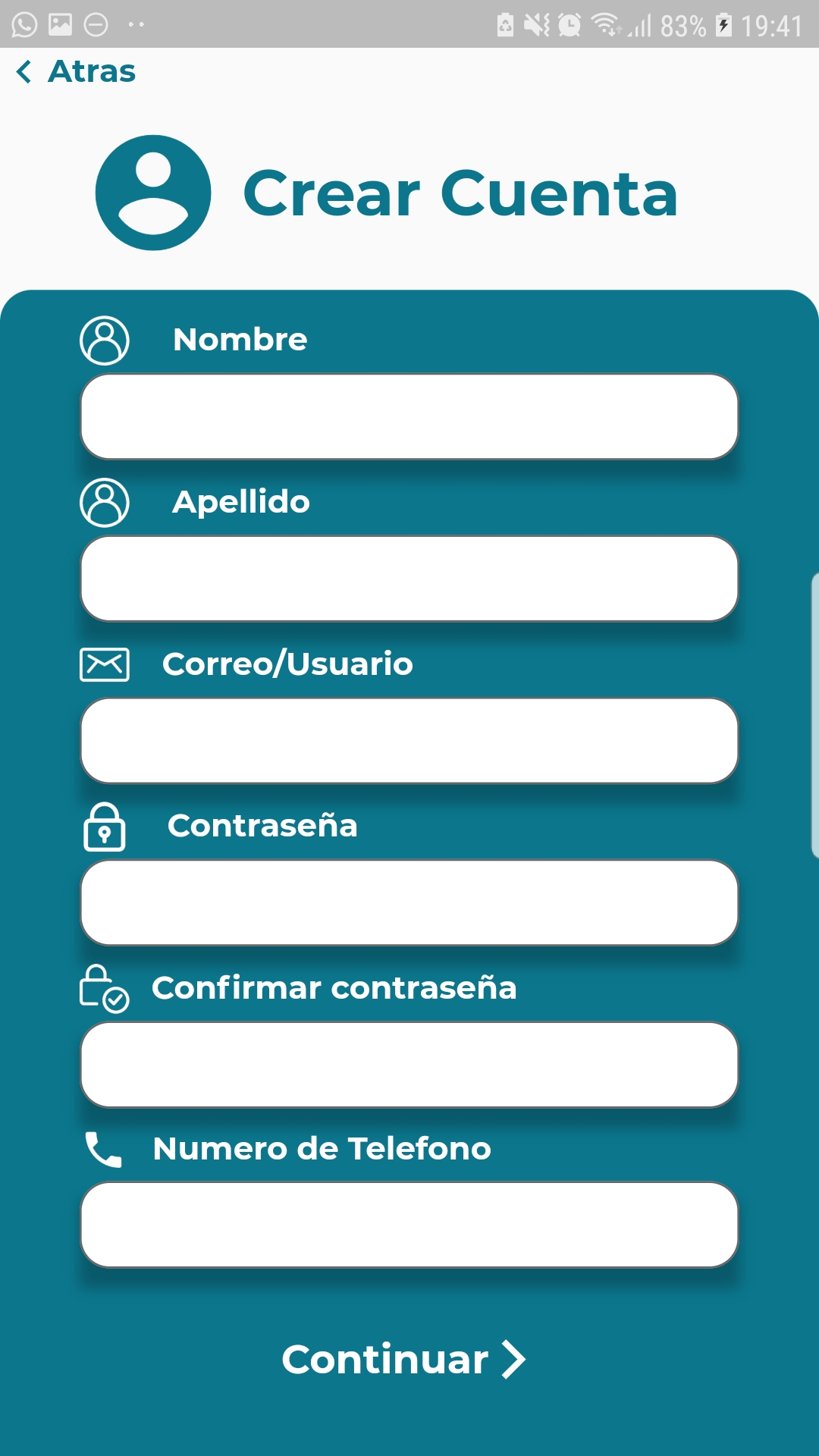
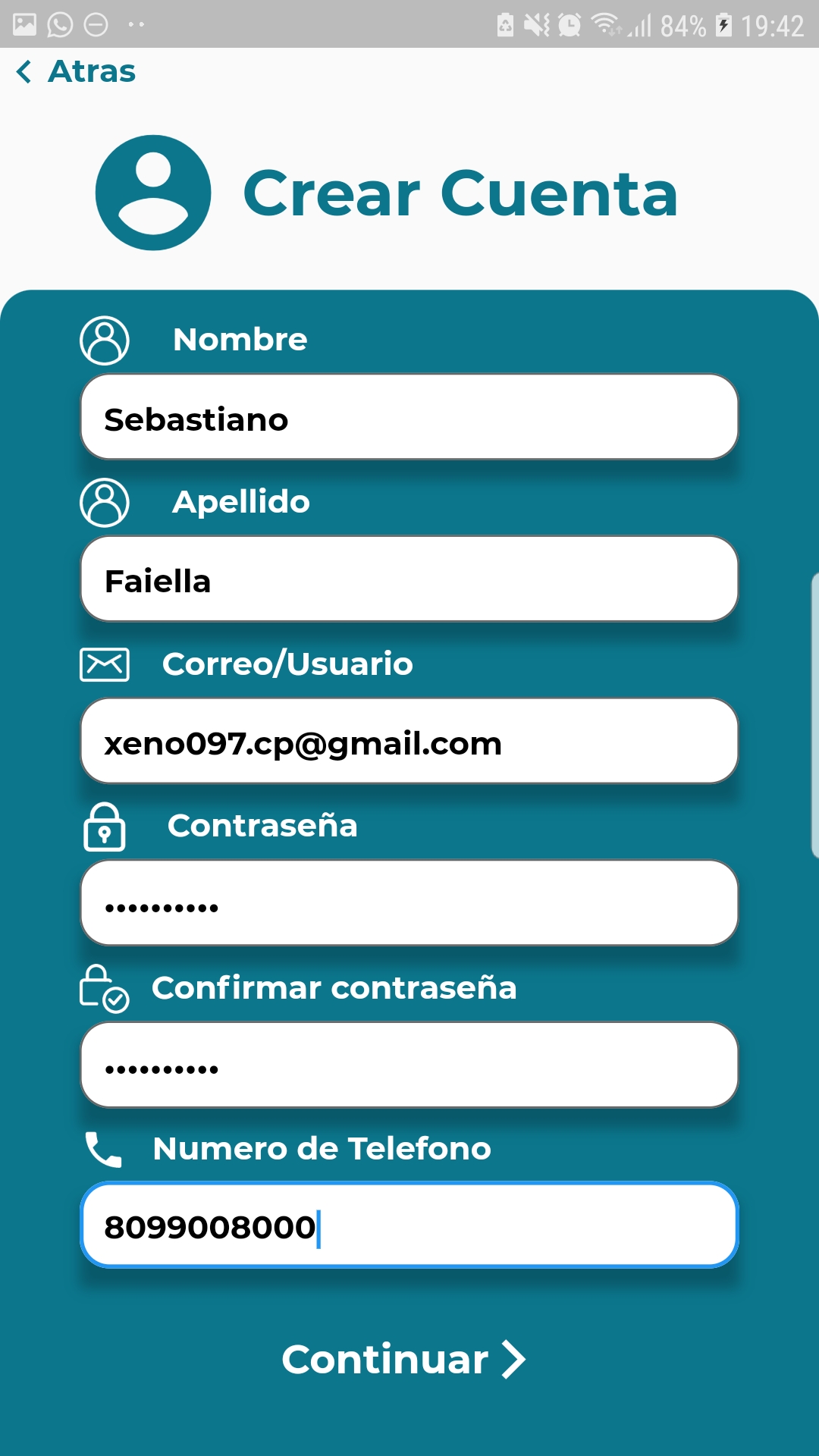
In the first page of the registration form, the user has to input its personal informations such as name and last name.
To move to the next step, no field must be left empty, otherwise the app will throw an error suggesting that a field has been left blank.
User profile picture
In the second step of the user registration form, the user has to to choose a profile picture that will be used as image to show to other users of the platform.
It is important to notice that this step is not mandatory and the user will be able to choose a profile picture after the registration process is complete.

User document information
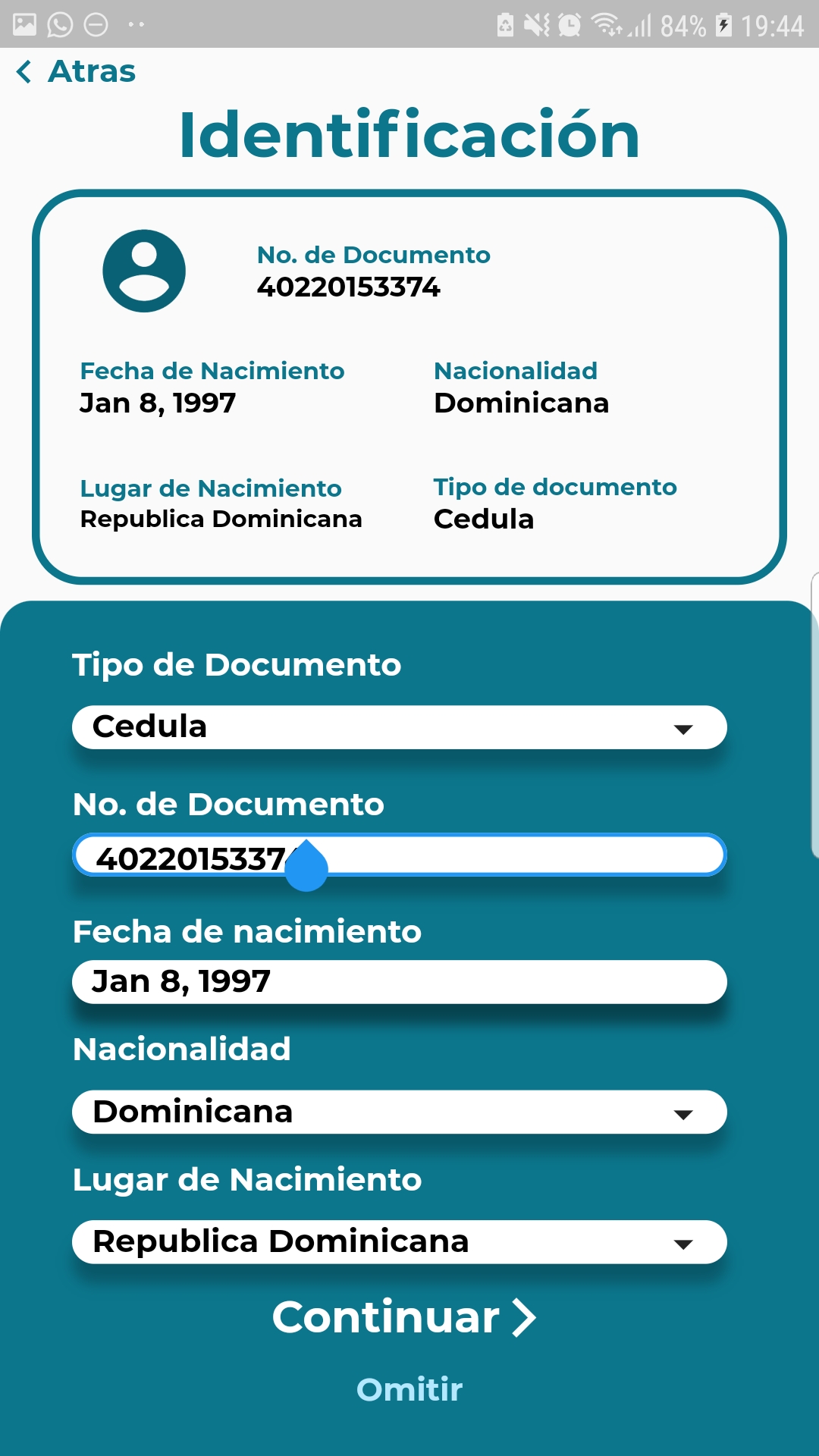
In the third and last step of the registration form, the user has to fill his document information suach as birthdate and place of birth.
As the user is filling the information, the card at the top of the form will be displaying the filled information realtime.
User account confirmation
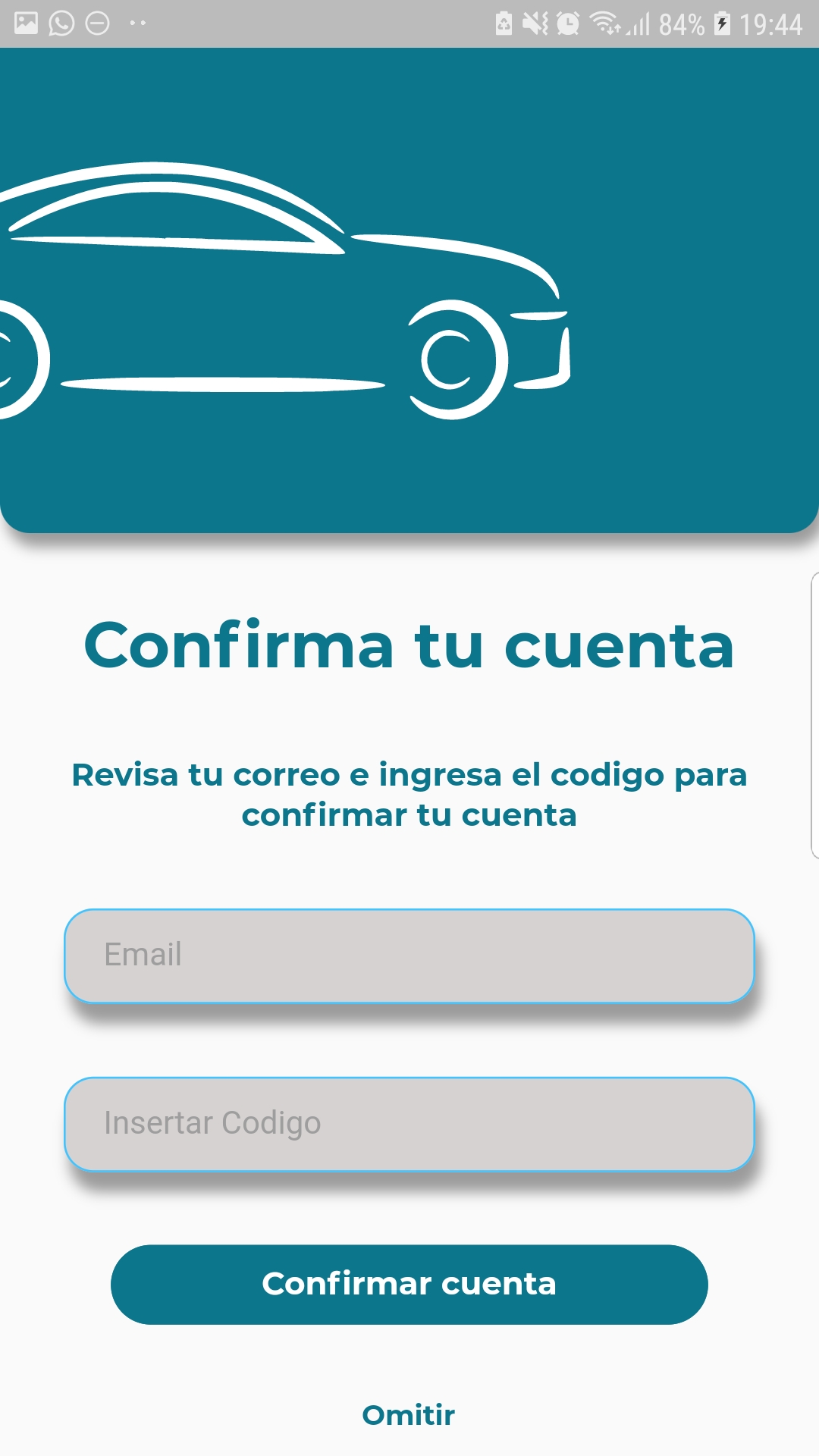
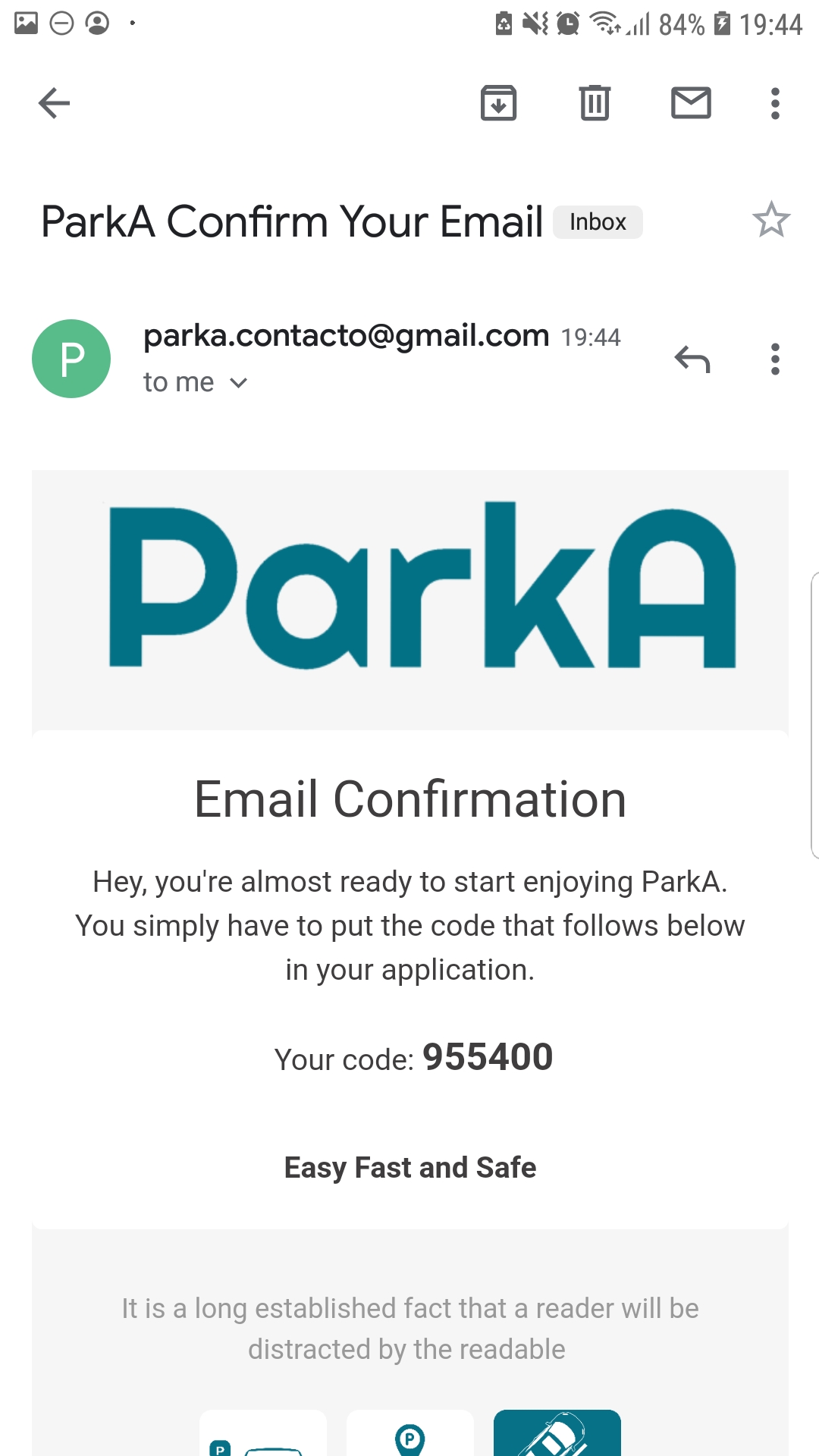
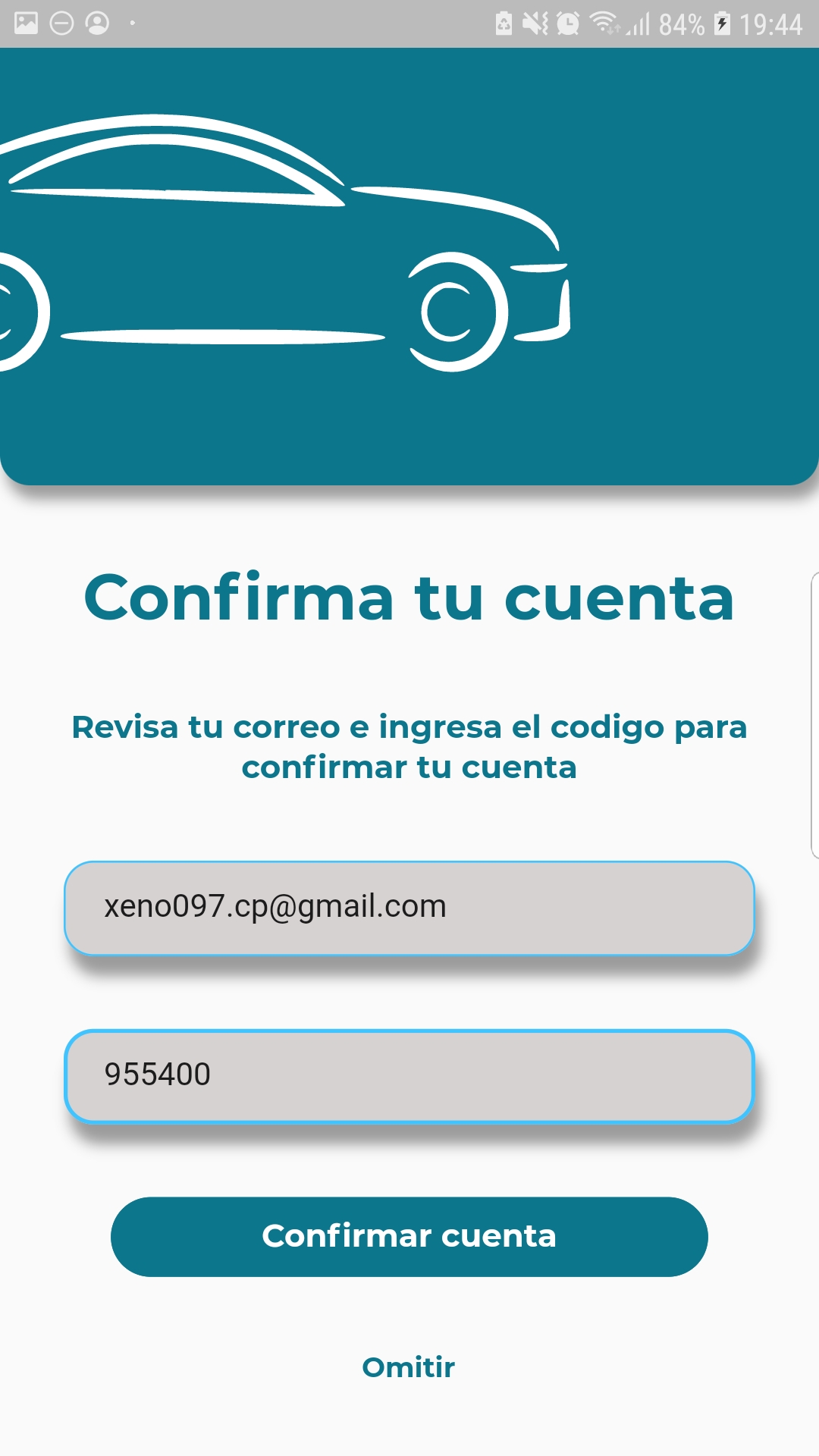
Once the registration process is successfully completed, the user will be redirected ti the account registration page and at the same time, he will receive an email with a confimation code.
In order to complete the process the code and the user email must be provided in the form.
Even though this process is not mandatory, is highly recommended to complete it after the registration process as the app will not allow not confirmed users to log in.