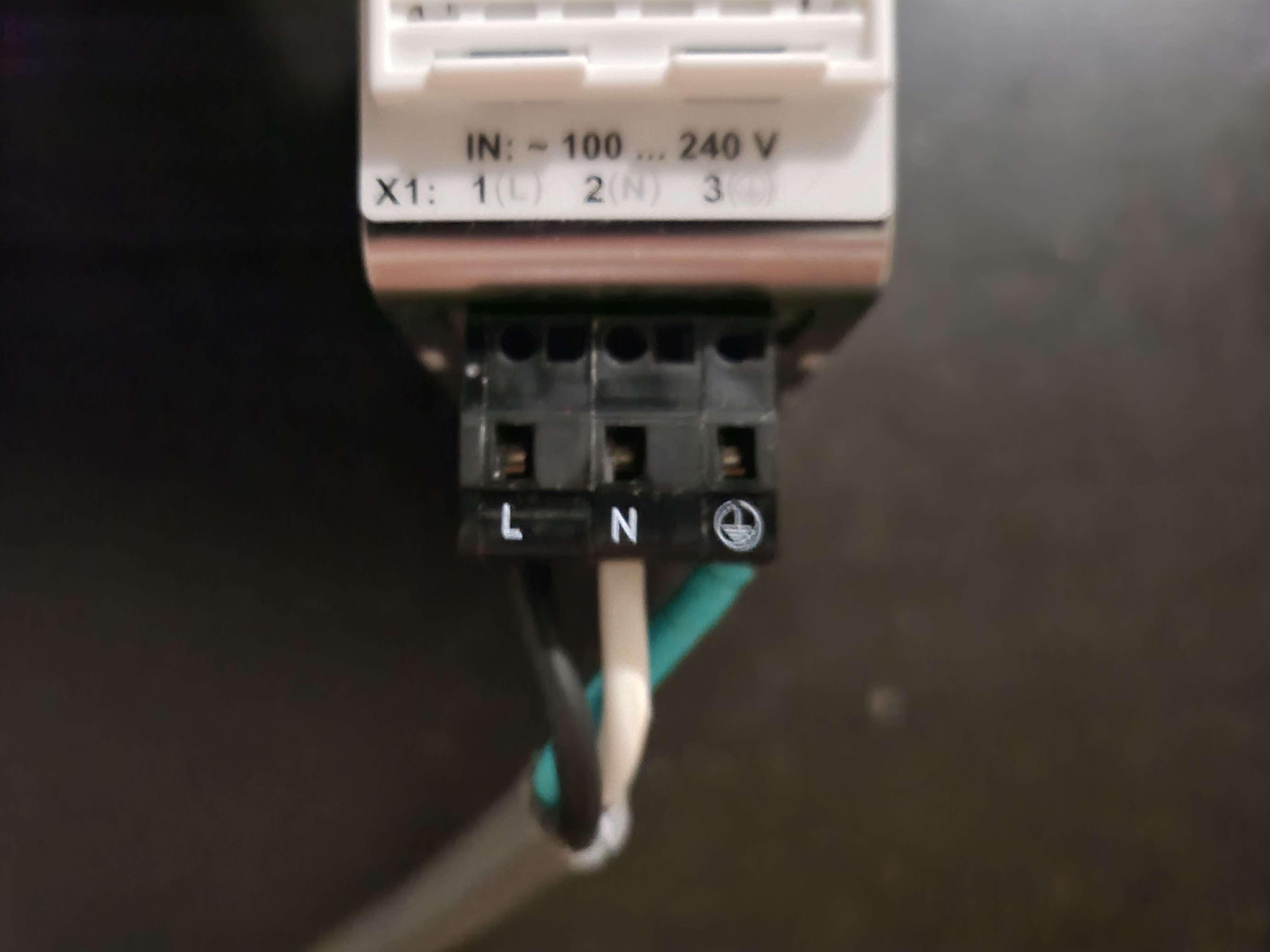
To cable this connecter, stick a small screwdriver in the front facing hole (top circular holes between square holes) and make sure you press down on the clamp (with the screwdriver), stick the wire into the wire port and release the clamp. Make sure that the wire is securely cabled.
Important Notes:
Test continuity with a multimeter to ensure you don't trip the breaker