Tutorial Creating a New Store - OpenKotOR/PyKotor GitHub Wiki
Tutorial: Creating a new store
This tutorial adds a new store the player can buy from or sell to by creating a merchant (UTM), an NPC with dialog, a dialog file (DLG), and a script that opens the store. The NPC is placed on the Ebon Hawk.
Step 1: Create the merchant file (UTM)
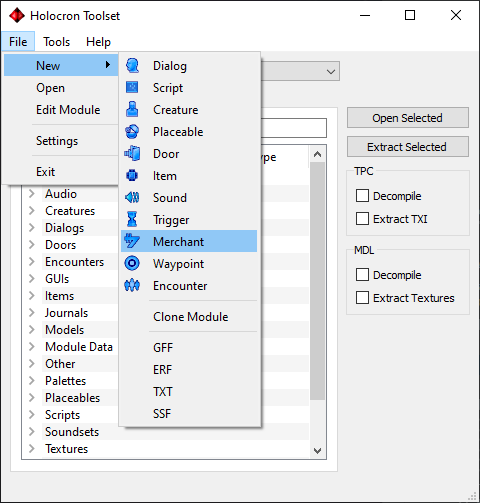
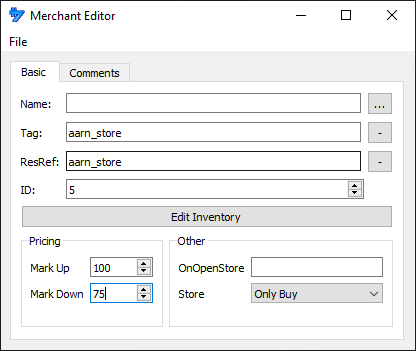
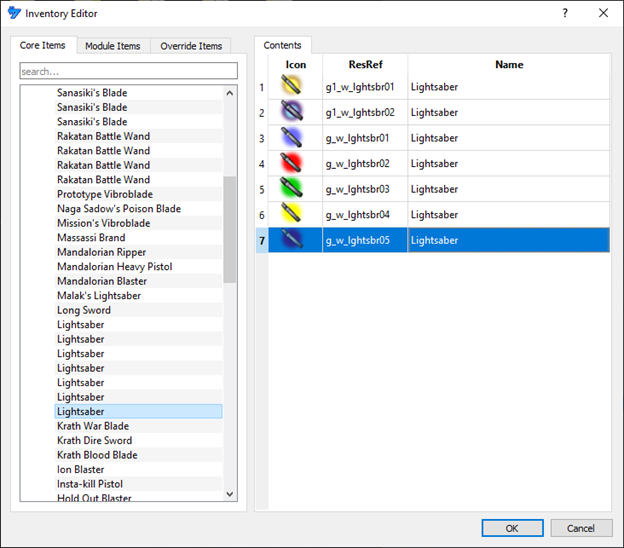
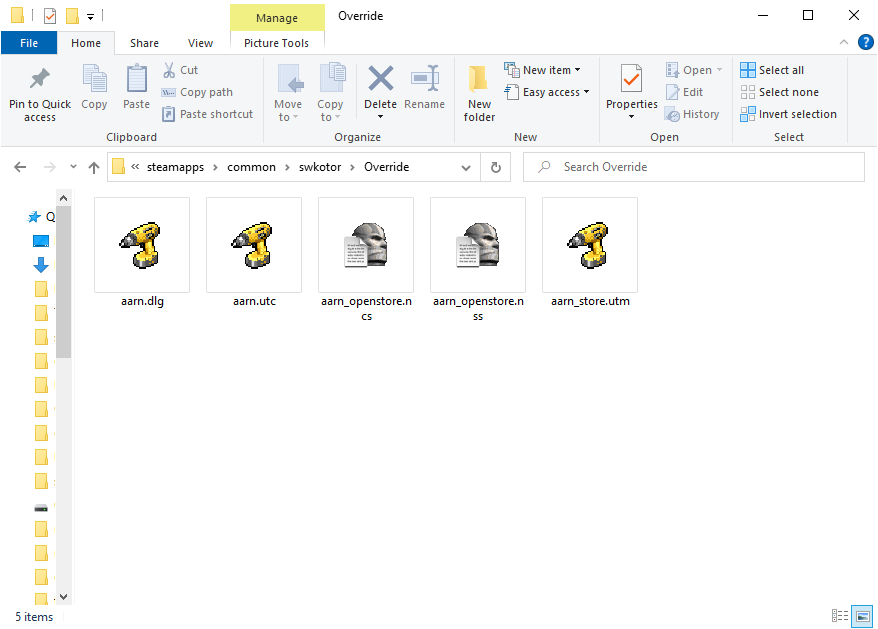
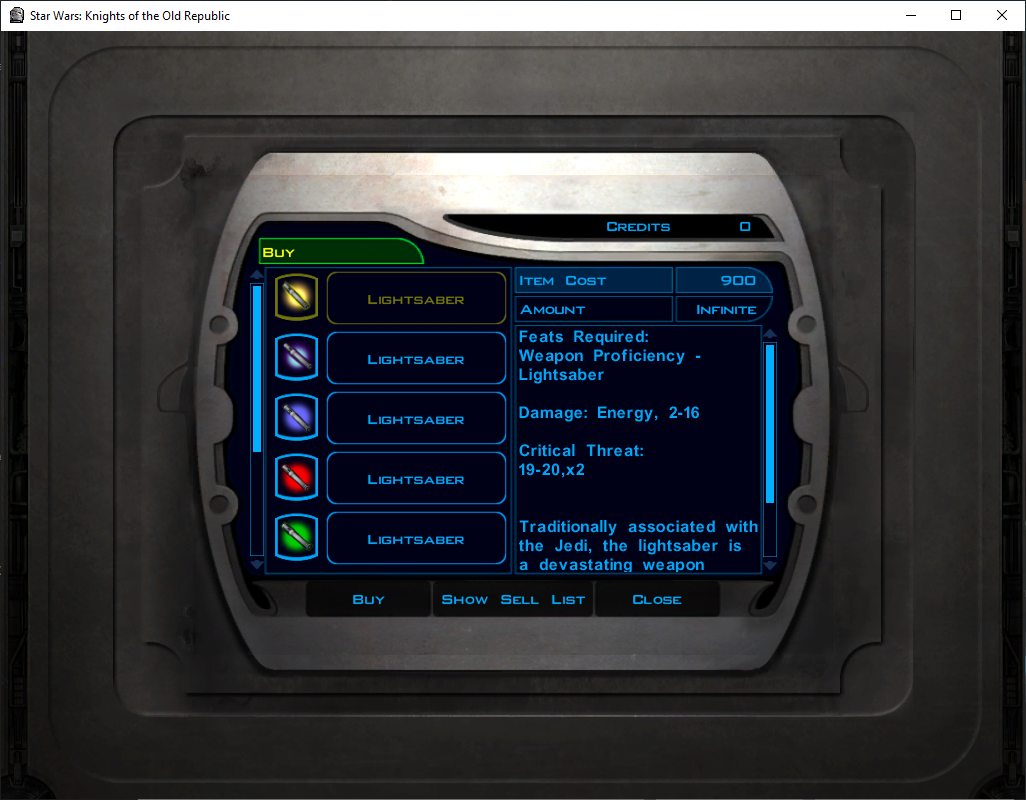
Create a new merchant. Set Tag and ResRef to match the filename (e.g. aarn_store). Mark Up / Mark Down control pricing (e.g. Mark Down 50 = player sells at half base price). Use Edit Inventory to add items and right-click to toggle infinite stock. Save; filename must match ResRef/Tag.
Step 2: Create the NPC (UTC)
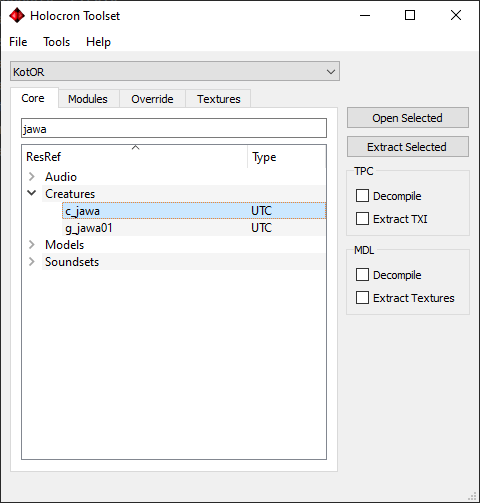
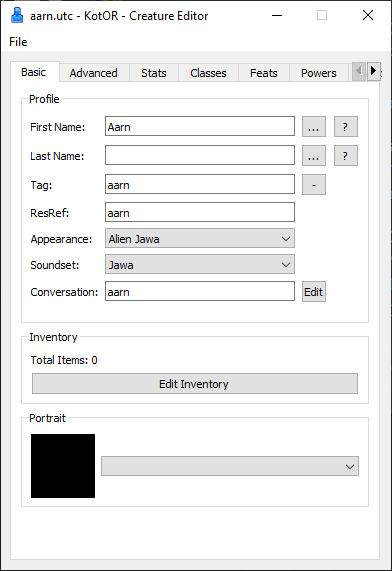
Base the NPC on c_jawa (Core tab). Set Tag and ResRef to match the filename (e.g. aarn). Set the Conversation field to aarn (same as the DLG we will create). Give a name via the ellipsis -> None -> type aarn. Save.
Step 3: Create the dialog (DLG)
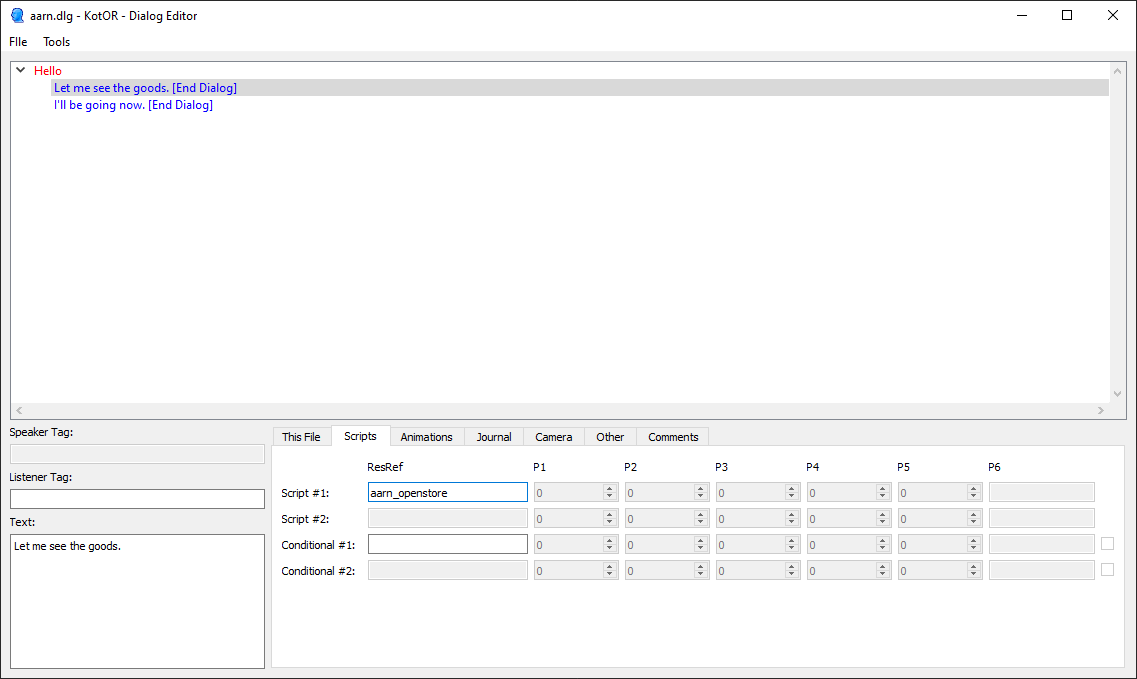
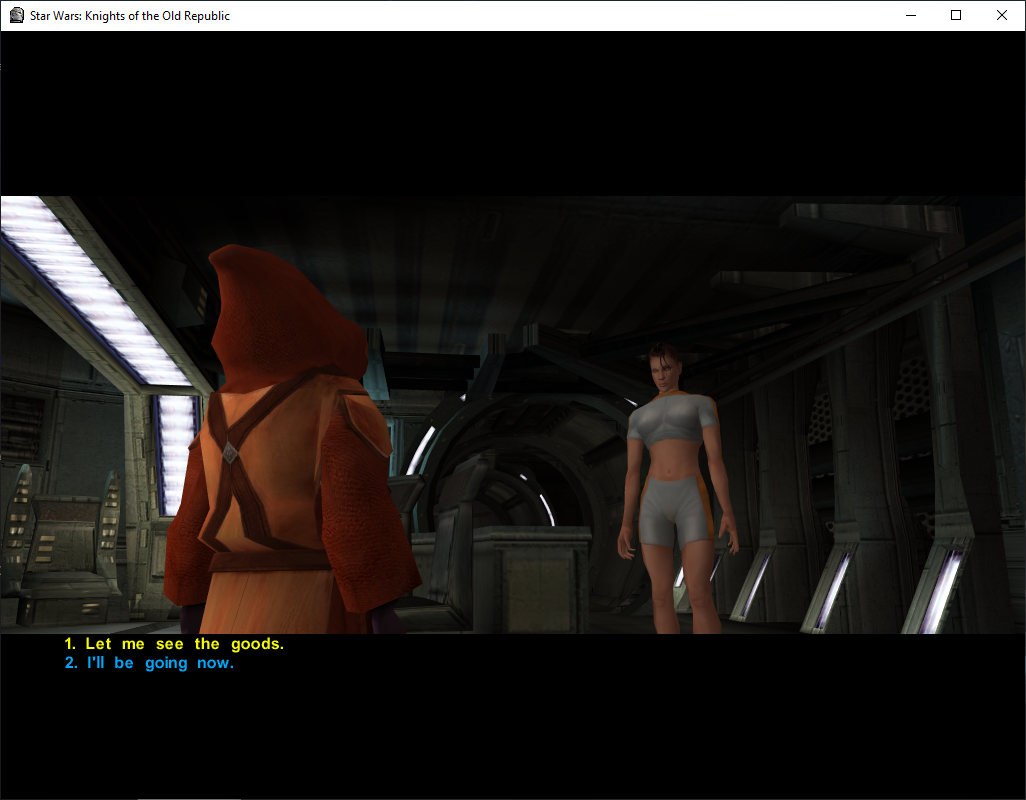
Create a simple dialog: NPC says hello; options "Browse Aarn's wares" and "Leave". For the option that opens the store, set Script #1 ResRef to aarn_openstore. Save as aarn.
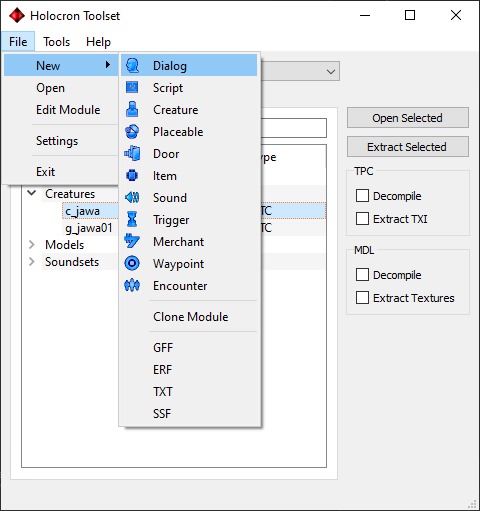
Step 4: Create the Open-Store Script (NSS)
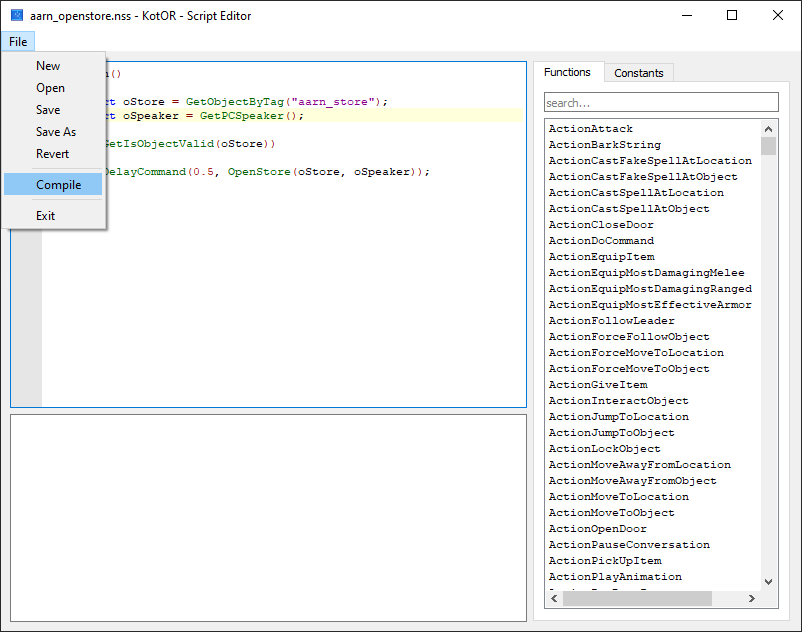
Create script aarn_openstore with:
void main()
{
    object oStore = GetObjectByTag("aarn_store");
    object oSpeaker = GetPCSpeaker();

    if (GetIsObjectValid(oStore))
    {
        DelayCommand(0.5, OpenStore(oStore, oSpeaker));
    }
}
The tag in GetObjectByTag() must match the UTM Tag. Save and File -> Compile.
Step 5: Place the NPC and store on the Ebon Hawk
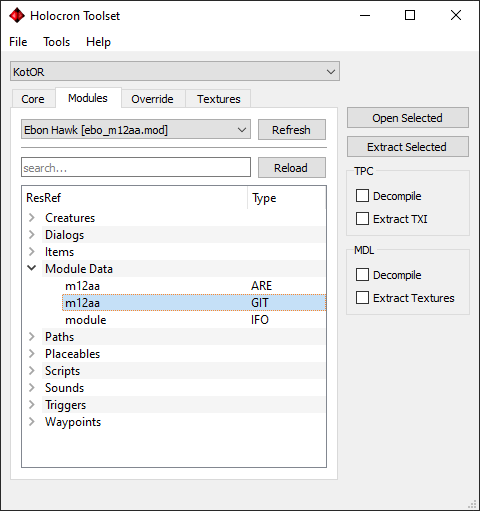
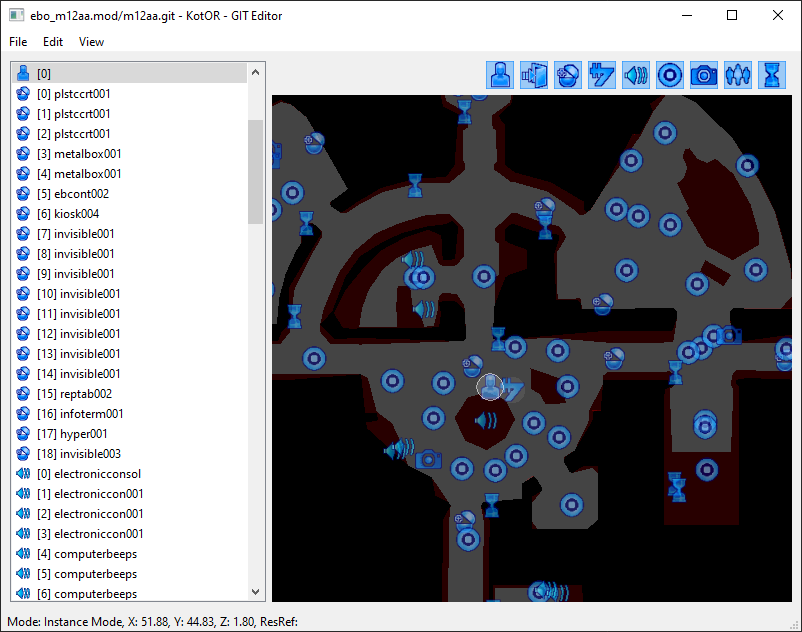
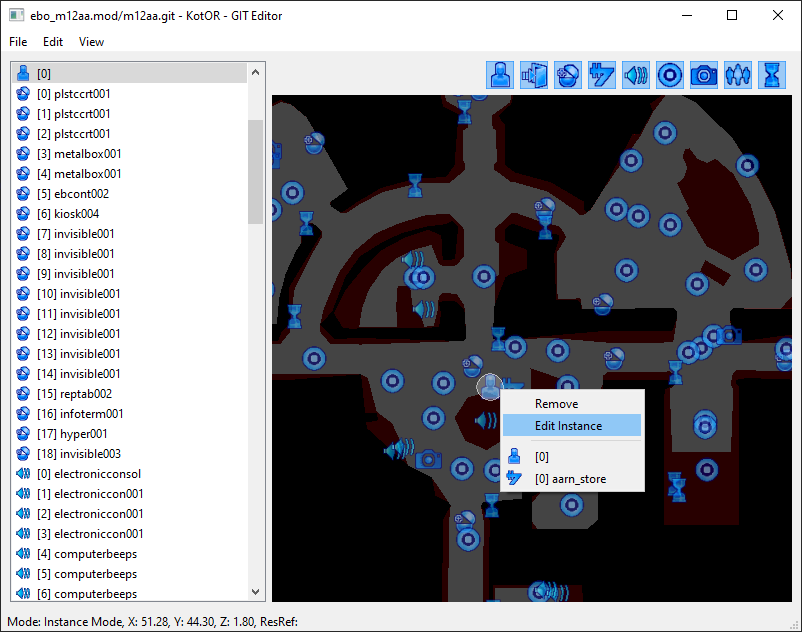
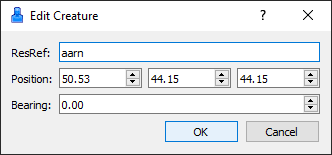
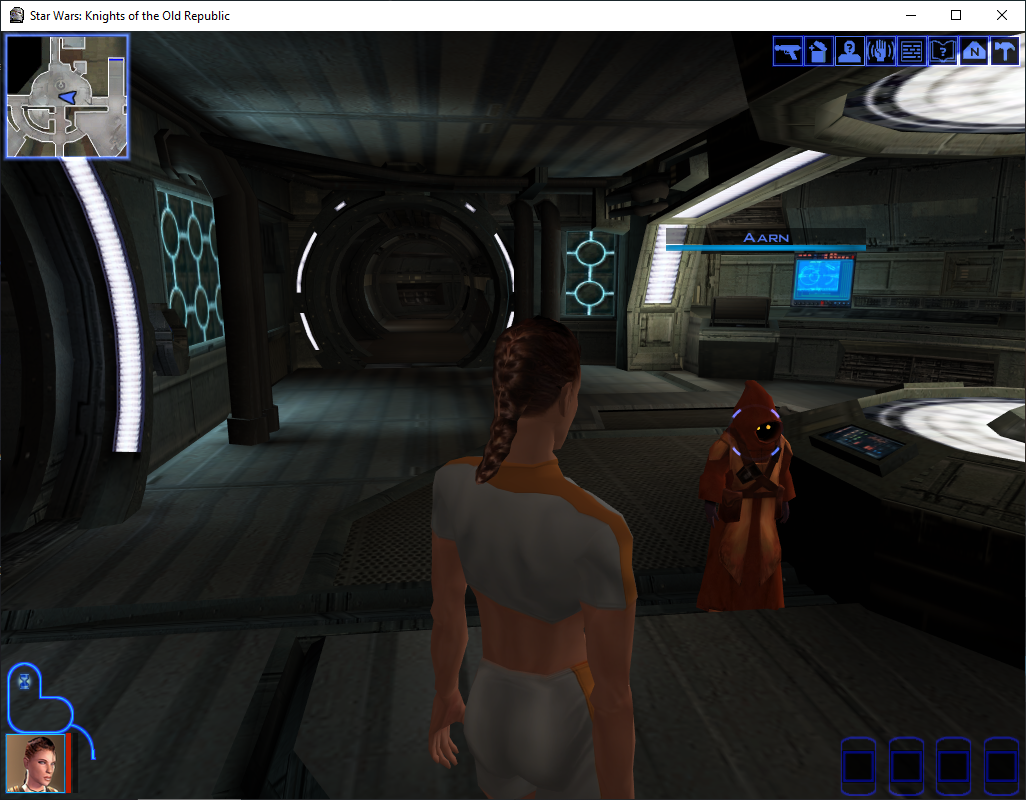
In the Modules tab select Ebon Hawk [ebo_m12aa.rim] (or the .mod if you use K1CP). Open the GIT m12aa under Module Data. Add a Creature and a Store in the central room; Edit Instance on each and set their resrefs to aarn and aarn_store. Save the GIT (it writes into the module).
Step 6: Test
Use a save from before escaping Taris (or warp ebo_m12aa with cheats). Talk to the NPC and choose to browse; the store should open.
See also
- Tutorial: Creating custom robes -- Item creation and texture workflow
- Tutorial: Creating static cameras -- Camera placement in modules
- Tutorial: Area transitions -- Connecting areas with doors and triggers
- GFF-UTM -- Merchant (UTM) Format
- GFF-UTC -- Creature (UTC) Format
- GFF-DLG -- Dialogue (DLG) Format
- Mod Creation Best Practices -- Testing, merges, compatibility