Lab 14: Tasks Group & Template in Azure Devops - OT-TRAINING/azure-devops-zero-to-hero GitHub Wiki
Task Group
Let's assume of a scenario in which you are repeating few tasks from your pipeline again and again into multiple stages and/or pipelines or projects. In that case it gets really tiring to repeat and configure each task individually. Azure Devops provides the feature of Task Group in which we can encapsulate a sequence of tasks from our build or release pipelines and reuse those tasks into other pipelines.
It is recommended to ensure that all of the tasks you want to include in a task group have their parameters defined as variables, such as $(MyVariable), where you want to be able to configure these parameters when you use the task group. Variables used in the tasks are automatically extracted and converted into parameters for the task group. Values of these configuration variables will be converted into default values for the task group.
If you specify a value (instead of a variable) for a parameter, that value becomes a fixed parameter value and cannot be exposed as a parameter to the task group.
But to build the understanding of the concept we will create a Task Group that does not require parameters.
Let's go to one of our release pipeline and select few steps that we would like to create a group of.

Now Right Click over the selected tasks and select create task group.

Save the Task Group.

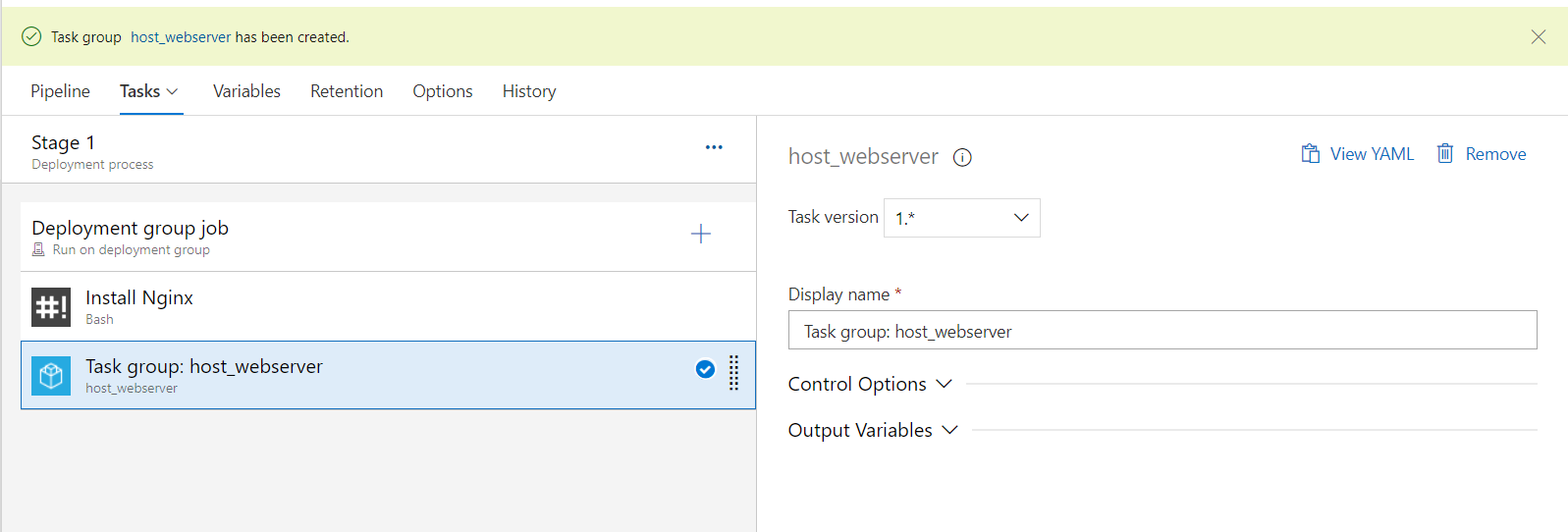
Now we can reuse the same task group in any of our release pipeline.
Similarly we can perform same steps to save a task group from build pipeline.
Now let's reuse the same Task Group.


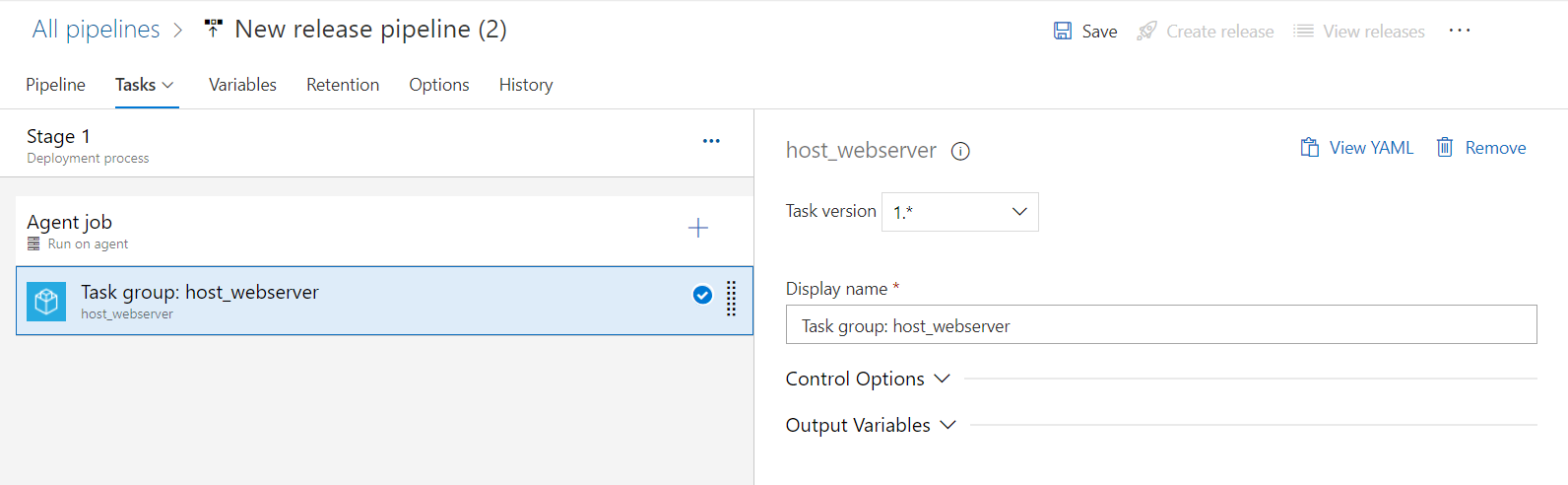
And that's how we can reuse the repeating tasks into different pipelines. We can also version our Task Groups.