Lab 10: # Service Connections & Service Hooks in Azure Devops - OT-TRAINING/azure-devops-zero-to-hero GitHub Wiki
Service Connections & Service Hooks in Azure Devops
You can create a connection from Azure Pipelines to external and remote services for executing tasks in a job. Once you establish a connection, you can view, edit, and add security to the service connection.
Service hooks let you run tasks on other services when events happen in your project in Azure DevOps. For example, create a card in Trello when a work item is created or send a push notification to your team's mobile devices when a build fails. You can also use service hooks in custom apps and services as a more efficient way to drive activities when events happen in your projects.
In other words when you use the Subscriptions REST APIs, you can programmatically create a subscription that performs an action on an external (consumer) service when a specific event occurs in a project. For example, you can create a subscription to notify your service when a build fails.
In this lab let's perform a simple task in which we'll create a file using azure devops and then copy that file into our Azure Account using Service connection and then trigger a notification over slack about the status of our pipeline using Service Hooks.
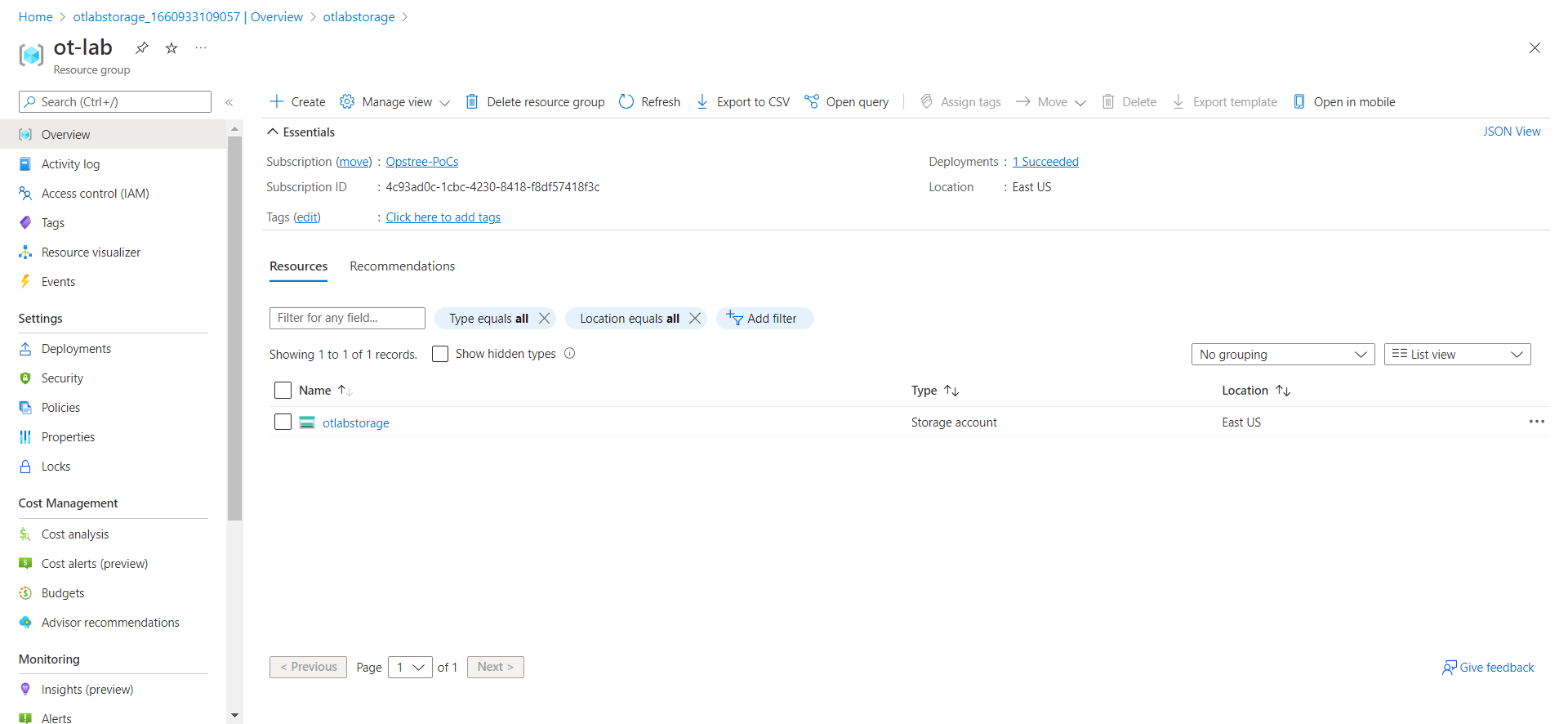
For that let's first create a blob container in our storage account.
Now let's create a simple pipeline.
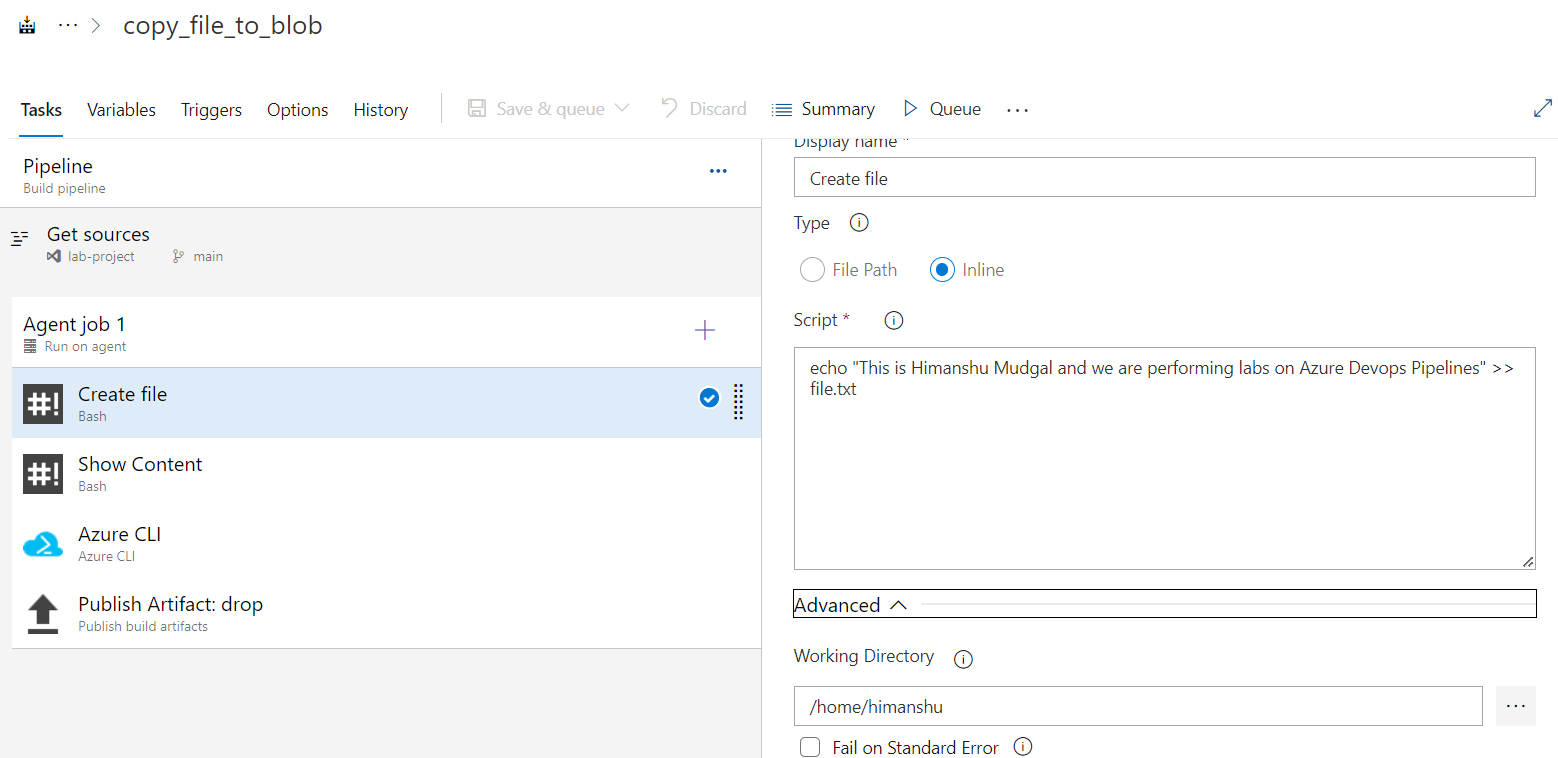
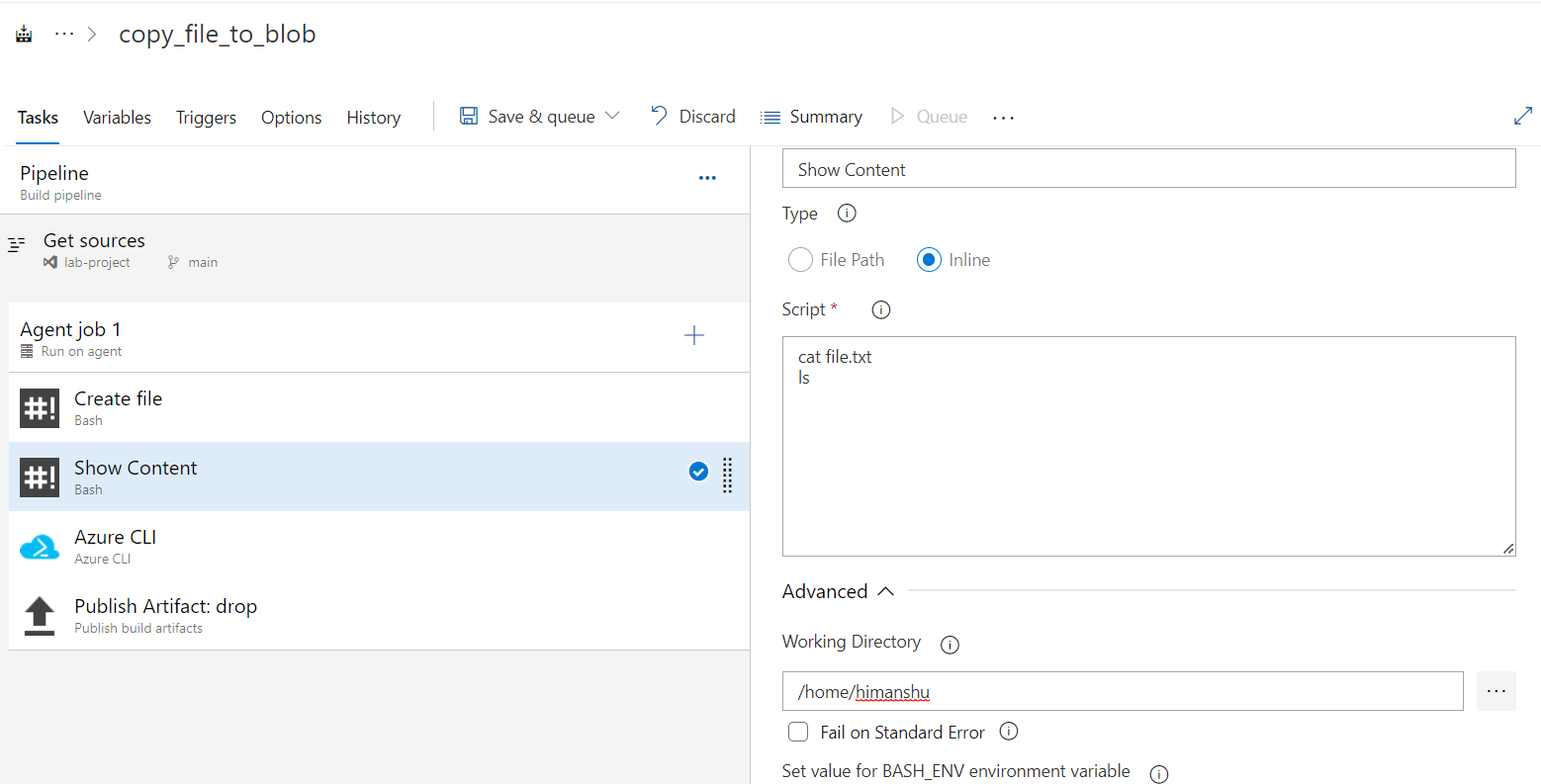
Let's create a Service Connection using pipeline task. After providing the azure subscription details you need to authorize your subscription.
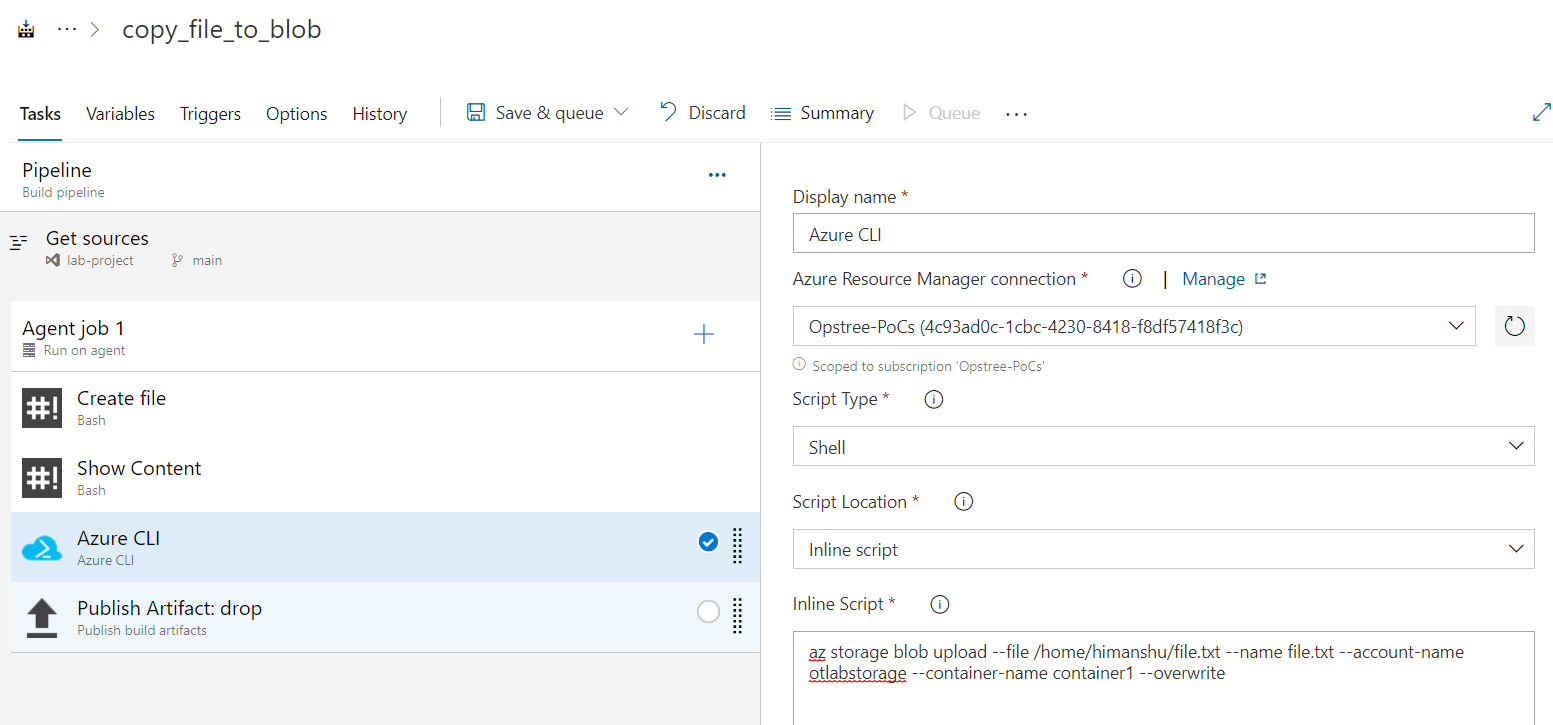
And then publish the artifact.
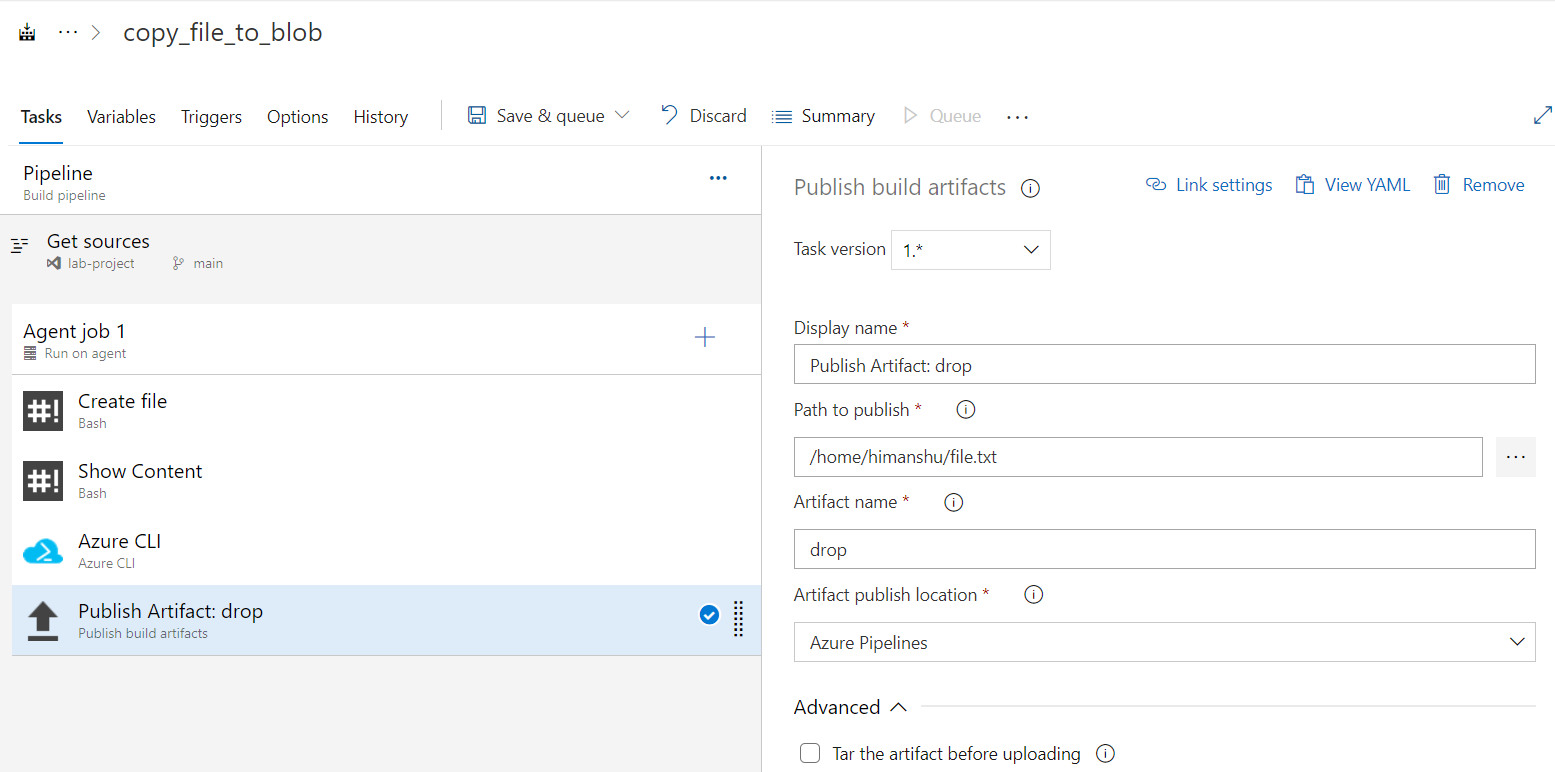
Let's save and run our pipeline.
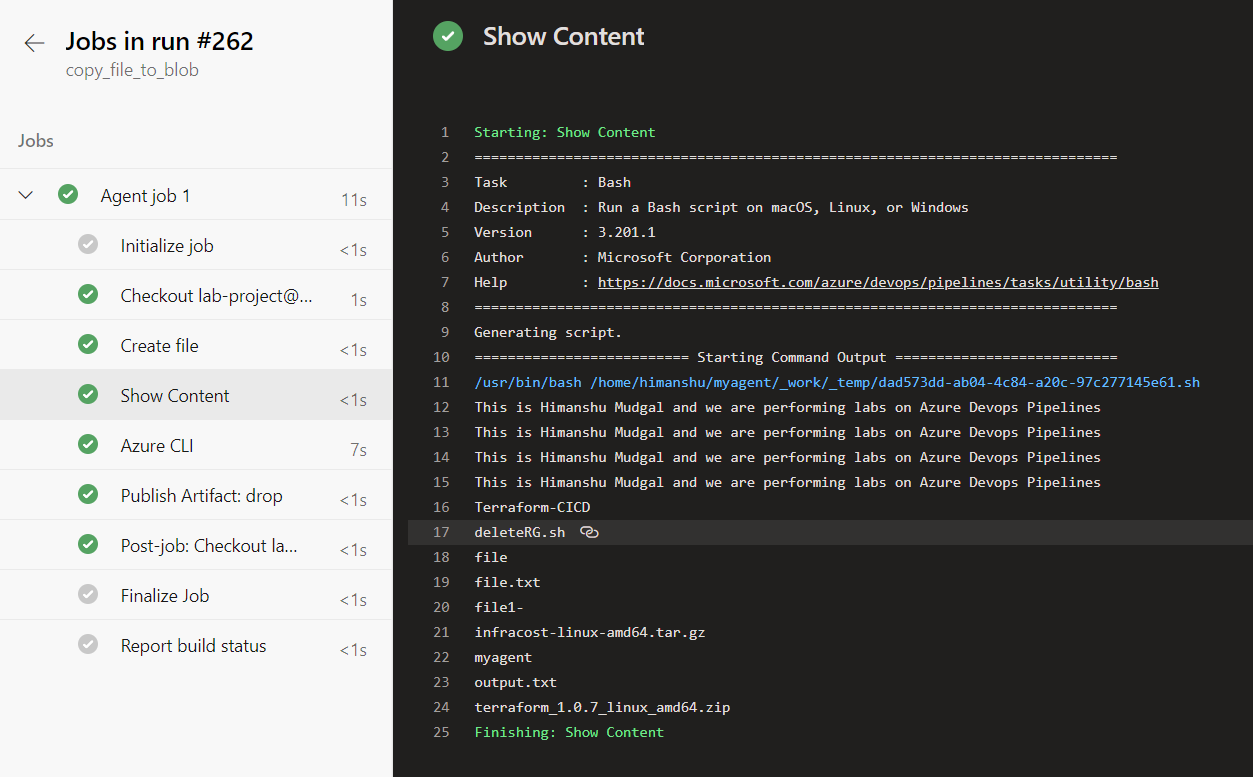
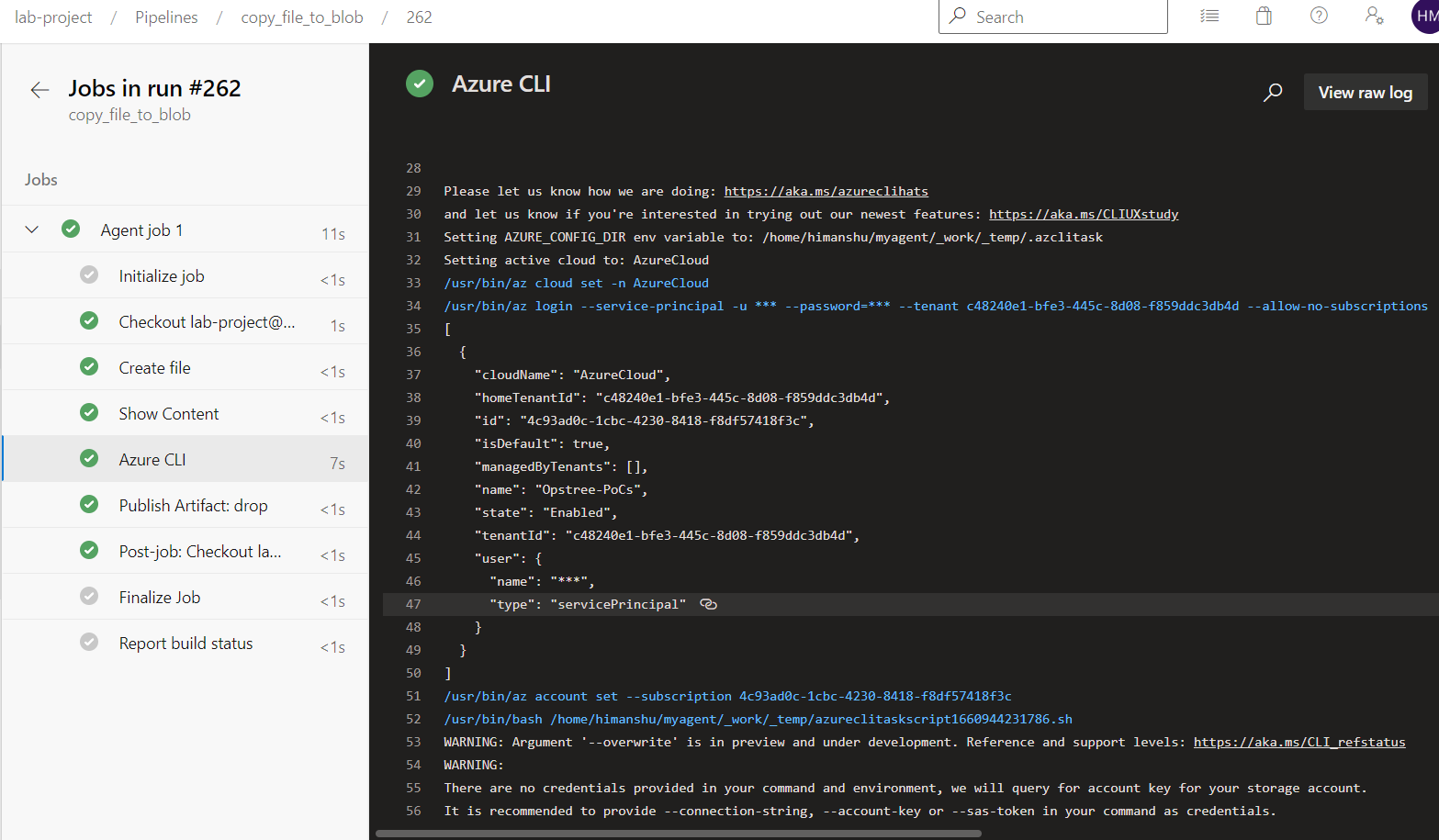
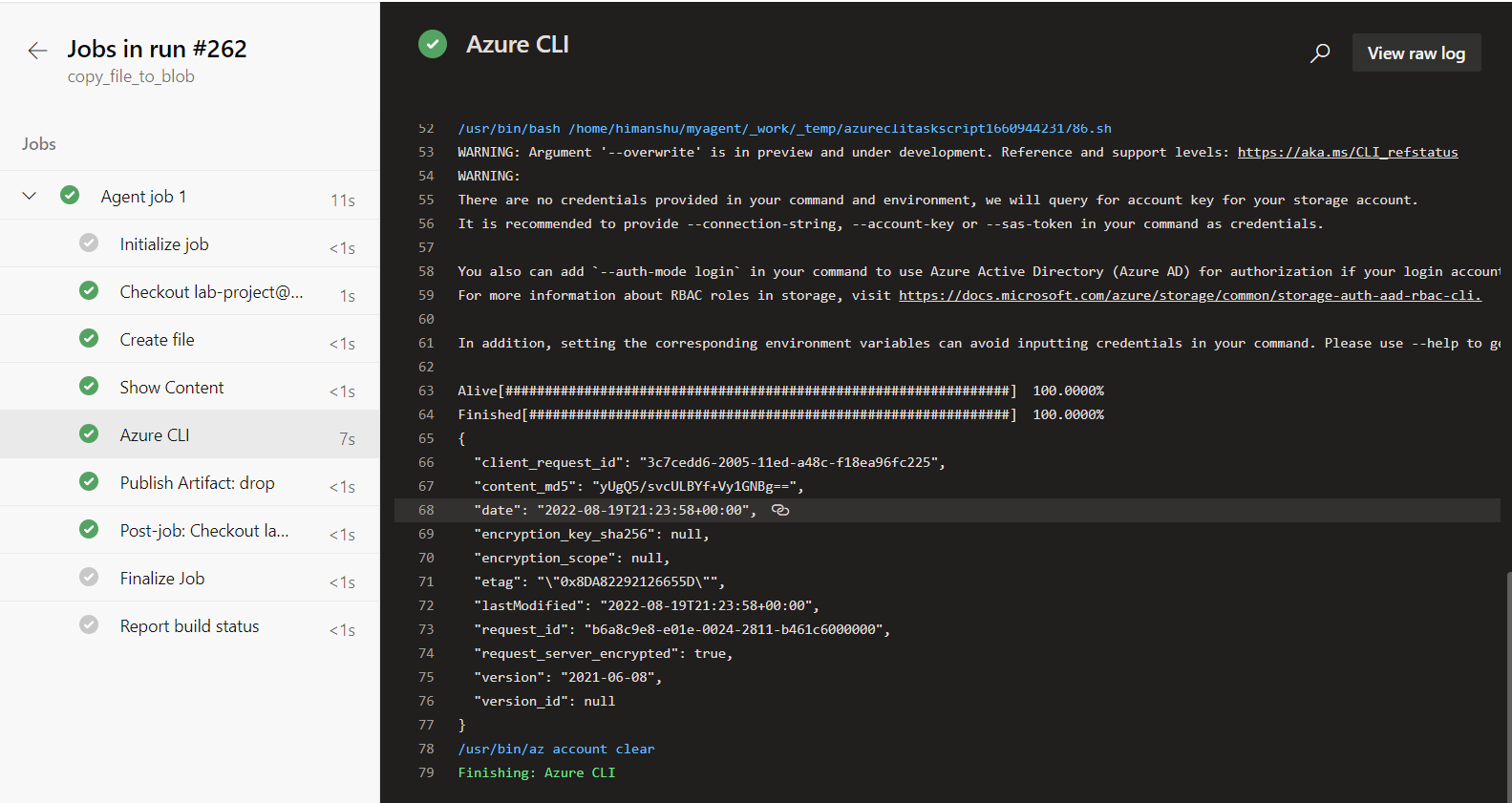
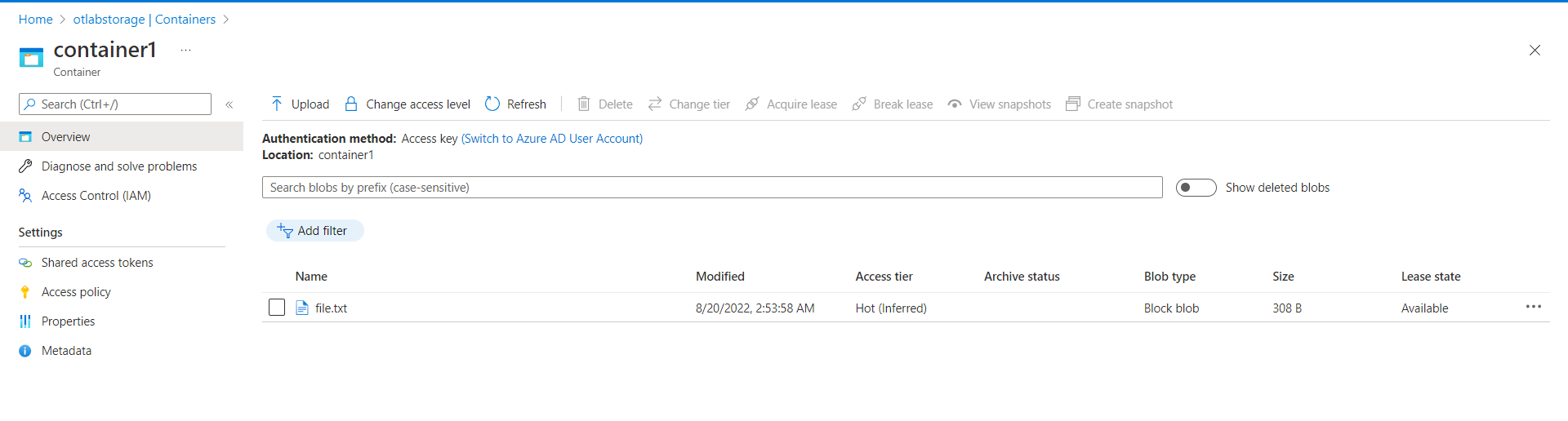
Here is how we successfully copy a file into our blob storage using Azure Devops Pipelines and Service Connections.
We can also create a Service connection for multiple services from using settings.
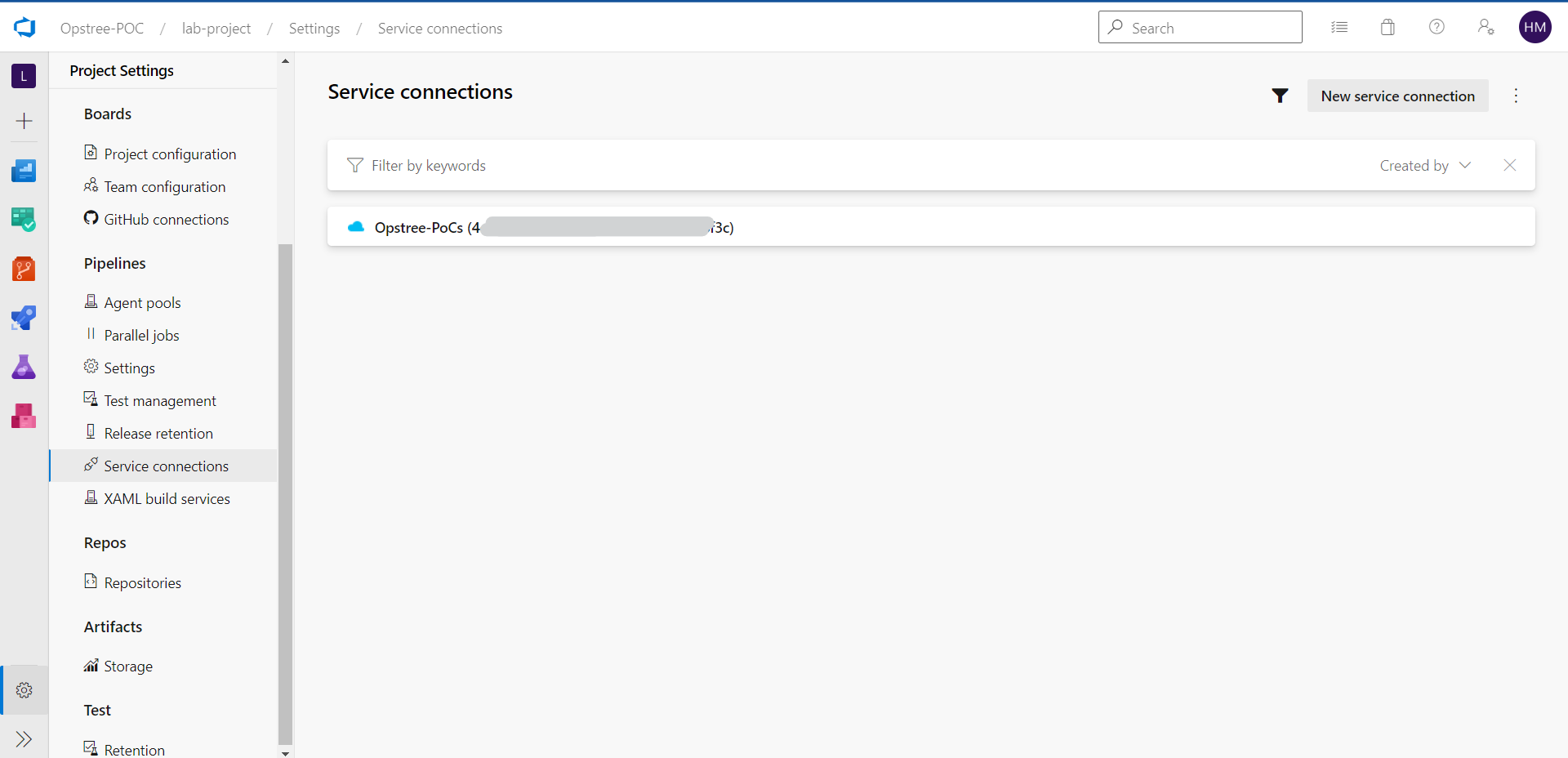
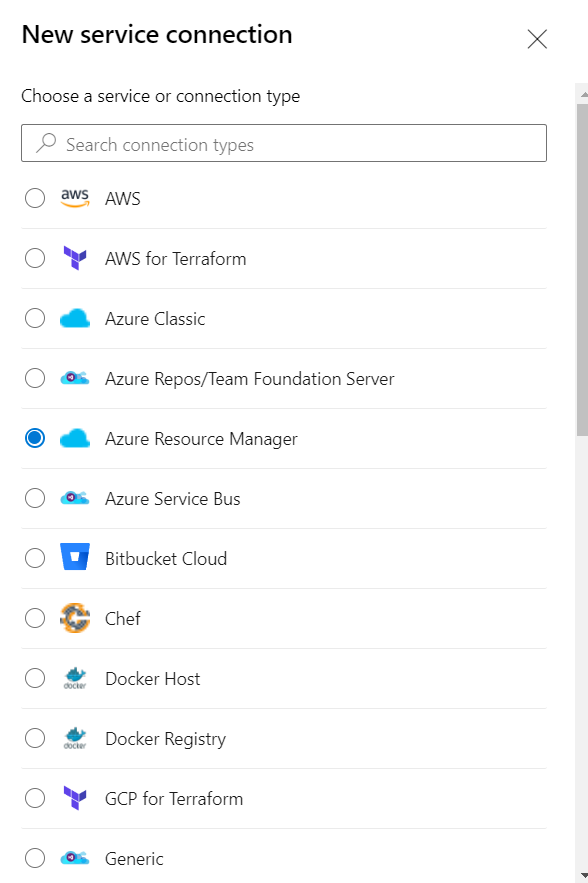
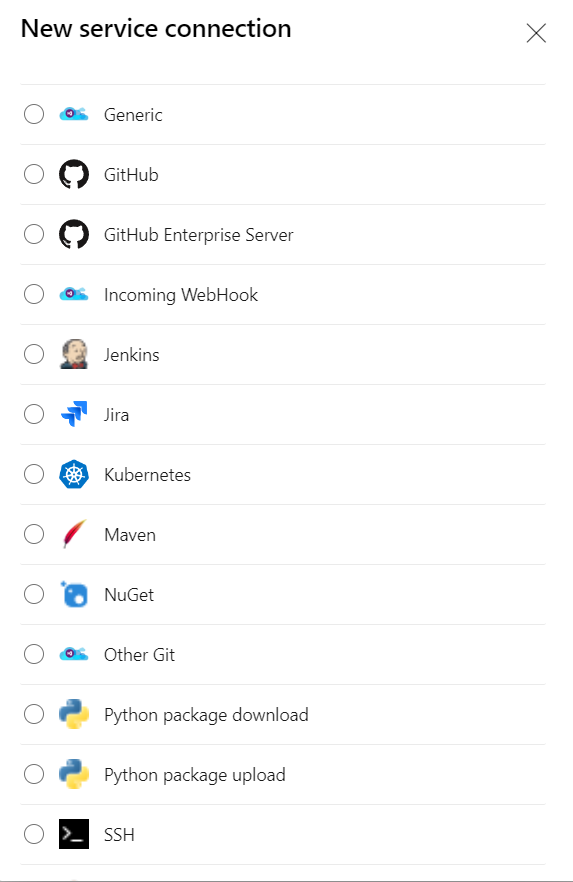
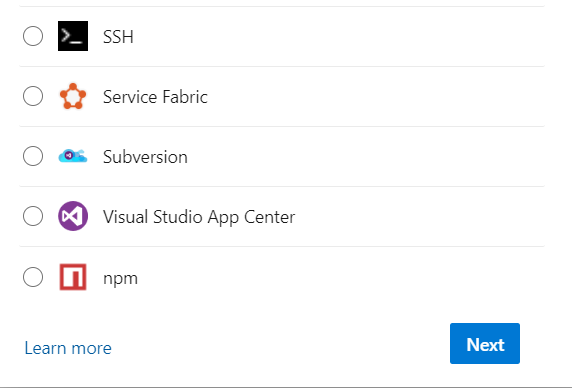
After clicking Next.
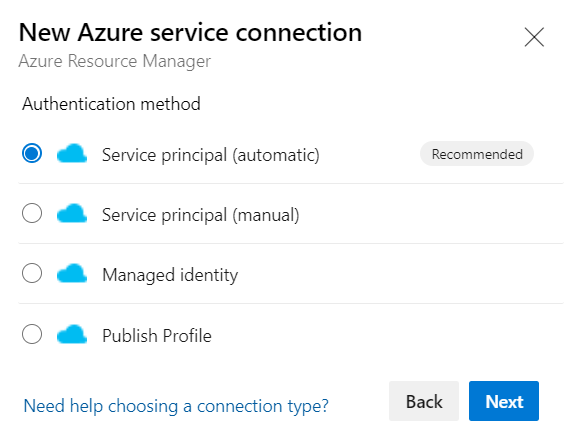
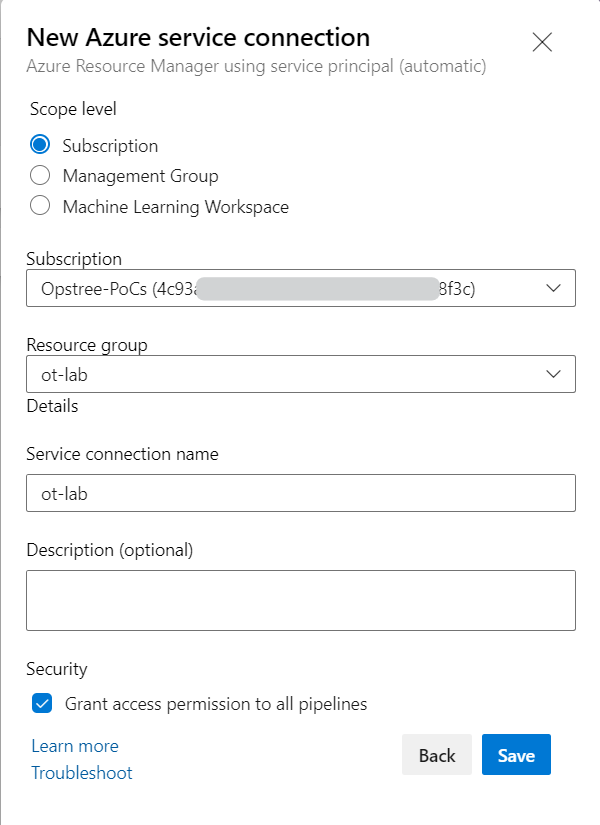
And that's how we create service connections from our Project Settings and use them into our pipelines.

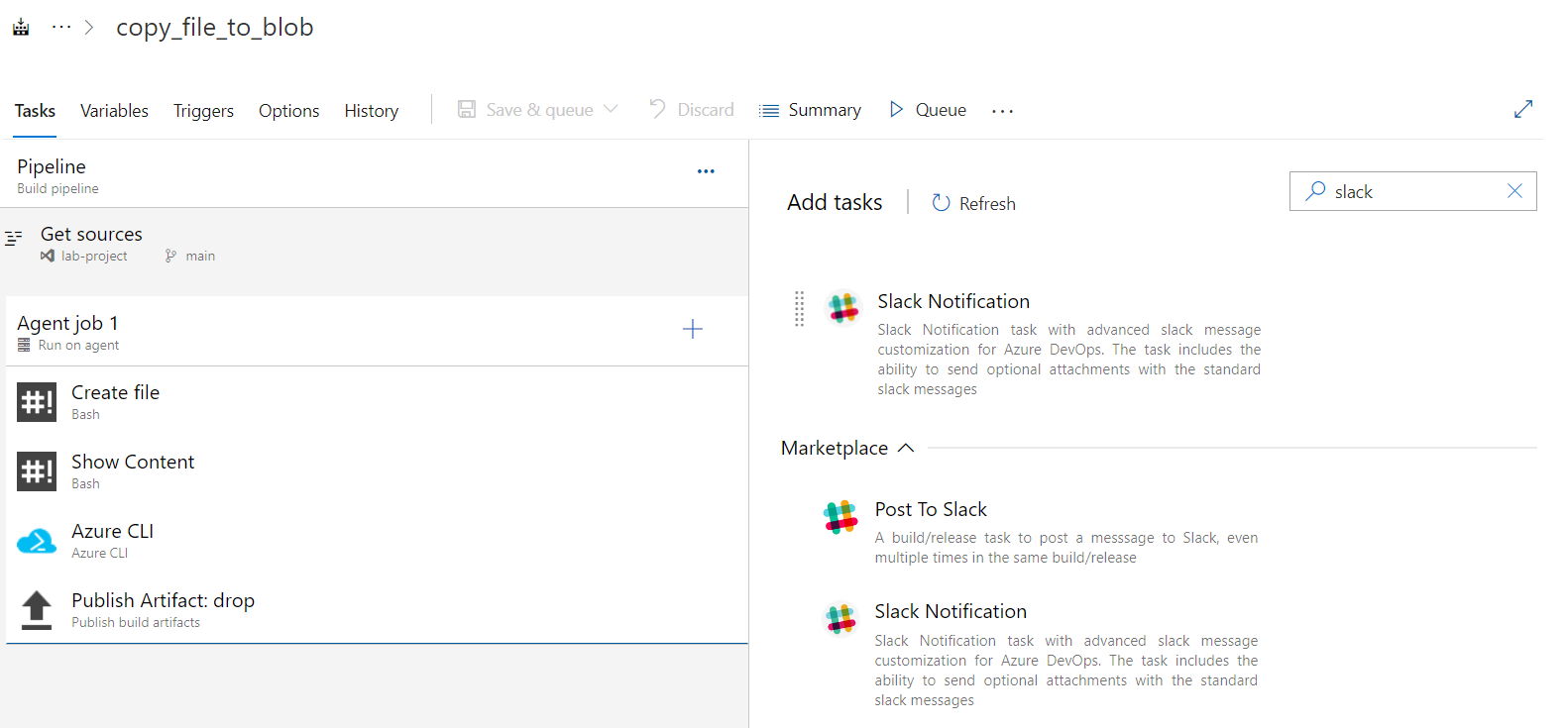
Now let's configure our pipeline for Slack Notifications. In our same pipeline we will search for a slack task.
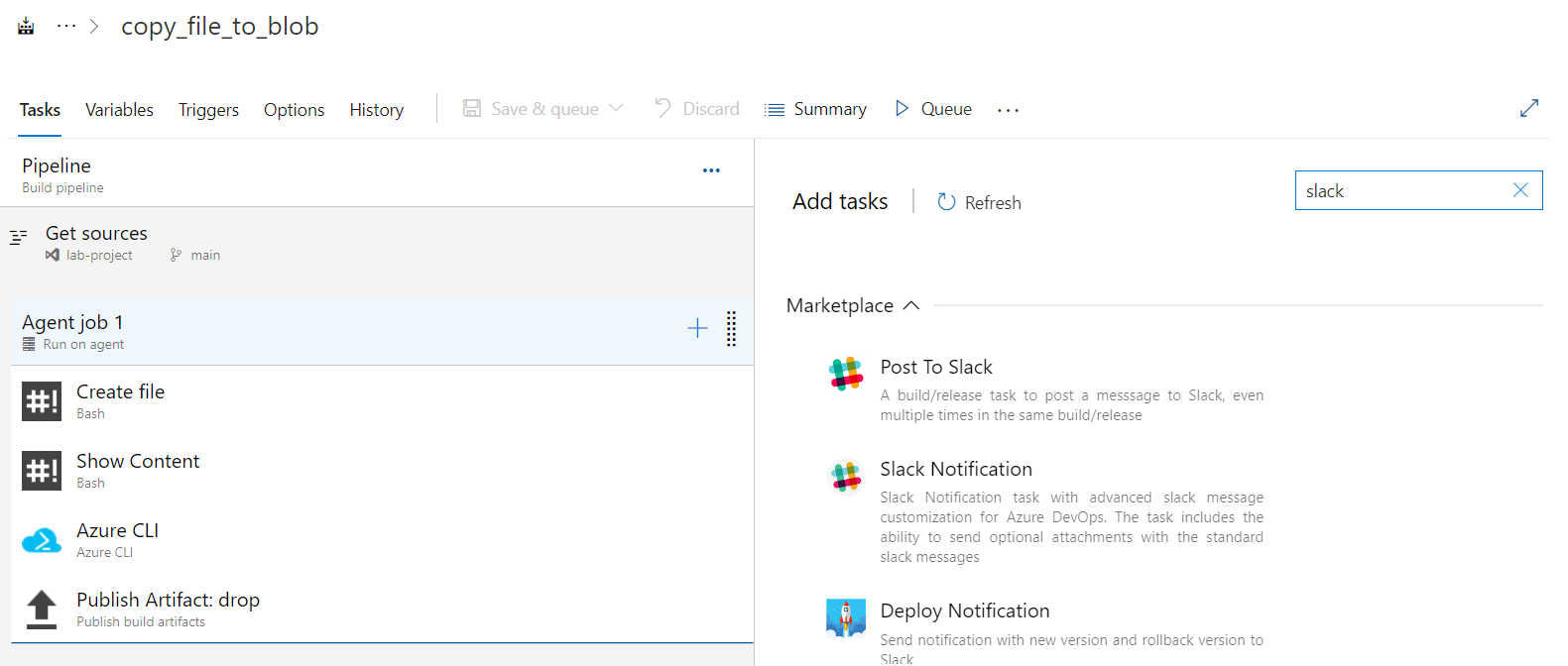
Let's get the extension from Azure Marketplace.
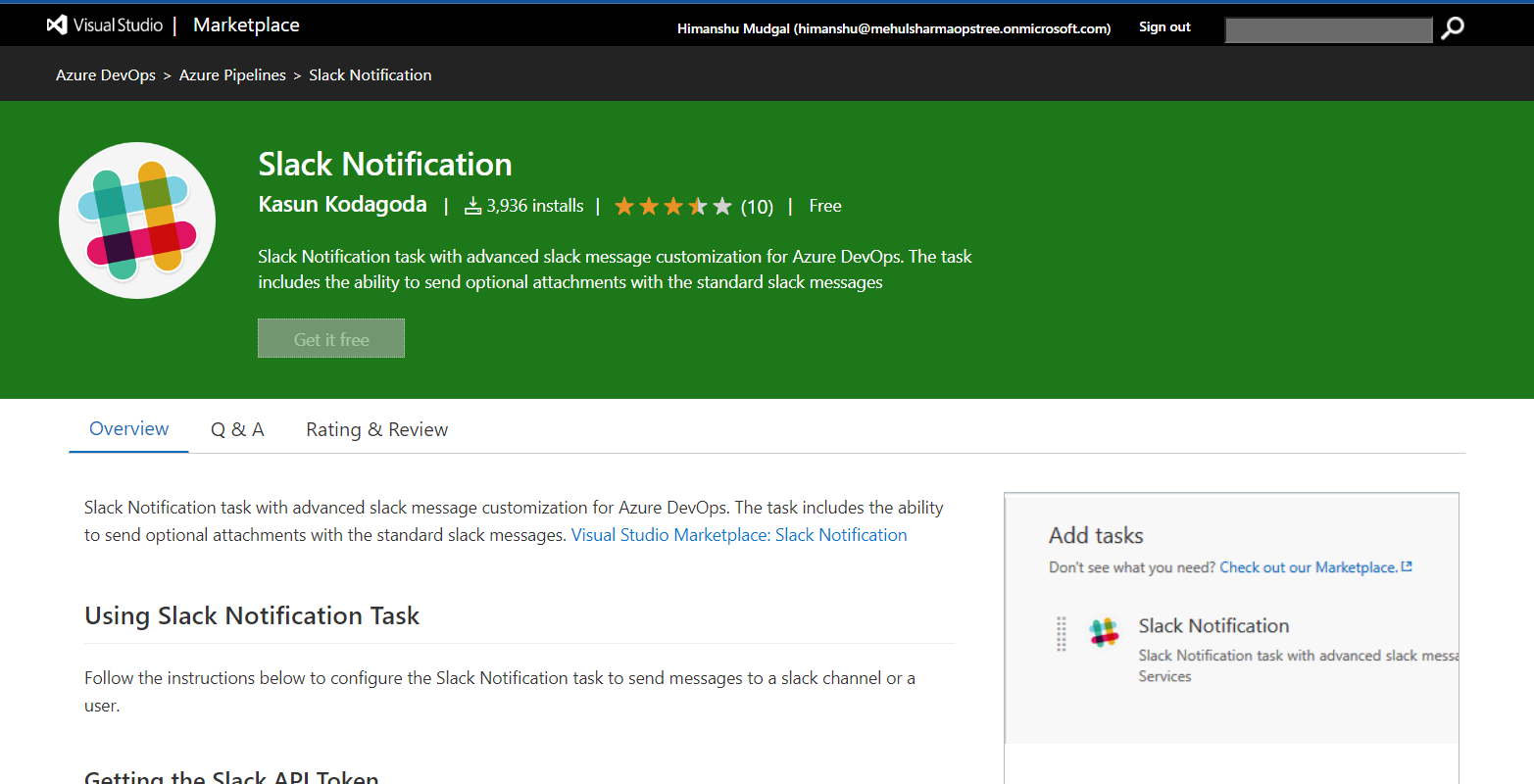
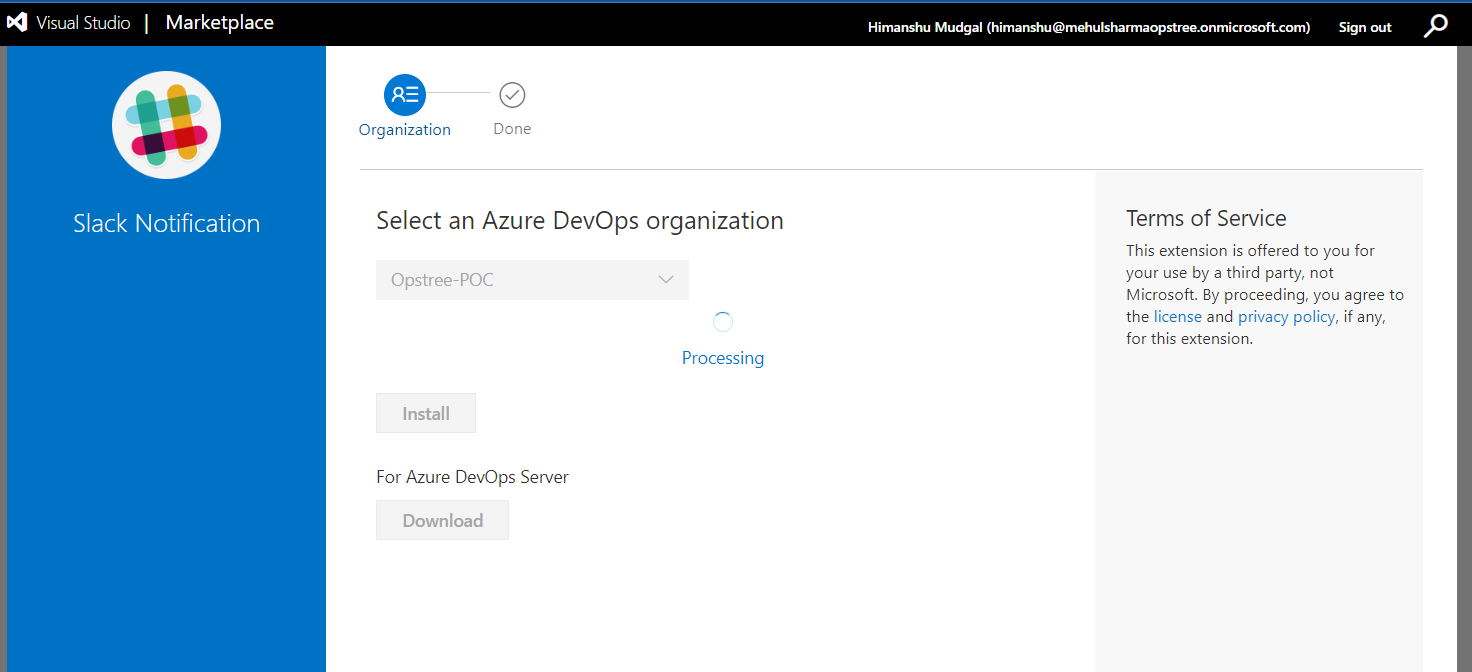
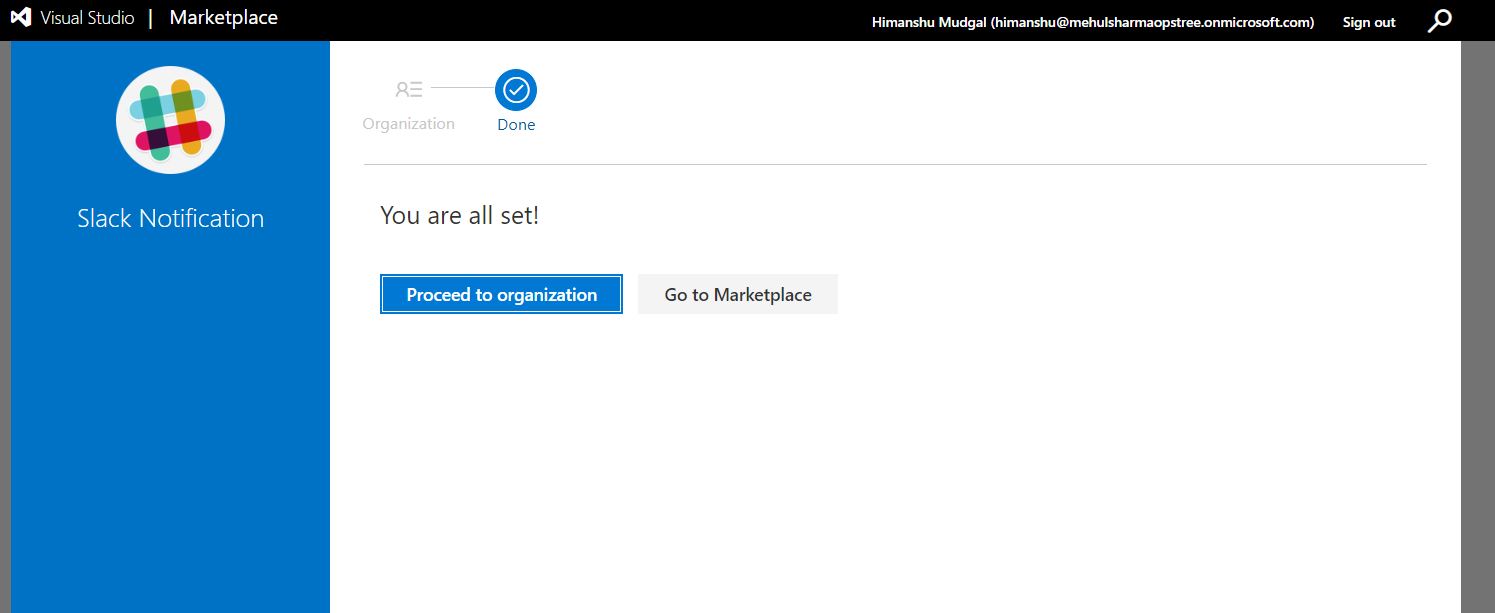
After following above tasks you'll find out that the task we looked for is no longer in the Marketplace section.