Lab 09: Azure Artifact - OT-TRAINING/azure-devops-zero-to-hero GitHub Wiki
Azure Artifact
Let's assume of a scenario in which we build an war file artifact using maven and now we would like to directly deploy it using Azure Devops Release Pipeline or let's say there is any html file in our system and we'd like to publish it into our webserver using Azure Devops Release Pipeline. In that case the artifact must be published into our Azure Devops Portal so that we can download it using pipeline into our deployment servers and publish it.
Here's when Azure Devops comes into picture. Using the Artifact feature of Azure Devops we can publish the artifact stored from our local system into Azure Artifacts by following simple steps. Azure Artifacts also provides the support to maintain the multiple versions of our artifact.
Let's find out how its done.
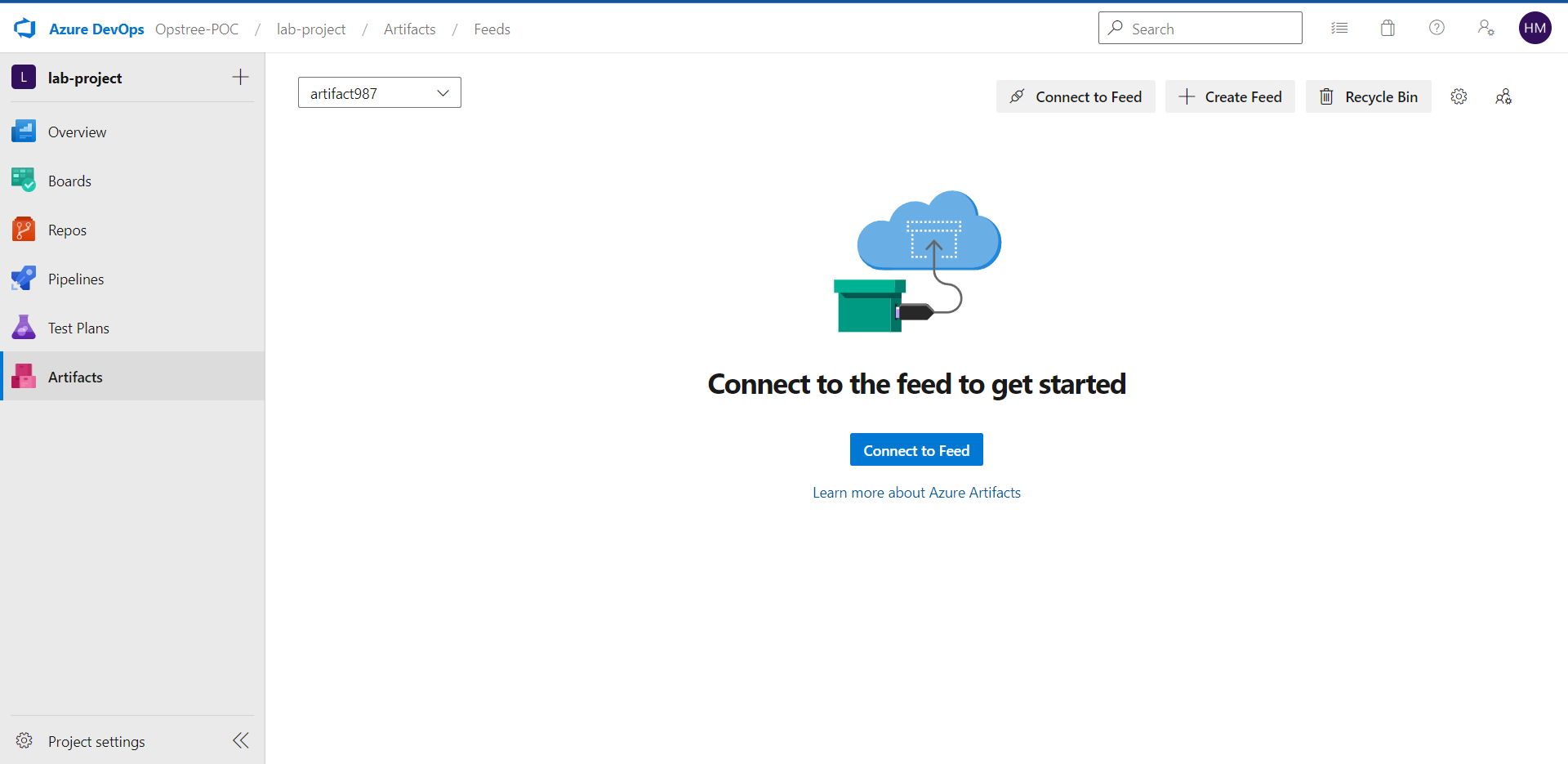
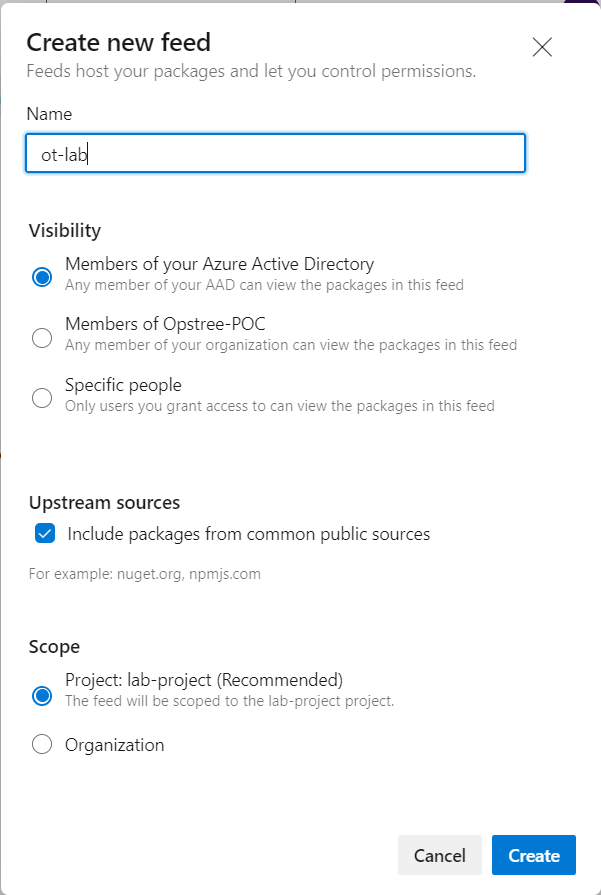
Go to Create Feed we can also continue into the same panel.
We can also restrict the Visibility of our artifact to limited people or groups or organization.
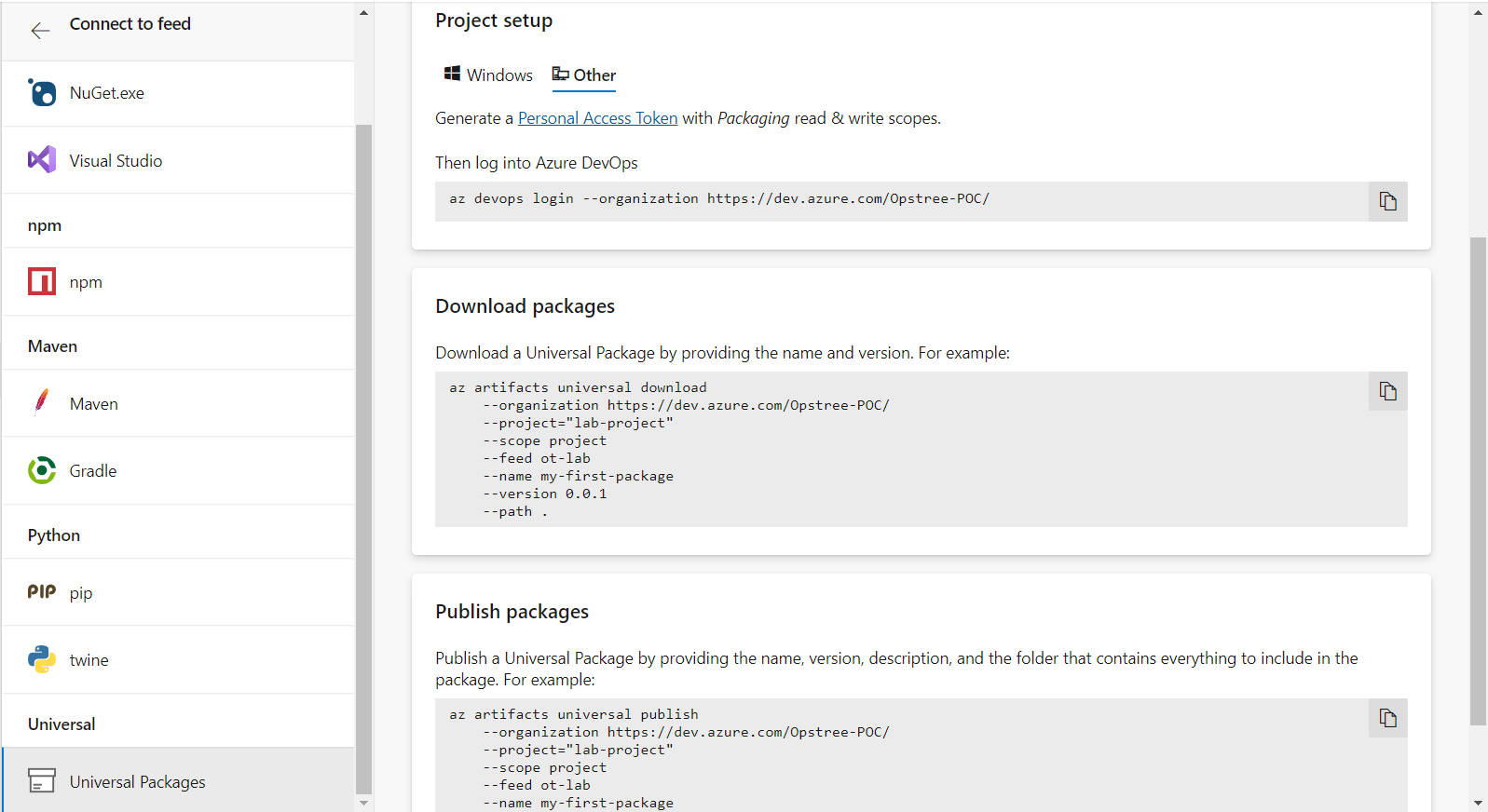
Now go to Connect To Feed and from there we can see multiple options or multiple types of artifacts that we can publish into our antifactory.
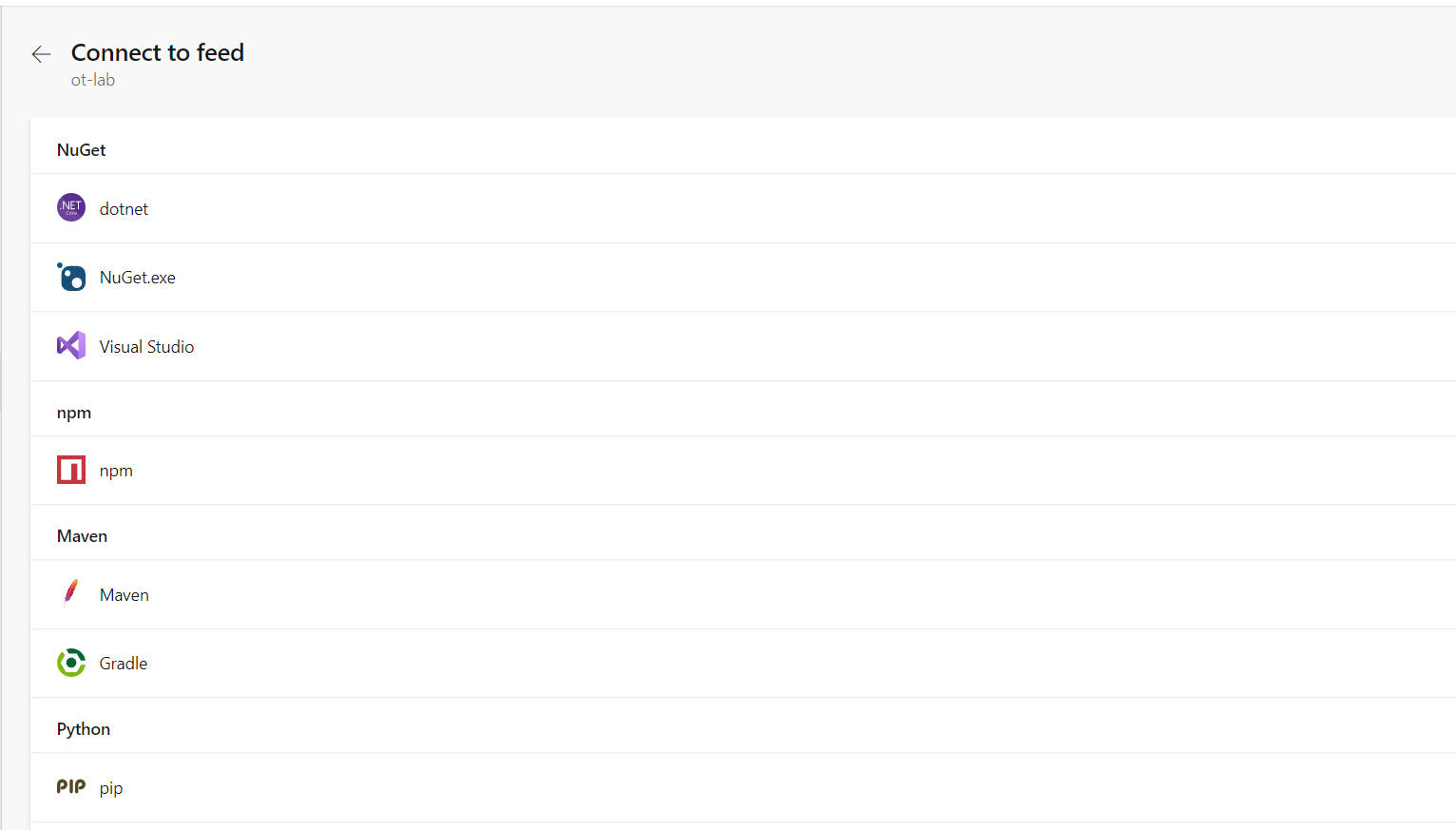
In this lab we will publish a an artifact using Universal Packages link but for understanding purpose let's have a look at the Maven Package.
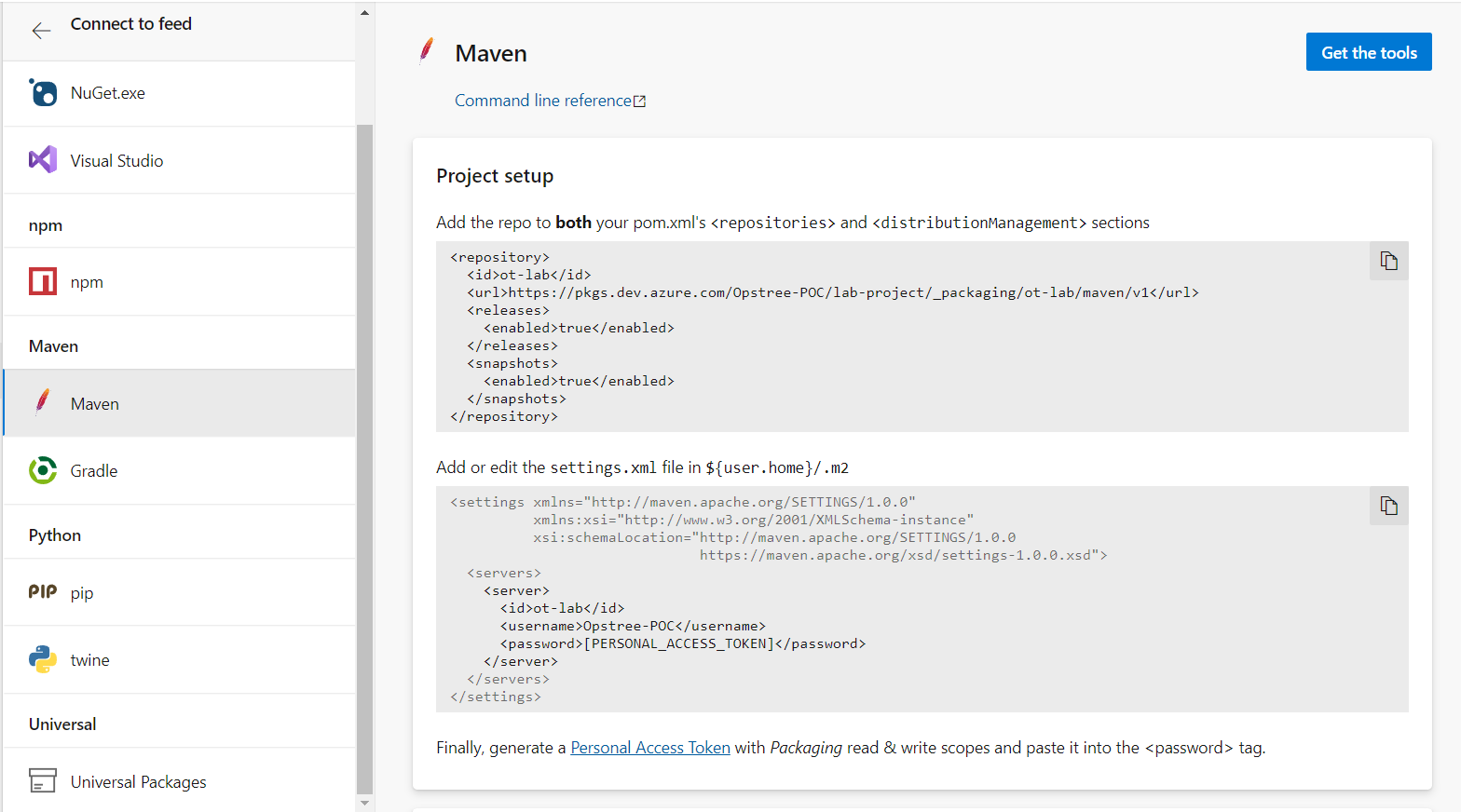
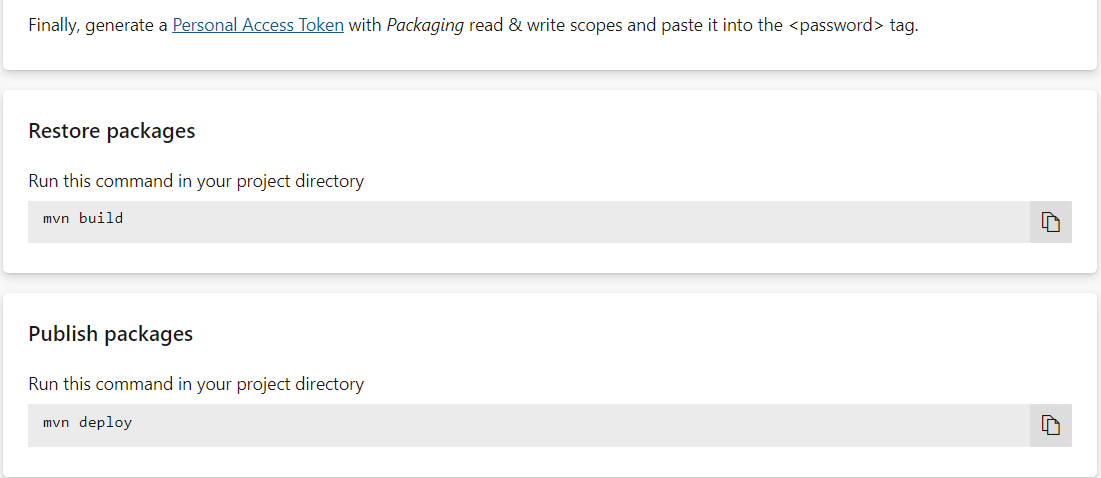
We can publish a Maven Build artifact after making some changes to pox.xml and setting.xml files and after running mvn build and mvn deploy command with the help of PAT token.
Now let's publish an Universal Package.
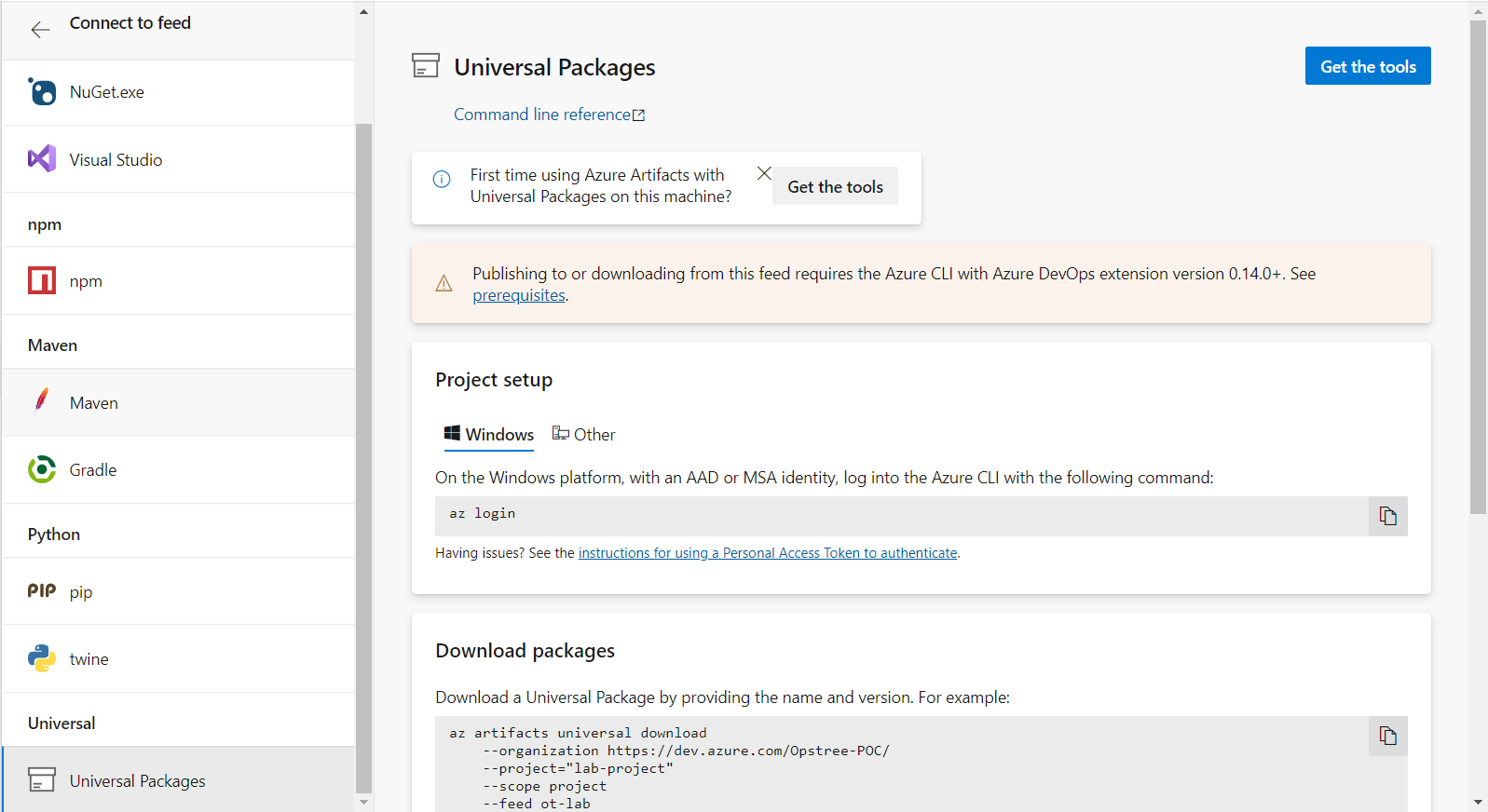
Click to Get The Tools option and follow the commands.
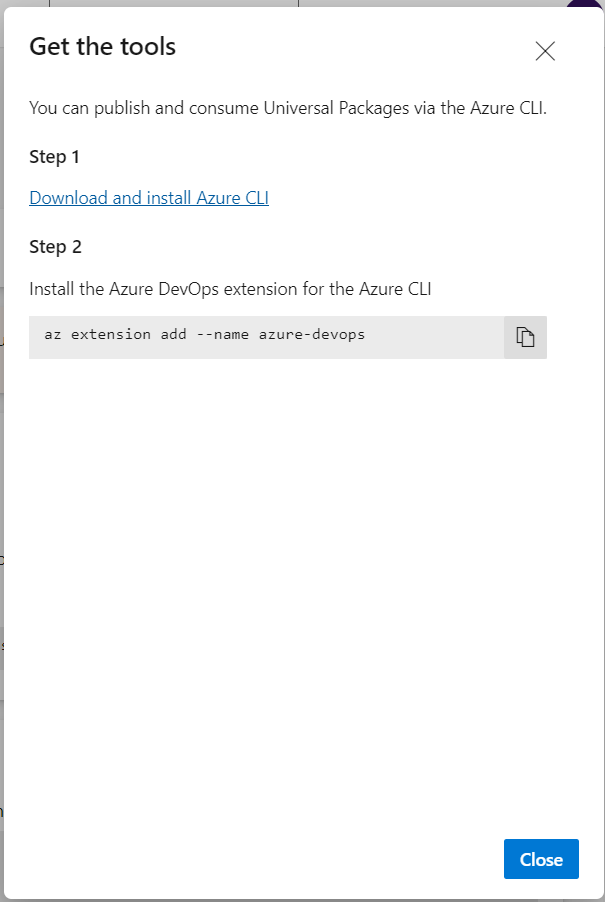
To download Azure CLI we can use following commands.
sudo apt-get update
sudo apt-get install ca-certificates curl apt-transport-https lsb-release gnupg -y
curl -sL https://packages.microsoft.com/keys/microsoft.asc | gpg --dearmor | sudo tee /etc/apt/trusted.gpg.d/microsoft.gpg > /dev/null
AZ_REPO=$(lsb_release -cs) echo "deb [arch=amd64] https://packages.microsoft.com/repos/azure-cli/ $AZ_REPO main" | sudo tee /etc/apt/sources.list.d/azure-cli.list
sudo apt-get update
sudo apt-get install azure-cli -y
az login
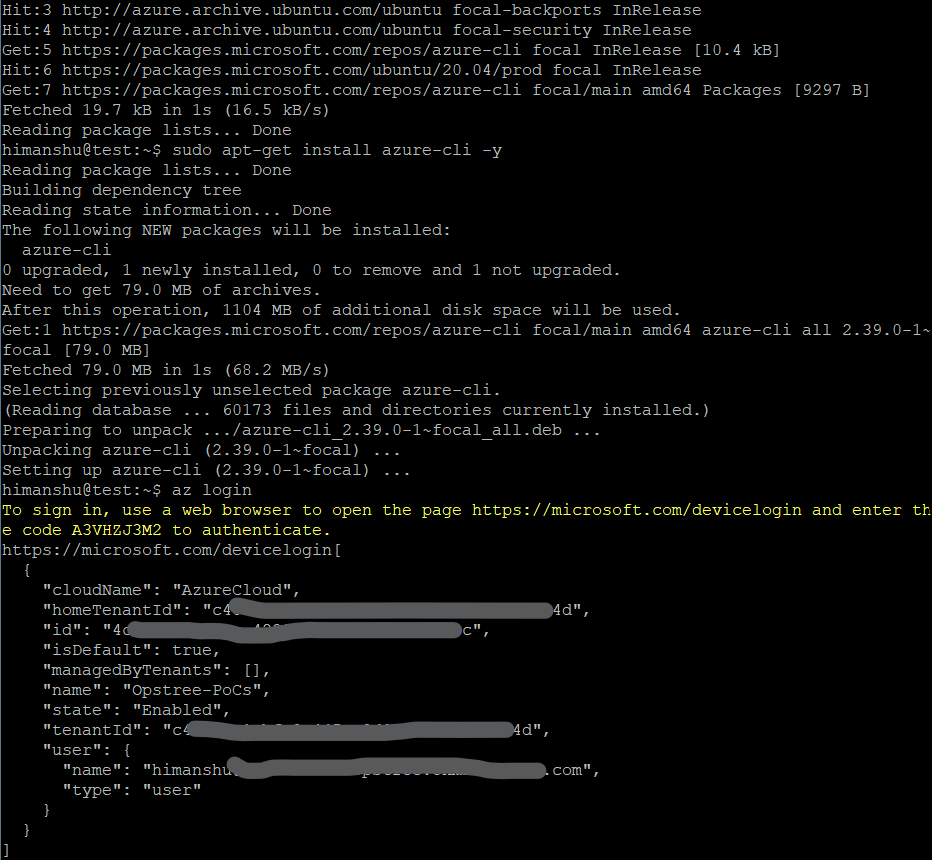
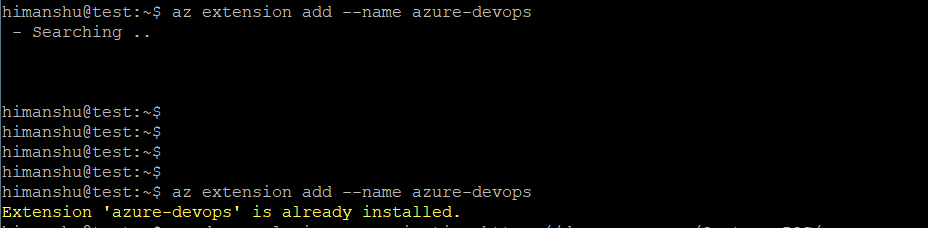
As we have already logged in using az login command that's why we don't need to login into our azure devops account using PAT token.
Just in case you don't have an active Azure Account, you need to login into you Azure Devops Account after generating an PAT token.
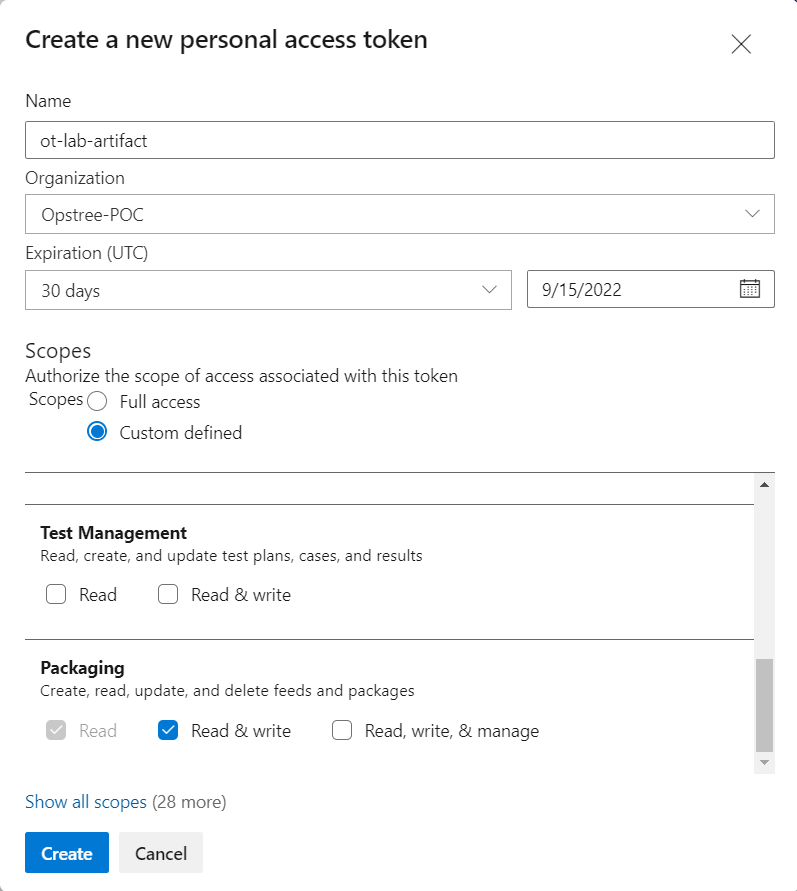
You need to provide Read & Write access to Packaging scope in your PAT Token and then copy and paste it to some safe file.
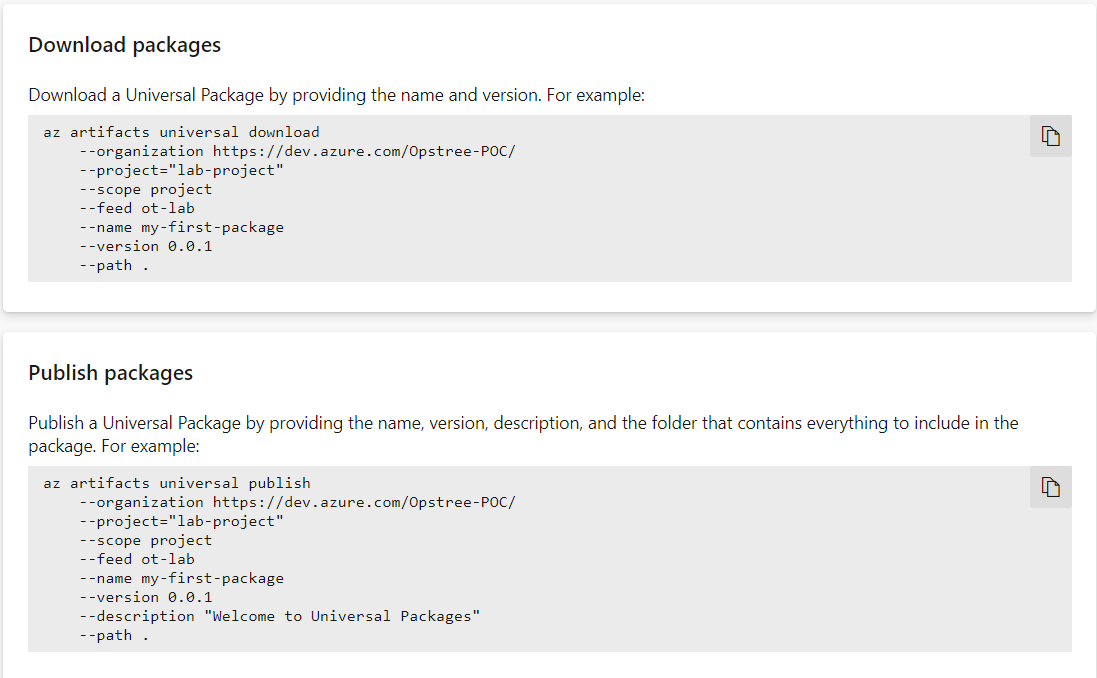
Now we can download as well as publish artifacts.
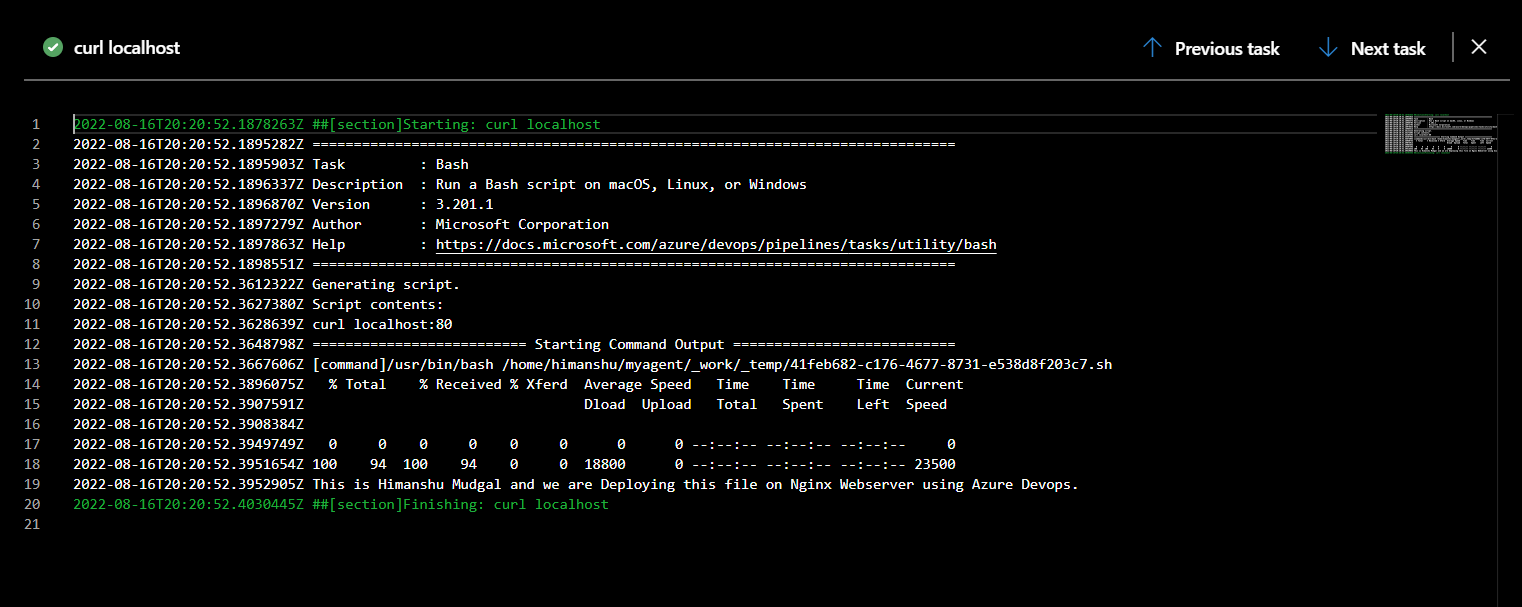
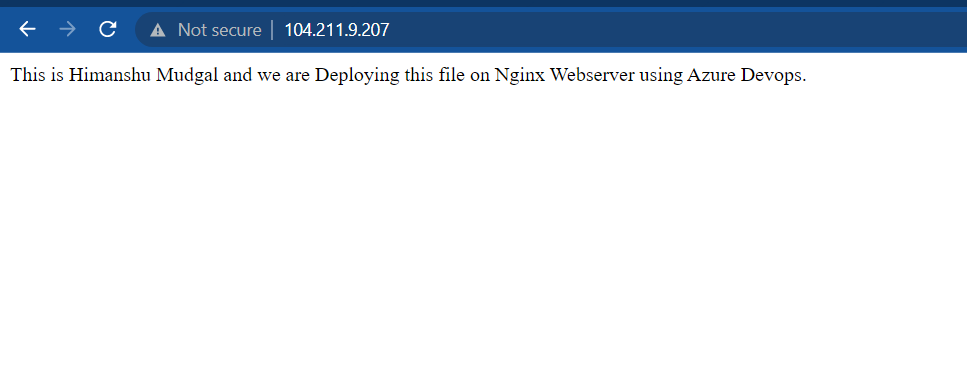
Let's create a sample index.html page and deploy it using Nginx.
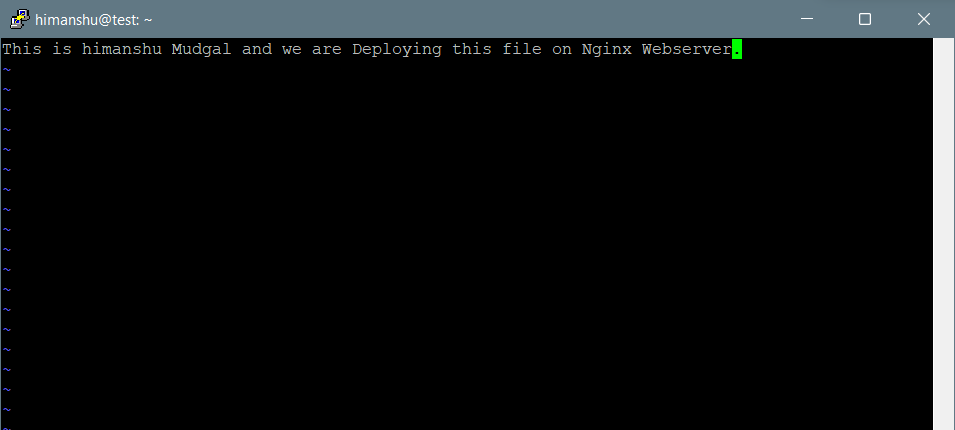
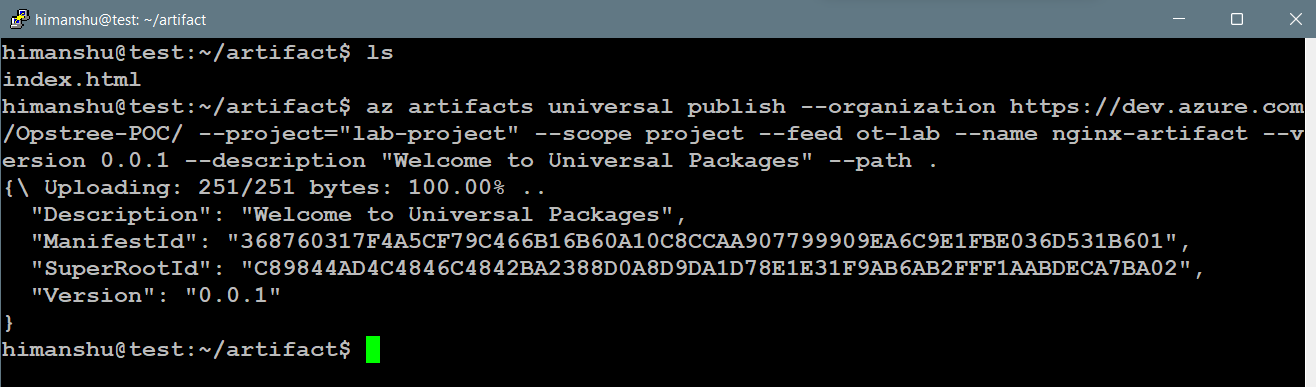
We can further make a few changes into our file and then publish a new version into Azure Artifacts.
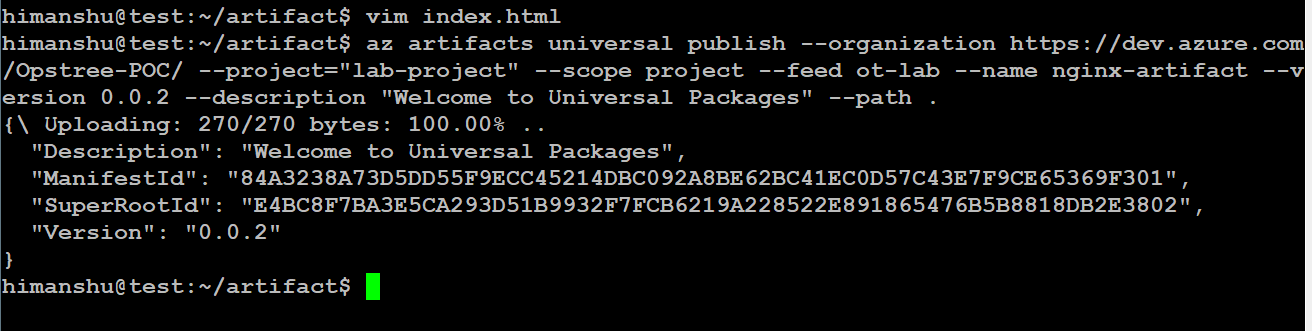
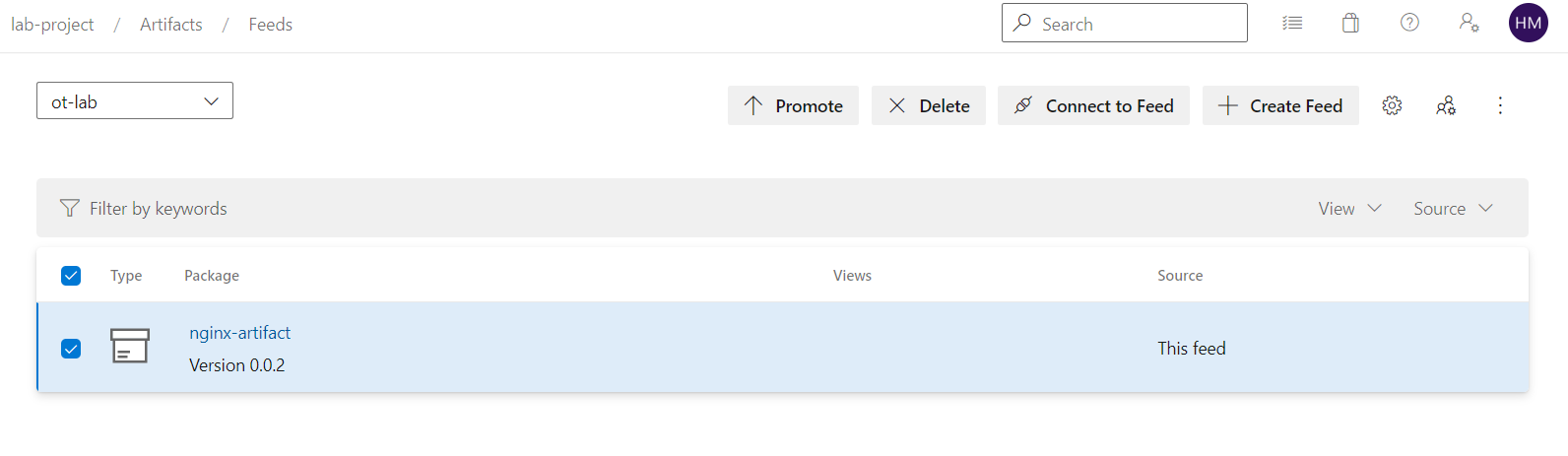
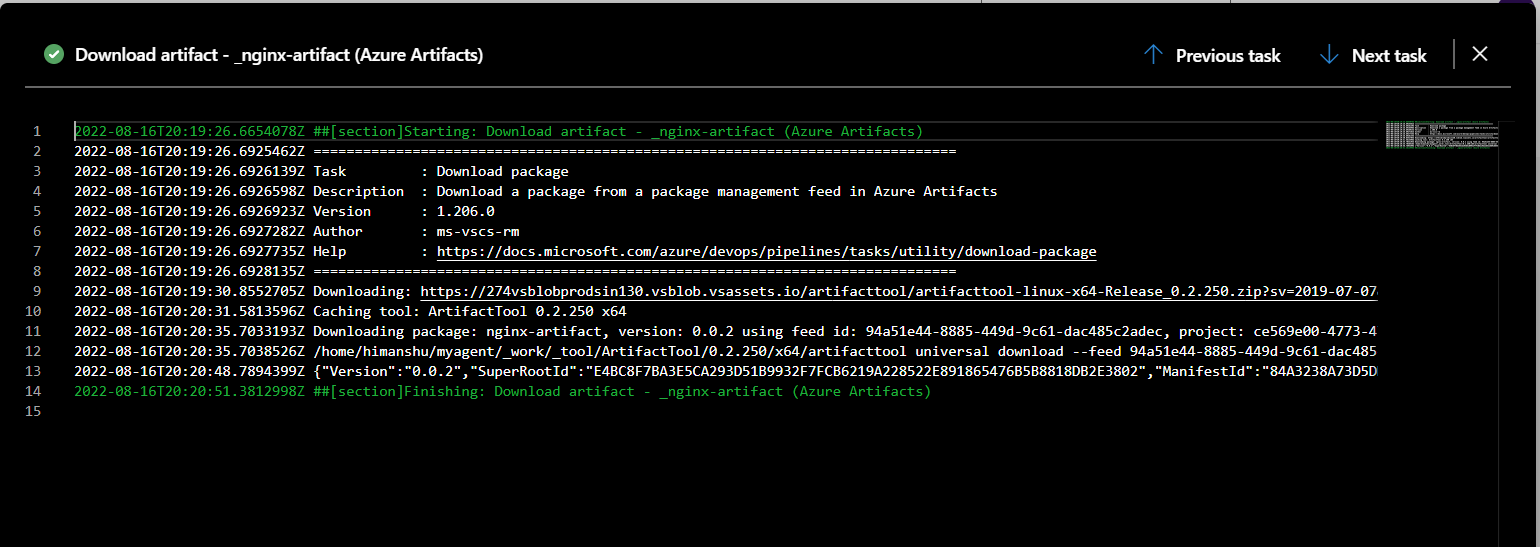
Now let's create a deployment pipeline ie. Azure Release using our published artifact.
Add a new Azure Artifact.
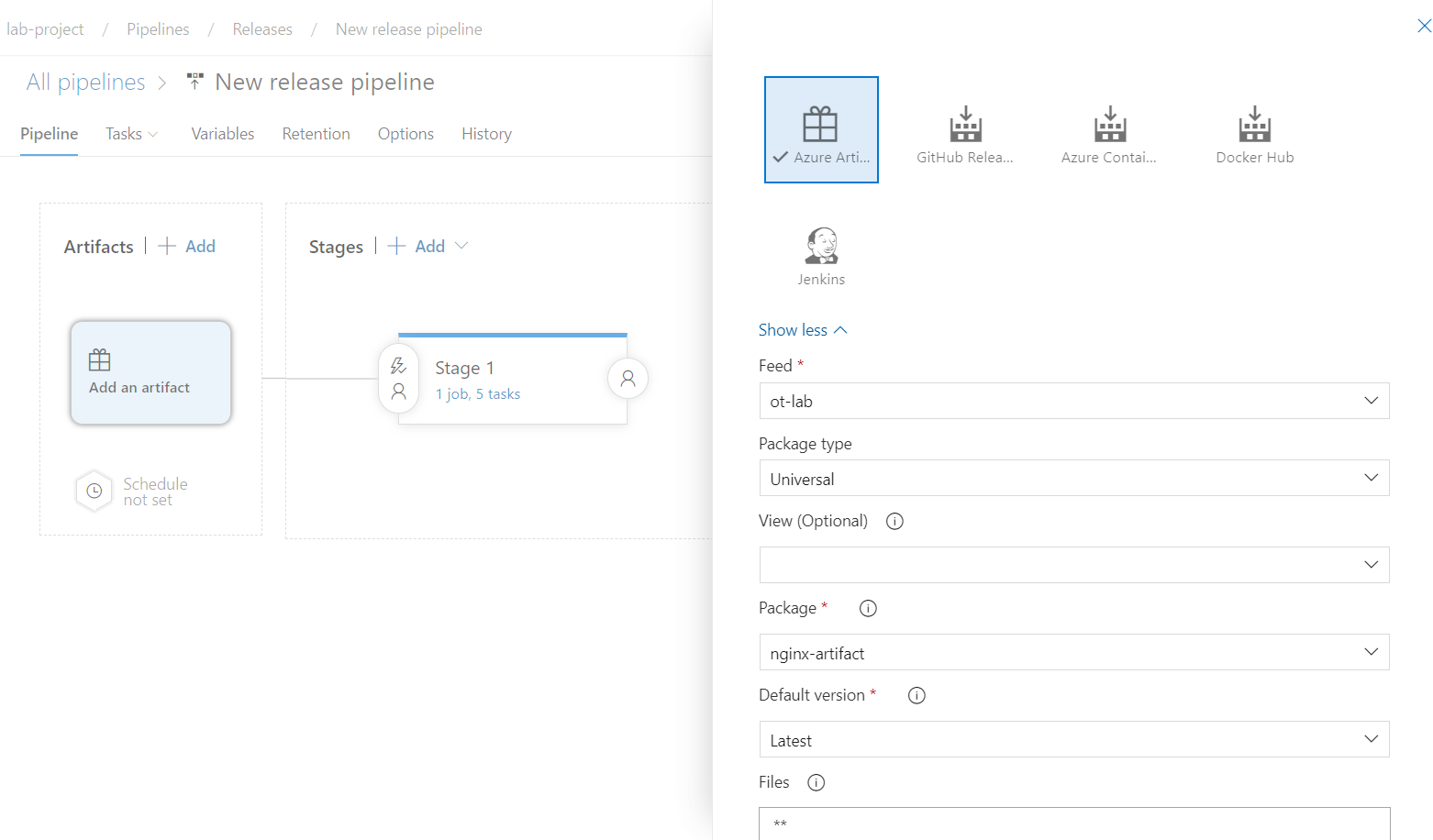
Let's save and run our same old pipeline.
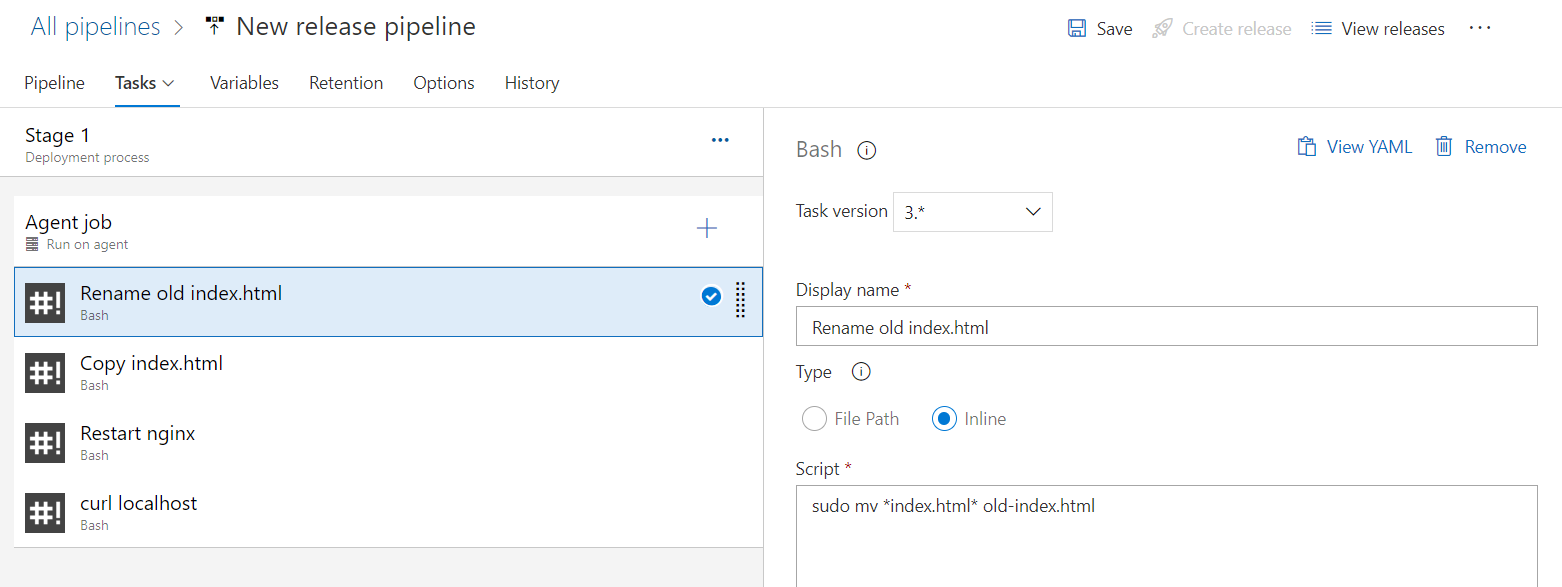
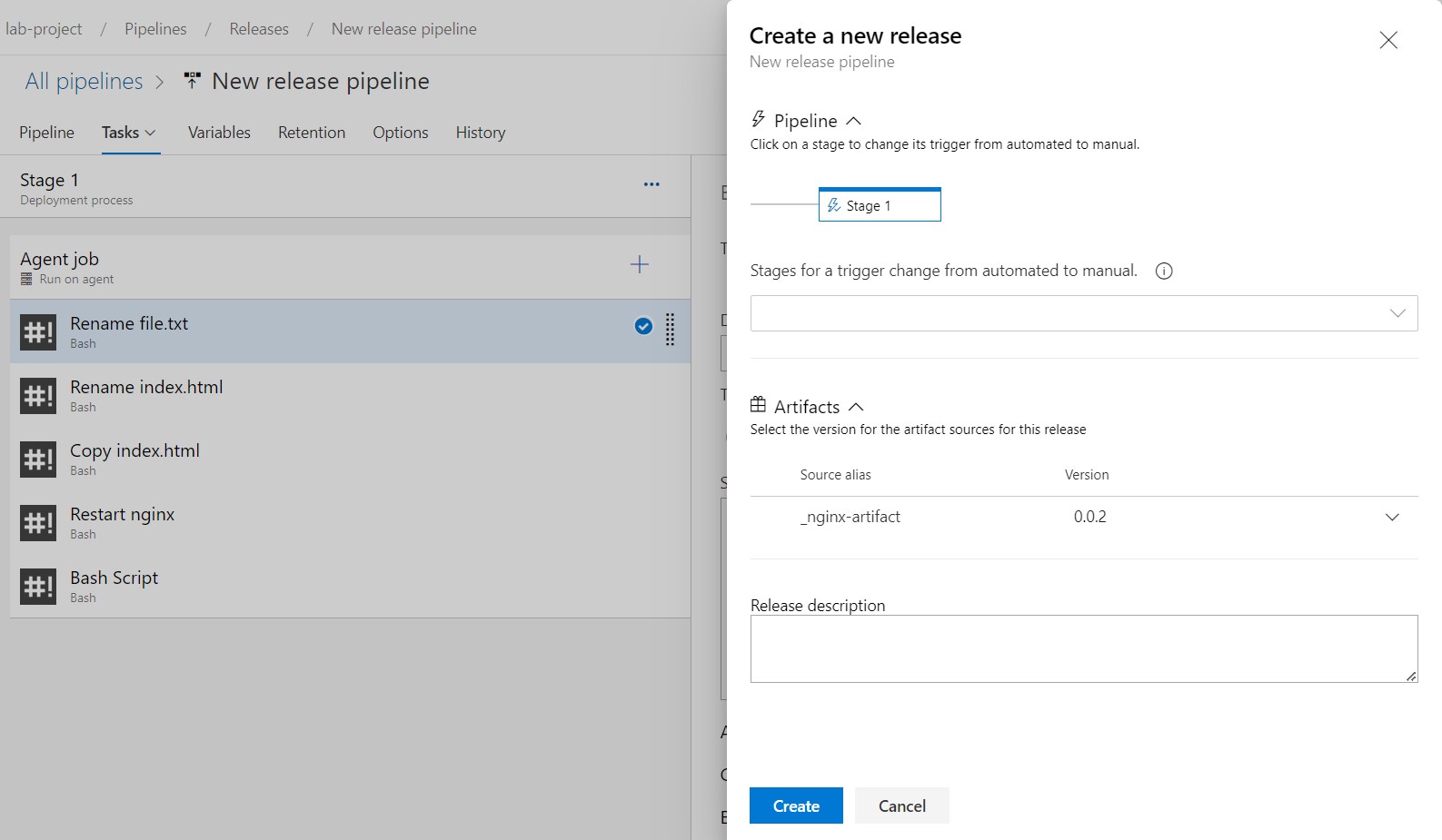
Now let's inspect the output logs.