Lab 08: Deployment Groups & Environments in Azure - OT-TRAINING/azure-devops-zero-to-hero GitHub Wiki
Deployment Groups & Environments in Azure
Deployment Groups
A deployment group is a logical set of deployment target machines that have agents installed on each one. Deployment groups represent the physical environments; for example, "Dev", "Test", or "Production" environment. In effect, a deployment group is just another grouping of agents, much like an agent pool.
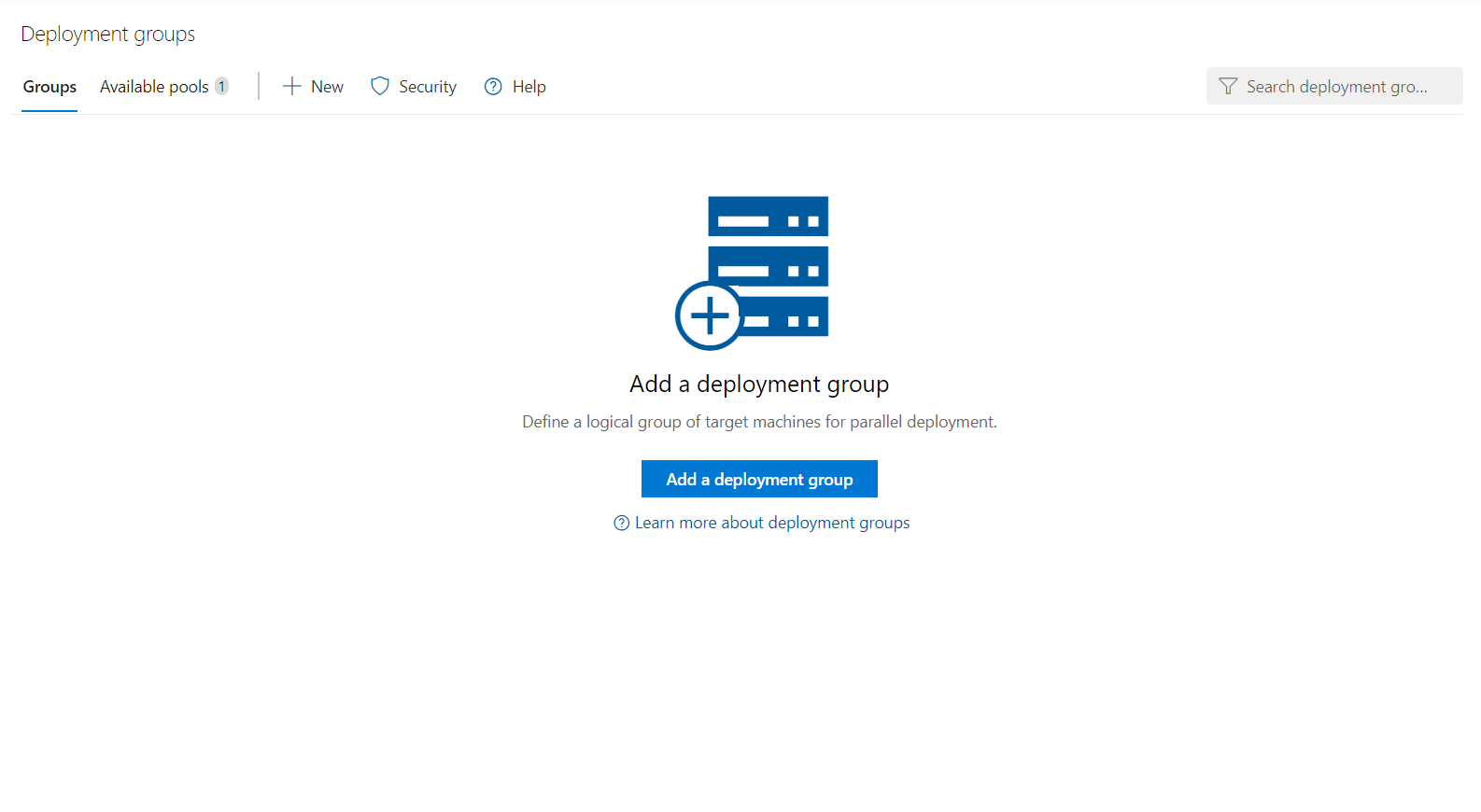
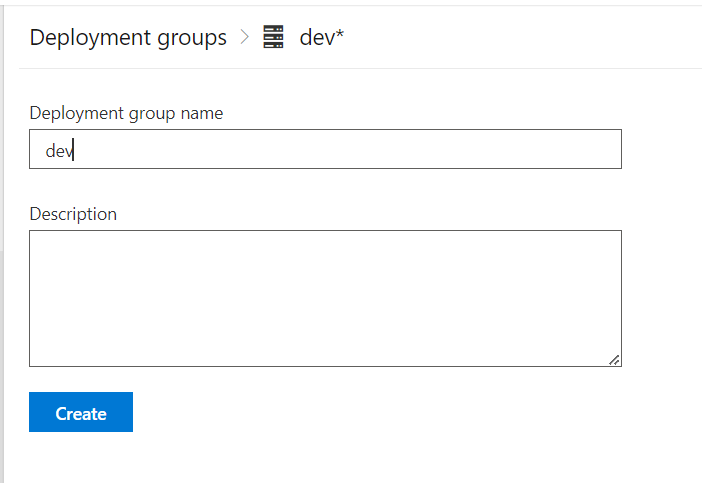
First we will add a Deployment Group
Now on the basis of OS whether Windows or Linux we will copy the commands and run it in our machines to configure them in our Deployment Groups.
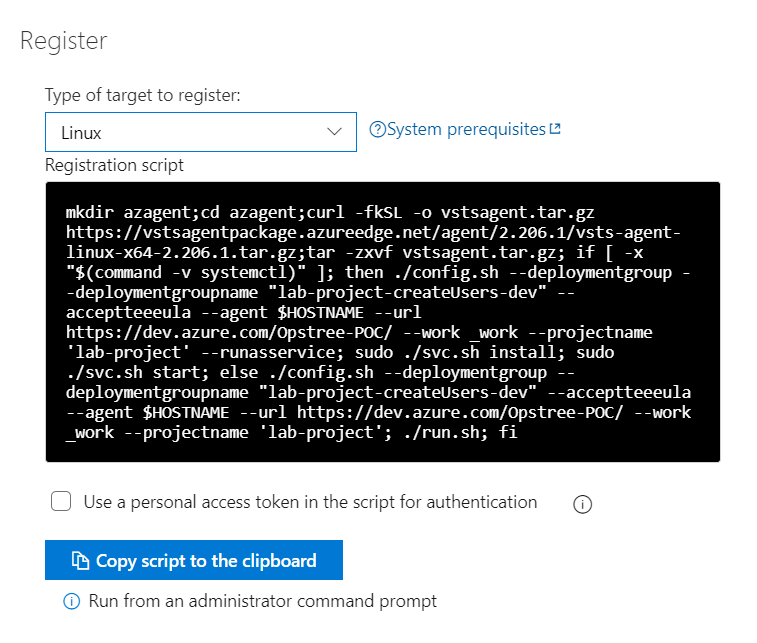
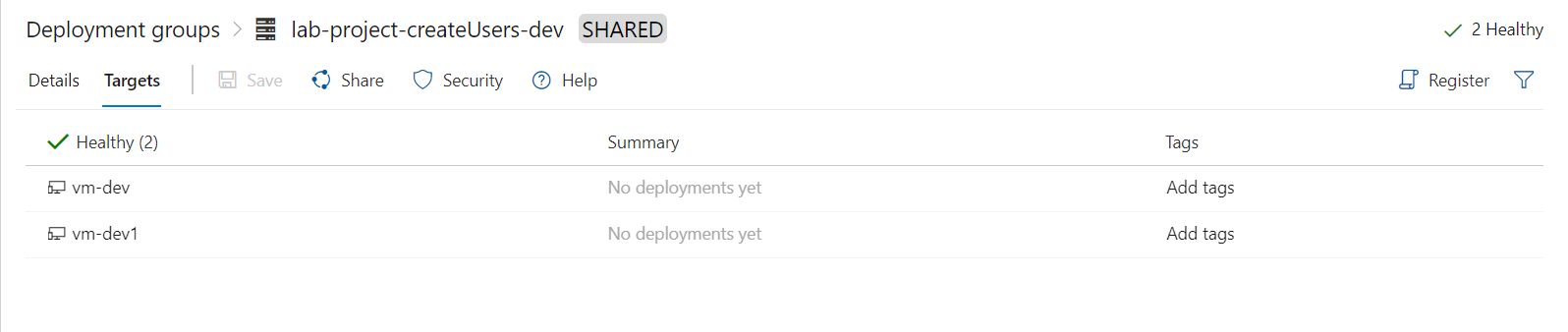
After successful completion of the script our machines will be up and running.
Now we can add a Deployment Group Job in our release pipeline.
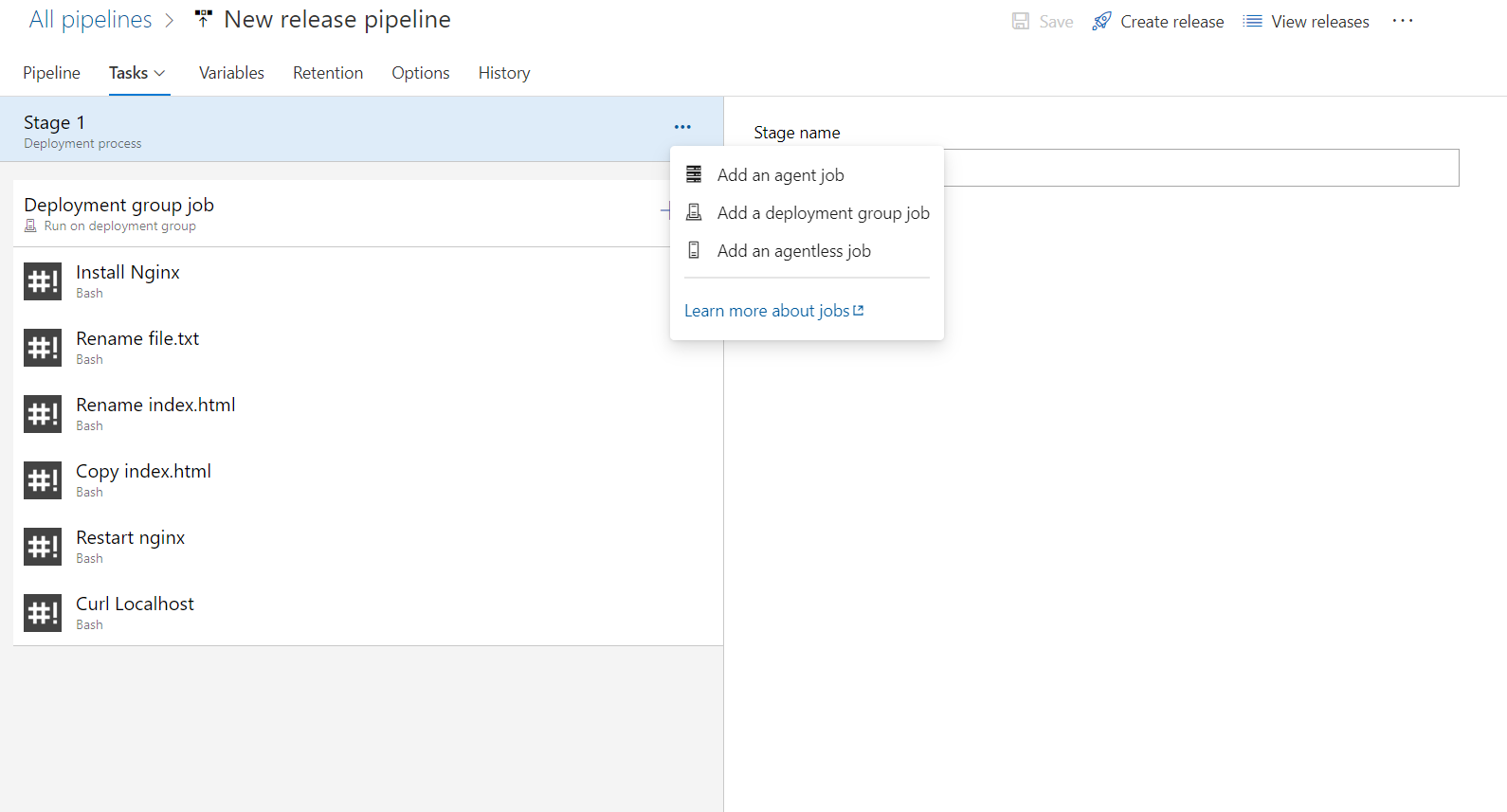
And add few similar steps that we earlier added in our release pipeline.
Let's again host a site using Nginx webserver.
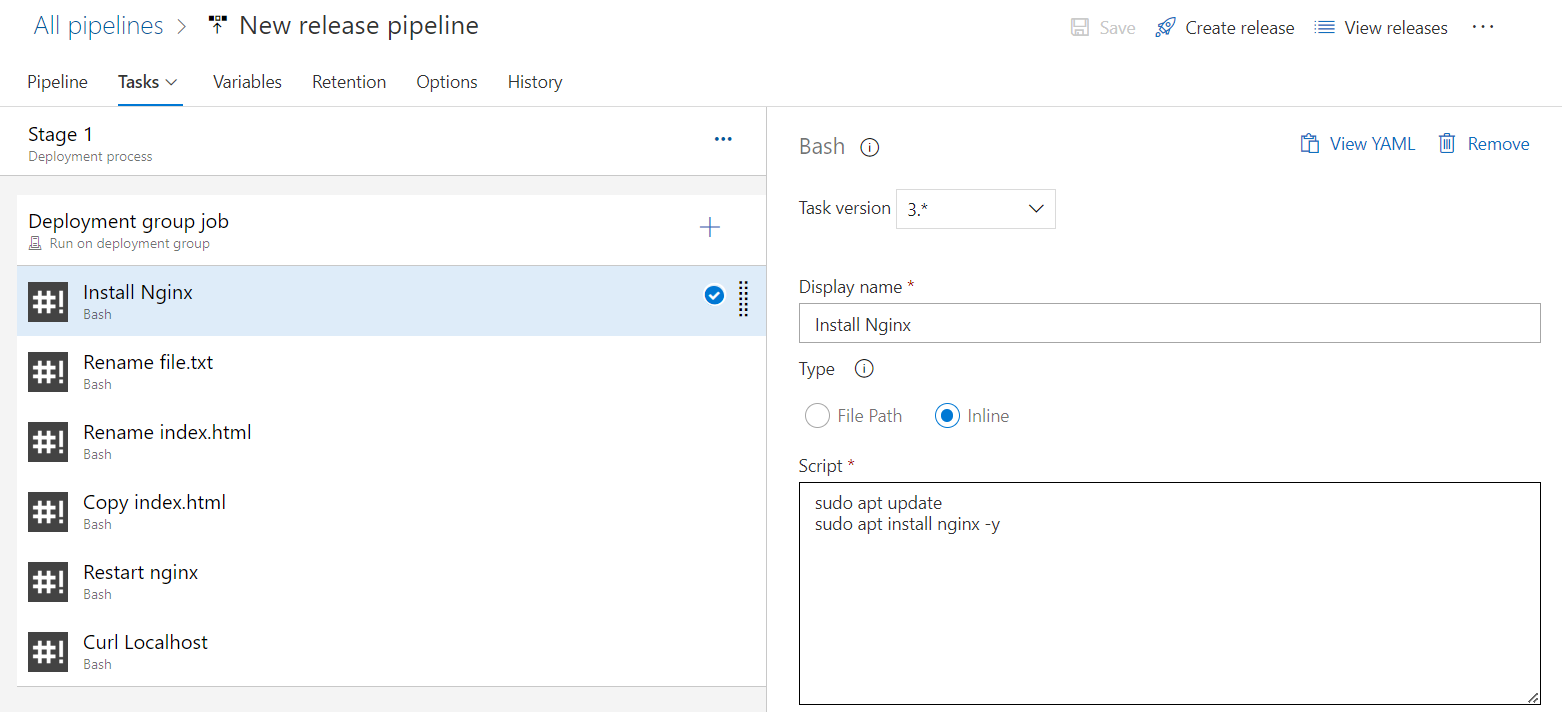
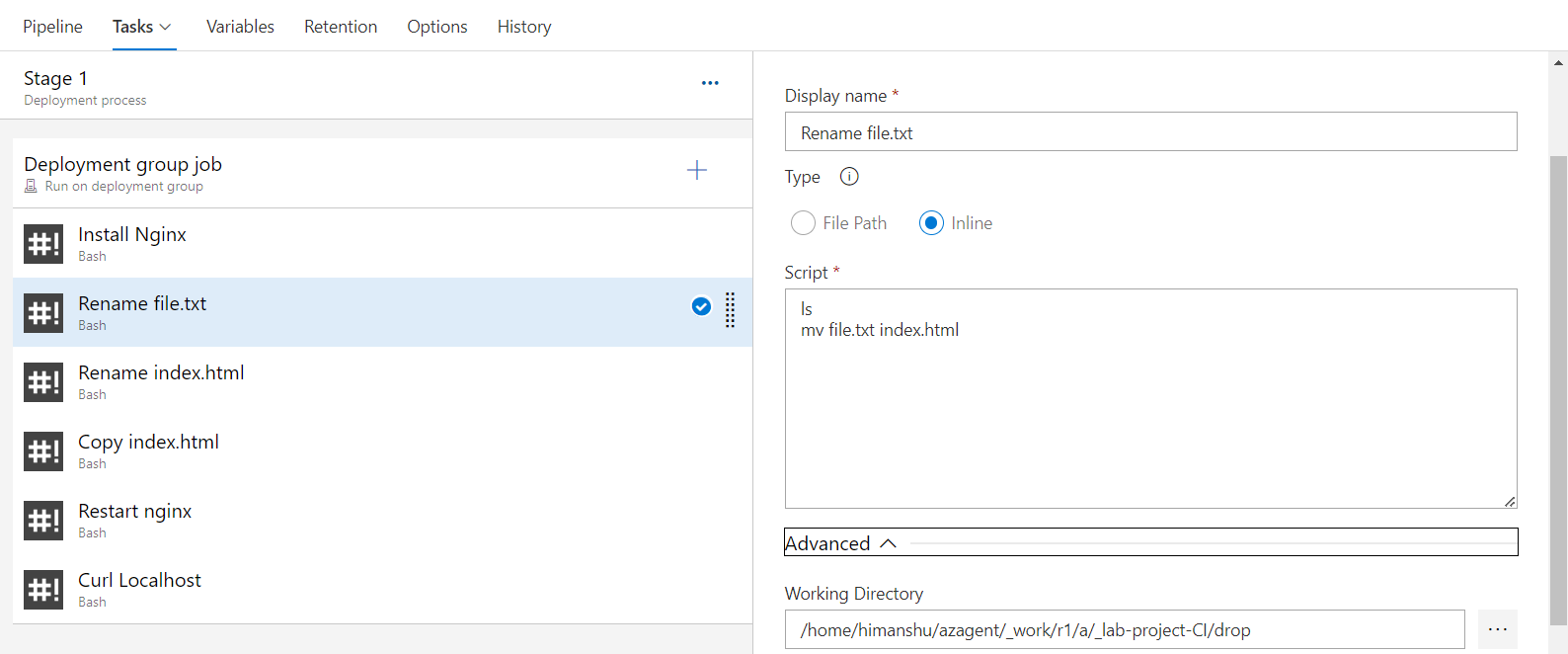
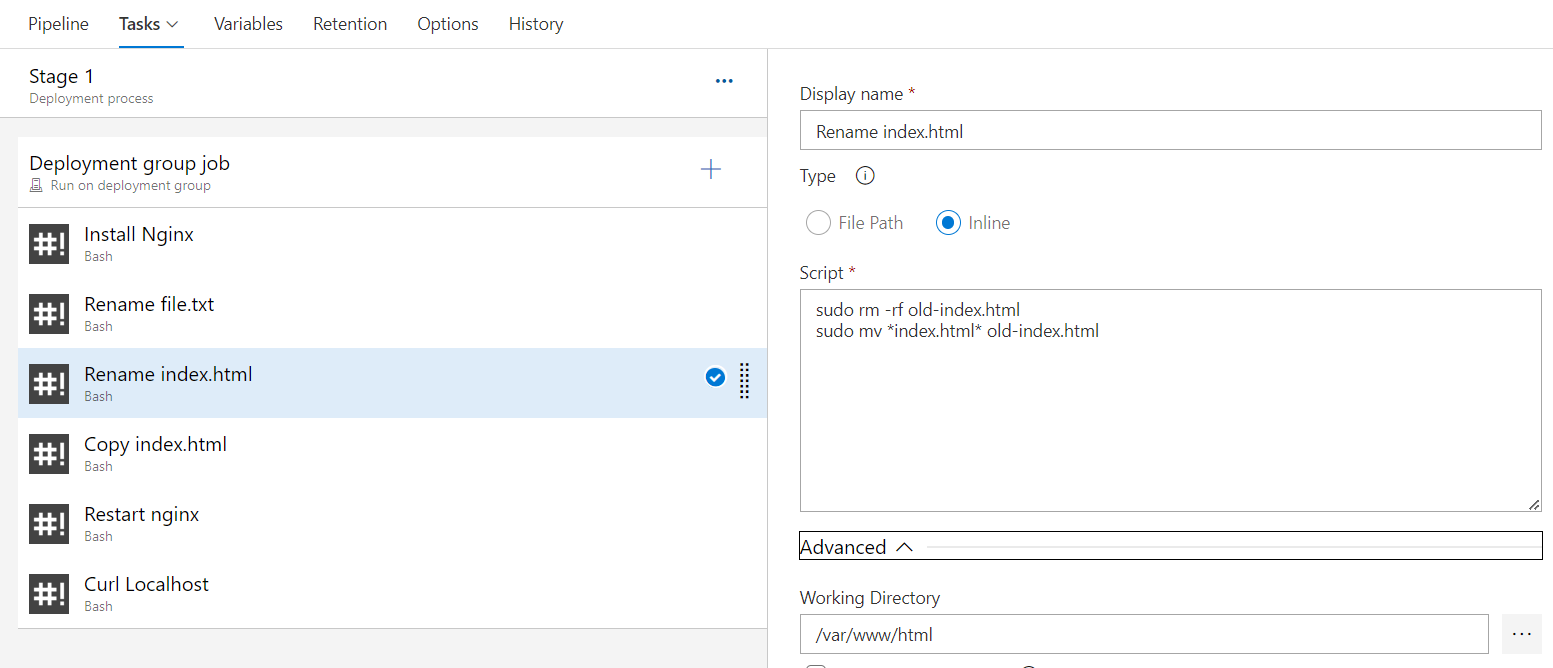
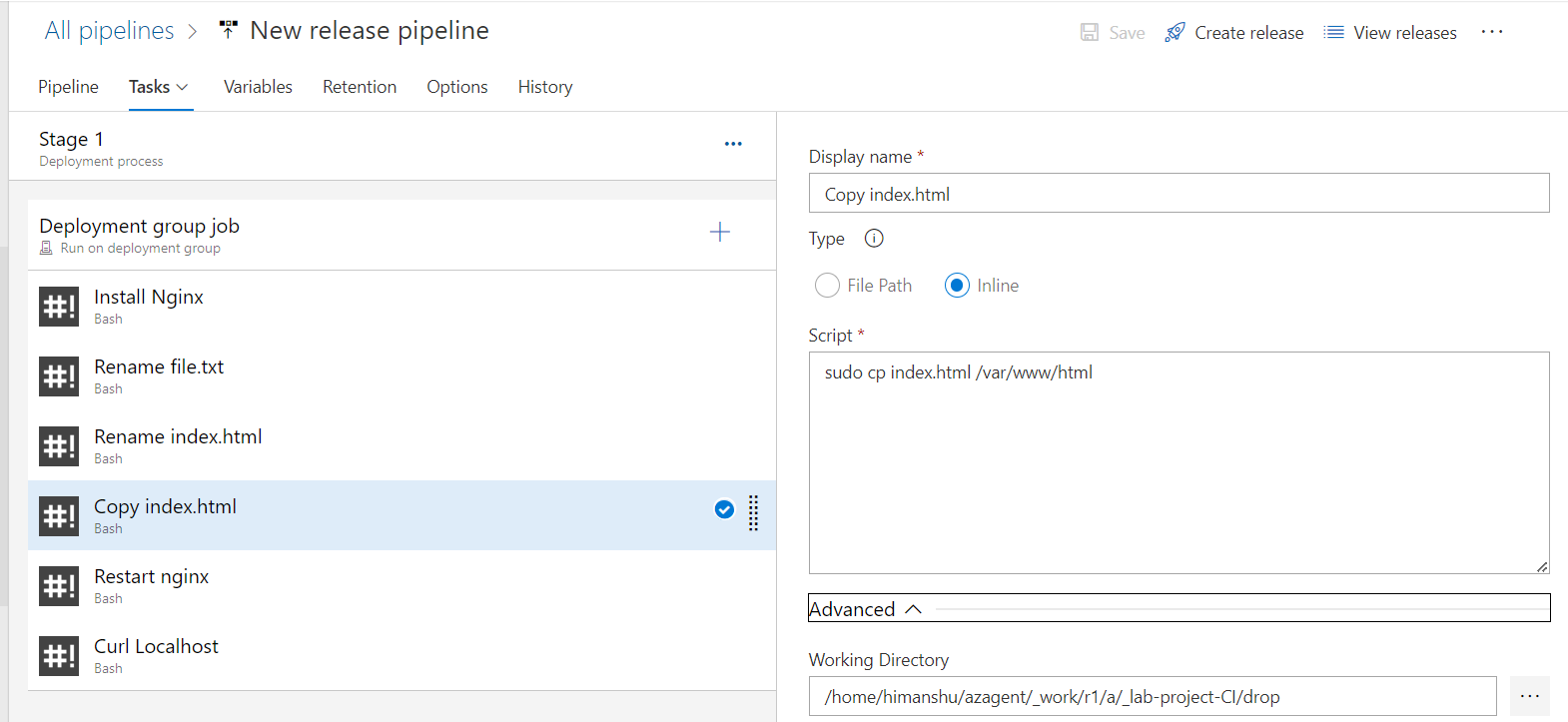
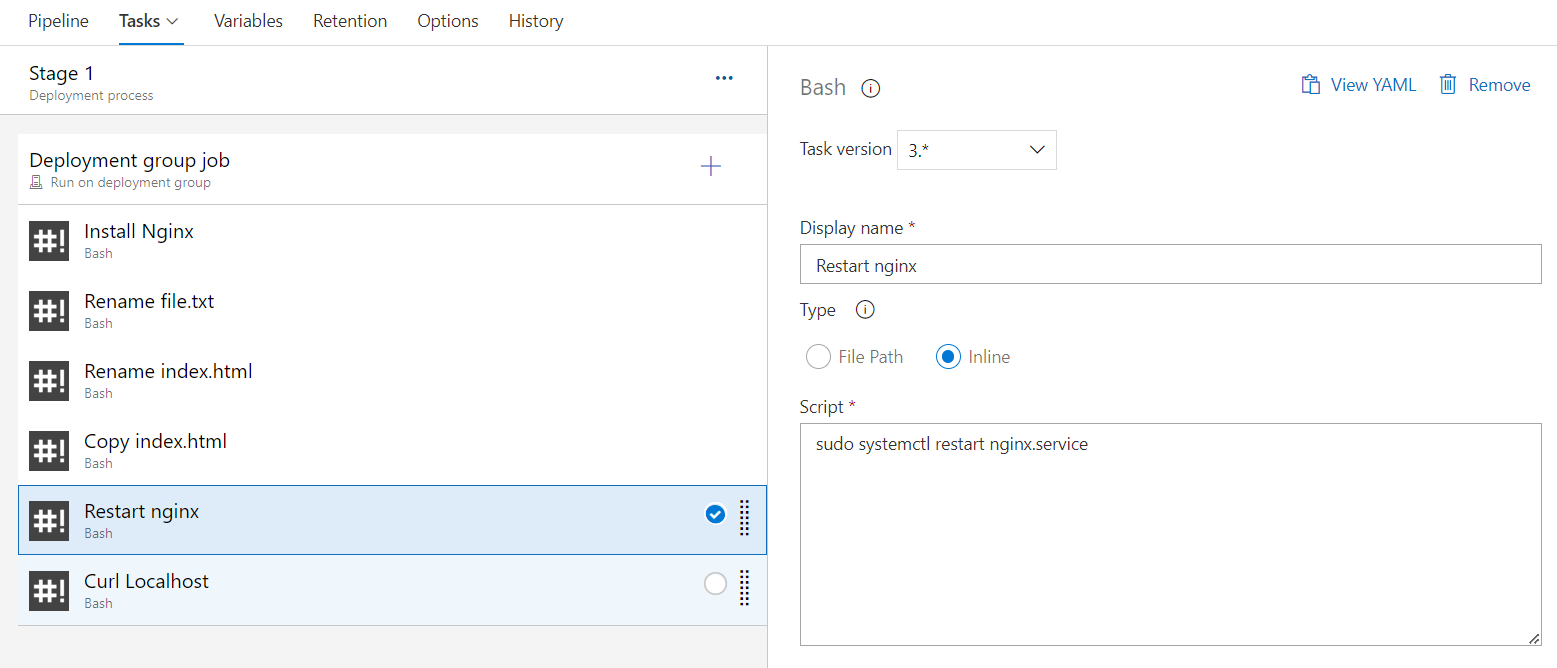
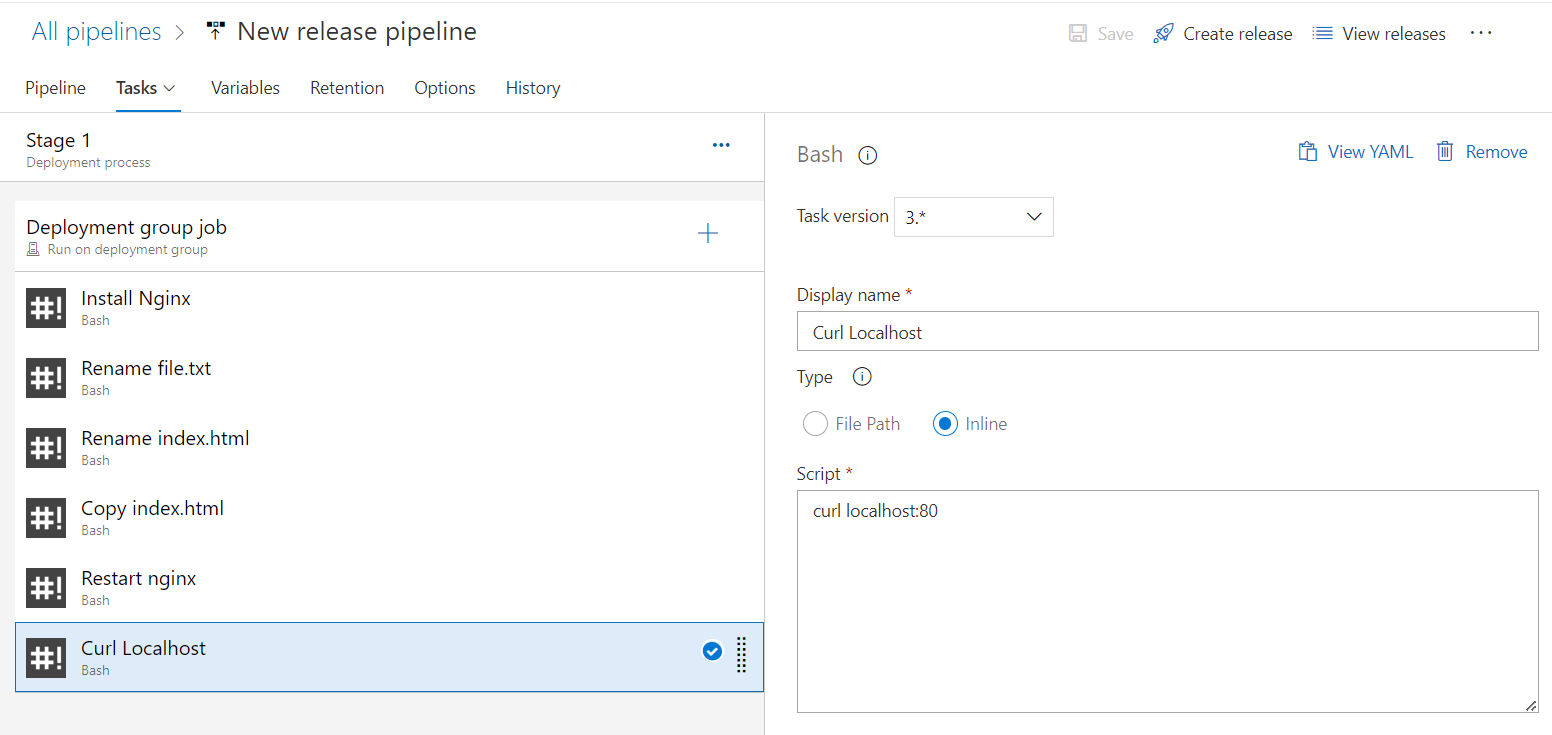
Now let's save the changes and Create Release.
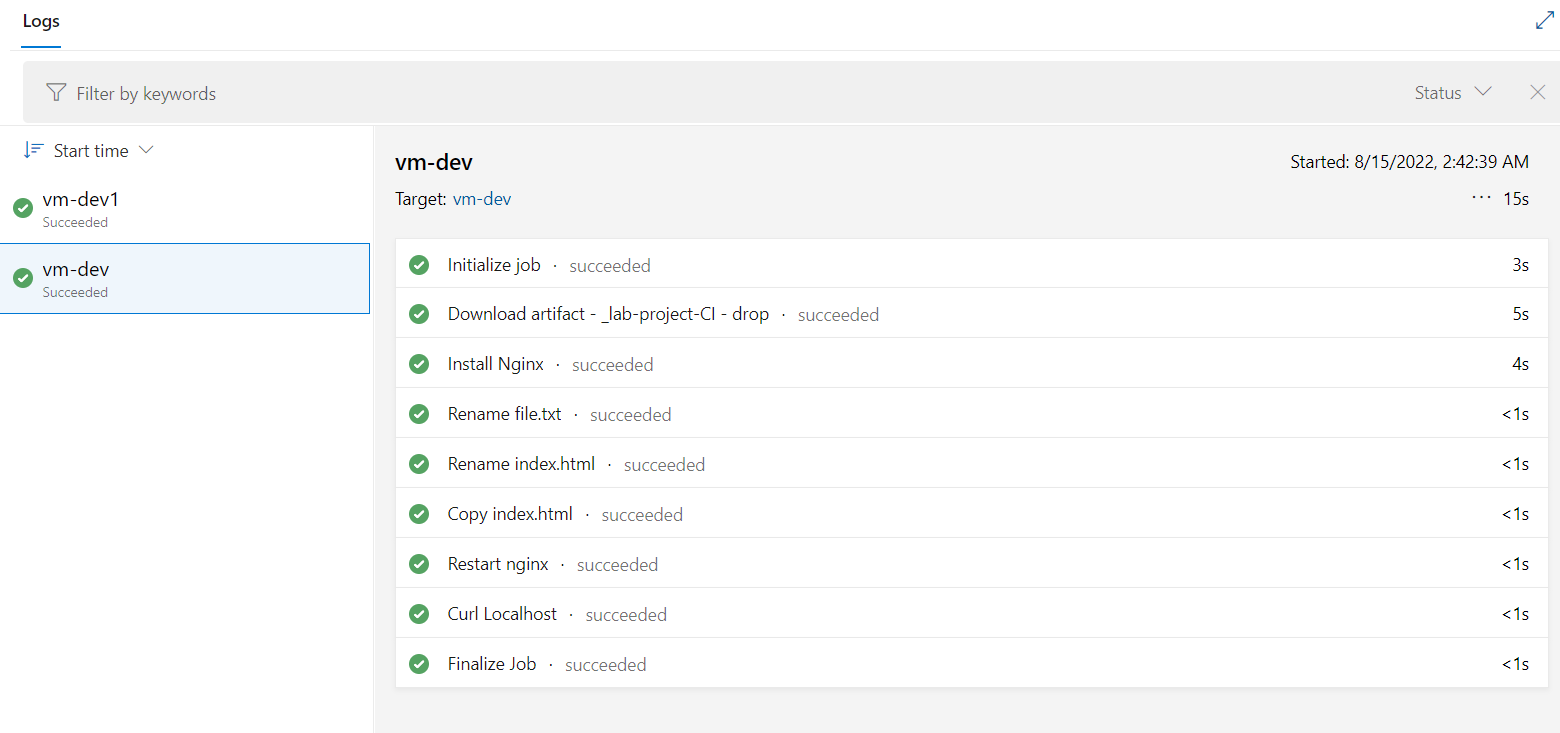
As we have already configured 2 Deployment Agents in our Deployment Group, so it'll present different logs for different deployment group.
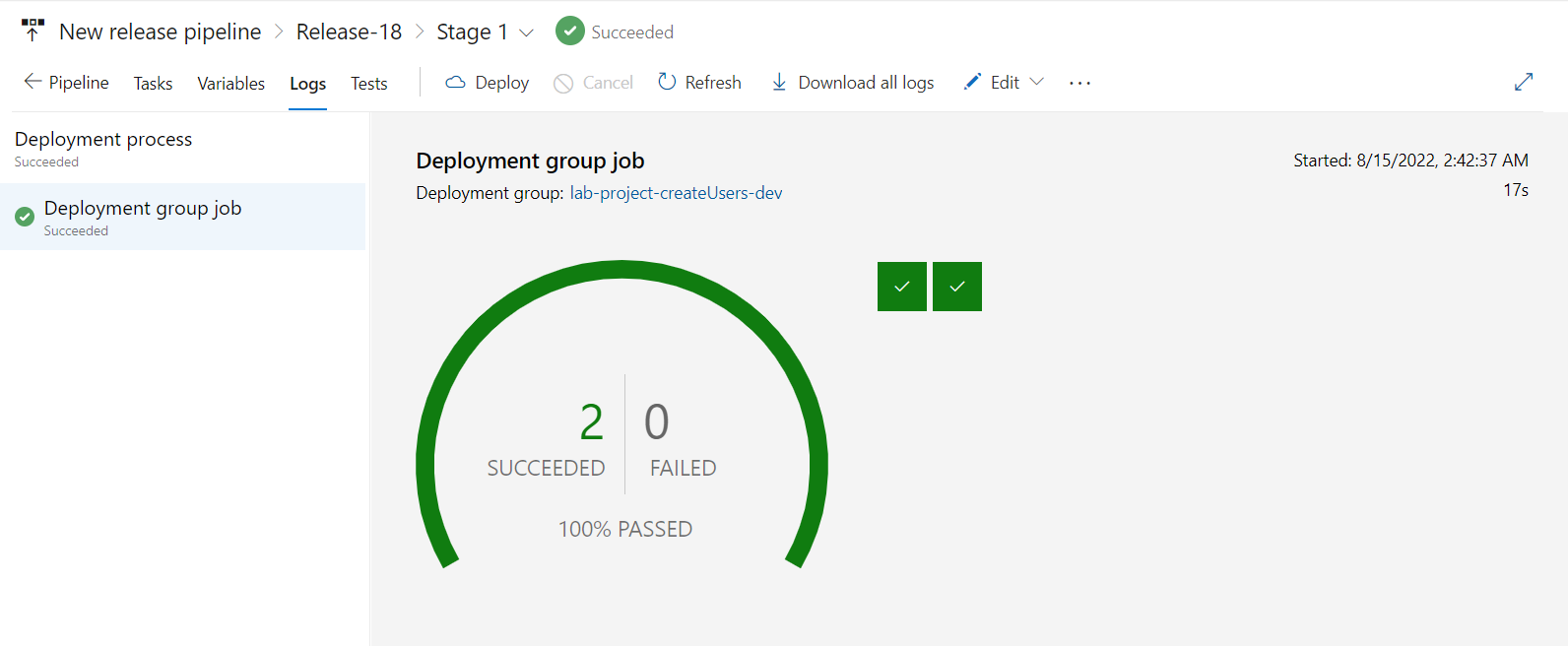
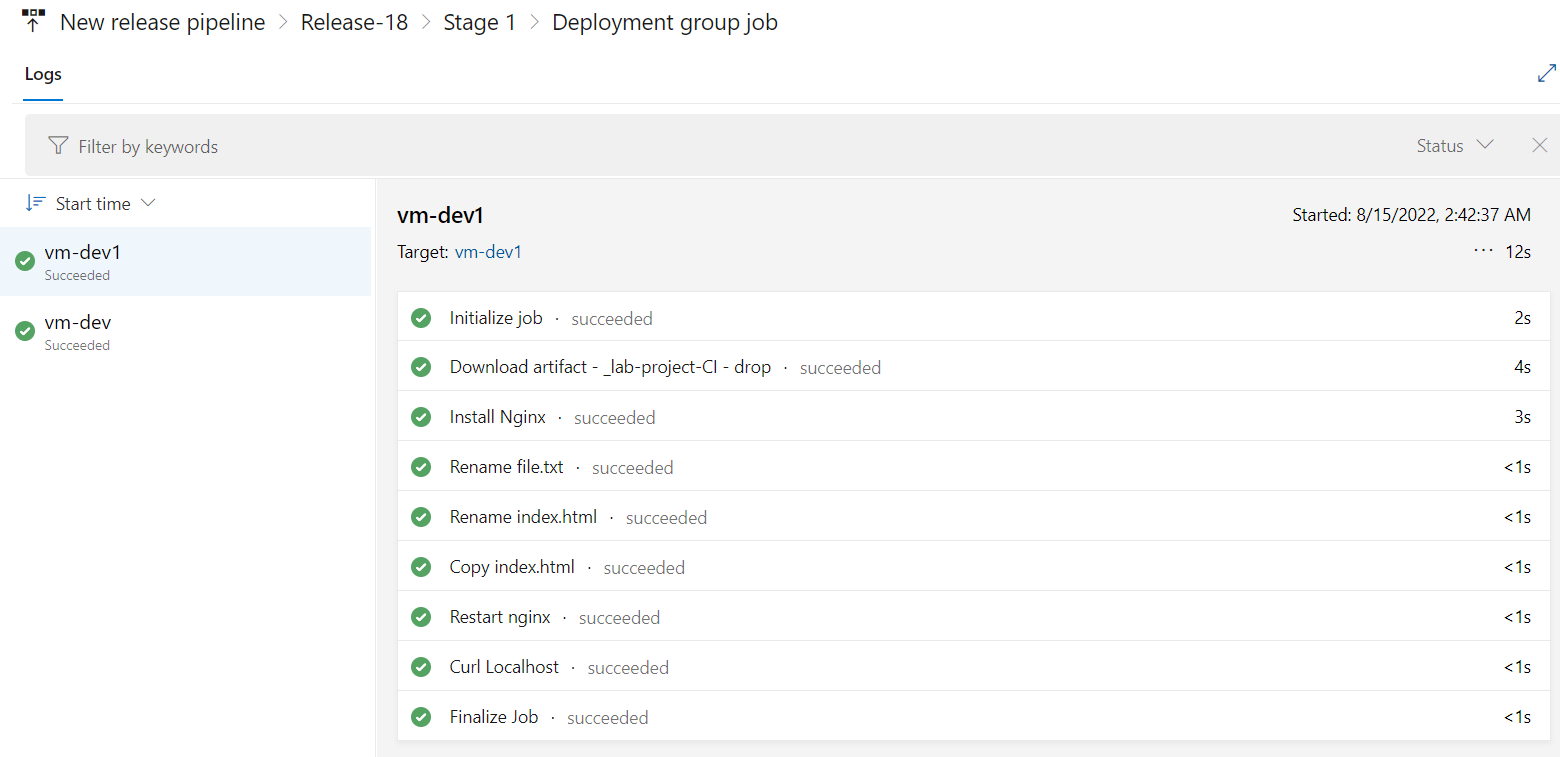
Let's inspect each stage of our pipeline and examine whether they performed as expected or not.
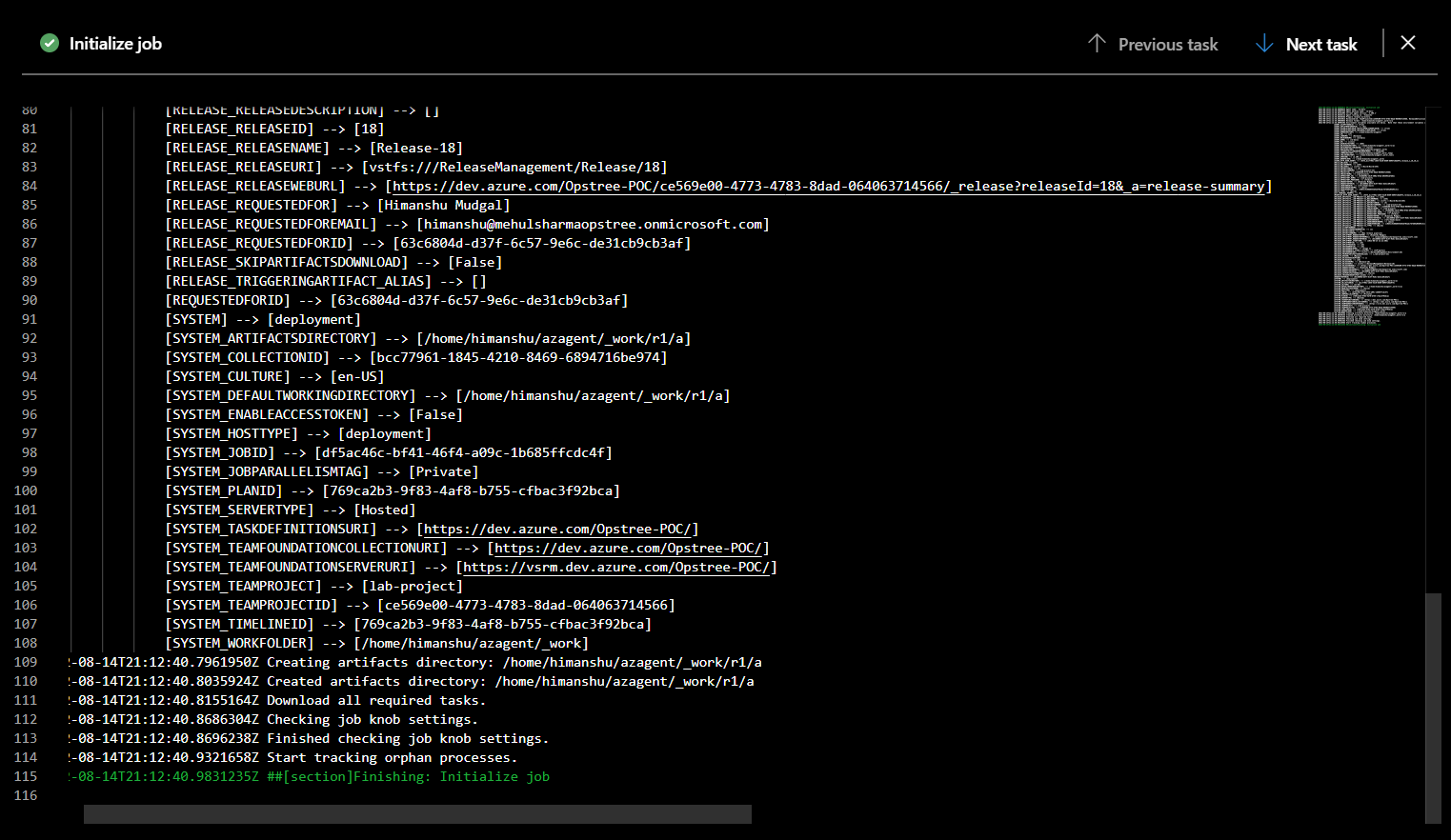
Initialize Job.
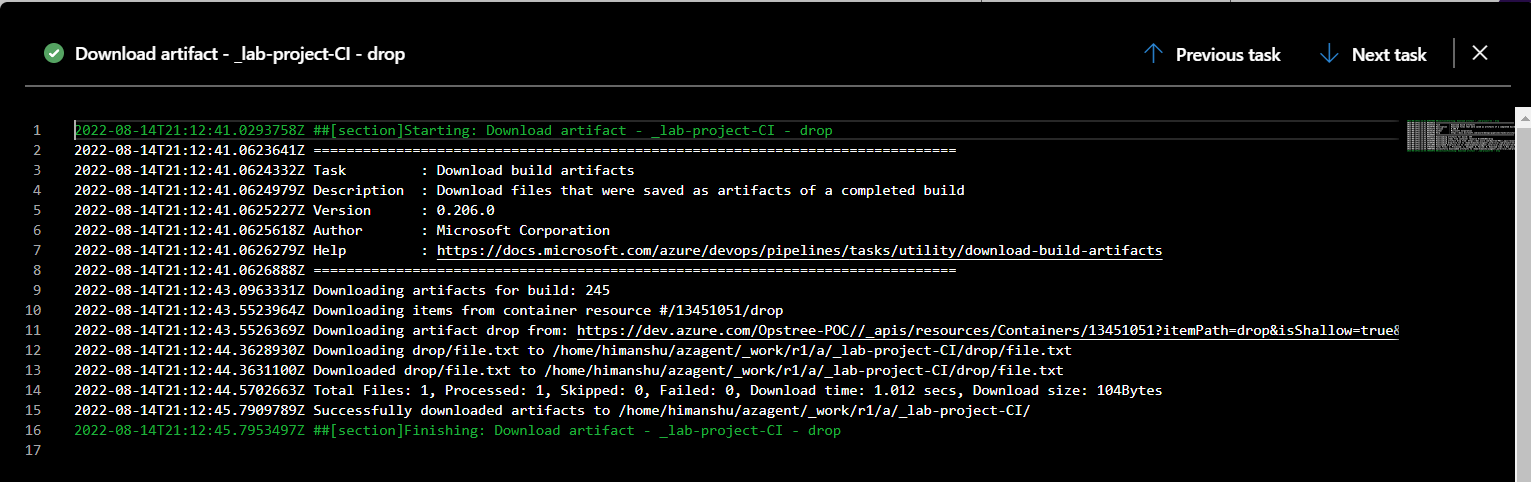
Download Artifacts.
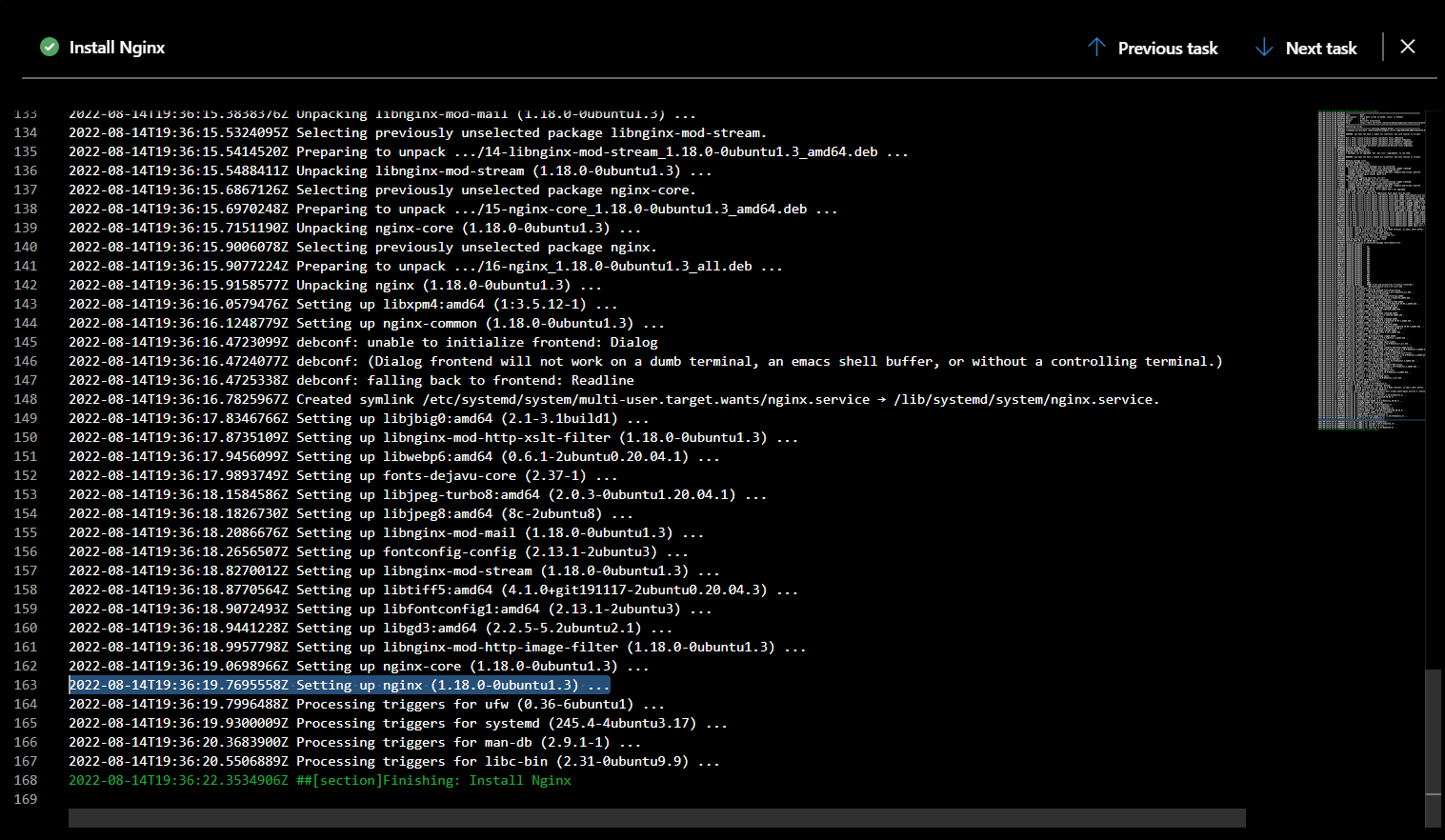
Install Nginx
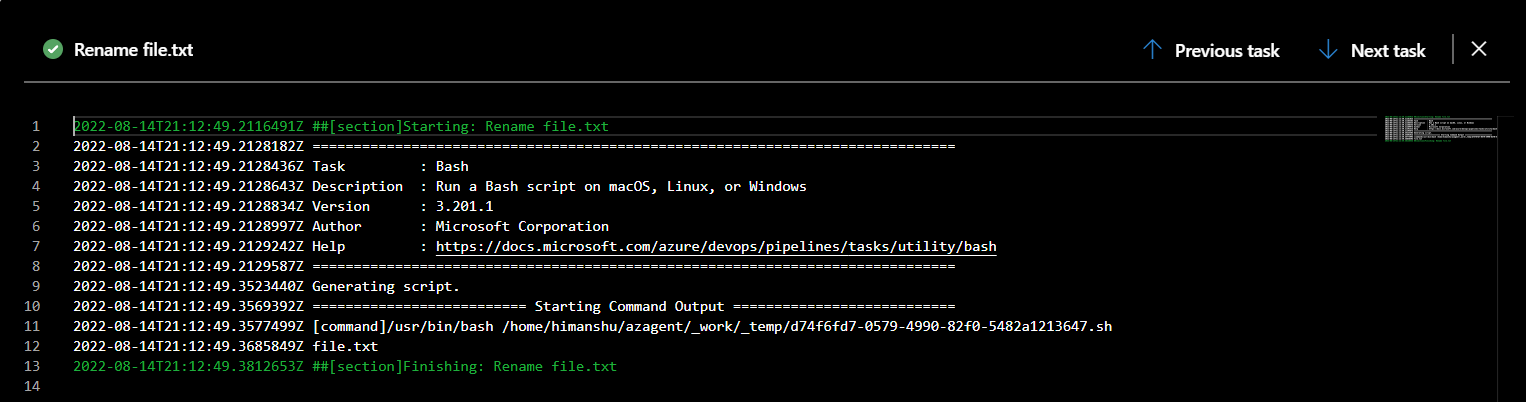
Rename file.txt
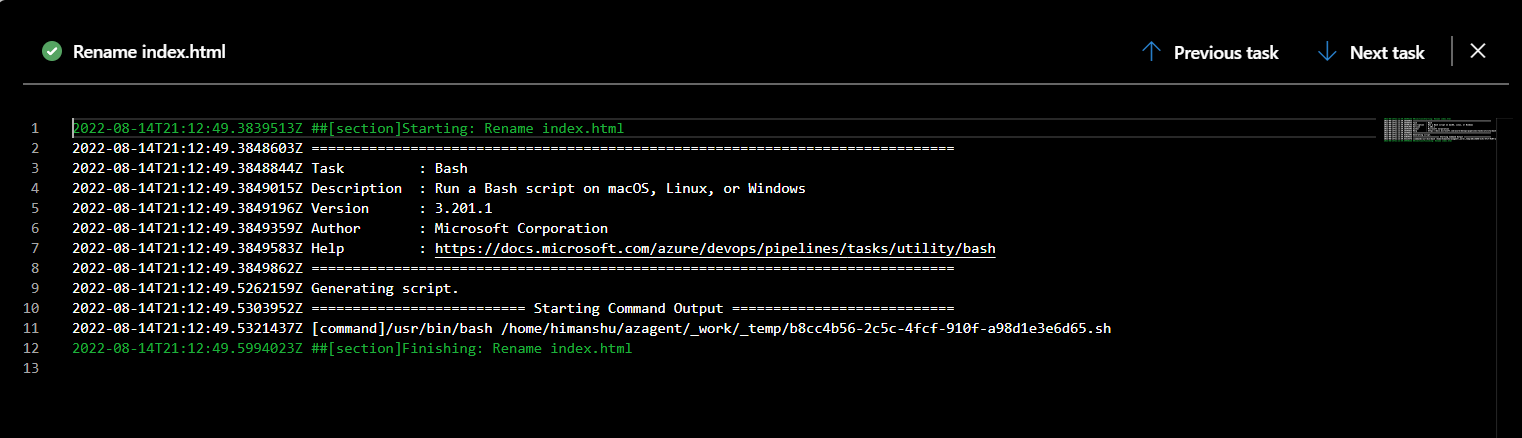
Rename index.html
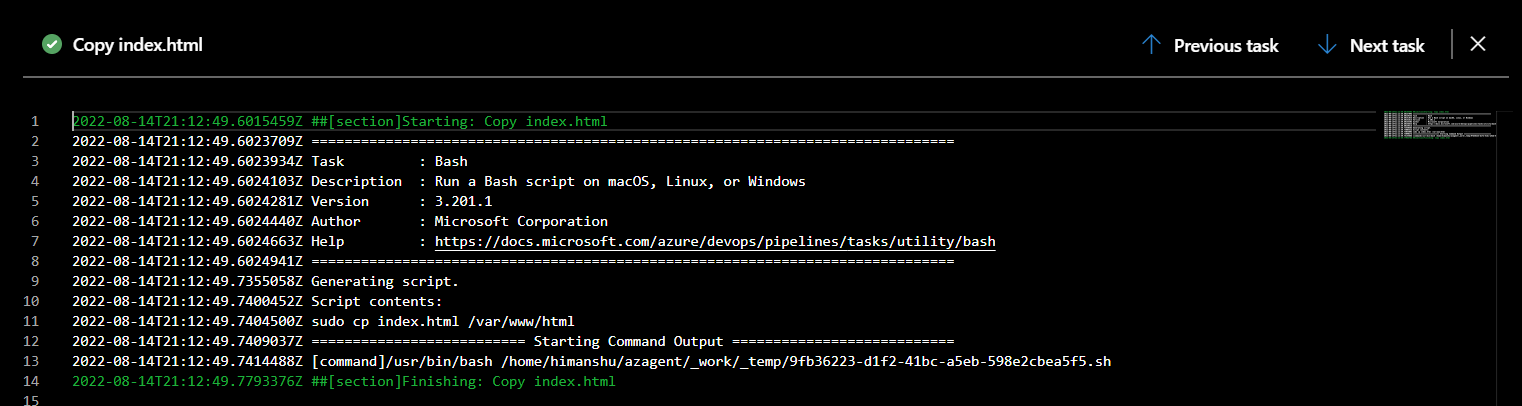
Copy index.html
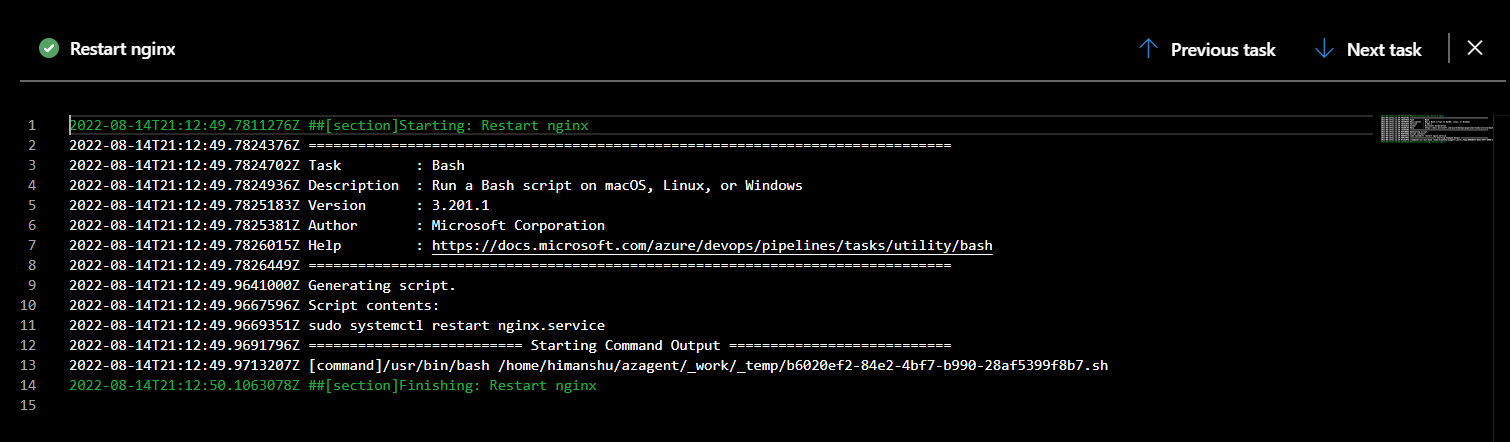
Restart Nginx
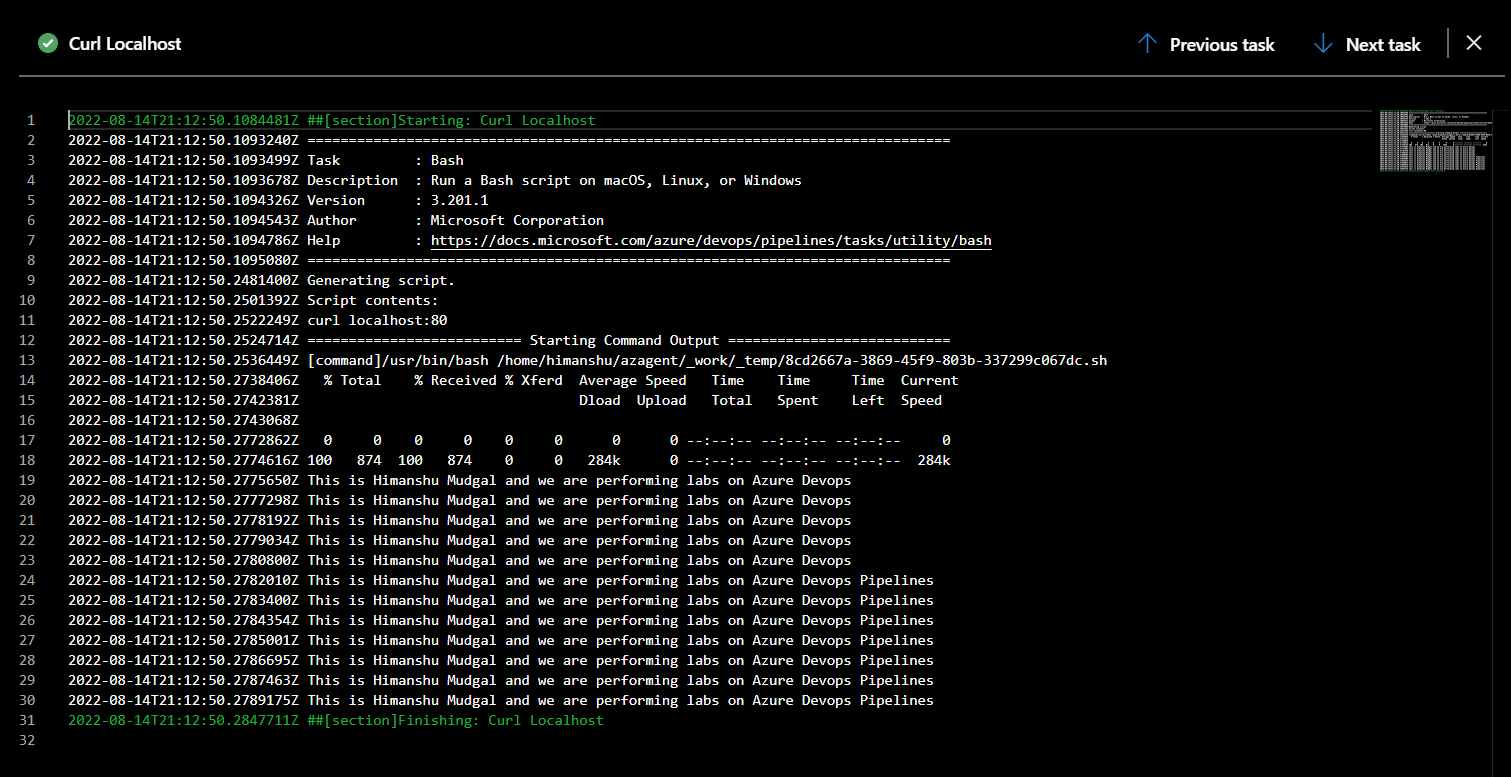
Curl Localhost
And the similar logs were generated for our second deployment agent in our deployment group.
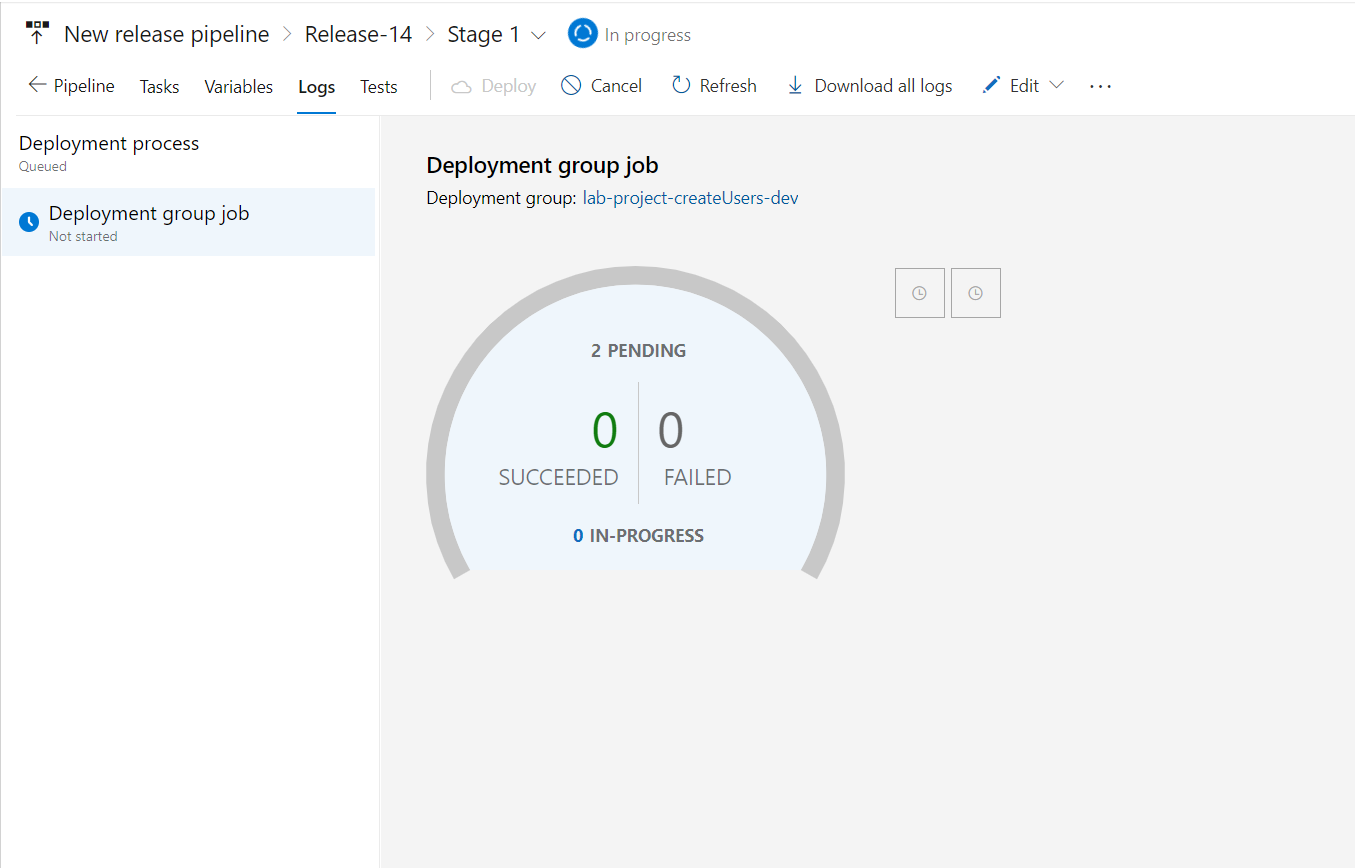
Now let's inspect the status of our deployment group.
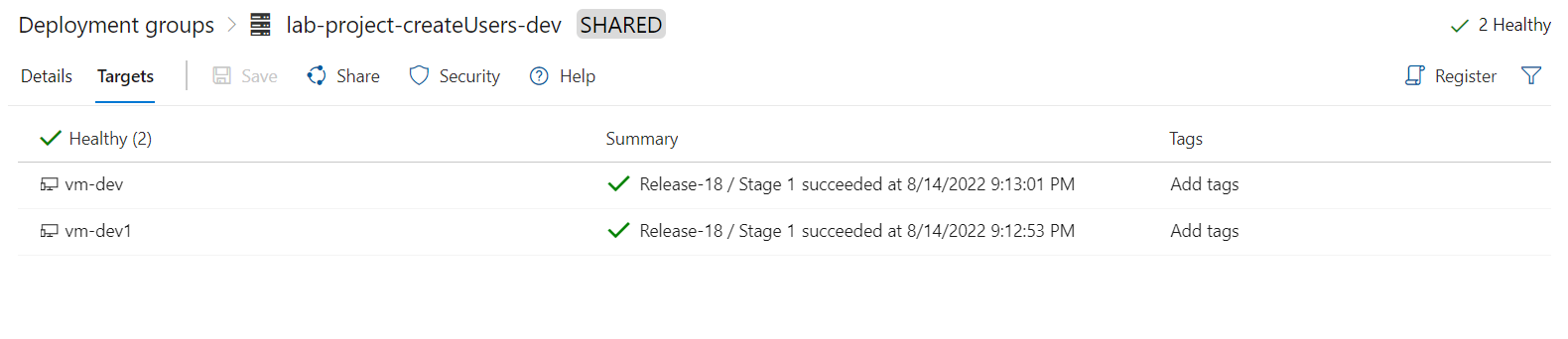
As we can see that both our targets Release-18 of the build Stage-1.
And that's how we can manage multiple deployments using single pipeline.
Environments Group
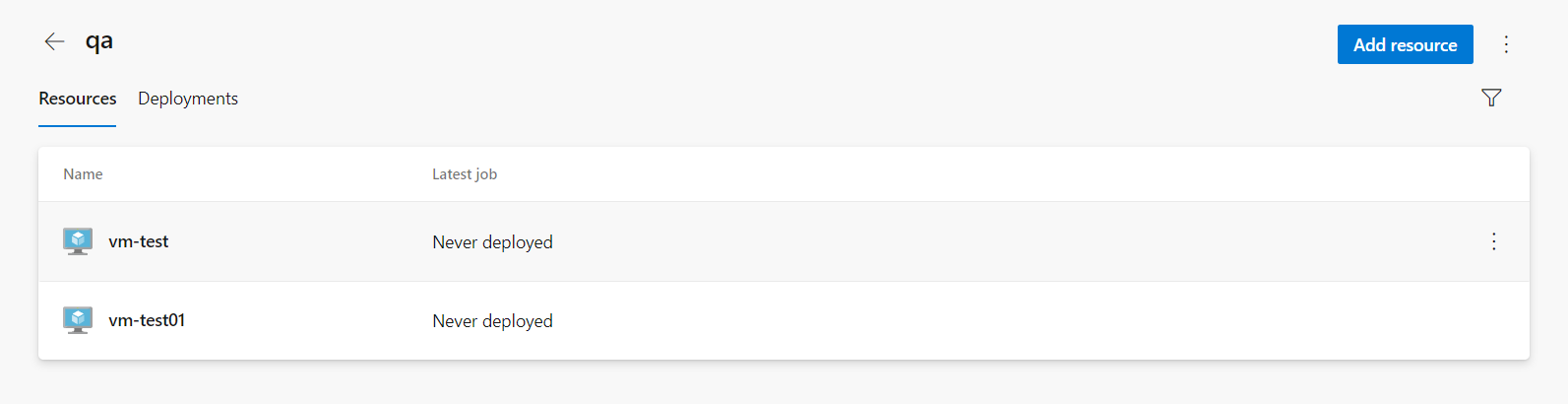
Let's create an environment in Azure Devops.
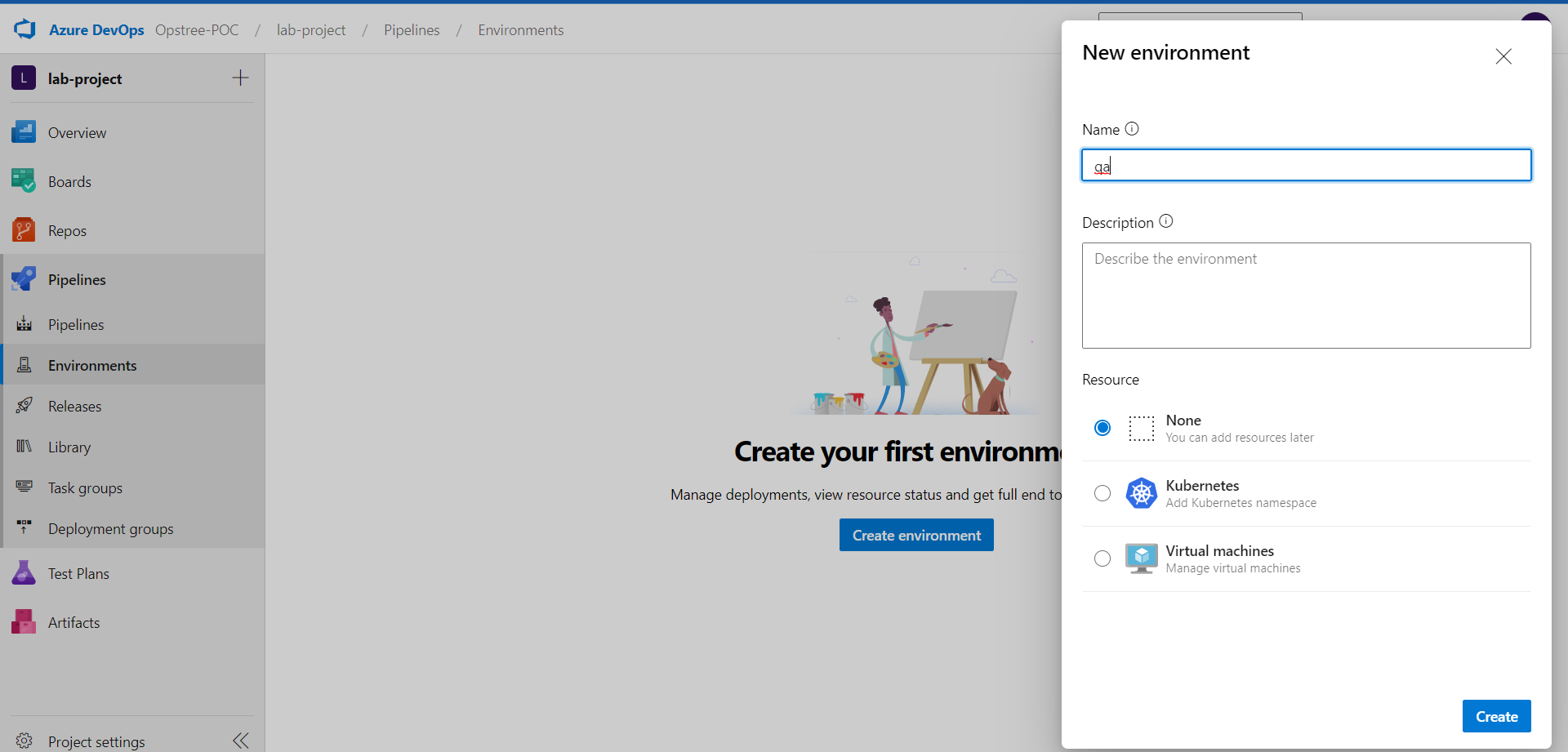
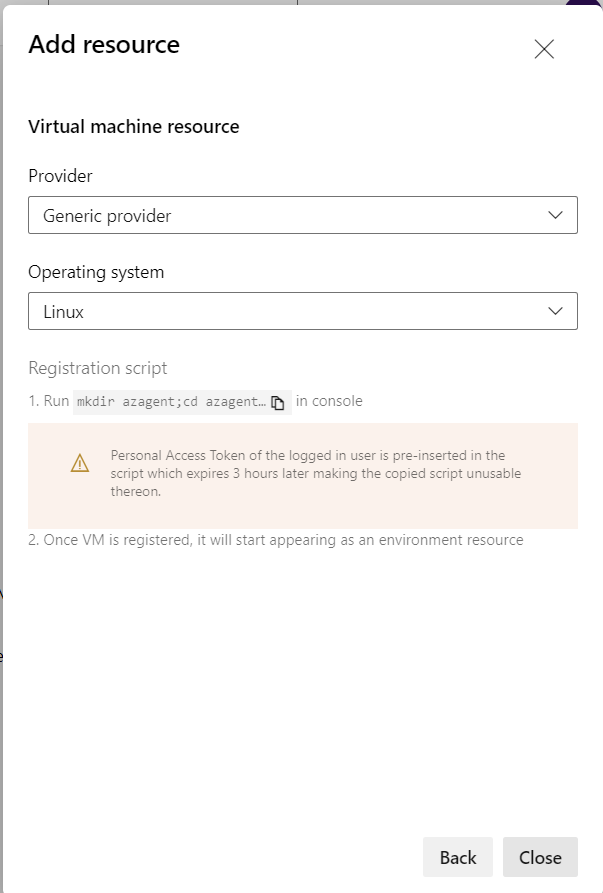
Add an VM resource.
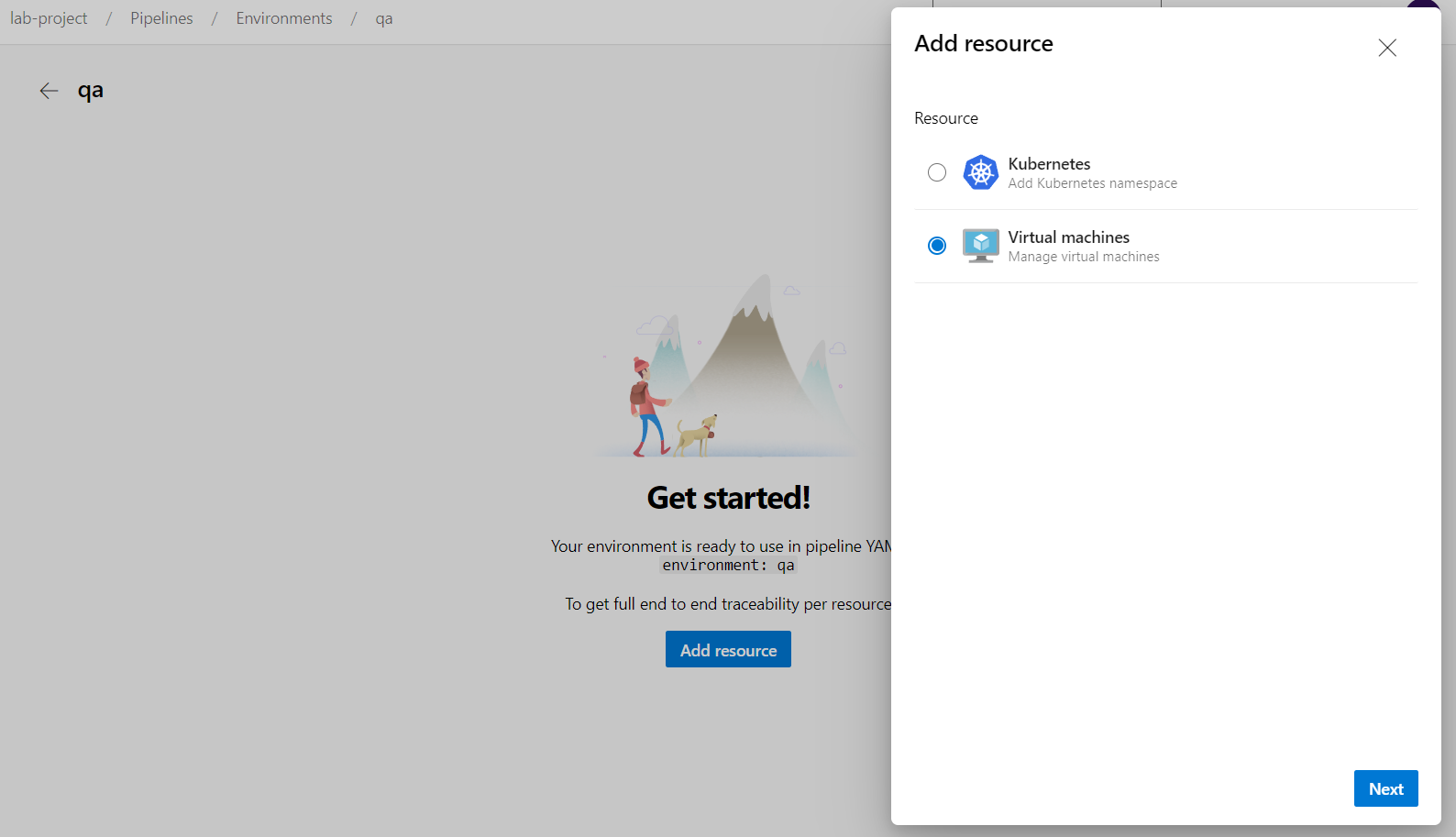
Now simply copy the given command and paste it into our Linux server.
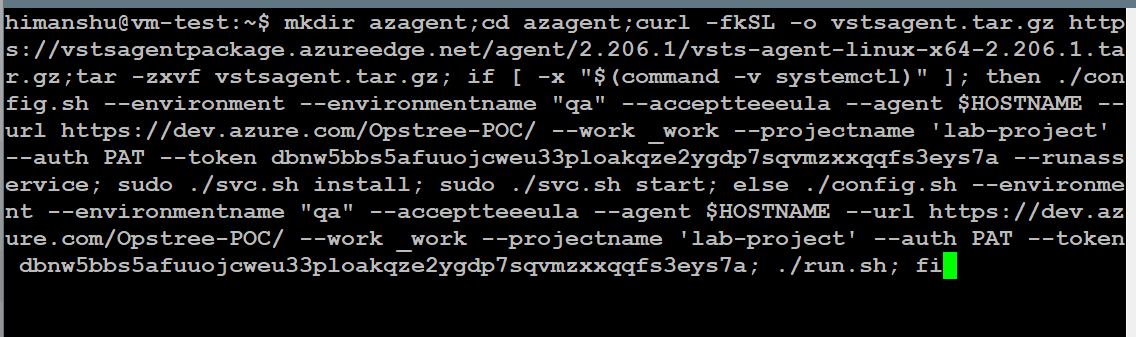
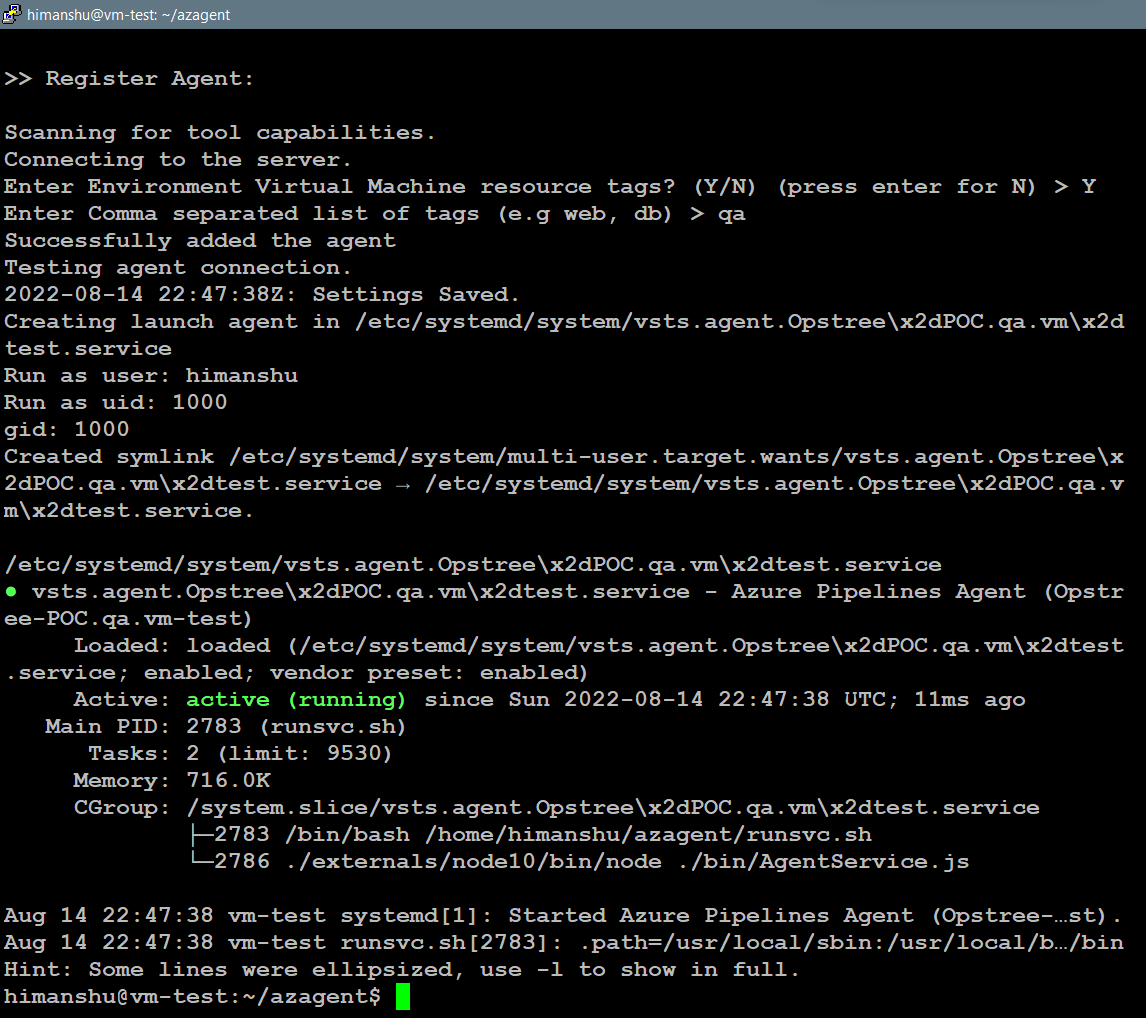
Similarly we can add multiple servers into our environment.
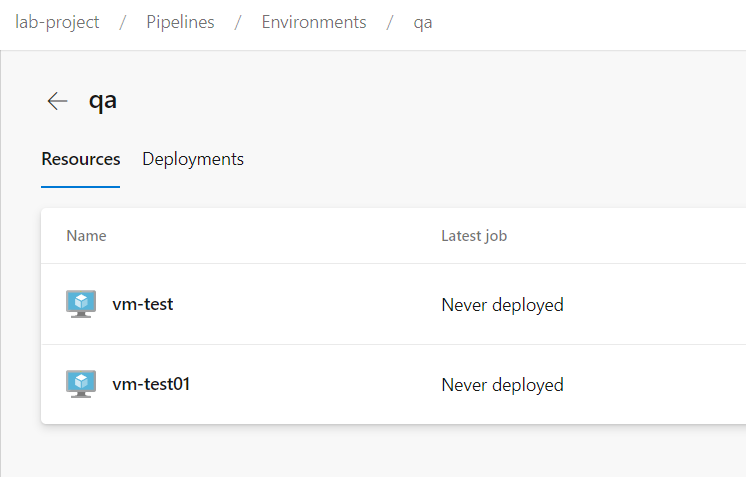
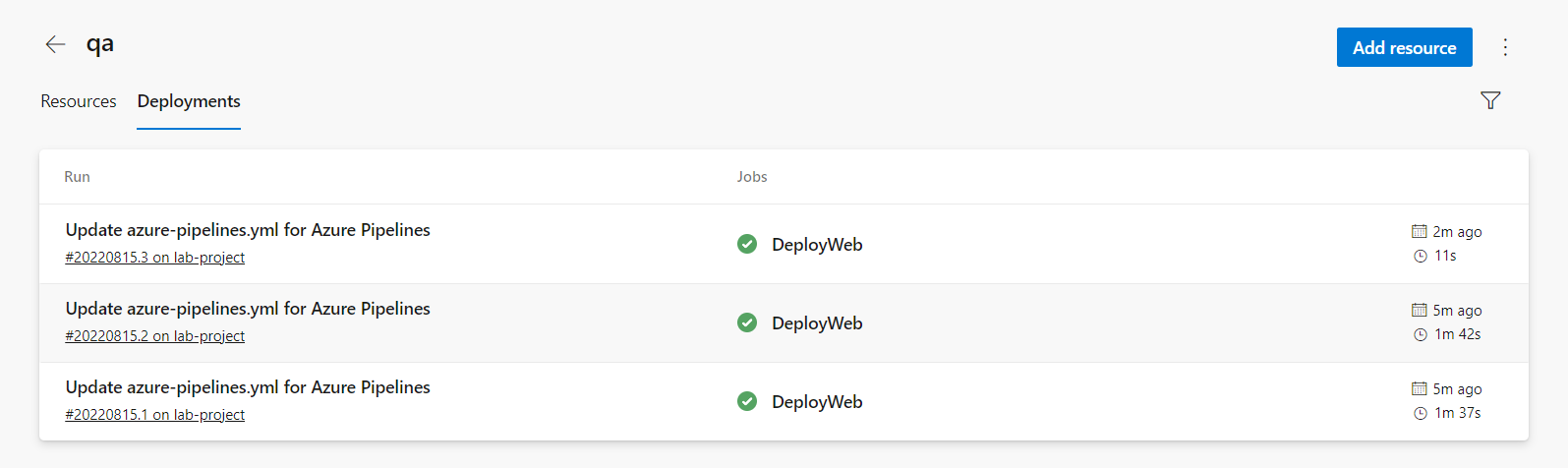
Now we can use the environment in our pipelines.
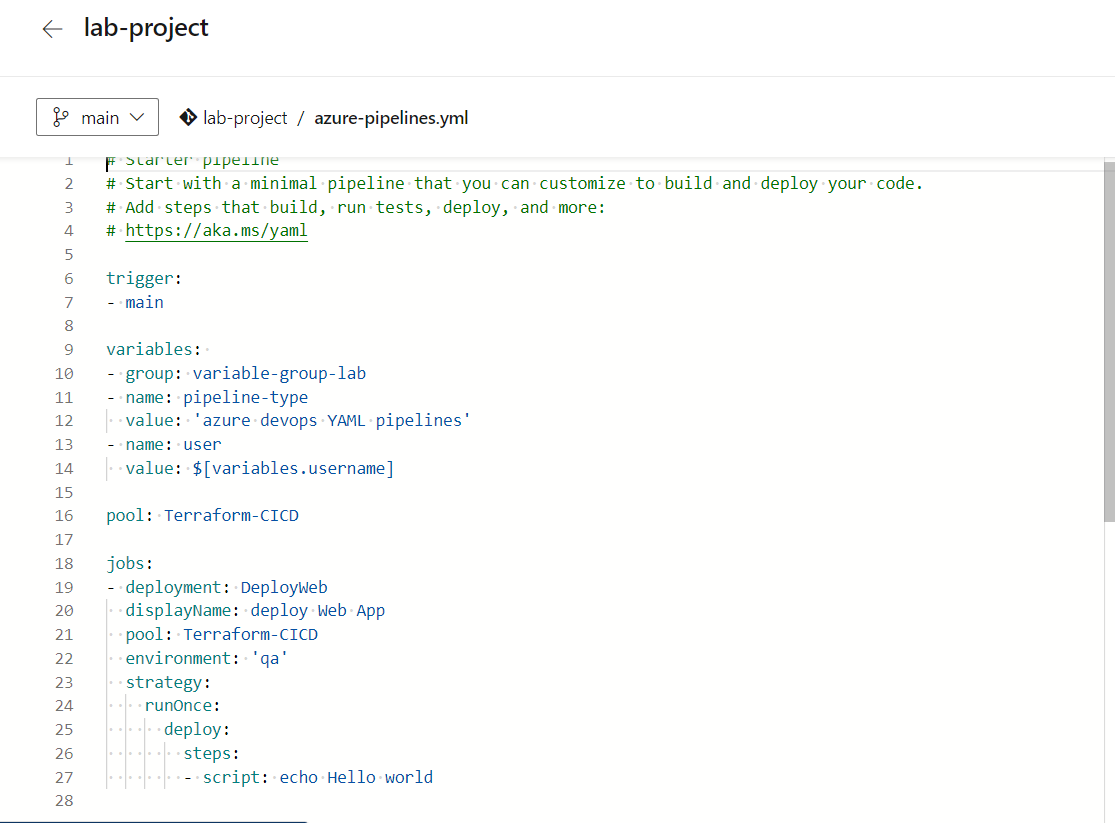
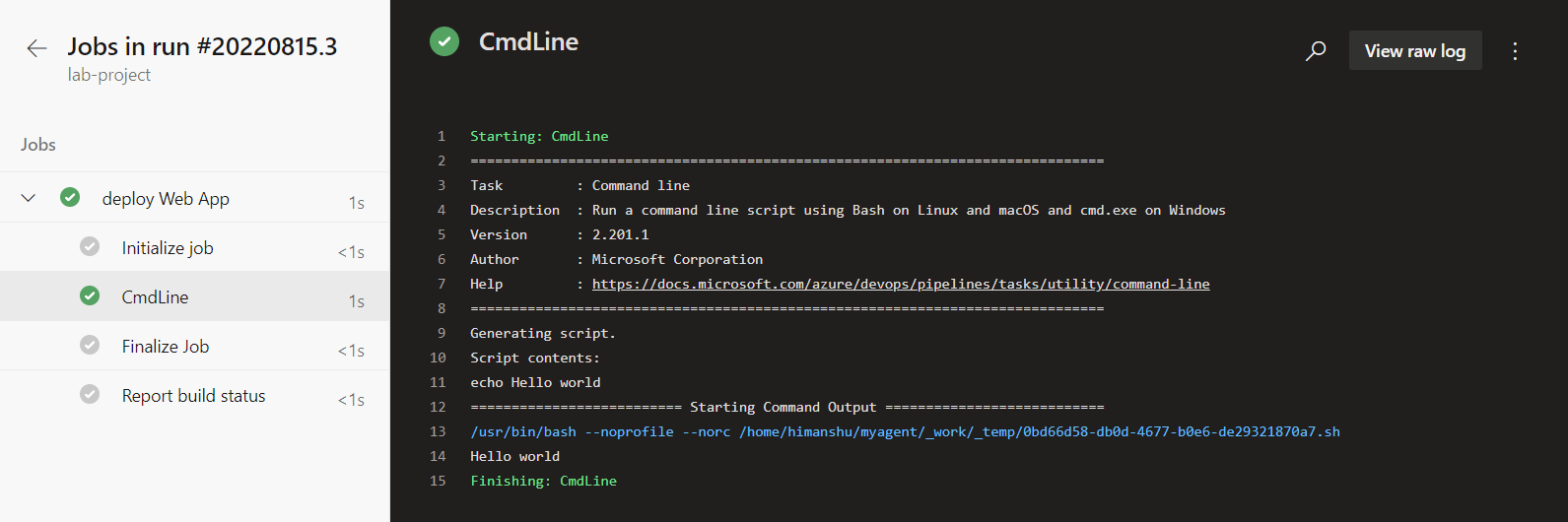
And that's how we can deploy into our Environment