Lab 07: Azure Libraries - OT-TRAINING/azure-devops-zero-to-hero GitHub Wiki
Azure Libraries
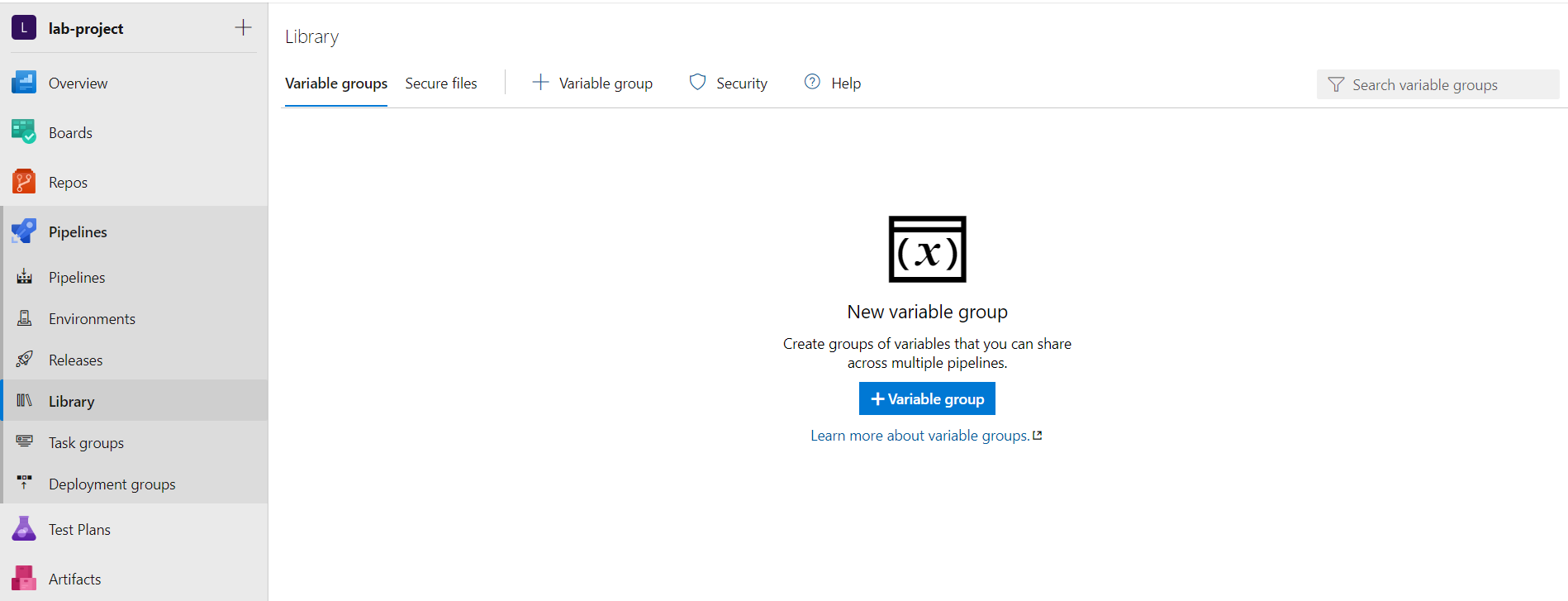
Create a new Azure Variables from Libraries
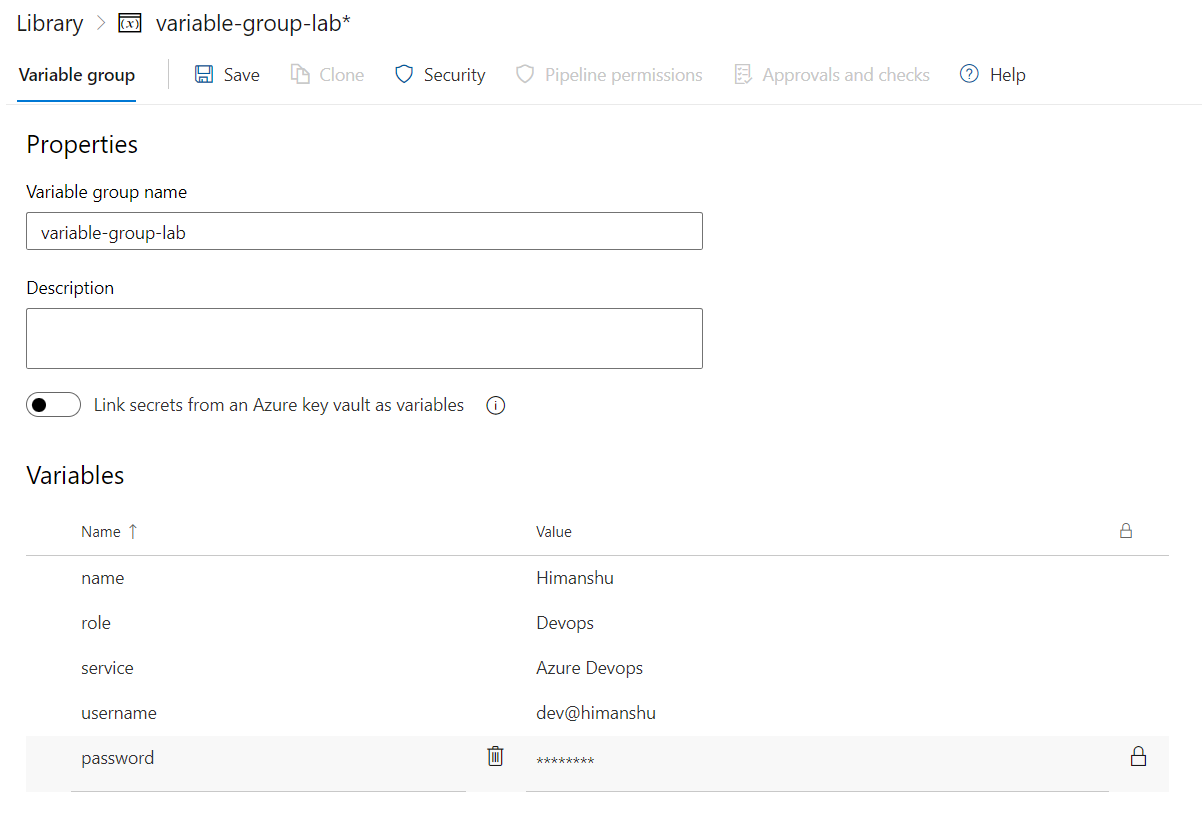
Create some Key: Value pairs in your variable group. We can also mask or hide the values and save the variable group.
We can also restrict or grant pipeline permissions.
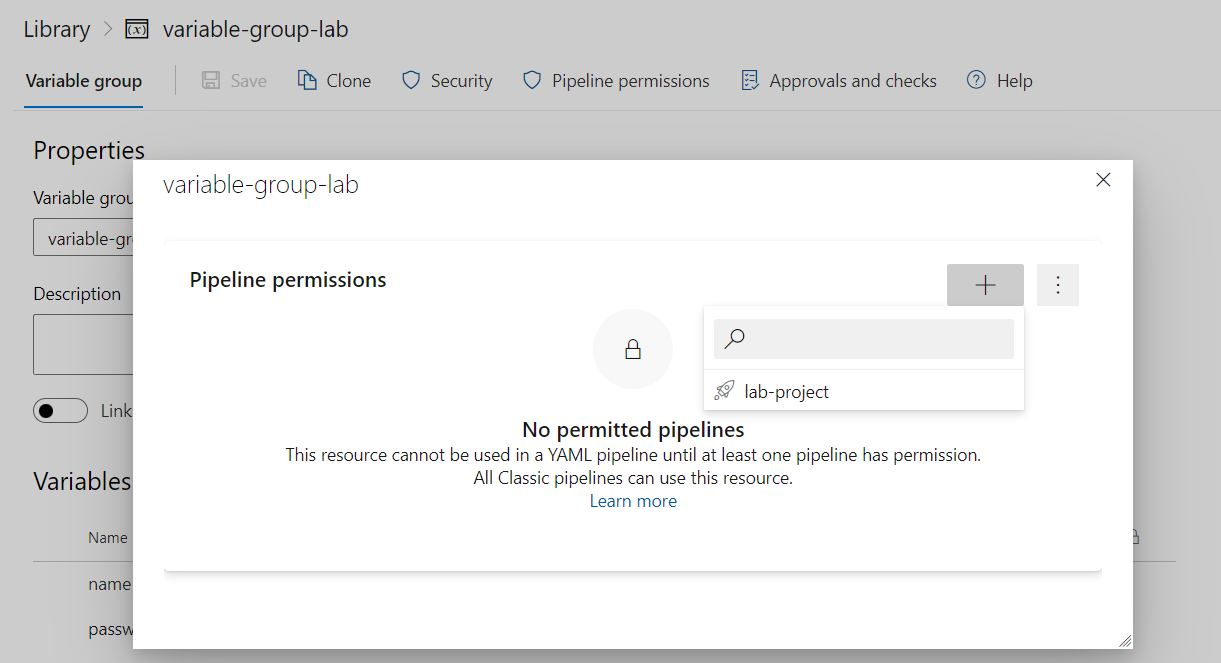
For now we can only use Variable Groups in our YAML Pipelines.
By providing our variable groups in the name Variable section we can access all the variable values that we have provided in our Variable Group.
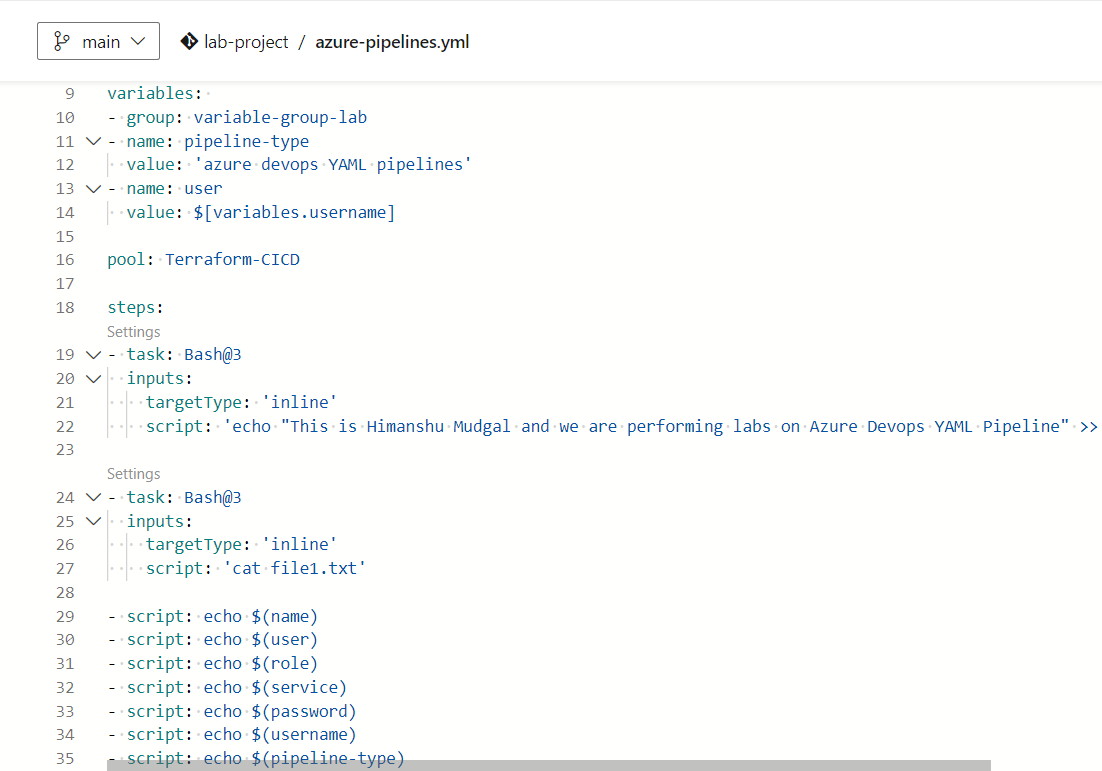
And by using $(variable name) we can access fetch their values.
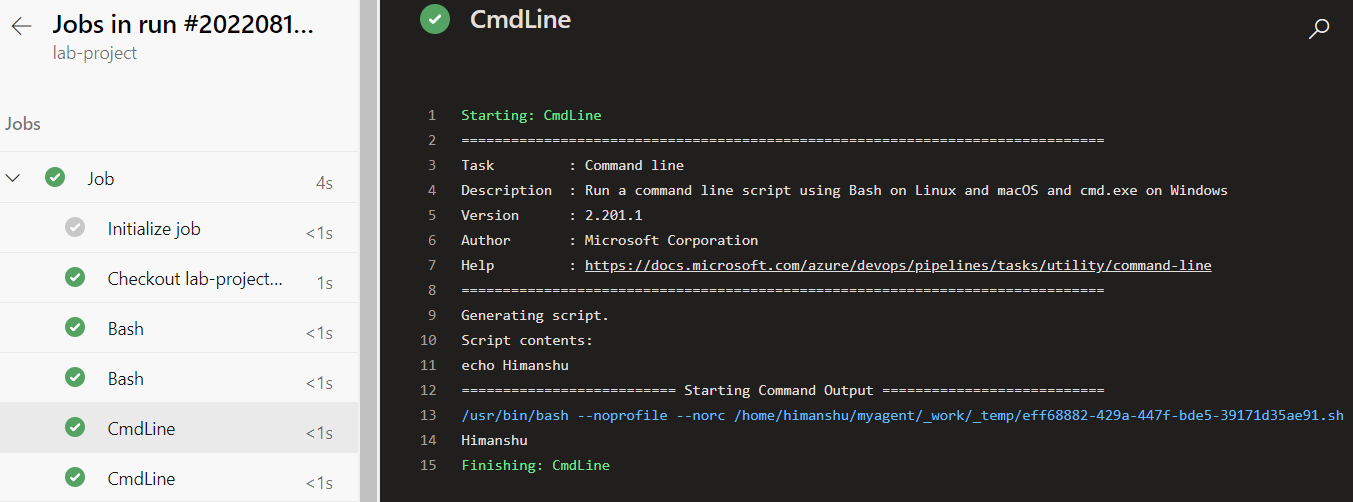
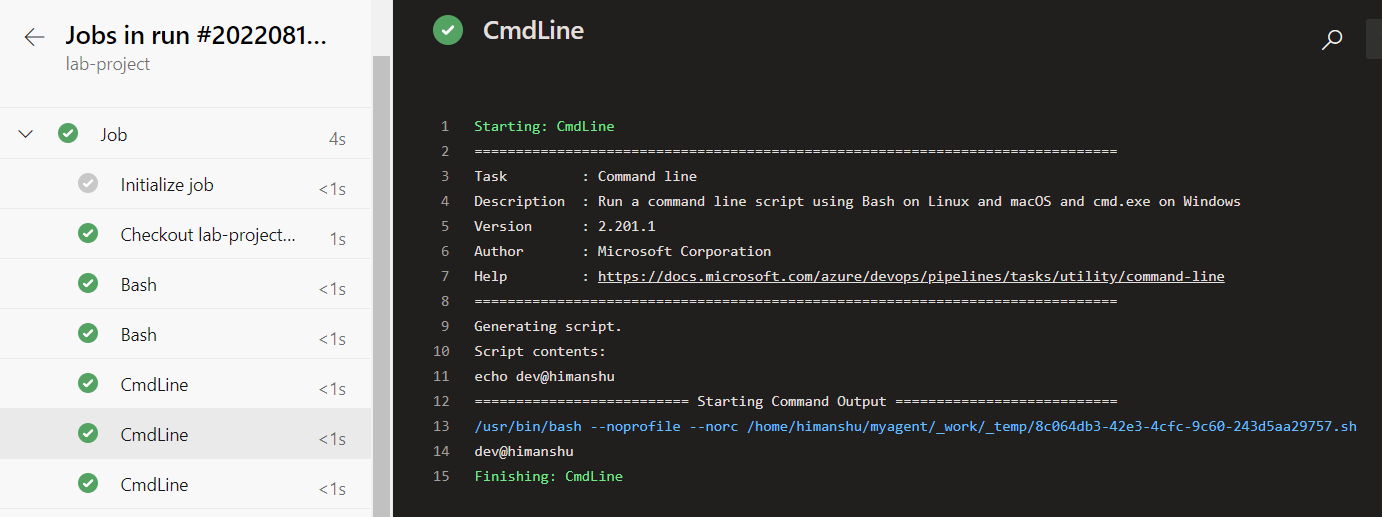
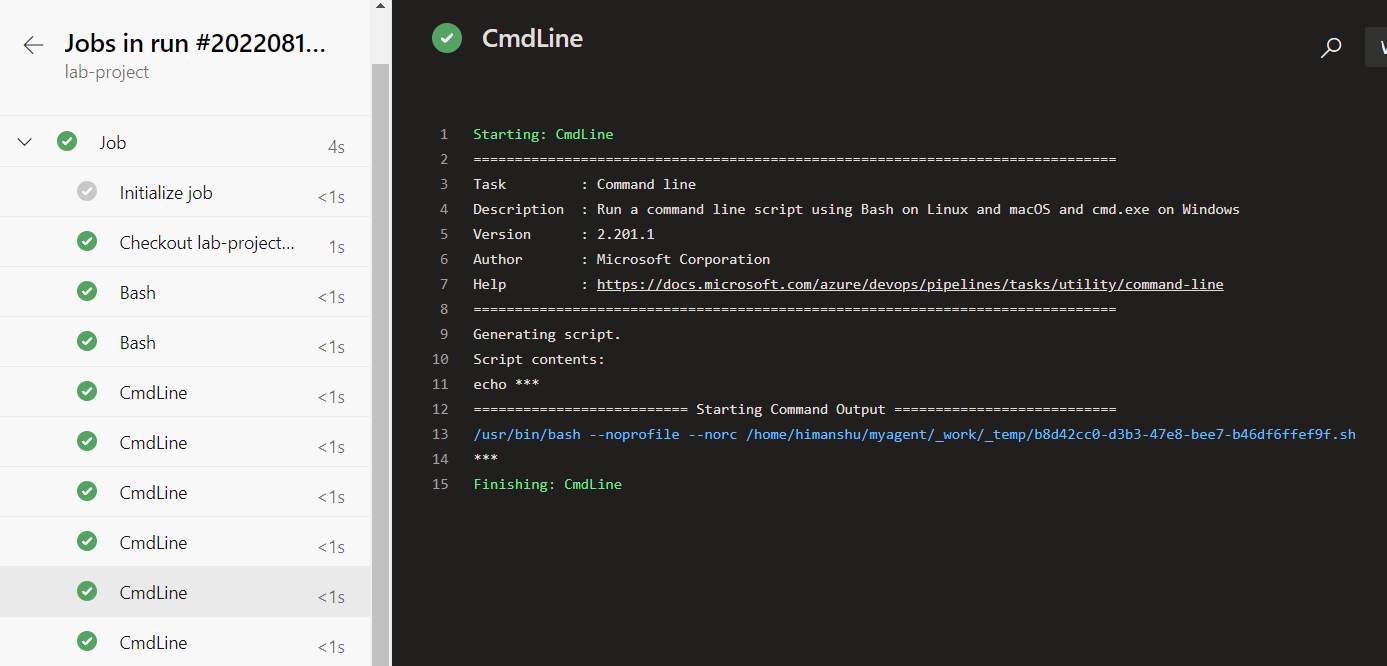
Though we cannot echo the protected variables.
Similarly goes for Secure Files in Azure Library.
First upload a new Secure file.
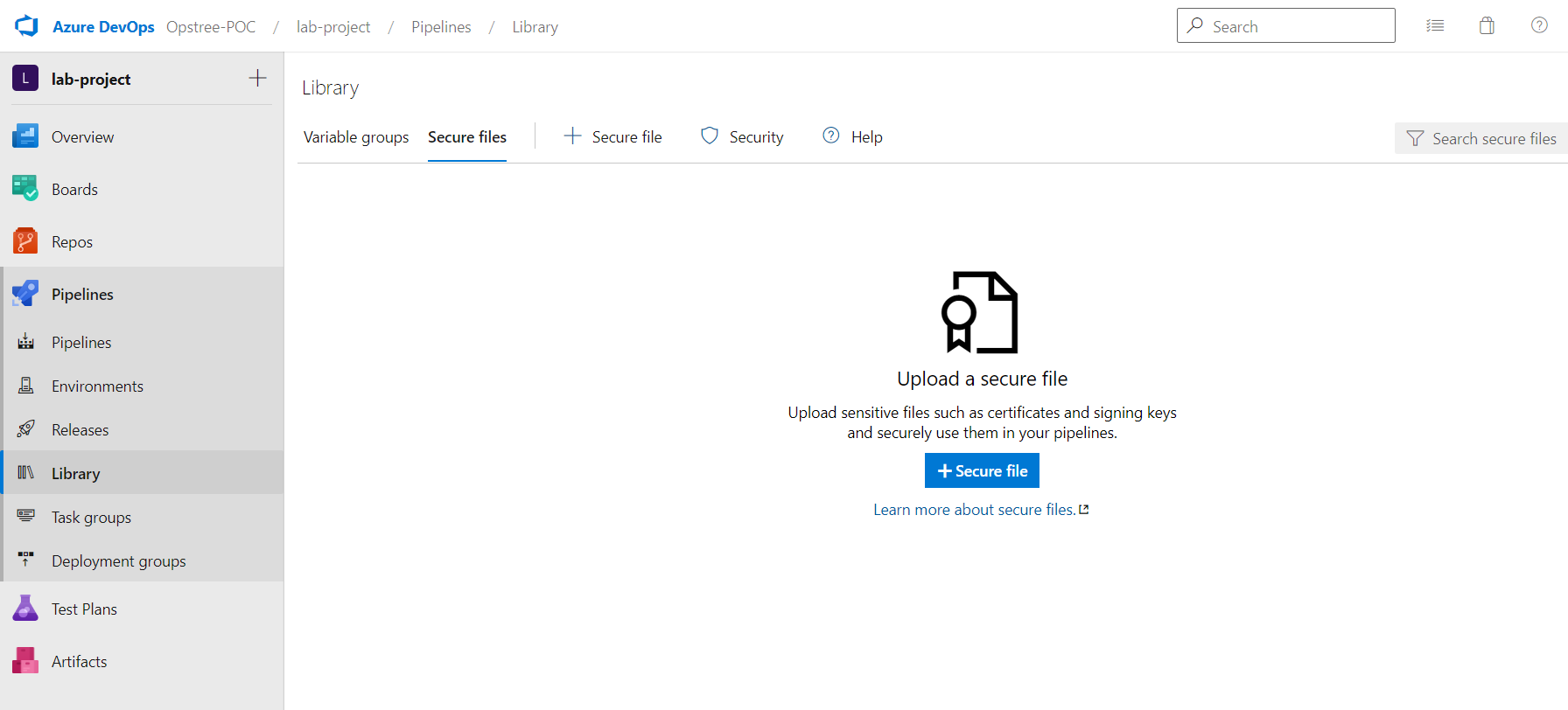
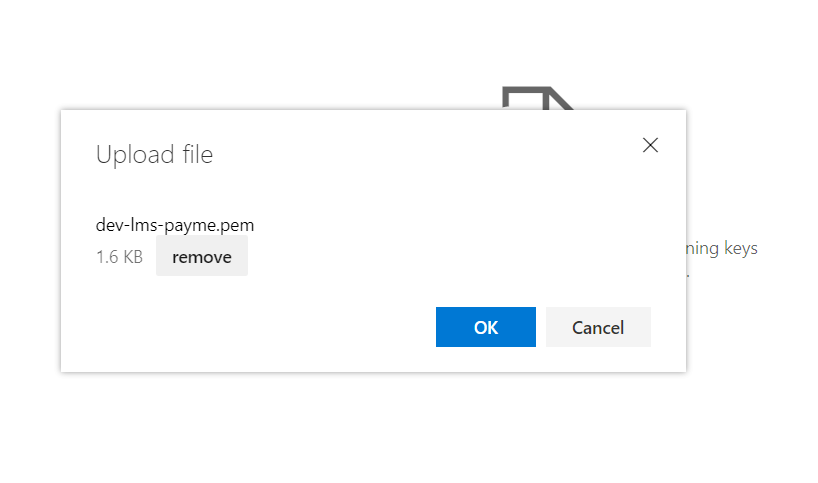
Similarly we can also pass secure files in our YAML pipelines.
-
task: DownloadSecureFile@1 name: caCertificate displayName: 'Download CA certificate' inputs: secureFile: 'myCACertificate.pem'
-
script: | echo Installing $(caCertificate.secureFilePath) to the trusted CA directory... sudo chown root:root $(caCertificate.secureFilePath) sudo chmod a+r $(caCertificate.secureFilePath) sudo ln -s -t /etc/ssl/certs/ $(caCertificate.secureFilePath)