Lab 03: Azure DevOps Repos - OT-TRAINING/azure-devops-zero-to-hero GitHub Wiki
Azure DevOps Repos
Creating a new repo
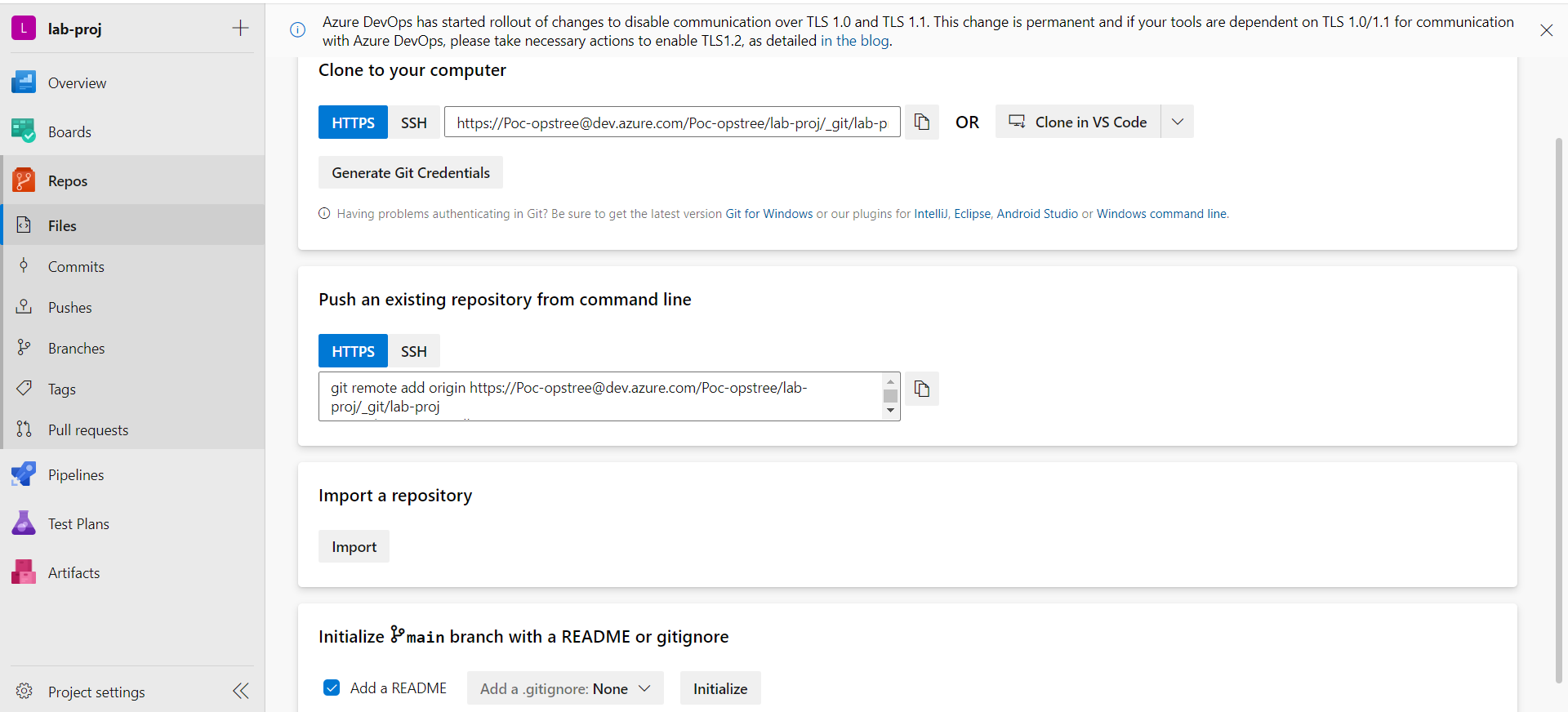
We can start with fresh repo for our new project by initializing an empty repository or we can directly push our pre-existing files onto our repos.
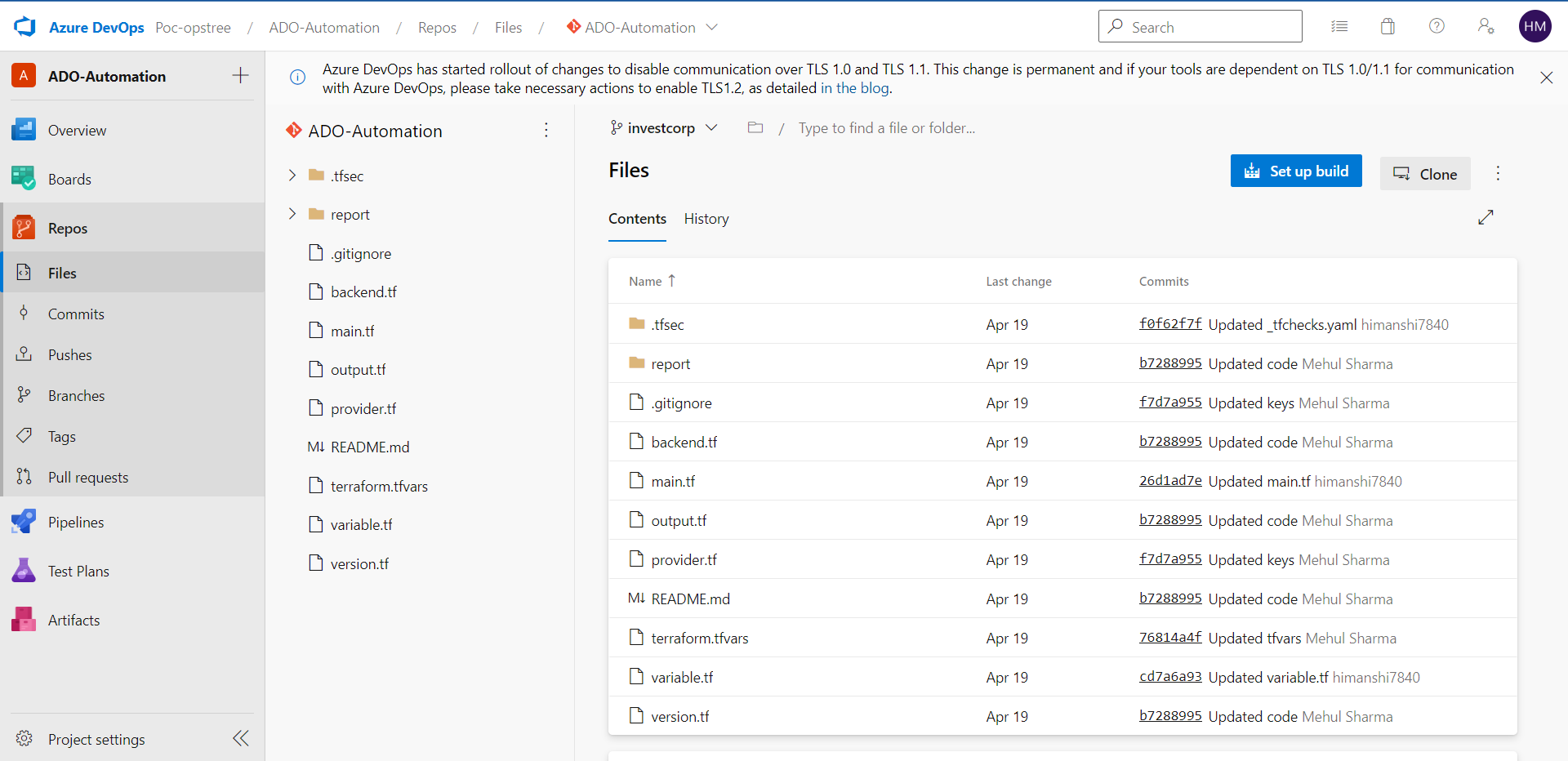
After cloning the the files, our repo will look like this
Commits
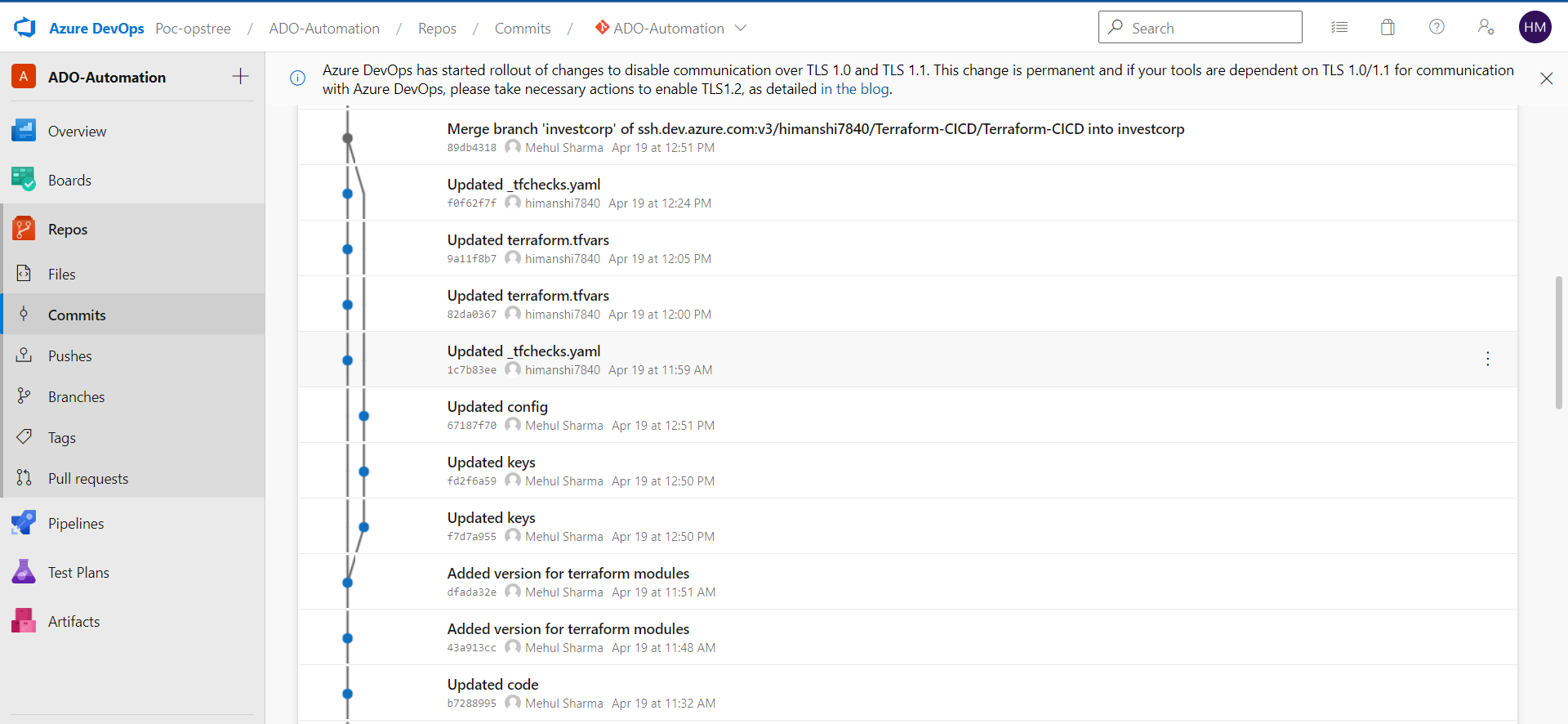
Just like a normal GitLab or GitHub or BitBucket repo you can commit, push, pull fetch or clone the projects.
Plus you'll have a great visual representation of your commits
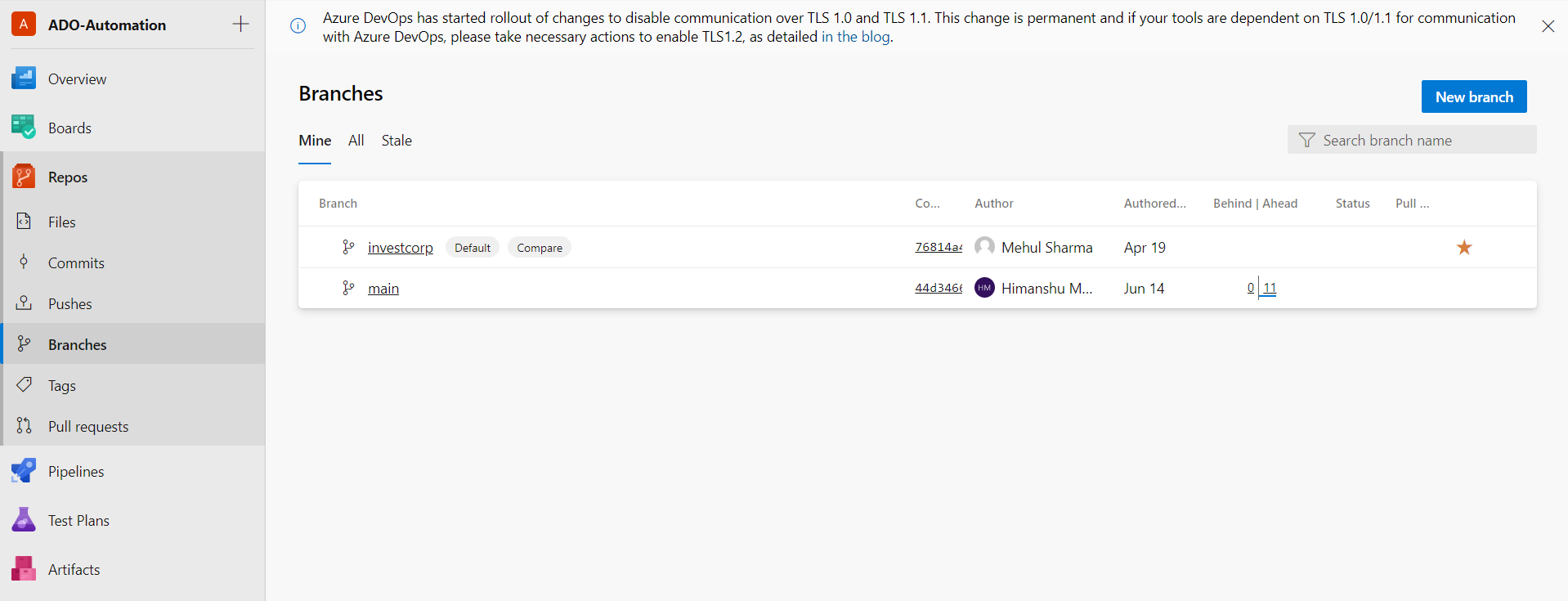
Here again we can have a much better User Interface of the branches and all other sections
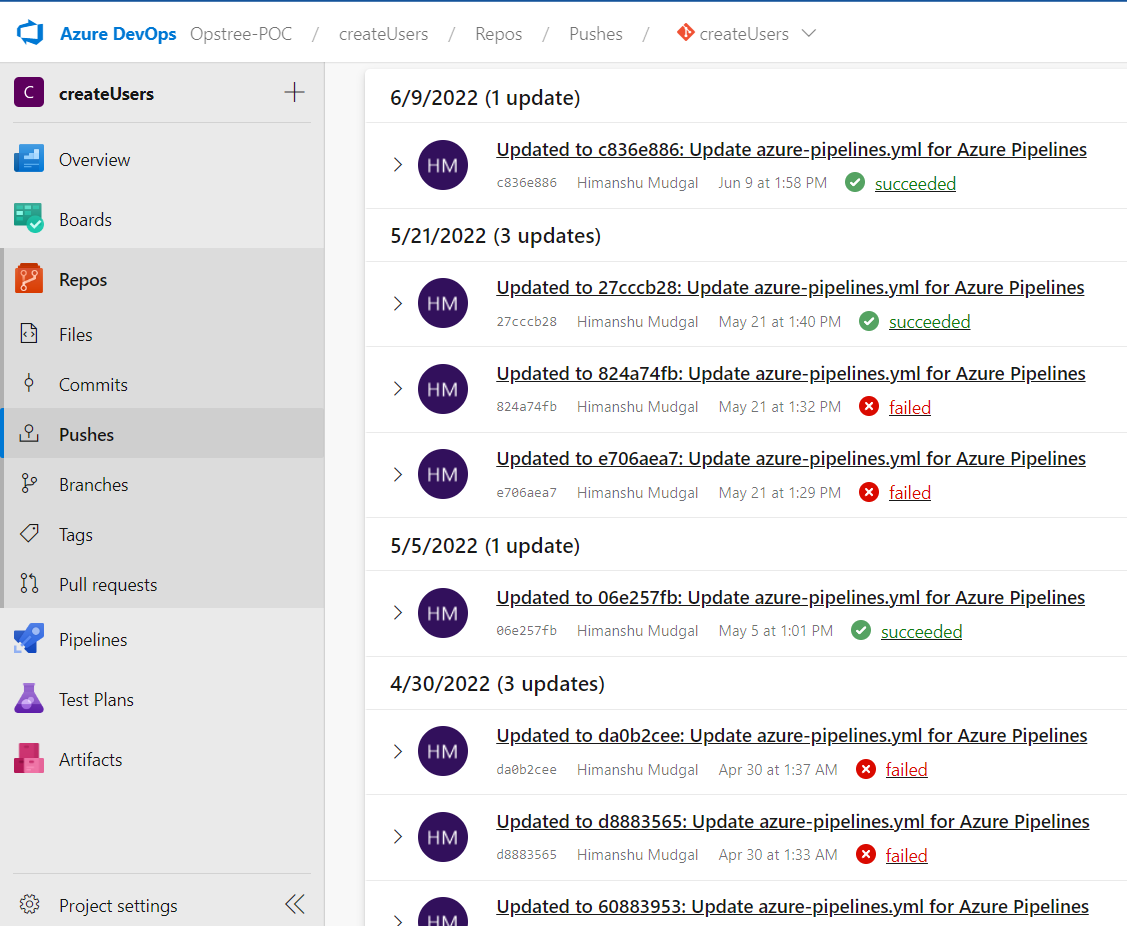
You can also view the pushes made by the user, its, date & time and also whether the build was successful from that push or not. Interesting Right!!!