Lab 01: Introduction To Azure Devops - OT-TRAINING/azure-devops-zero-to-hero GitHub Wiki
Here in this lab we will get a broad view about What Azure Devops is and what are its features.
Home page of Azure Devops
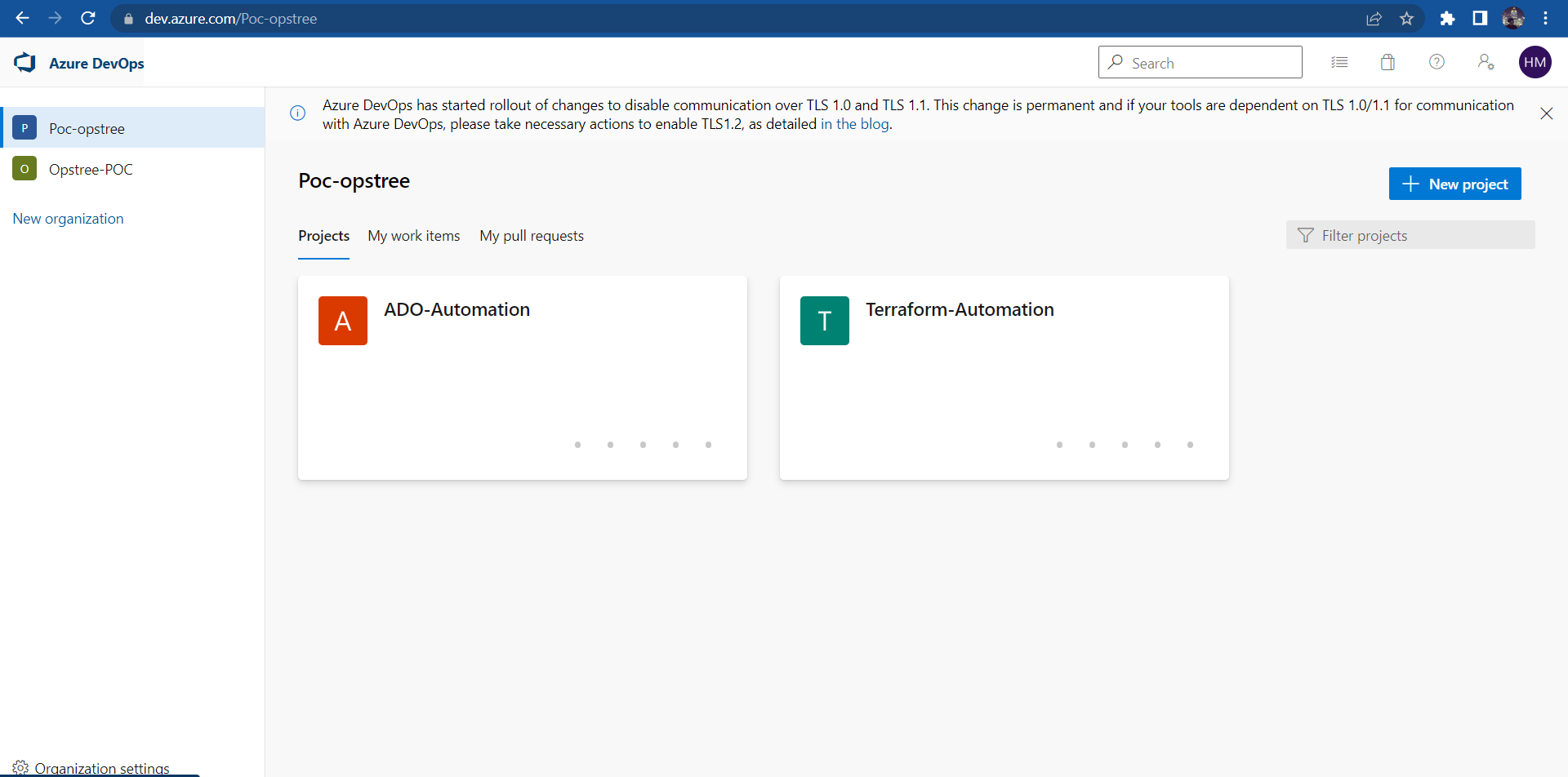
URL:
https://dev.azure.com/Your_Organization_Name
In Azure Devops your projects are distributed on the organization level.
One Devops Account can host multiple organization. One organization can hold multiple projects and one project can contain multiple pipeline. We'll talk about pipelines further in our labs.
Organization:
You can create new organization by clicking New Organization tab.
Dashboard:
Your Home page or dashboard will have three sections:
- Projects
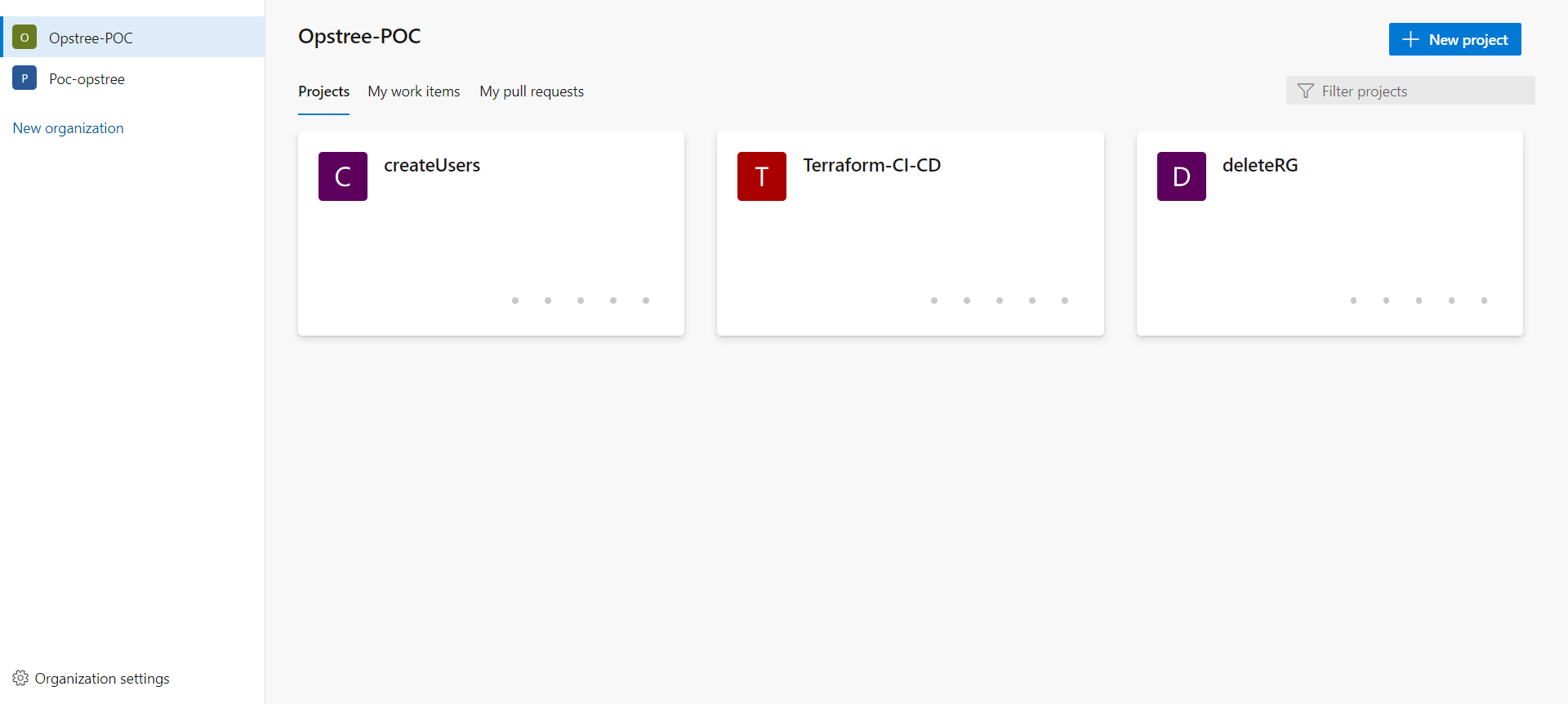
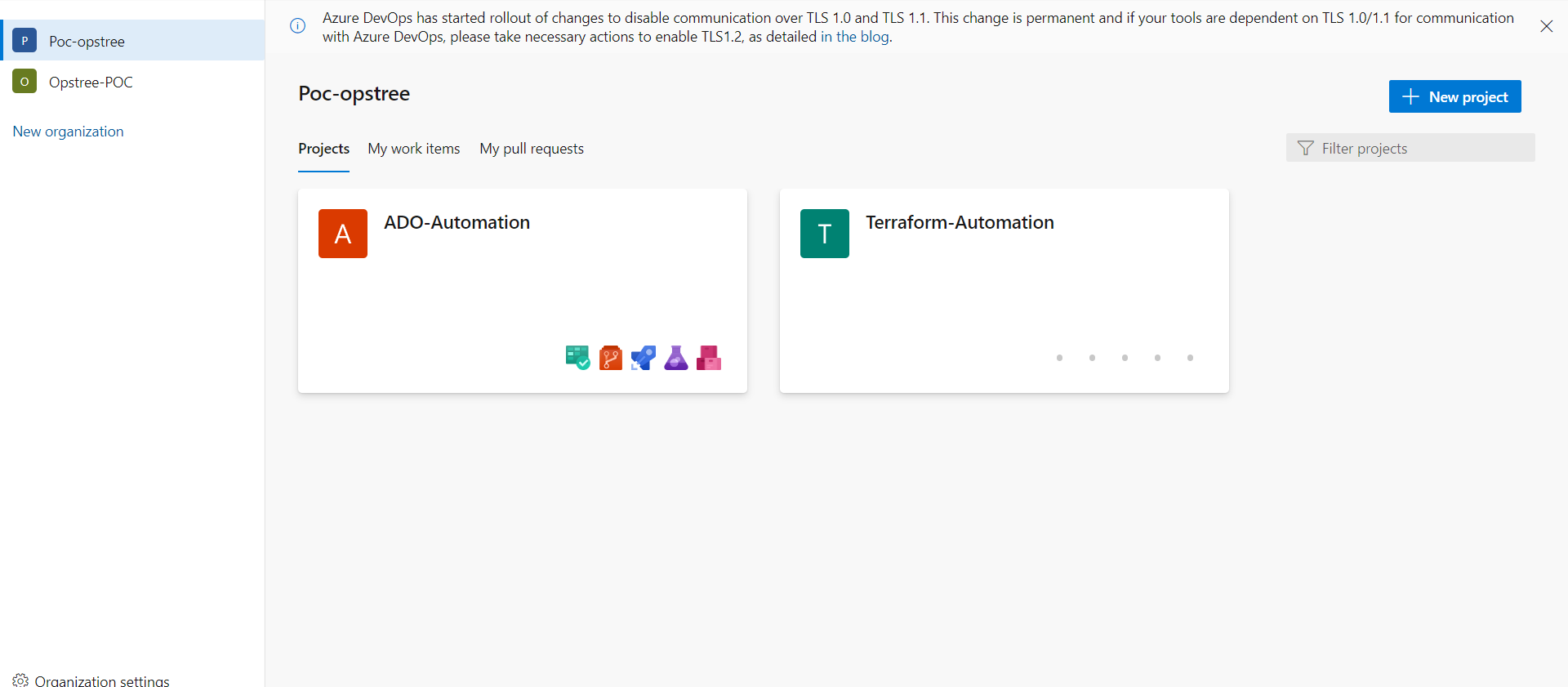
Any pre-existing projects that are there in your organization. You can create your new project from New Project tab at top right corner of your screen. Different organization will contain different projects
- My Work Items
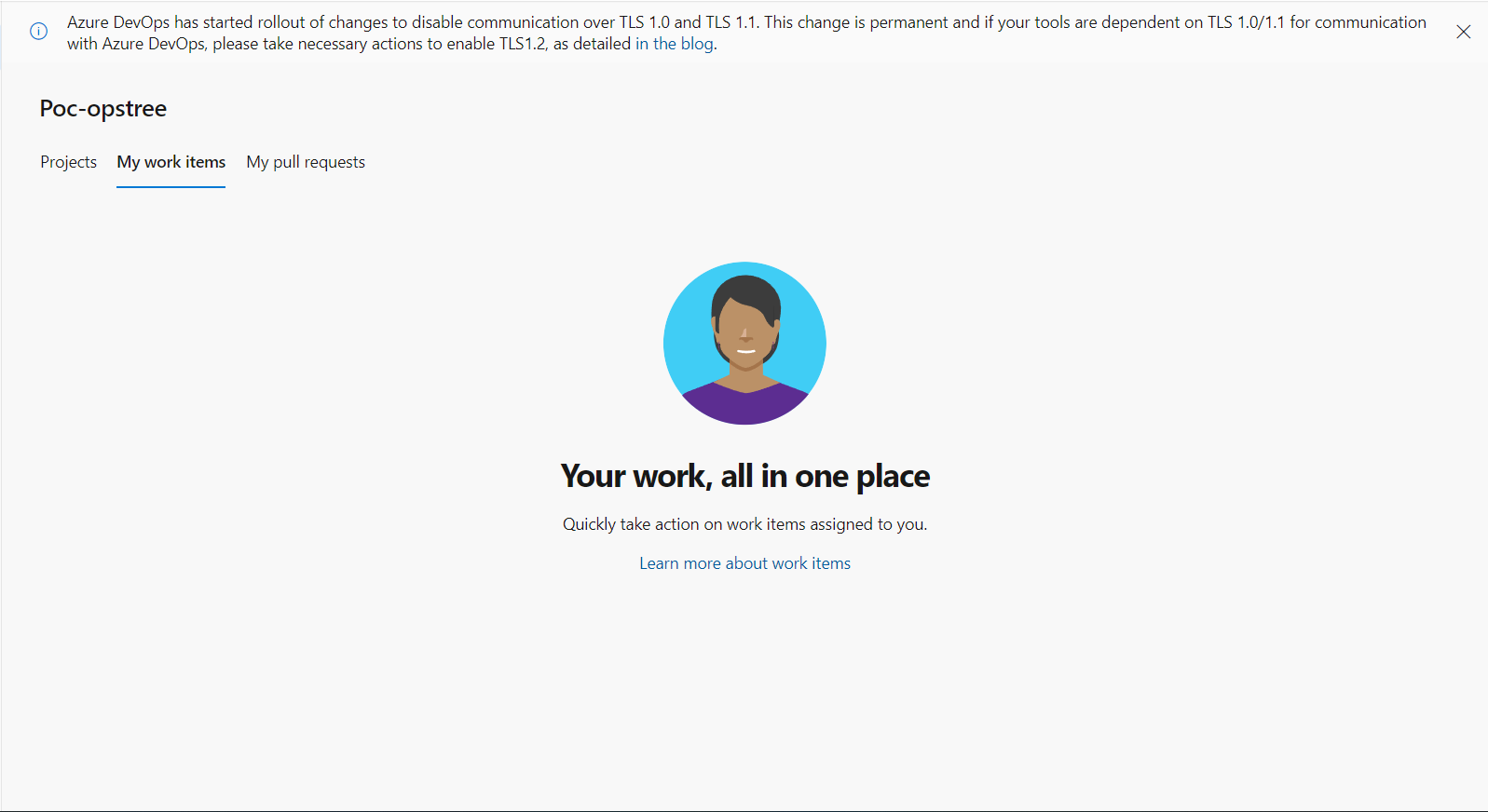
This will present the work items assigned to you from your Azure Boards. We'll go into Azure Boards soon.
- My Pull Request
Lastly there is be a section of pending pull requests assigned to you.
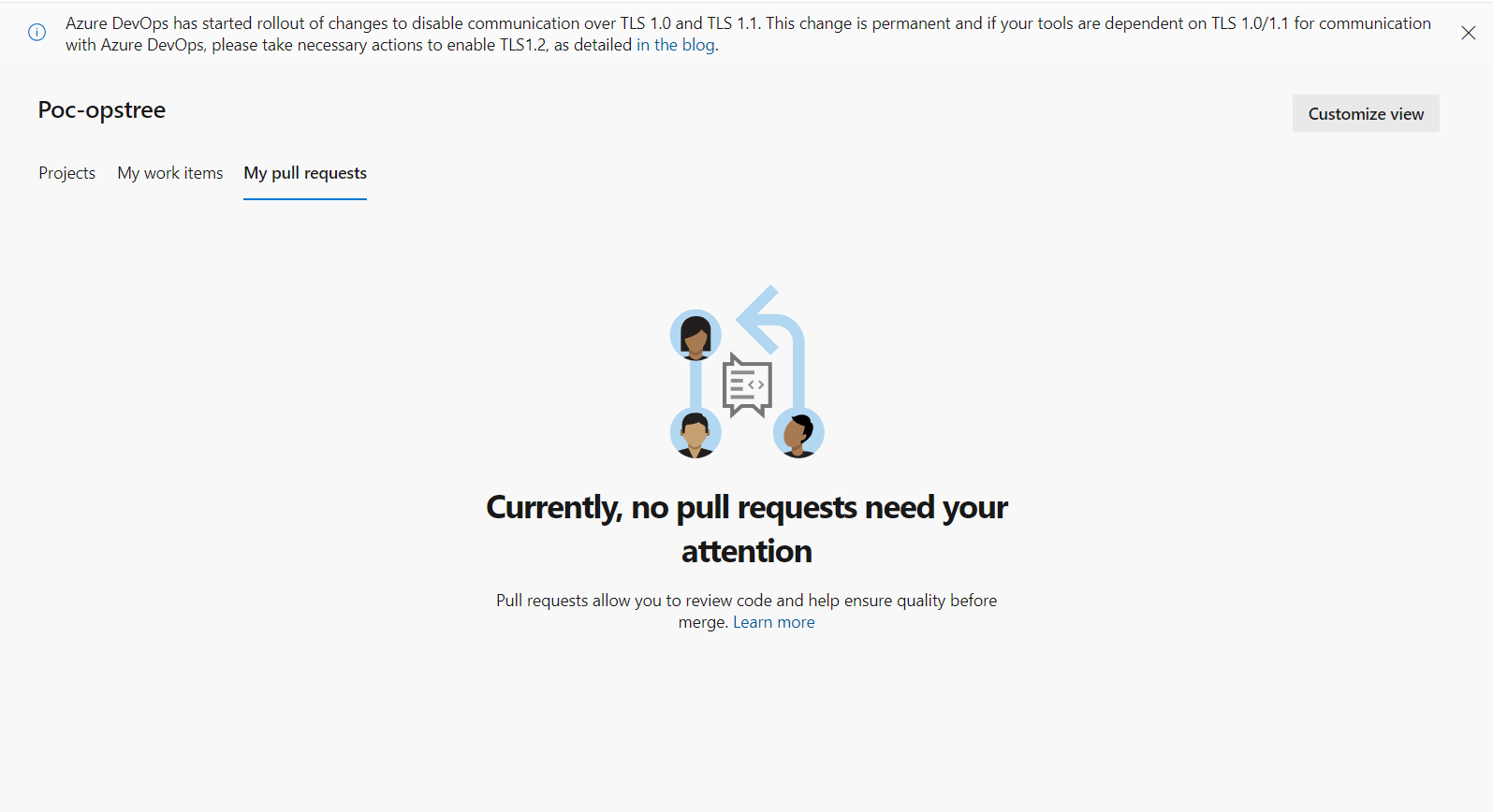
Projects
Now let's navigate directly into one of the projects and looks what all feature Azure Devops provides.
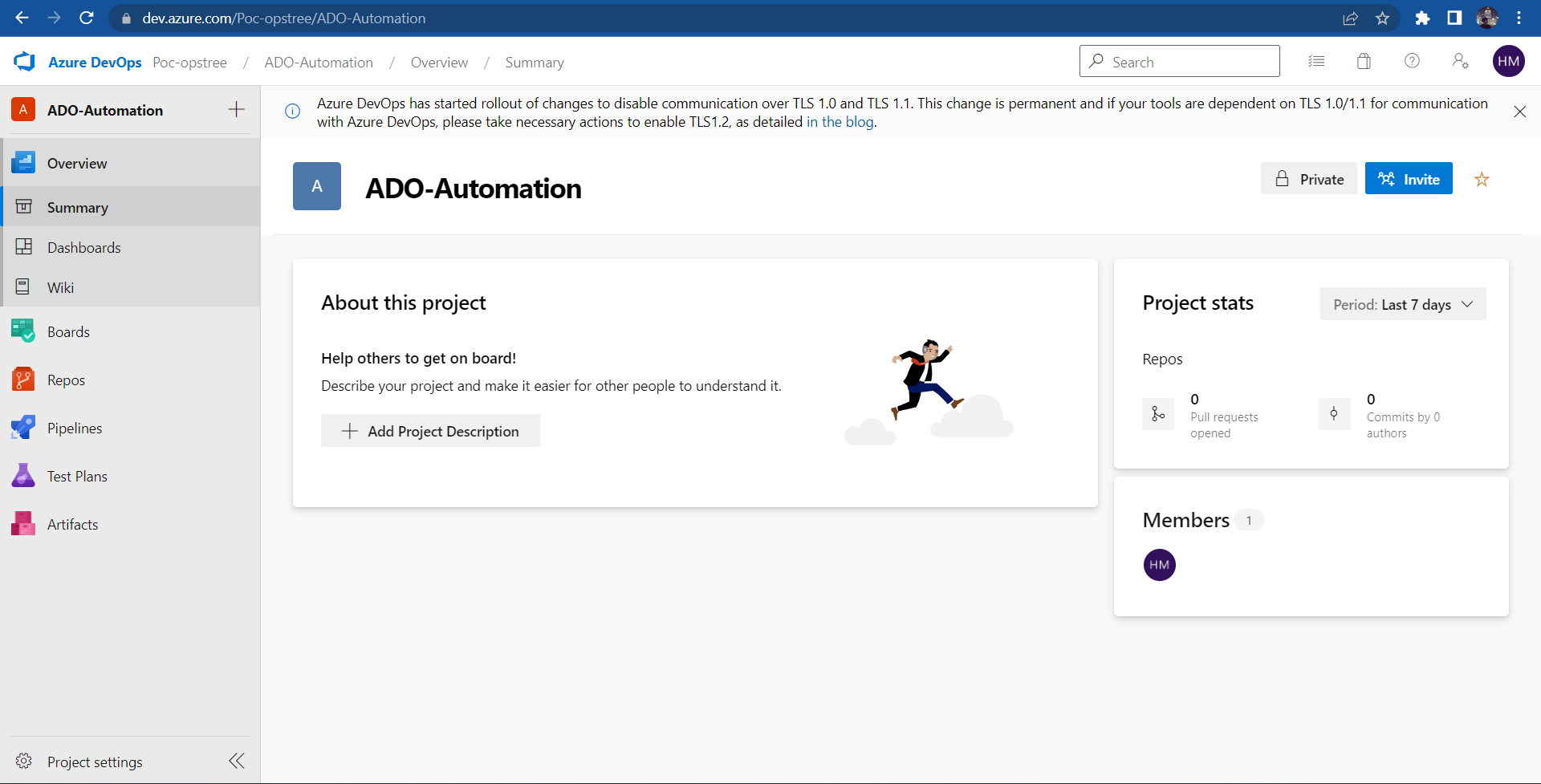
Here main page will show you the Project Description, your project type, whether public or private, Projects Stats and lastly the Project Members.
You can also invite the new members into your private project using Invite button.
Azure Devops Features
While navigating through all these you must have noticed the left panel of your home page
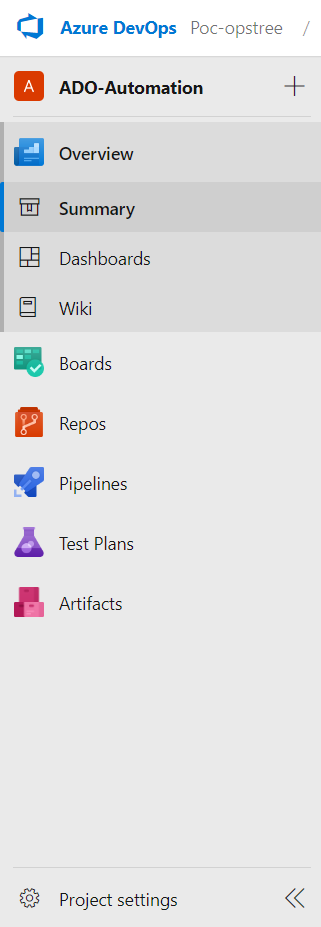
Here in this panel is where all the important features exists.
Now talking about all of them briefly one-by-one, we'll go into details further in your labs.
- Overview
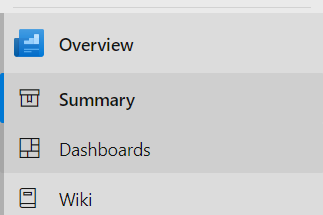
Here from Overview you can navigate through the Dashboard & Wiki of your project.
- Boards
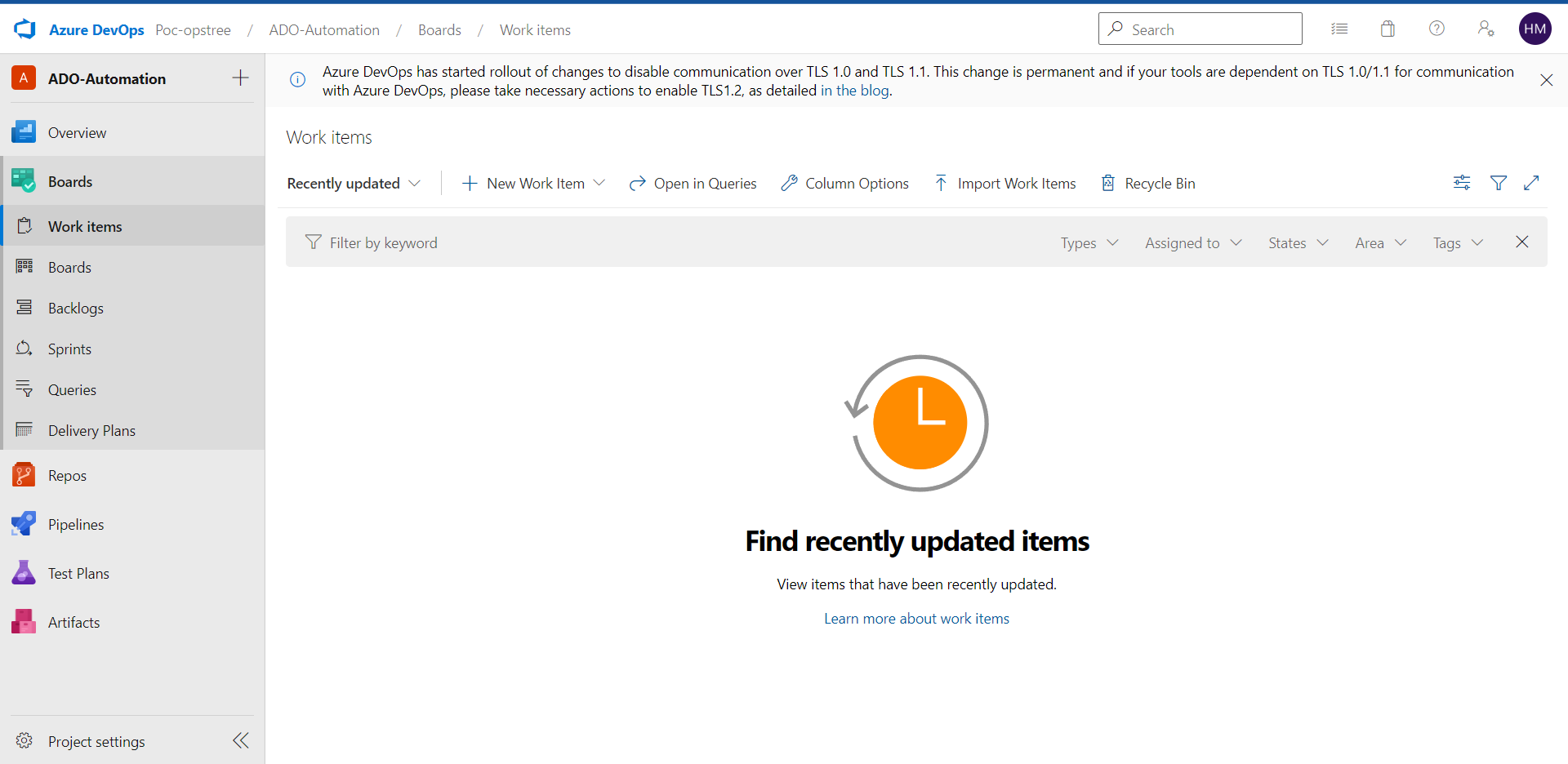
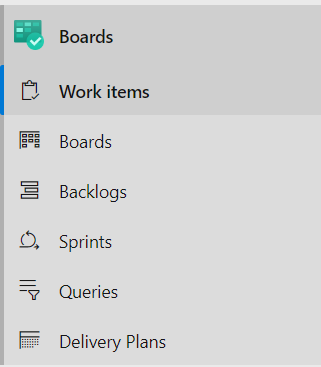
Using Boards you can navigate to your Work Items, Boards, Backlogs, Sprints, Queries & Delivery Plans.
- Repos
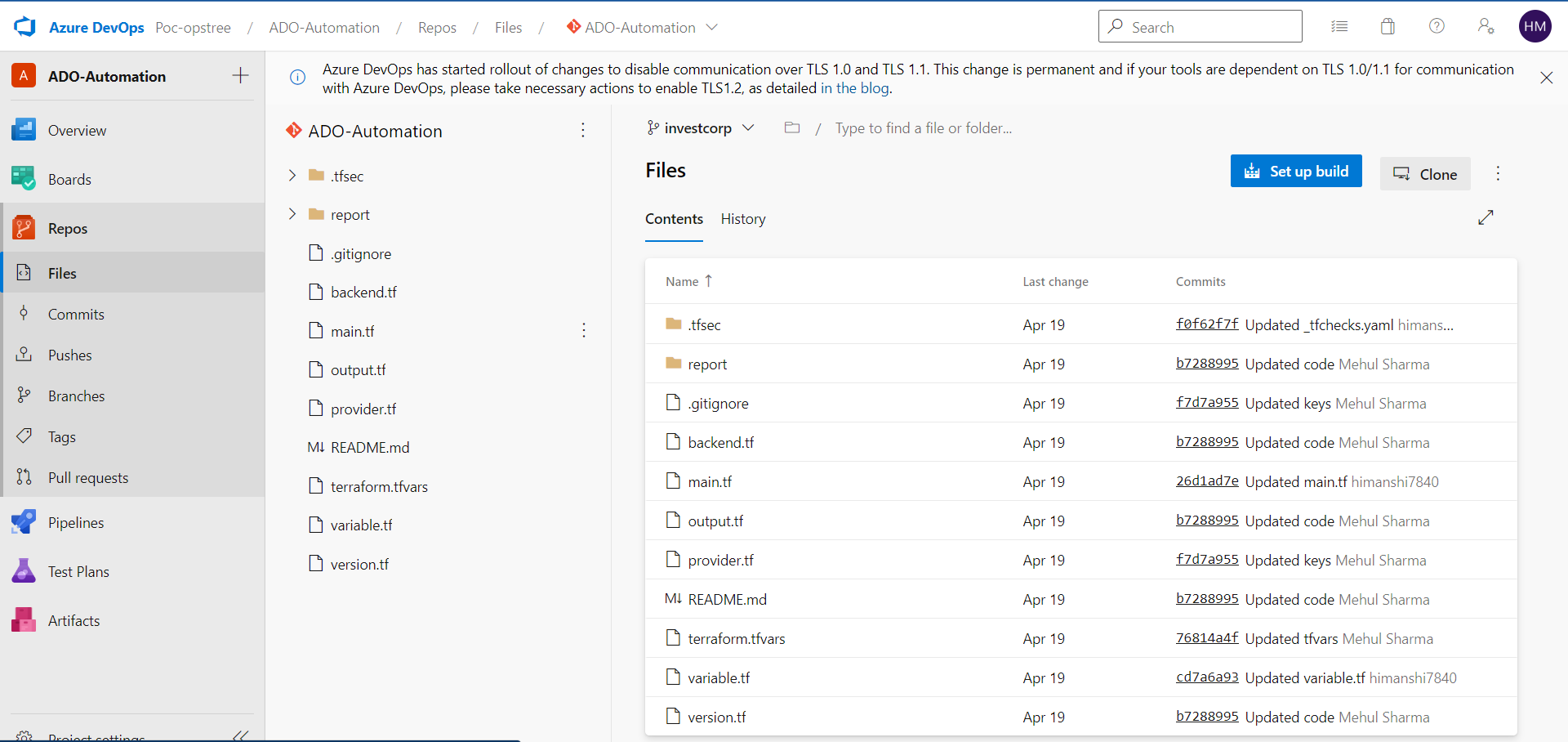
Azure Devops also provides its own Repos. Here you can Commit, Push, Pull, Create Branches, Create Tags, Generate Pull Request or anything that you can do in your other repos.
- Pipelines
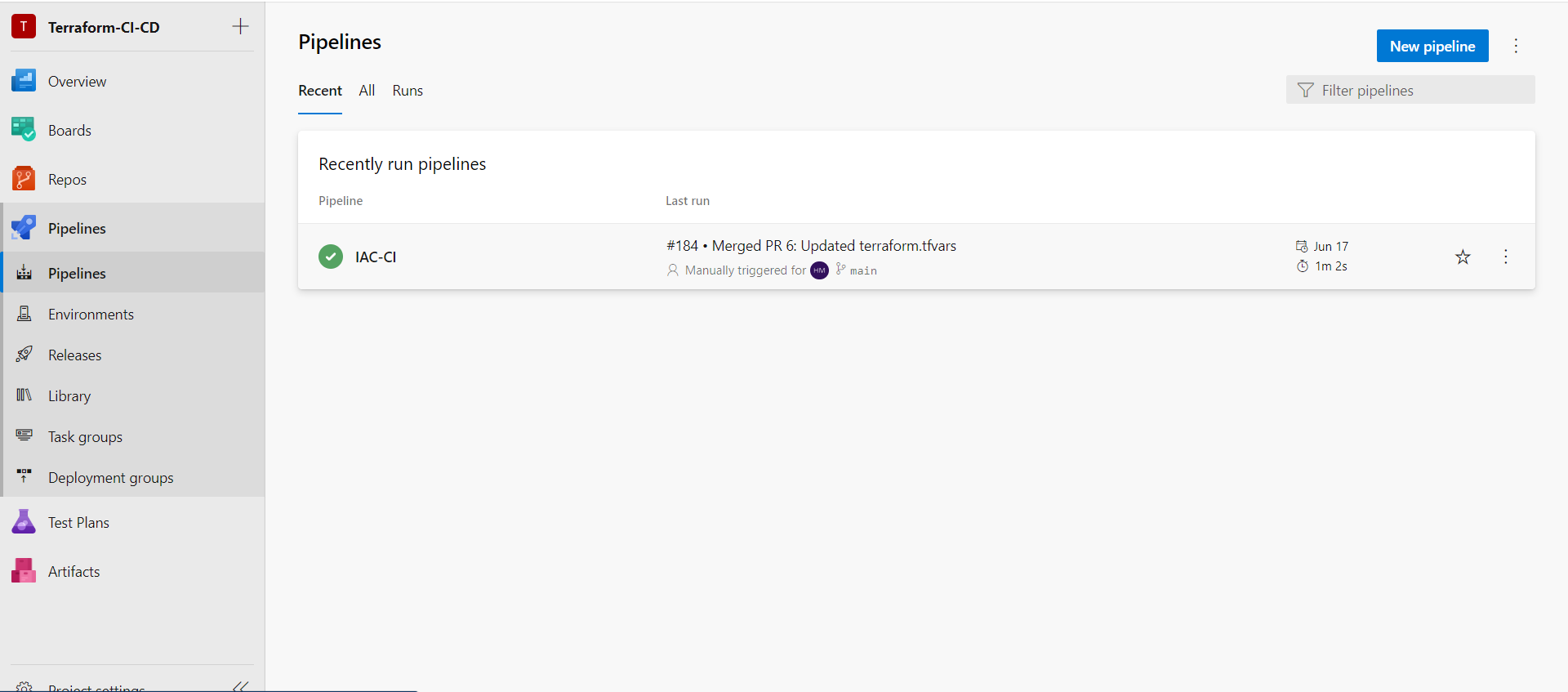
Well the heart of any Devops or CICD tool ie. PIPELINES.
Here in Azure Devops you can have one or more than one pipeline in your project.
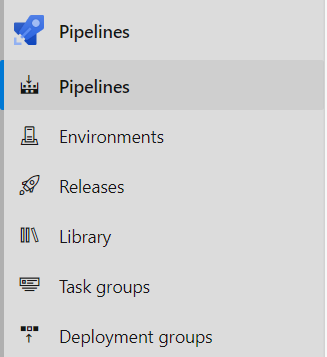
Pipeline section provides you Pipelines, Environments, Release, Library, Task Groups & Deployment Groups.
- Test Plans
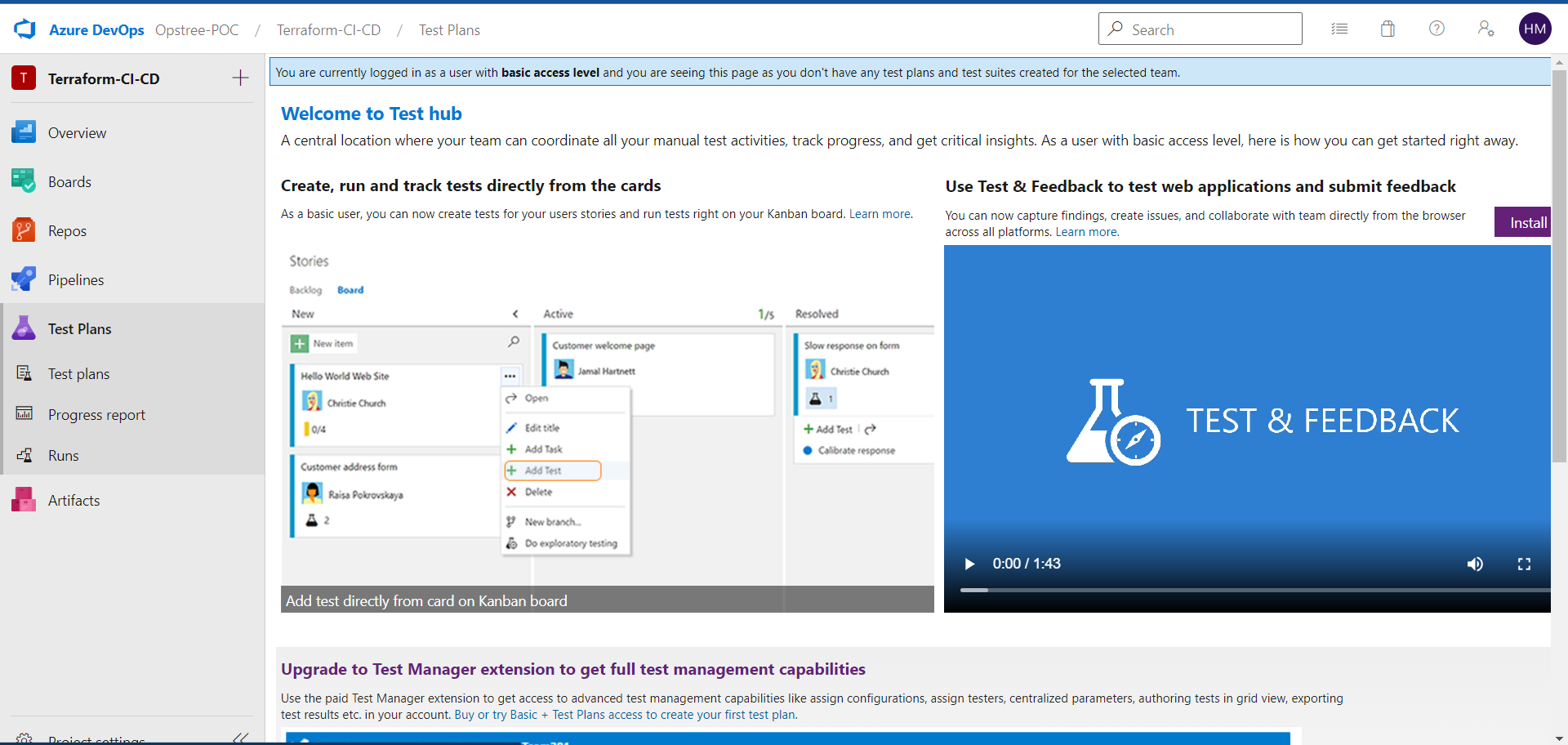
Azure Devops also provides the feature of Test Plans.
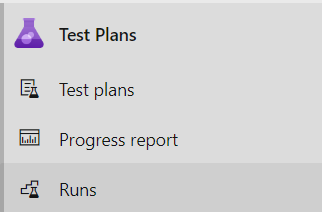
Which provides Test Plans, Reports & Runs.
- Artifacts
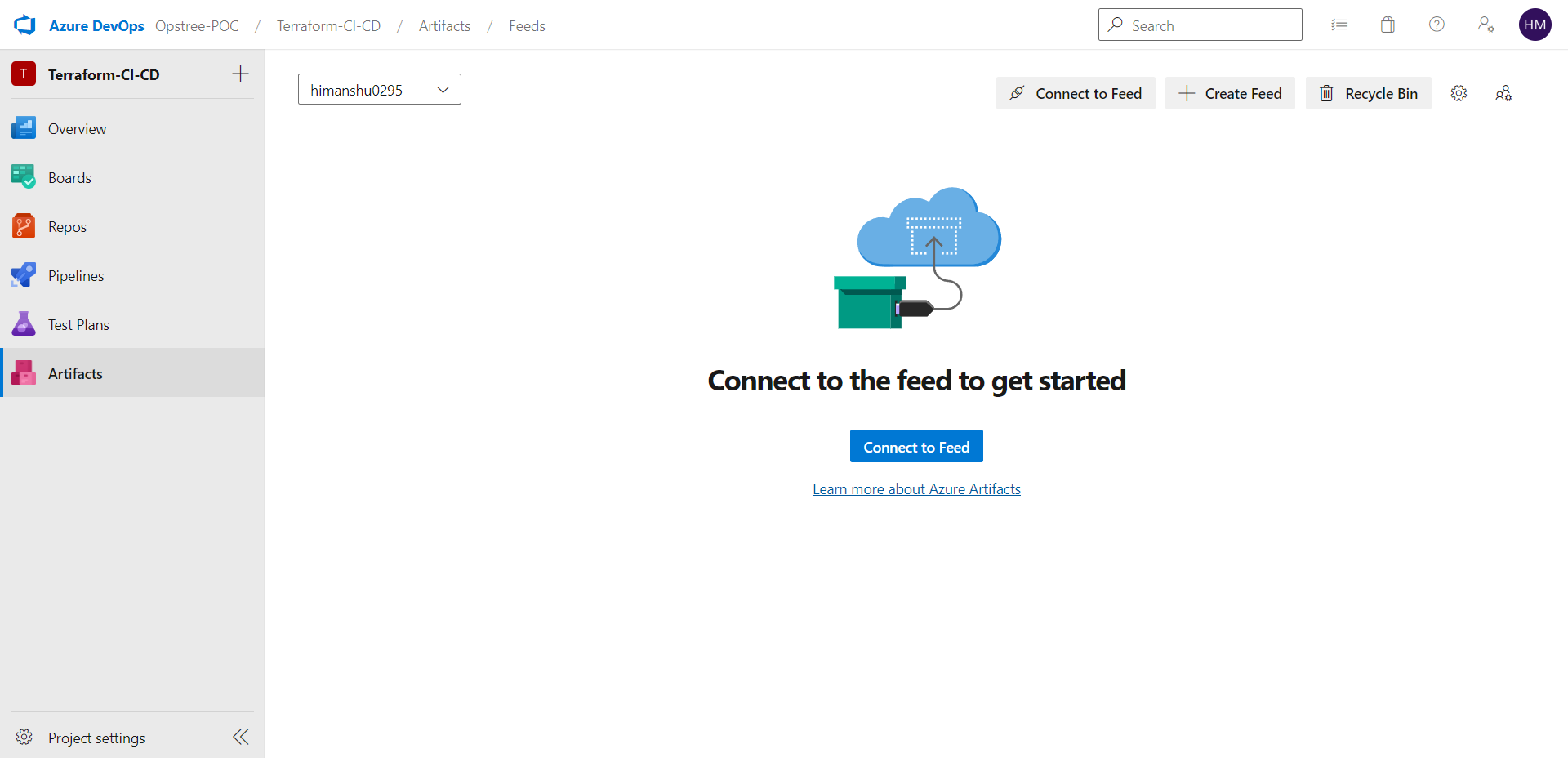
You also have your own Artifacts section in Azure Devops.
- Project Settings
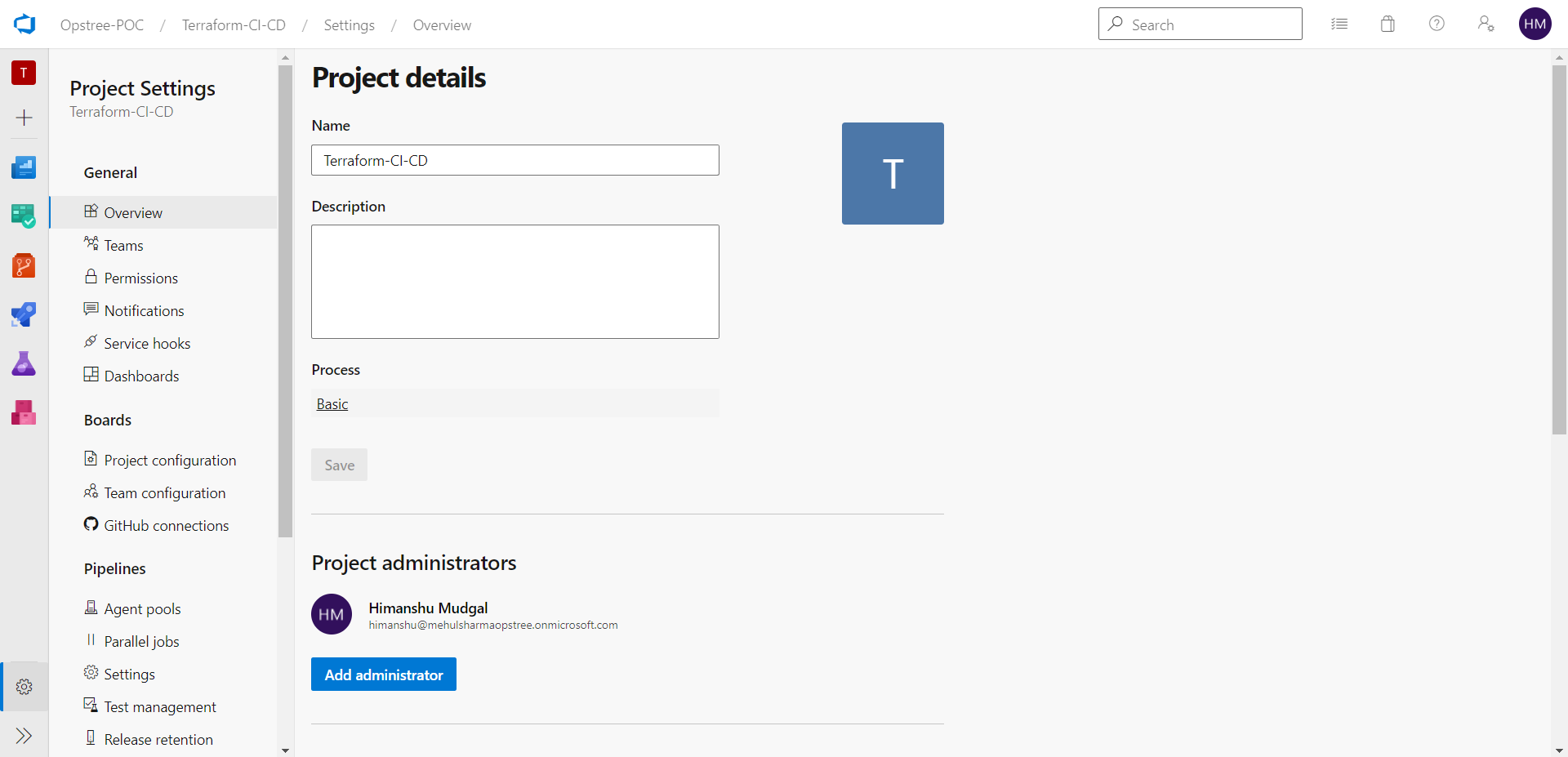
At last coming to the Project Settings section.
It will provide all the settings features related to your project.
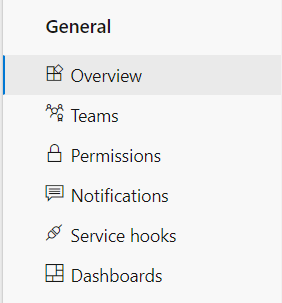
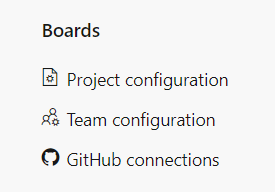
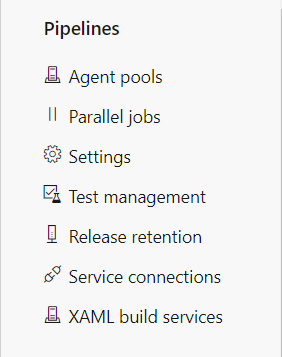
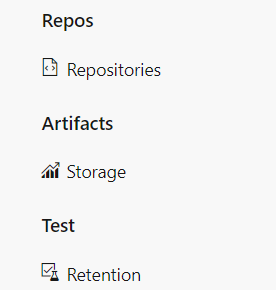
This was all about the Introduction To Azure Devops. Next we'll talk about Azure Boards in Azure Devops.