Storage Queue - NeoSOFT-Technologies/azure-functions-queue-storage-poc GitHub Wiki
Introduction
Queue is basically a line of things that waiting to be get processed. Azure Queue Storage is a service for storing large numbers of messages. Here it allows you to create the backlog of work which will be asynchronously get processed.
Steps to create Storage Queue:
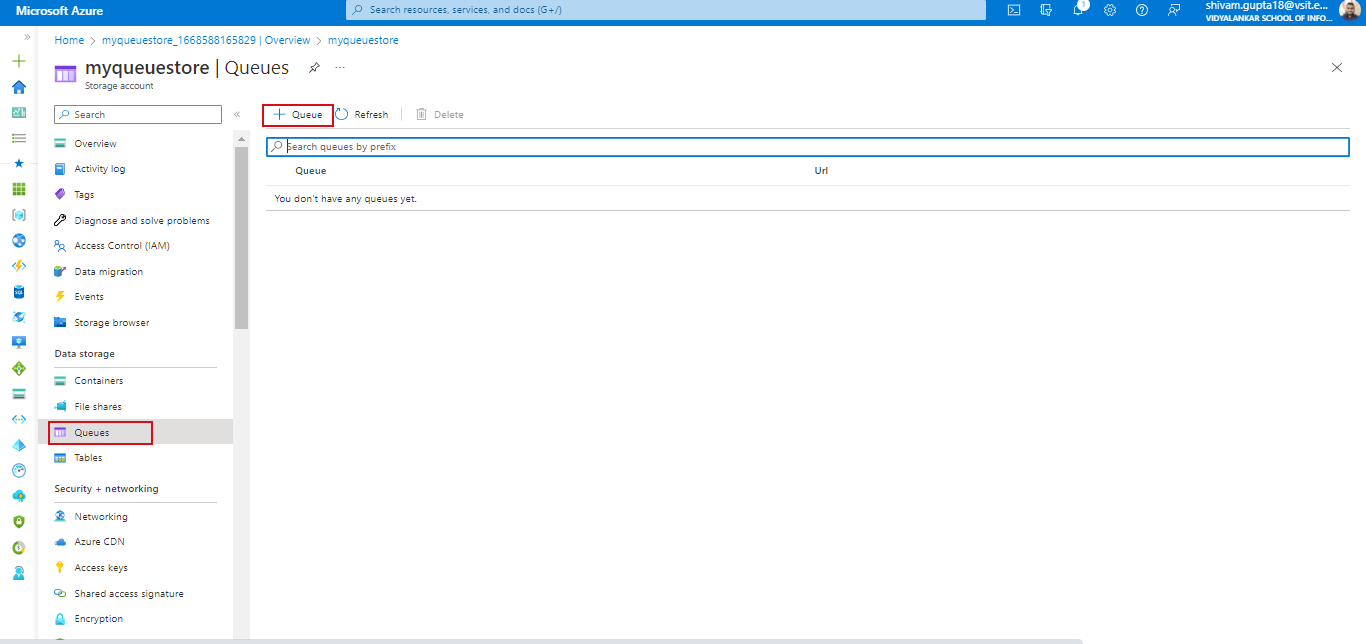
#1. Firstly, go to Queues Data Storage tab.Then click on Add Queue button to create new queue inside storage account.
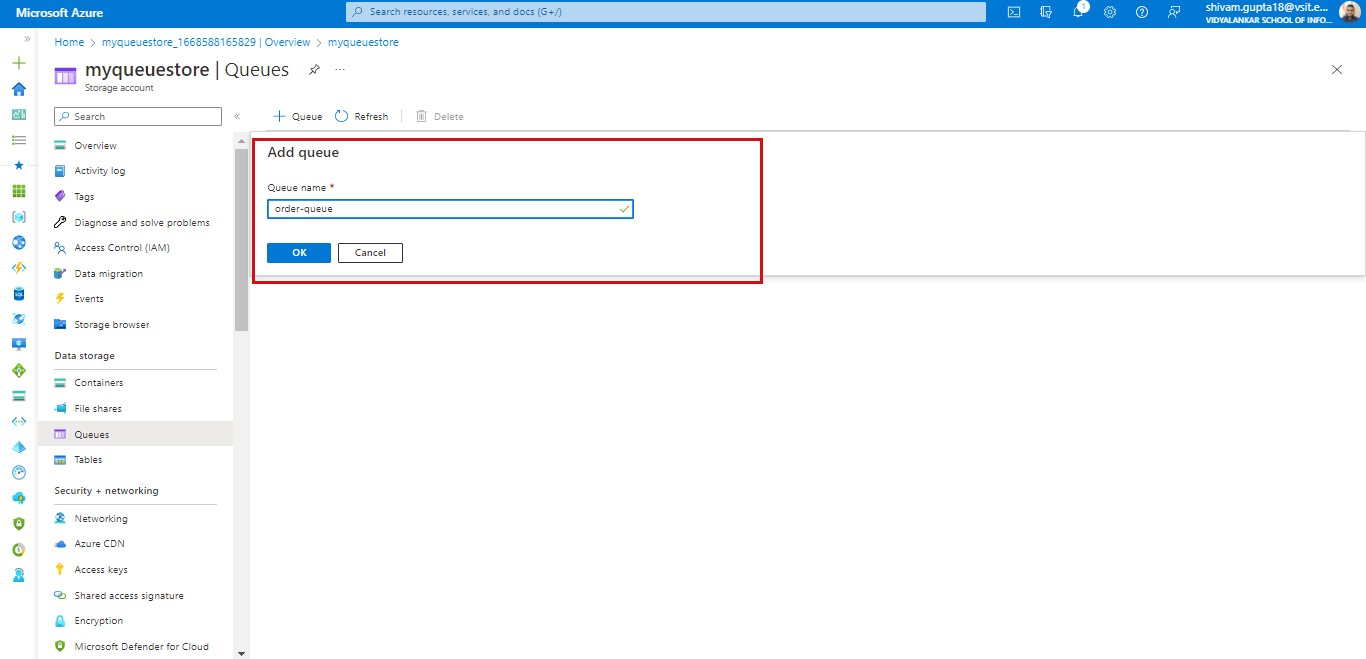
#2. Provide unique name for queue b following naming convensions and click on create button.
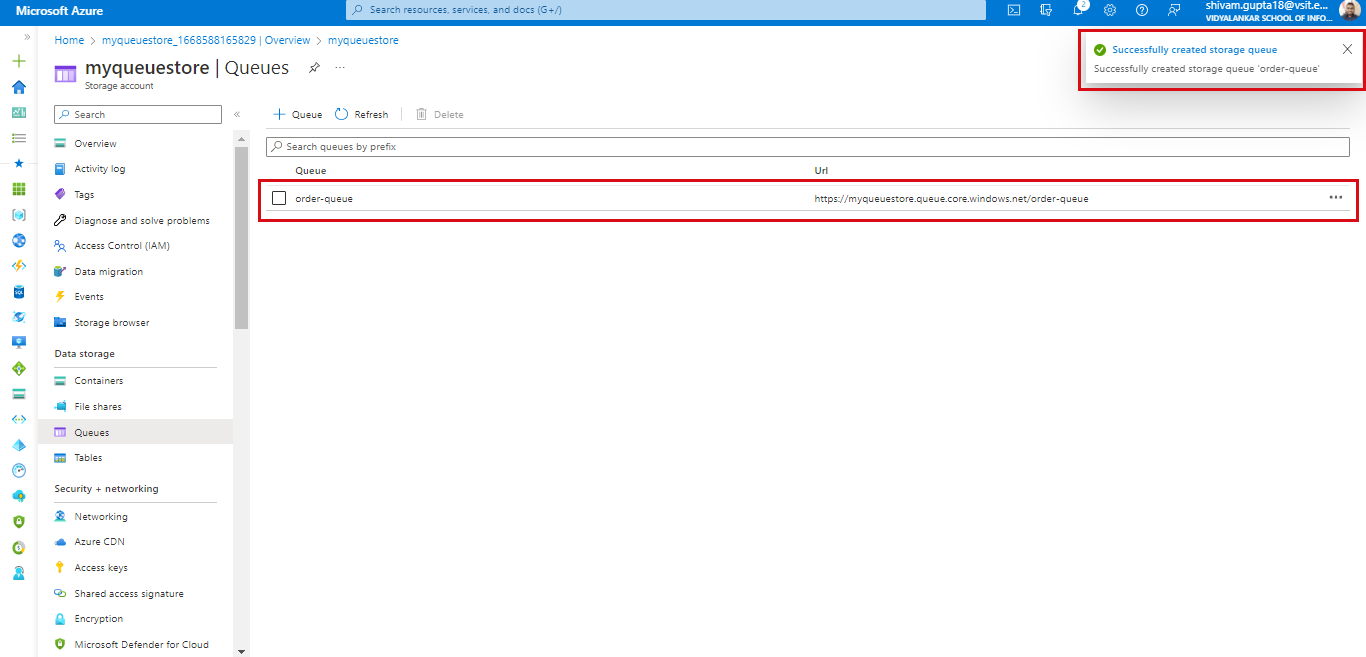
#3. After successfully creating Queue it will get dispaly in queue list as below.
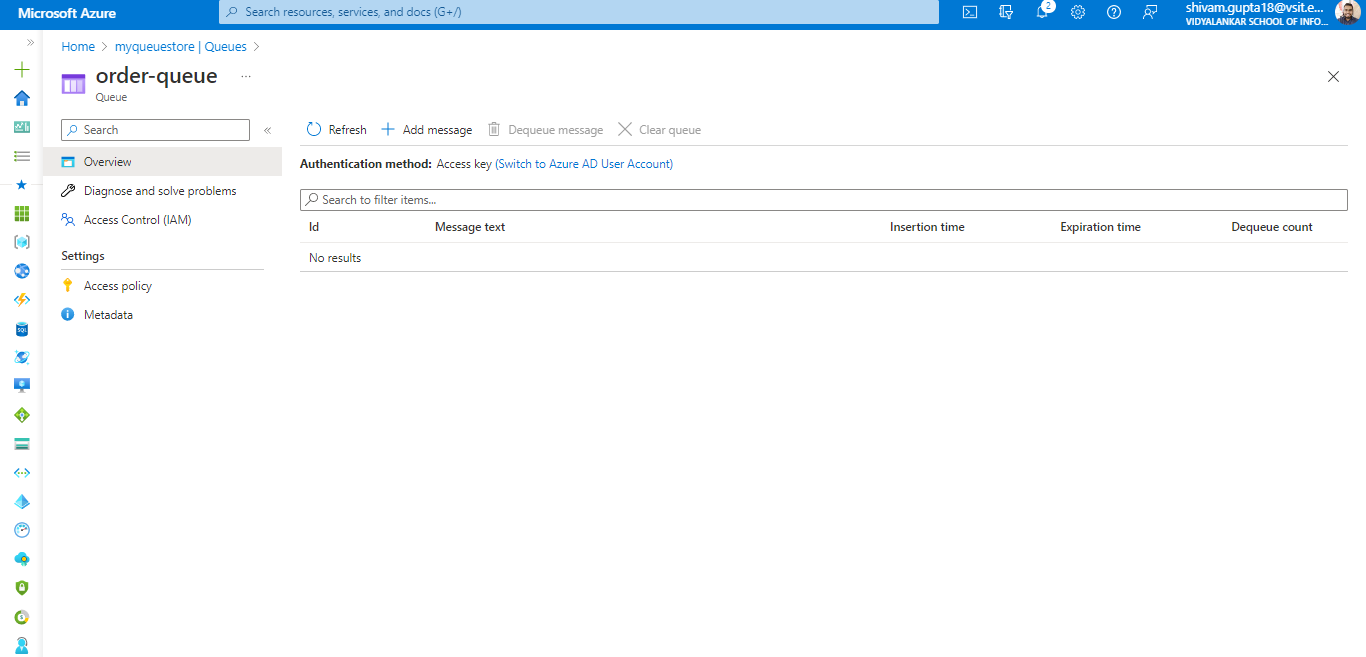
#4. When you open Queue it will have following by default fields.