Signal Placer - MrTroble/Open-Signals GitHub Wiki
With the Signal Placer item you can configure a signal of your choice and then place it in the world. By default, there are the Signal Placer and the Sign Placer items in the mod. If you have ContentPacks installed, there may also be items for each.


Configure signal
To configure the signal, you can Shift+right-click on the floor with the item in your hand to open the GUI.
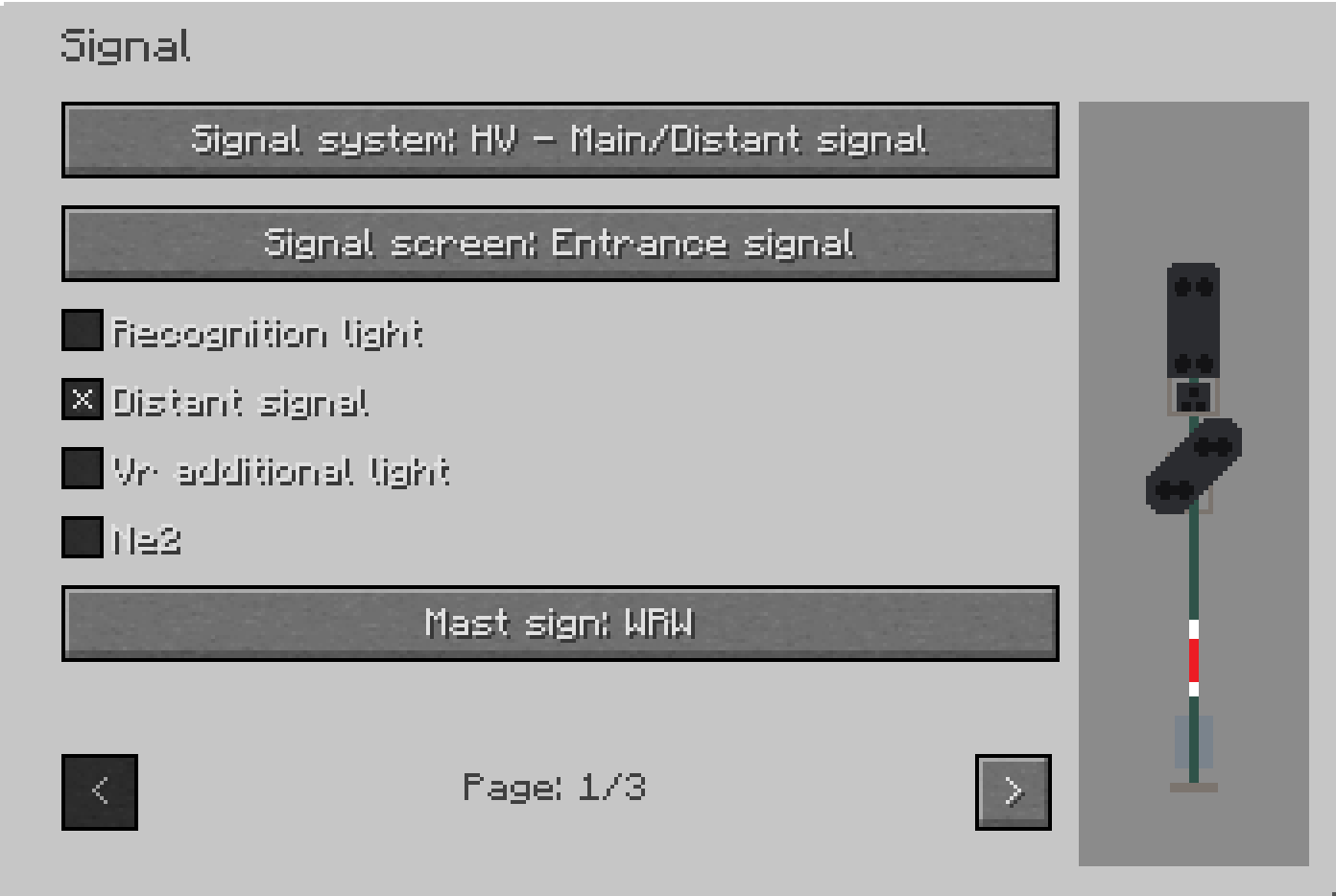
With the top button you can change the signal system.
Below that, there are different setting options depending on the signal system. Either as a drop-down menu or as a selection option. If you hover the mouse over the options and press shift, you can get more information.
There may also be a text input field, which can be used to display a text on the signal. If you enter [n], you create a line break. Depending on how many setting options there are, you can change the page in the lower area.
On the right side there is a preview of the configured signal. If you hold down the left mouse button and move the mouse, you can also rotate the signal.
In the drop-down menus you have a search function at the top.
Place signal

When you have finished configuring the signal, you can close the GUI with ESC and the settings will be saved. Now you can place the signal in the world with a right click.
If the signal can have a name, you can always change it afterwards. To do this, hold the manipulator item in your hand and click on the lowest block of the signal.
Control signal
To control the signal, you have to link it to a signal controller or a signalbox/interlocking.