Trading - MarkusBordihn/BOs-Easy-NPC GitHub Wiki
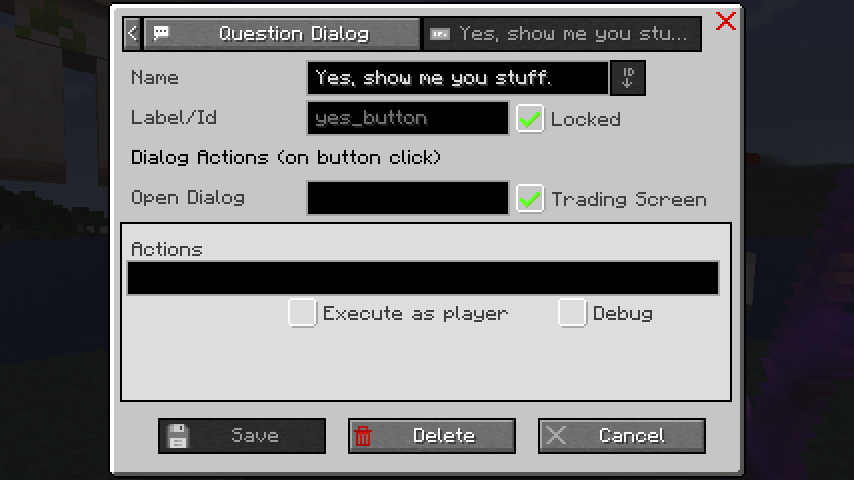
Trading lets an NPC act like a merchant. The current code supports four trading modes, from a simple shared setup to fully custom offers.
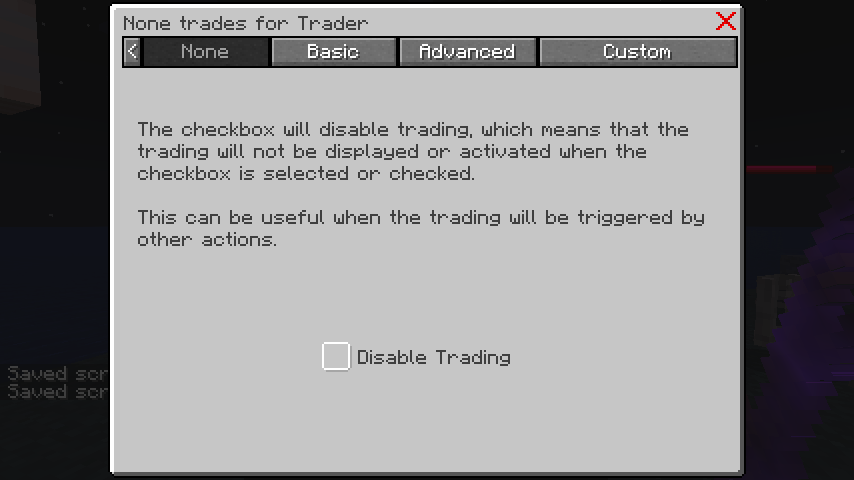
Use this when the NPC should not open a normal trade screen. This is useful if trading is handled by another mod or only opened through actions.
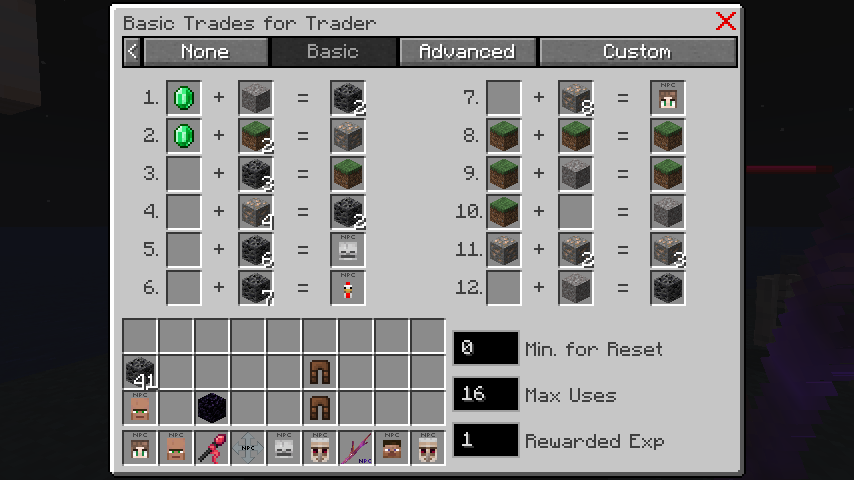
Basic trading is the quickest setup. It uses one shared configuration for all offers on the page:
- shared max uses
- shared rewarded XP
- shared reset timer
It is a good fit for simple shops with a small offer list. The current basic layout supports up to
12 offers.
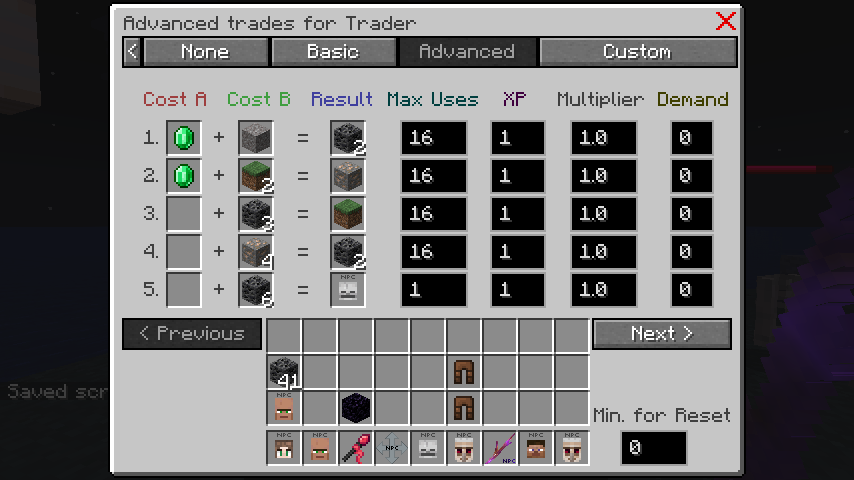
Advanced trading is used when offers need their own settings. Each offer can have its own:
- max uses
- rewarded XP
- price multiplier
- demand
- trade action
Easy NPC also switches to Advanced Trading automatically when at least one offer needs its own
settings or when a per-offer action is configured. The current advanced layout supports up to 25
offers.
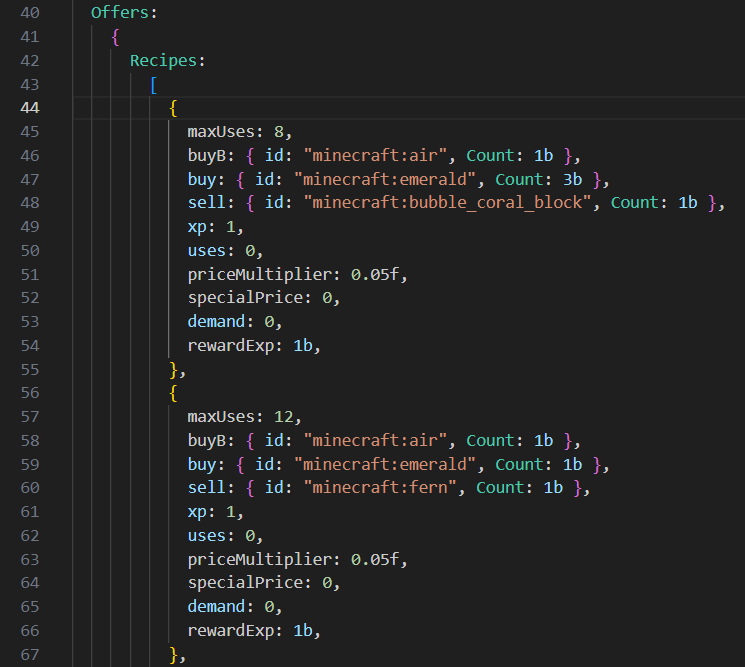
Custom trading uses NBT-based trade data instead of the normal UI-driven setup. Use this when you want to import or maintain trades in preset data, or when another workflow already provides valid merchant trade NBT. This mode is also useful when the trade structure should stay close to vanilla merchant data.

Easy NPC stores trade usage and shows the remaining uses in the trading editor.
- Basic Trading shows
uses / max uses - Advanced Trading shows the current uses next to the editable max-uses field
- offers that run out of stock are shown accordingly in the trade screen
Both Basic and Advanced Trading support timed resets. If a reset timer is configured, used offers are restored automatically after the configured number of minutes.
You can also reset all offers manually:
- with the
Reset Tradesbutton in the trading screen - with the command
/easy_npc trading reset <npc>
Easy NPC supports actions when a trade is completed. There are two ways to use them:
- a general
On Tradeaction event in Actions - offer-specific actions in Advanced Trading
Offer-specific actions only run for the selected trade offer. This is useful for rewards, follow-up dialogs, scoreboard updates, or special shop logic.
Examples:
- give a bonus item after buying a rare offer
- add a scoreboard value after each purchase
- open a follow-up dialog after a quest item was bought

- Use
Noneif trading should be opened only through actions or another mod - Use
Basicif all offers share the same reset and usage rules - Use
Advancedif one offer needs its own stats or its own action - Use
Customif the trade data should come from presets or direct merchant-style NBT
If the NPC has trading but no dialog, the trade screen can open directly on interaction. If the NPC uses dialogs, you can open trading from:
- a dialog button
- a normal action
- the
Open Tradingdefault interaction action
If another player is already trading with the same NPC, Easy NPC blocks a second trade session until the current one is finished.