Position - MarkusBordihn/BOs-Easy-NPC GitHub Wiki
Position 📍
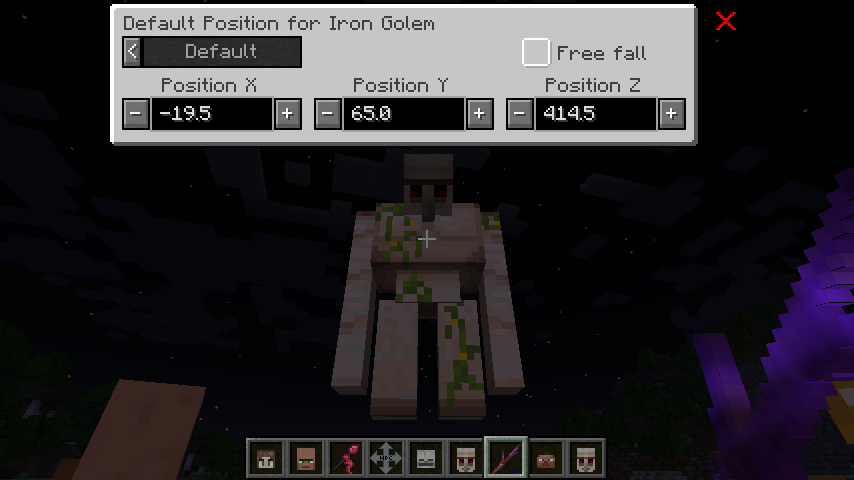
The position screen empowers you to effortlessly relocate your NPC to a different position, even mid-air. 🚀 This feature proves invaluable for strategic positioning or when you want your NPC to make a grand entrance.
Gravity and Free Fall 🕊️
Two checkboxes control how the NPC behaves at its position:
- No Gravity: The NPC stays exactly where you put it, including mid-air. Use this for floating NPCs, statues on pedestals, or characters placed inside a build.
- Free fall: The NPC descends until it touches the ground.
The two options exclude each other. Enabling No Gravity disables Free fall and greys the
checkbox out, since an NPC without gravity cannot fall.
If you place an NPC in mid-air with neither option enabled, it falls once and then stays on the ground.
Please be aware that certain mods might not fully support free positioning or the free fall feature, especially those altering entity models or physics.
Move EasyNPC Item 🏃
For a more hands-on approach, the Move EasyNPC item provides a convenient alternative to the position screen. This item allows you to relocate the selected NPC to a specific position effortlessly. Perfect for situations where the NPC is stuck or using the position screen is impractical or undesired.