ModIntegration - MarkusBordihn/BOs-Easy-NPC GitHub Wiki
Easy NPC supports several useful mod integrations. This page focuses on the built-in behavior that players, map makers, and modpack authors can use in practice.
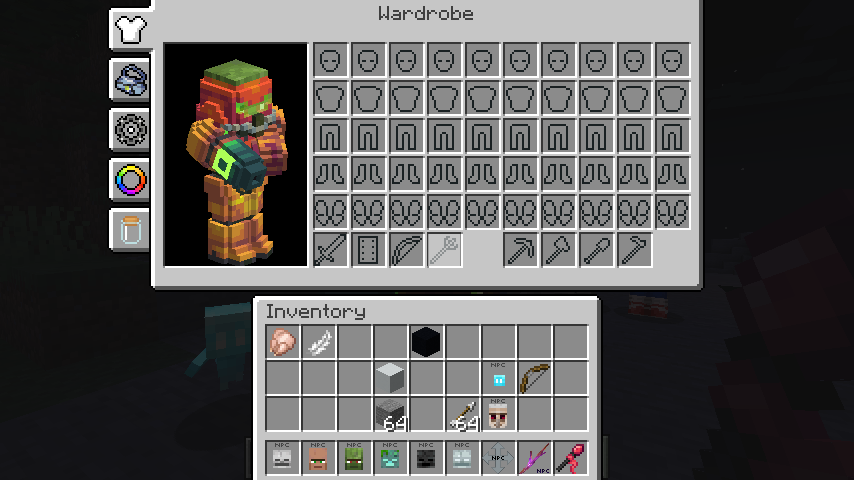
Armourer's Workshop can be used to style NPCs with custom visuals. This works best with humanoid-style NPCs.
Easy NPC includes built-in Cobblemon support. When Cobblemon is installed, a Cobblemon NPC type becomes available and can be configured like other NPCs.
Spawn the Cobblemon NPC with its spawn egg and then select a species in the model configuration.
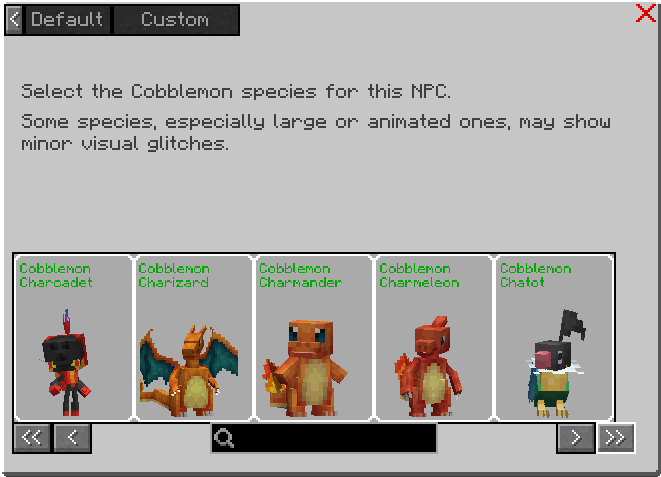
Some species, especially large or heavily animated ones, may show small visual glitches because the Cobblemon renderer has different assumptions than the normal Easy NPC pipeline. Oversized species are scaled with Cobblemon's own profile scale, so the selection preview stays usable.
The model list does not only contain the base species. Where Cobblemon provides them, Easy NPC also offers the female and shiny looks as separate entries, and both can be combined:
| Entry | Look |
|---|---|
cobblemon:pikachu |
default (male) form |
cobblemon:pikachu_female |
female form |
cobblemon:pikachu_shiny |
shiny form |
cobblemon:pikachu_female_shiny |
female shiny form |
Type female or shiny into the search field to filter the list down to those variants. Not every
species has a distinct female or shiny model - only the variants Cobblemon actually provides show
up.
The same ids work with the command:
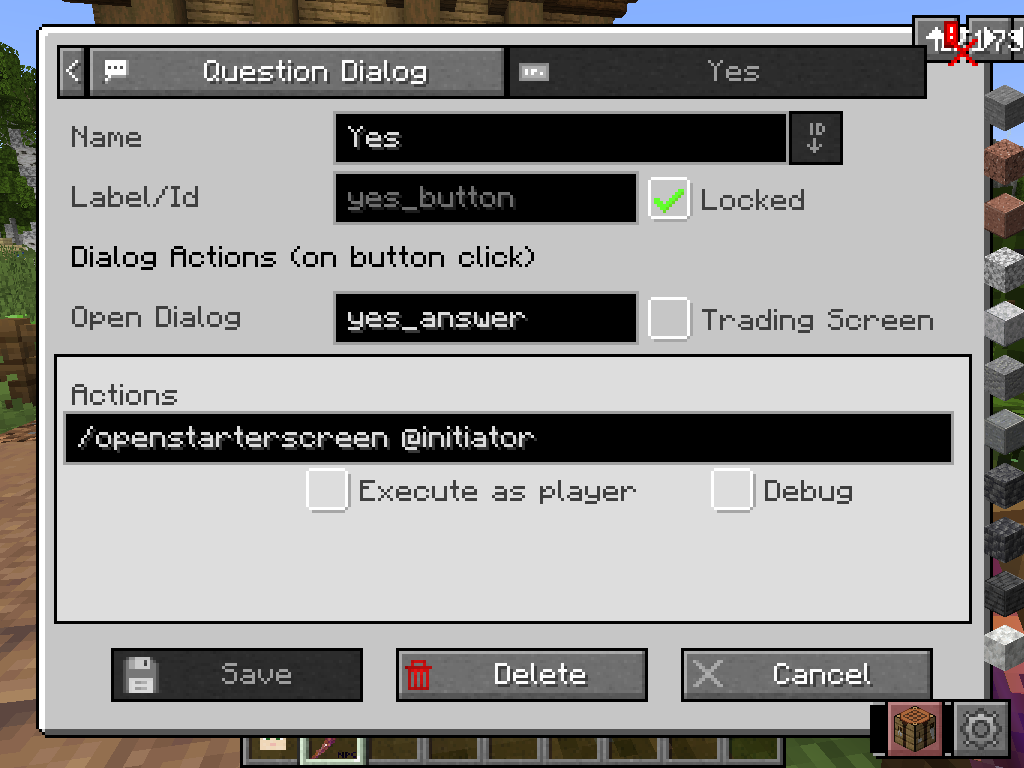
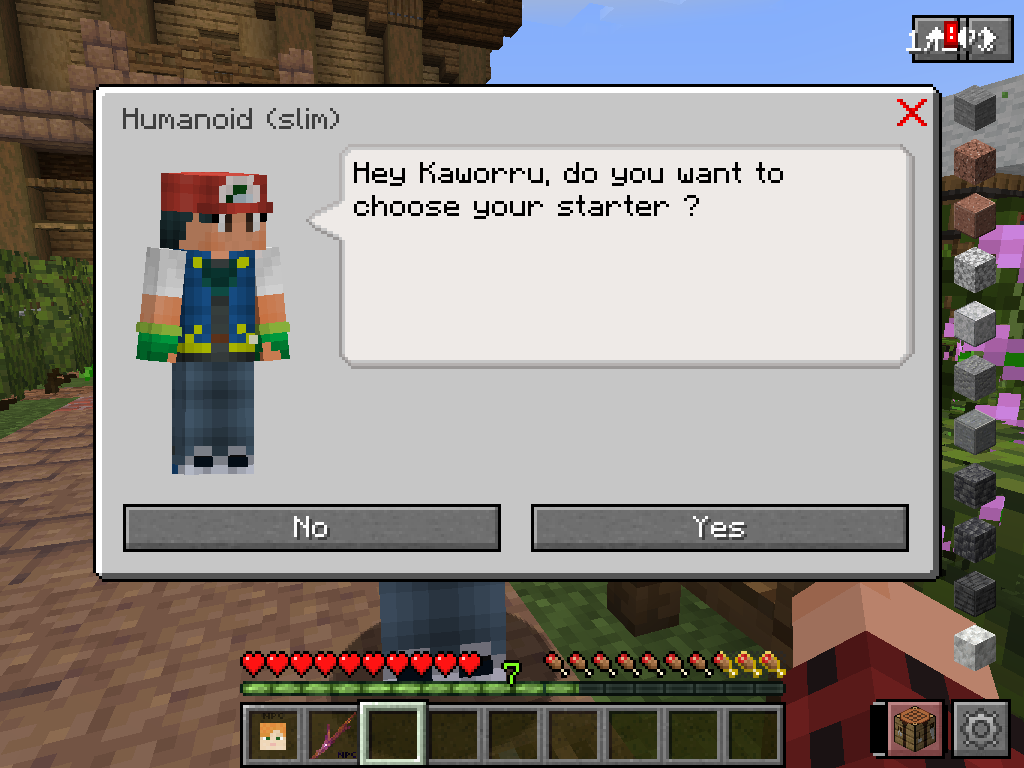
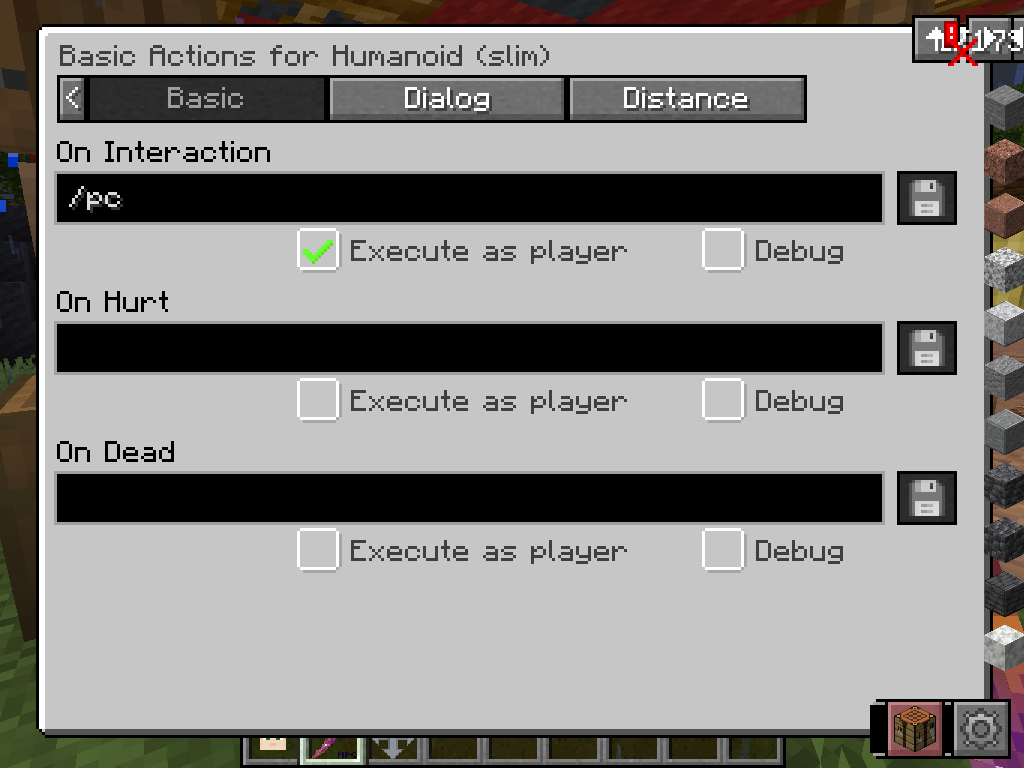
/easy_npc render set species <NPC> cobblemon:pikachu_shinyExamples used in dialog buttons or interaction actions:
/openstarterscreen @initiator/healpokemon @initiator-
/openpcwithExecute as player
Easy NPC includes built-in Easy Model Entities support. This is the way to use your own Blockbench model as an NPC - with dialogs, trading, actions, and objectives - without writing a single line of Java code.
- Build the model in Blockbench.
- Export it with the Easy Model Entities Blockbench plugin. The plugin writes a ready data pack (the entity profile) and resource pack (model and textures).
- Install both packs, plus the Easy Model Entities mod.
- Spawn the Easy Model NPC with its spawn egg in Easy NPC.
- Open the model configuration and pick your profile.
Everything about building the model and writing profiles is documented in the Easy Model Entities wiki - this page only covers the Easy NPC side.
The model list shows all active entity profiles, including everything added by data packs. The search field filters by namespace and profile name, which helps once a pack ships dozens of models.
After a /reload with changed data packs, the profile list updates automatically - no restart
needed.
If your profile does not appear:
- the data pack is not enabled (check
/datapack list) - the profile is a block entity profile, not an entity profile - Easy NPC uses entity profiles
- the profile failed validation; check the log for Easy Model Entities warnings
Unlike Doppler and Cobblemon NPCs, Easy Model NPCs support the custom pose editor for per-part rotation, position, scale, and visibility.
Models with humanoid arms and legs additionally get the default, basic, and advanced pose screens. Other body shapes only offer the custom pose editor, because the standing/sitting/sleeping poses have no meaning for them.
Model parts are matched by their bone names. Use these names in Blockbench and the pose editor recognizes the part:
head, body, left_arm, right_arm, left_leg, right_leg, front_left_leg,
front_right_leg, back_left_leg, back_right_leg, left_wing, right_wing, tail, tail_fin
Parts with other names keep their automatic animation and are not editable in the pose editor. So if
you want to hand-pose an arm, name the bone left_arm rather than arm_l.
The body type in the profile decides which animation set the NPC uses:
| Profile body type | Animates like |
|---|---|
HUMANOID (default) |
Humanoid |
QUADRUPED, AMPHIBIOUS, AQUATIC
|
Quadruped |
WINGED |
Bird |
WINGED_HUMANOID |
Pixie |
ARTHROPOD |
Spider |
STATIC, CUBOID, FLOATING
|
Slime |
Entity profiles are loaded server-side from data packs. The model selection list is synced to the client when the model configuration screen is opened, so no client-side data packs are required. Clients still need the Easy Model Entities mod (and any resource packs providing models and textures) to render the models.
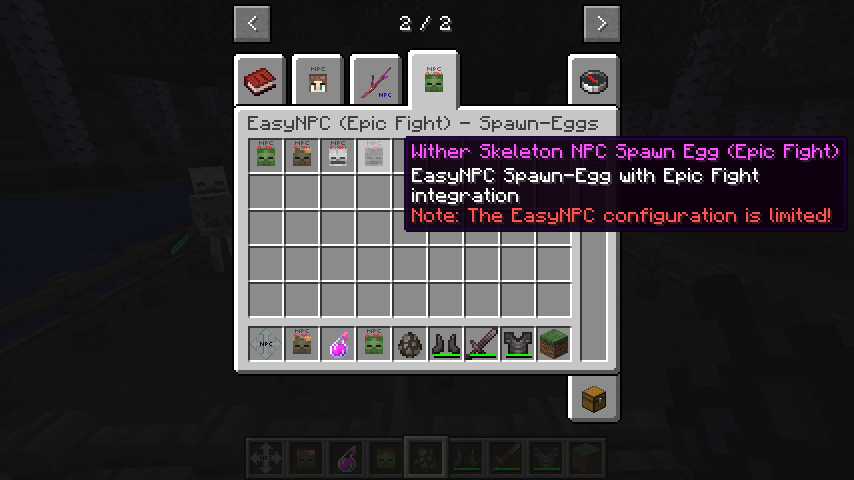
Easy NPC includes built-in Epic Fight support when the mod is present. This allows compatible NPCs to use Epic Fight combat behavior and animations.
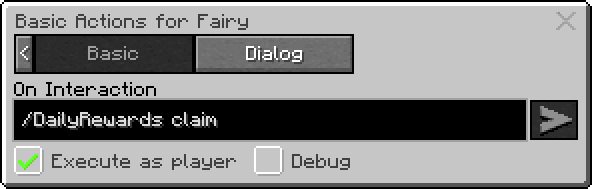
Daily Rewards can be opened through an action, usually with:
/DailyRewards claim
Use Execute as player for that kind of integration command.
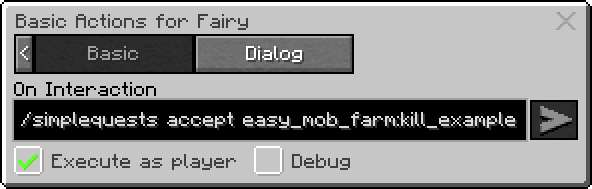
Simple Quests can also be connected through action commands, for example:
/simplequests show/simplequests accept easy_npc:kill_example
Easy NPC entities should normally be blocked from pickup by Carry On. If needed, extend the Carry On blacklist manually:
[blacklist]
forbiddenEntities = ["...", "easy_npc:*"]