QBitTorrent - MahdiMirzadeh/Dotfiles GitHub Wiki
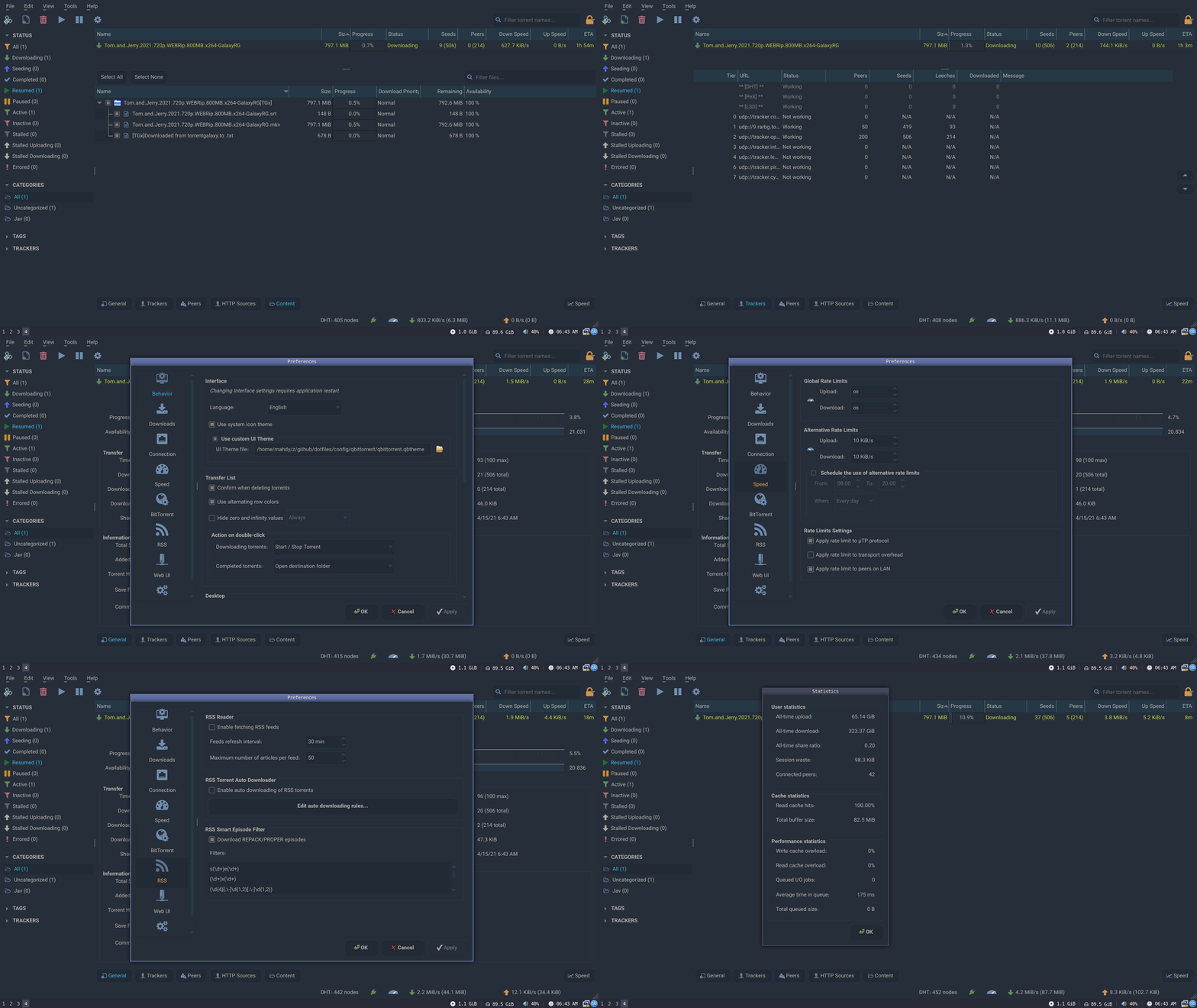
QBittorrent is an advanced BitTorrent client programmed in C++, based on Qt toolkit and libtorrent-rasterbar.
How to create your theme? - Reference
This theme is added to qbittorrent's wiki page on github. Click Here
Using pacman:
$ pacman -S qbittorrent
Using dot.sh:
$ ./dot.sh i qbittorrent
- Click Here to Download .qbtheme File
- Enable theme selection from menu: → Tools → Options → Behavior → Interface → Use custom UI Theme
- In 'UI Theme file' click on the file icon and select your '.qbtheme' file
- Restart qbittorrent to apply theme
Qbittorrent theme is orginally a single '.qbtheme' file that you can select and use in qbittorrent preferences, which you need to compile a '.qrc' file with rcc.
You can edit stylesheet.qss, config.json to start making your very own qbittorrent theme!
My theme contains:
| Name | Desc |
|---|---|
| Icons/ | Contains GUI Icons |
| Icons/qss/ | // // |
| stylesheet.qss | Full theming |
| config.json | Custom GUI colors |
| resources.qrc | Resources for compiling |
Compiling this theme requires rss.
You can install this tool with:
$ pacman -S qt5-base
Now we can generate our theme:
$ rcc resources.qrc -o example.qbtheme -binary
# resouces.qrc: list of the files
# example.qbtheme: name of your theme