将Webstorm的ESLint设置成Stander风格 - Luomusha/blog GitHub Wiki
将Webstorm的ESLint设置成Stander风格
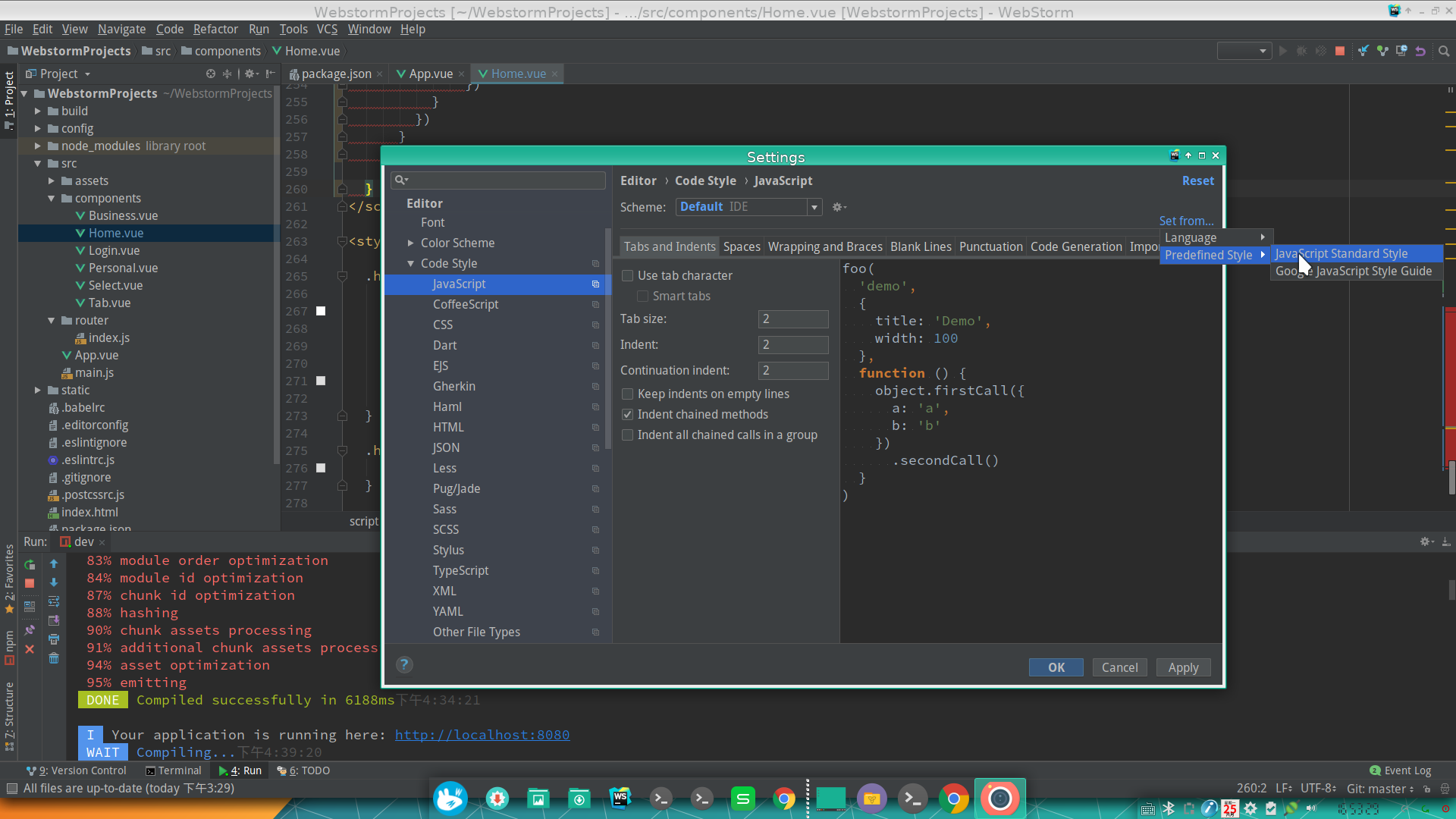
1.打开设置面板=>Code Style=>JavaScript
Tab size                           =  2
Indent                              =  2
Continuation indent  =  2
2.点击右上角的Set from... => PreDefined Style => Javascript Standard Style
3.修改html缩进 Code Style=>HTML=>Tabs and Indents
修改成2 2 4
4.修正vue文件缩进 Code Style=>HTML=>other
找到Do not indent children of:
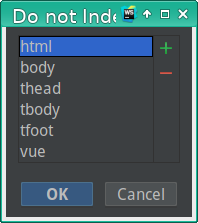
添加script
5.添加格式化快捷键
搜索keymap 找到快捷键面板。搜索fix,找到ESLint fix。设置为CTRL+ALT+;