UI Editor: Custom JEI REI UI - Low-Drag-MC/Multiblocked GitHub Wiki
Before you read this tuto, make sure you have finished last tuto.
Next follow the tutorial to make JEI/REI UI for previous machine.
Contents
- Step 1: Setup Recipe UI Name
- Step 2: Make a recipe UI
- Step 3: Bind slots to ingredients
- Step 4: Use custom UI for RecipeMap
- Demo and Download
Step 1: Setup Recipe UI Name
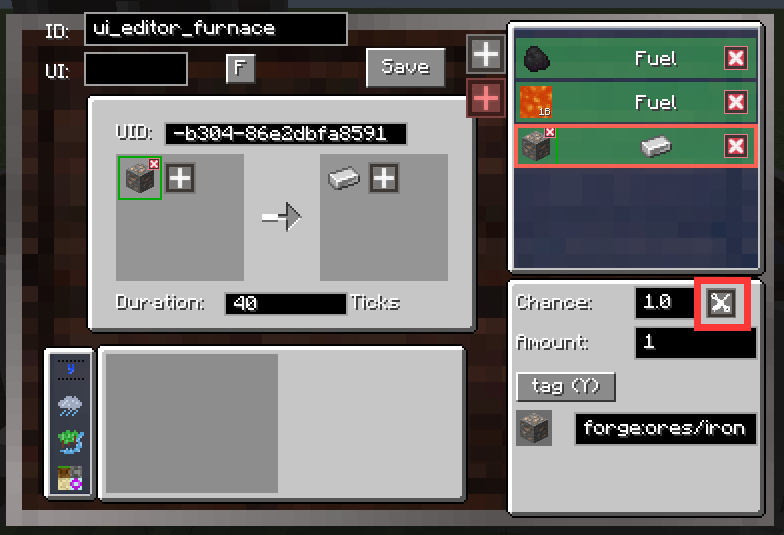
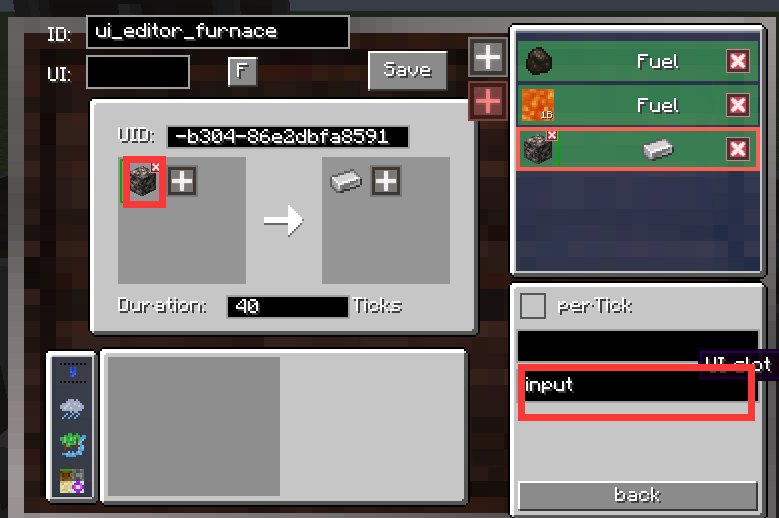
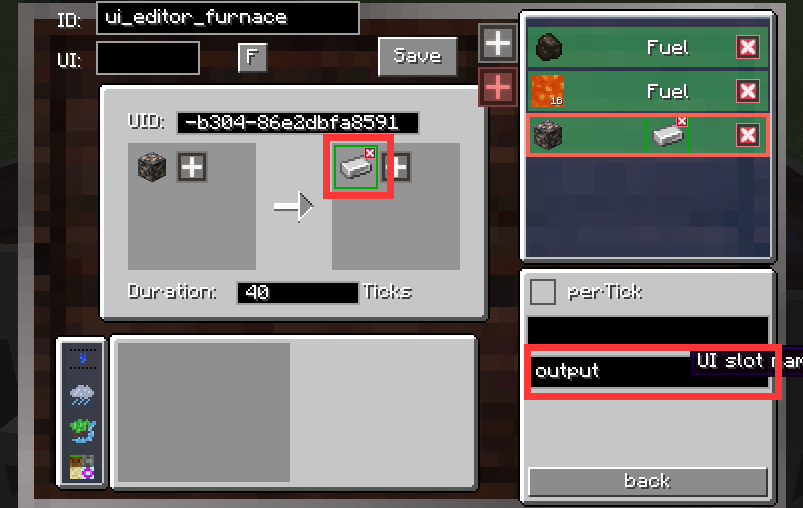
Reopen the RecipeMap which we have created. Then set ingredients' ui name.
Step 2: Make a recipe UI
Firstly, lets open the project we created before.
Delete the widgets we don't need, here we just keep the fuel progress and the I/O slots.
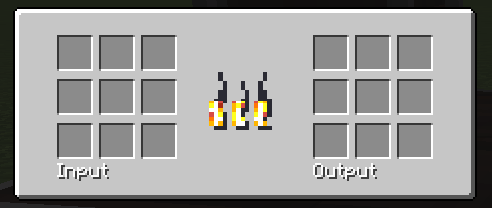
Step 3: Bind slots to ingredients
Similarly, we can set slots' id to the ingredients' corresponding ui slot name
Also, an easier way to know which ingredients have ui slot name. You can add RecipeMapfiles like this.
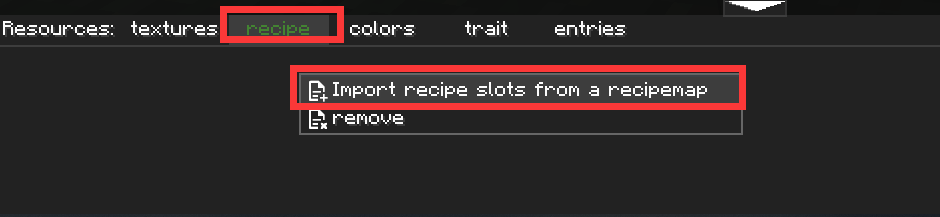

- Left column refers to slotName found in ingredients.
- Right column refers to how many widgets are using it as their
id.
Then, drag them to slots.
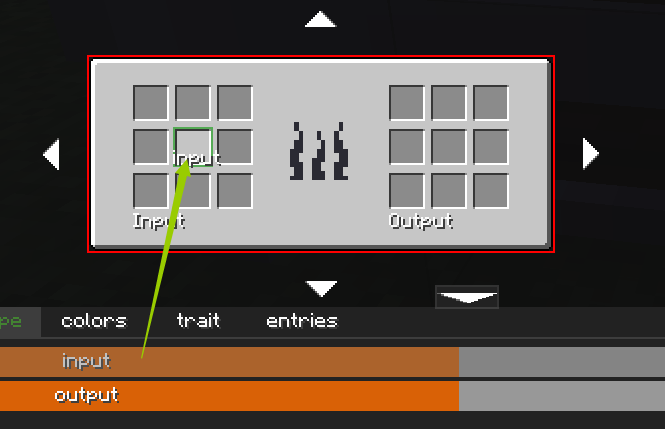
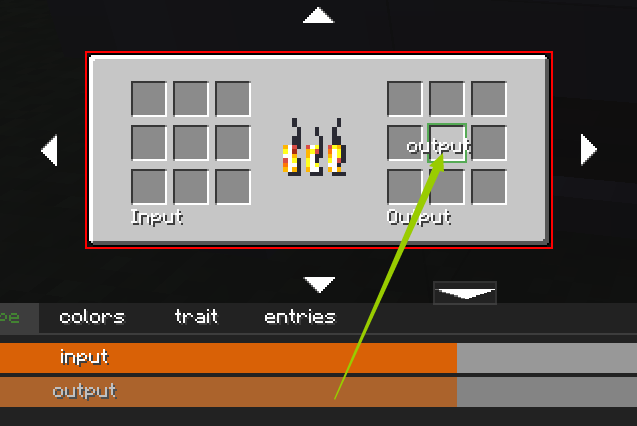
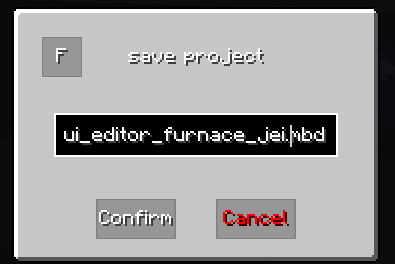
Finally, don't forget to save your project as a new project. Let's save it as ui_editor_furnace_jei.mbdui
Step 4: Use custom UI for RecipeMap
Last step, set your recipemap to use the project you saved.
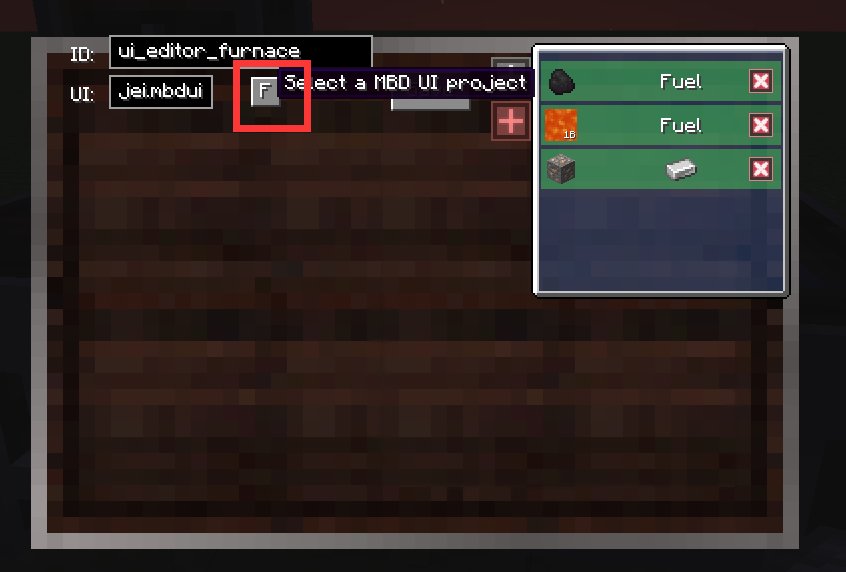
save everythings, reload your game.
Demo and Download
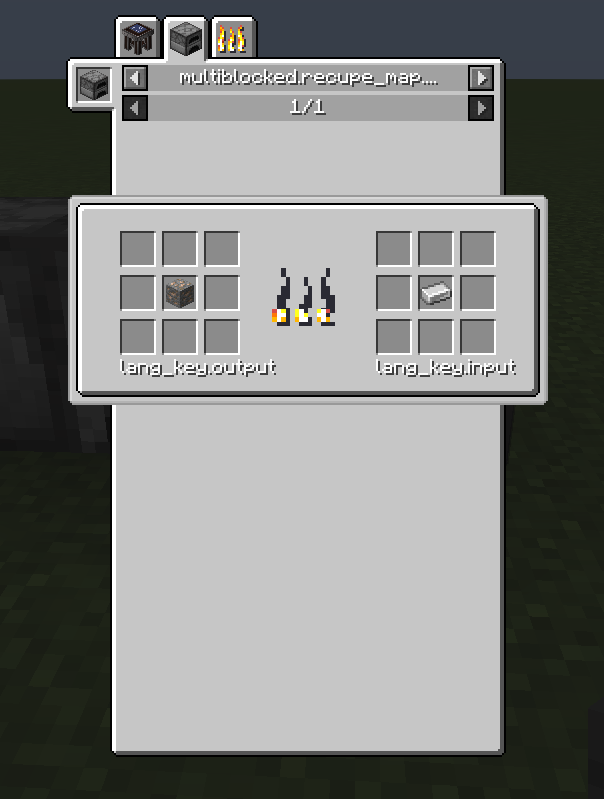
Lets check JEI's categories. Really Cool! You can also download all my files as an example.