Register Widget Events via KJS - Low-Drag-MC/Multiblocked GitHub Wiki
Before you read this tuto, make sure you have finished last tuto.
You may be confused about what the button and other widgets in the ui editor are for. Don't worry, this tutorial will guide you through using them.
We will make a trash can that can record the marked items. Click the button to empty the inventory of the same items as filters.
Contents
- Step 1: Create a trash can
- Step 2: Make a UI
- Step 3: Use custom UI
- Step 4: Add a KJS script
- Demo and Download
Step 1: Create a trash can
Because this is a simple block, we make a part directly for convenience.
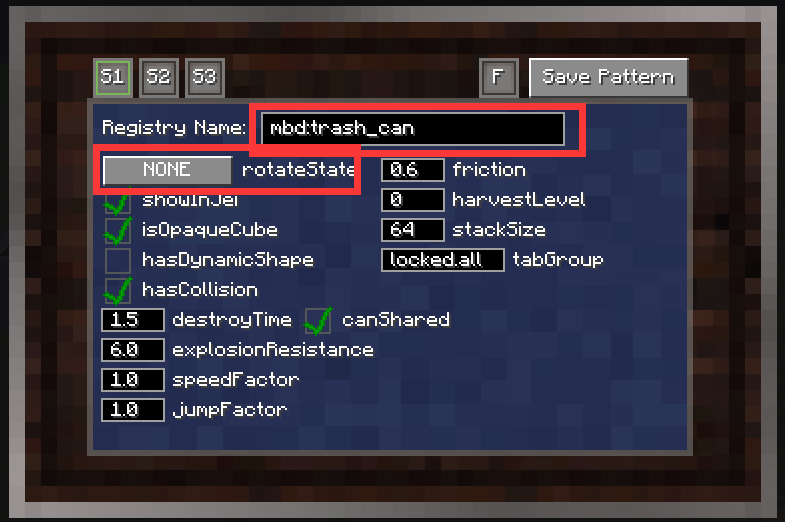
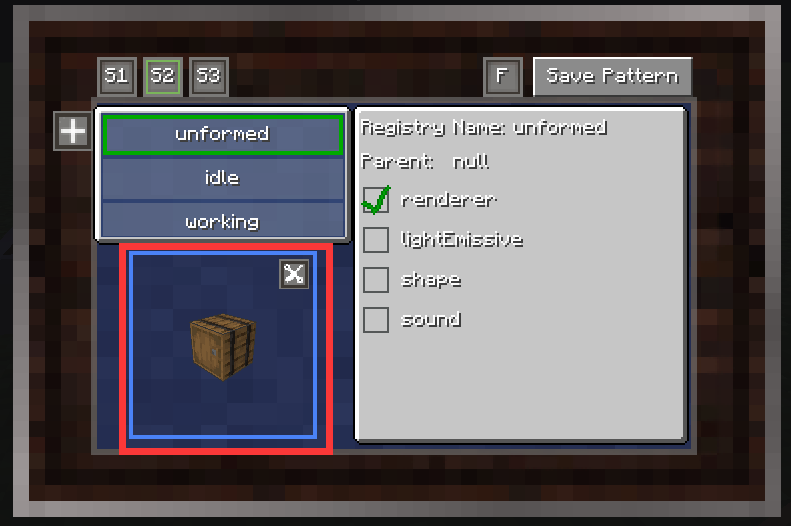
And then lets add 9 slots as item filters.
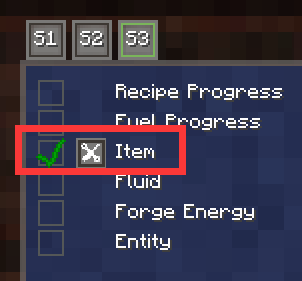
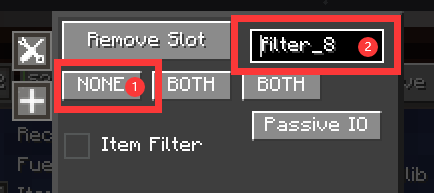
- Because its not a real slot, we make it
NONE - Add their slot name like
filter_{index}
Step 2: Make a UI
I'm not going to go over how to make UI here, here its a simple ui.
Note that because because we are making filter slots, we use phantom slot instead of common slot
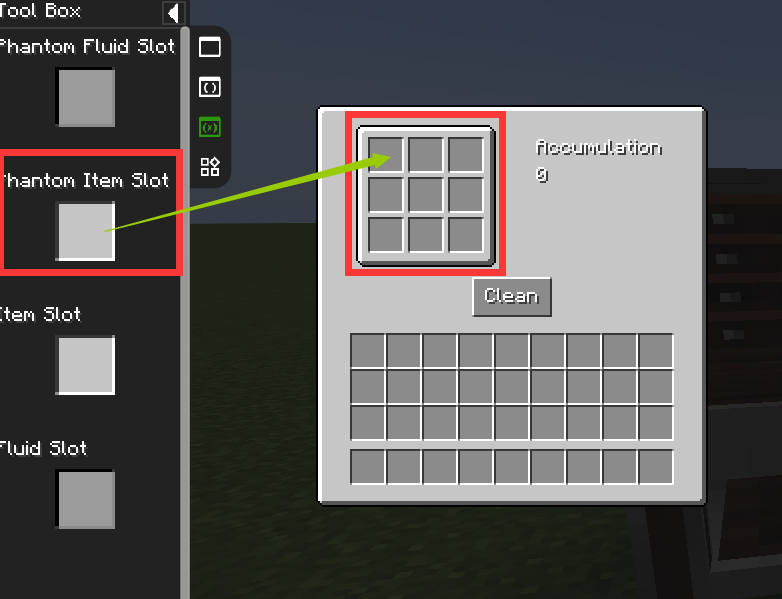
Phantom Slots
Phantom Slot allows users to set content by dragging items.
Because we're just setting a filter, we can set it's maxStackSize to 1 (or you can adjust the item count by left/right-click).
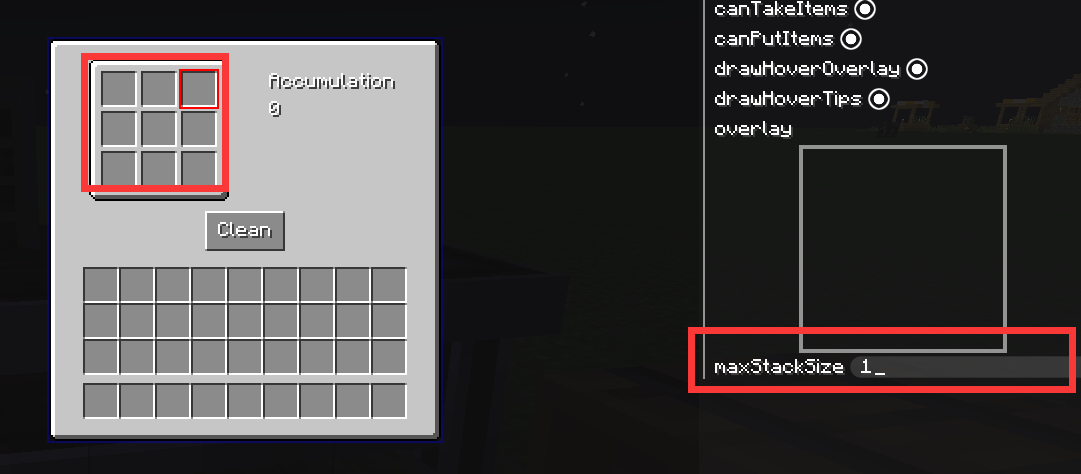
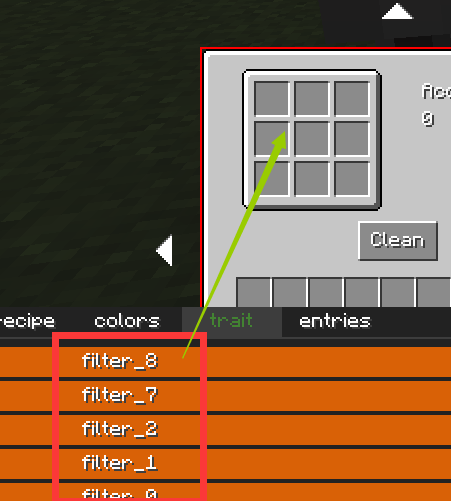
Bind slots' id with filter_{index}
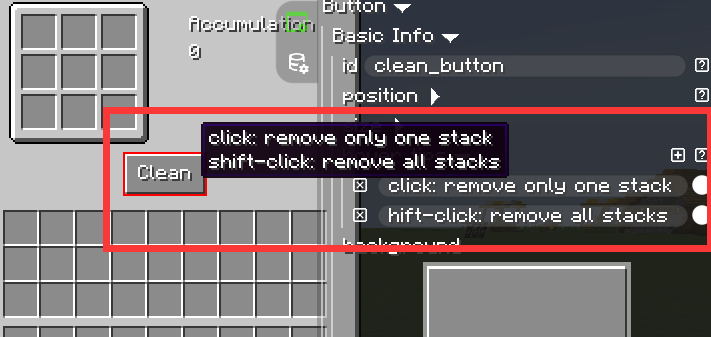
Button
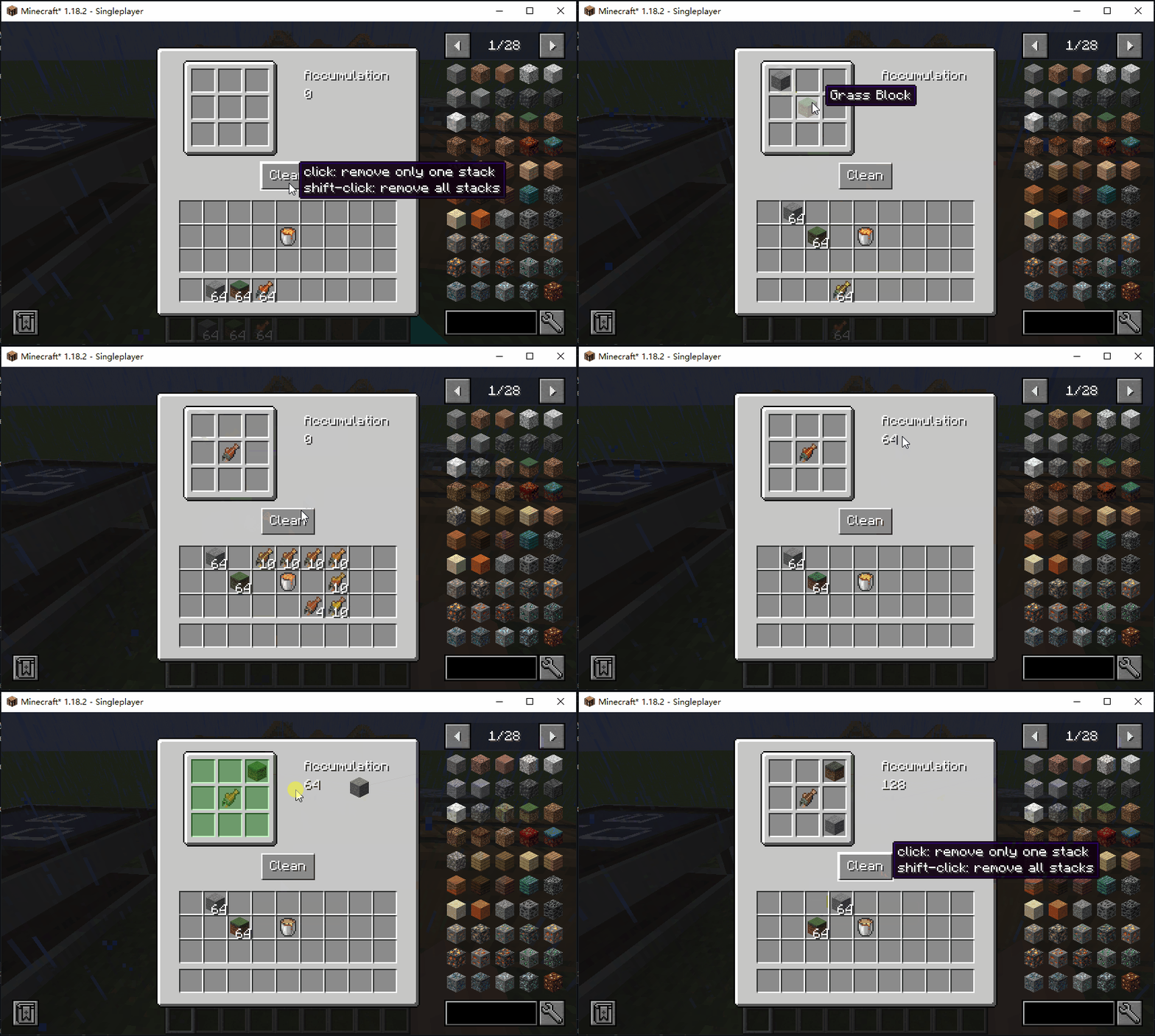
We want the user to be able to use the shift key to decide how many items to be removed when it is clicked, so we add some tooltips.
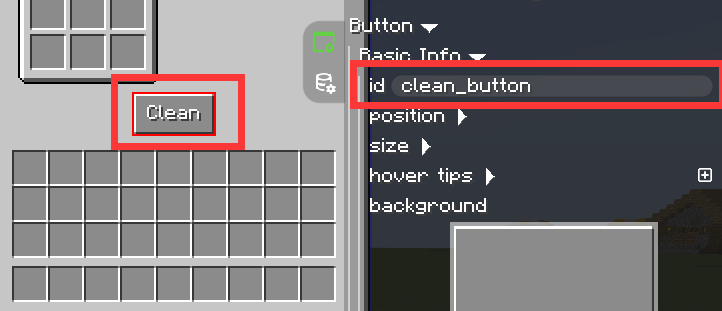
Bind button id with clear_button
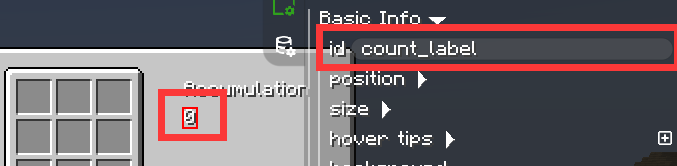
Label
After that, let's add a label to keep track of how many items have been removed.
Bind label id with count_label
Save our ui project.
Step 3: Use custom UI
Set our trash can to use the project we saved.
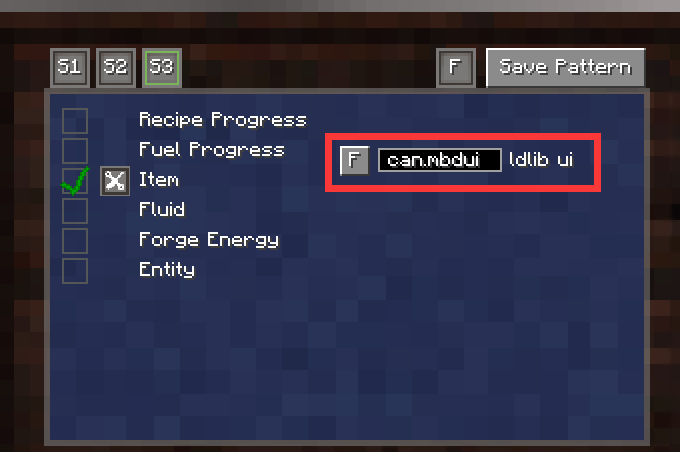
Step 4: Add a KJS script
Since all logic only need to be executed on the server side, we just make a server script.
We can search widgets by id, you can use regex to match it.
modularUI.getFirstWidgetById()(return the first widget found ornull)modularUI.getWidgetsById()(return a list of widgets).
I suppose you can understand the kjs script below, or you might need to spend more time learning kjs at first.
const ItemStack = java('net.minecraft.world.item.ItemStack')

onEvent('mbd.create_ui.mbd.trash_can', event => {
    let component = event.getComponent(); // get machine
    let modularUI = event.getModularUI(); // get modular UI

    let button = modularUI.getFirstWidgetById("^clean_button$"); // get first widget by id (match regex)
    let label = modularUI.getFirstWidgetById("^count_label$"); // get first widget by id (match regex)
    let slots = [];

    // find and store all phantom slots.
    for (let slotIndex = 0; slotIndex < 9; slotIndex++) {
        let phantomSlot = modularUI.getFirstWidgetById(`^filter_${slotIndex}$`);
        slots.push(phantomSlot);
    }

    // register button onClicked event;
    button.setOnPressCallback(cd => {
        if (!cd.isRemote) { // actually, its unnecessary to check isRemote, because its a server script.
            let inventory = modularUI.entityPlayer.getInventory(); // player inventory
            let invSize = inventory.getContainerSize(); // inventory size

            for (let invIndex = 0; invIndex < invSize; invIndex++) {
                let invItemStack = inventory.getItem(invIndex); // get inventory's item
                if (invItemStack.isEmpty()) continue;  // not empty
                // check whether it has been marked
                for (let phantomSlot of slots) {
                    let slotItemStack = phantomSlot.getHandle().getItem(); // get phantom item
                    if (ItemStack.isSame(invItemStack, slotItemStack)) { // find it, remove it.
                        // update removed count
                        if (component.persistedData == null) {
                            component.persistedData = {'count': invItemStack.getCount()};
                        } else {
                            component.persistedData['count'] = component.persistedData['count'] + invItemStack.getCount();
                        }
                        component.markAsDirty(); // notify machine to save data

                        // remove items from inventory
                        inventory.removeItem(invItemStack);

                        // if not shift click, then only remove one itemstack per clicking.
                        if (!cd.isShiftClick) {
                            return;
                        }

                        break;
                    }
                }
            }
        }
    });

    // register label dynamic text event
    label.setTextSupplier(() => {

        if (component.persistedData == null) {
            return "0";
        } else {
            return `${component.persistedData['count']}`;
        }
    });

})

// Make the trash will not drop the contents of the filter slot when it is broken.
onEvent('mbd.drop.mbd.trash_can', event => {
    event.cancel();
    let drops = event.getDrops();
    let component = event.getComponent();
    drops.clear();
    drops.add(component.getDefinition().getStackForm());
})
Demo and Download
Awesome!