Installation and configuration - Jonaath/EmergingTechnologiesMendix GitHub Wiki
Mendix Environment Setup and Configuration
1. Creating a Mendix Account
To get started, go to the official Mendix website: https://www.mendix.com/
Click on "Sign up" to create a free account.
Once signed in, your profile gives you access to several important sections:
- Mendix Marketplace: Access reusable modules, connectors, widgets, and more.
- Apps: View and manage your personal applications.
- Company Apps: View applications shared within your organization, if applicable.
- Documentation and Support: Access guides, tutorials, API references, and community forums.
2. Downloading Mendix Studio Pro
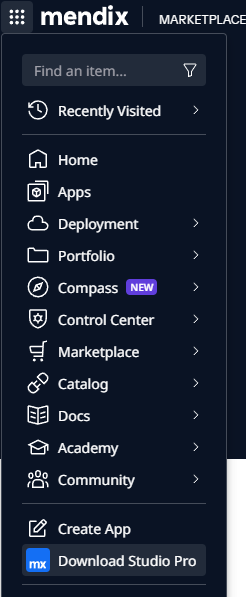
From your Mendix dashboard, open the top-left menu and select:
"Download Studio Pro"
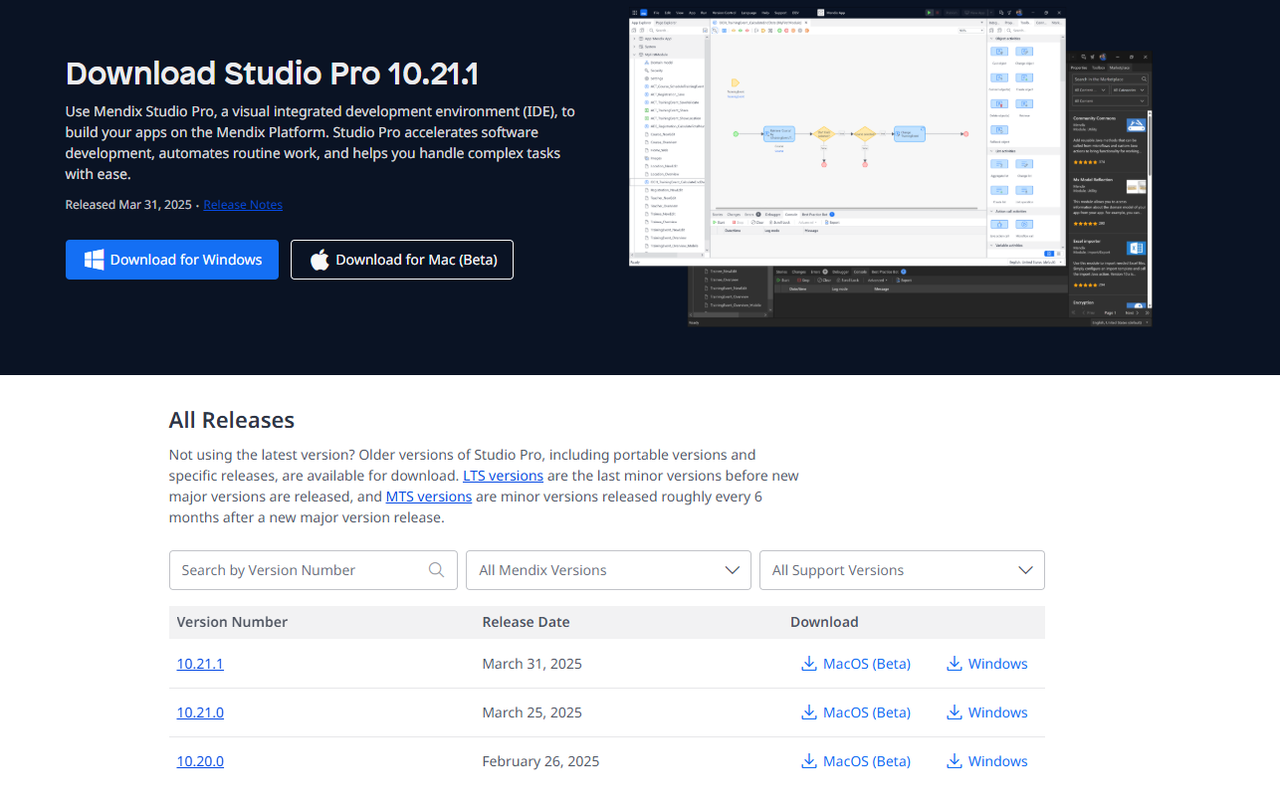
This will let you download the official IDE used to build Mendix applications.
Multiple versions of Studio Pro are available. Choose the one that matches your project or team's version. You can always switch versions later using the Mendix Version Selector.
3. Managing Applications
Application management (creation, deletion, permissions, etc.) is primarily handled through the online Mendix portal.
However, the actual development work is done locally using Mendix Studio Pro.
4. Starting a New Project
Once you have installed and opened Mendix Studio Pro:
- You can create a new app or open an existing one from your linked account.
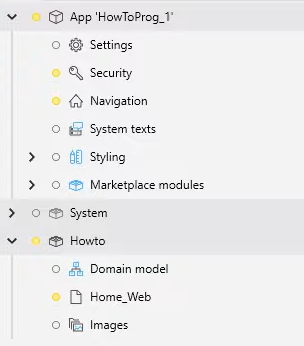
- The IDE automatically sets up the project with base modules, including navigation, security, and sample pages.
- Project-specific settings are configured locally, such as:
- Project name and metadata
- Collaboration mode (Team Server, Git, SVN, etc.)
- Security configuration (User roles, Module roles)
- Database configuration (Different types of database)
5. Additional Recommendations
- Configure user access early in your project to simplify testing and role-based functionality.
- Explore the Mendix Marketplace to integrate existing modules such as SSO authentication, PDF generators, or connectors for REST, SAP, and more.
Next page → User Interface in Mendix