Themes - JRAdams472/LENA2 GitHub Wiki
LENA has full light and dark themes on web and mobile — warm cream surfaces with sage accents in light, warm-charcoal surfaces with lifted sage accents and hairline borders in dark.
- Web — the moon icon in the header toggles light/dark instantly. Profile → Appearance offers the three-way choice: Light, System (follow your device setting), or Dark. The choice persists per browser.
- Mobile — More → Appearance gives the same Light / System / Dark choice.
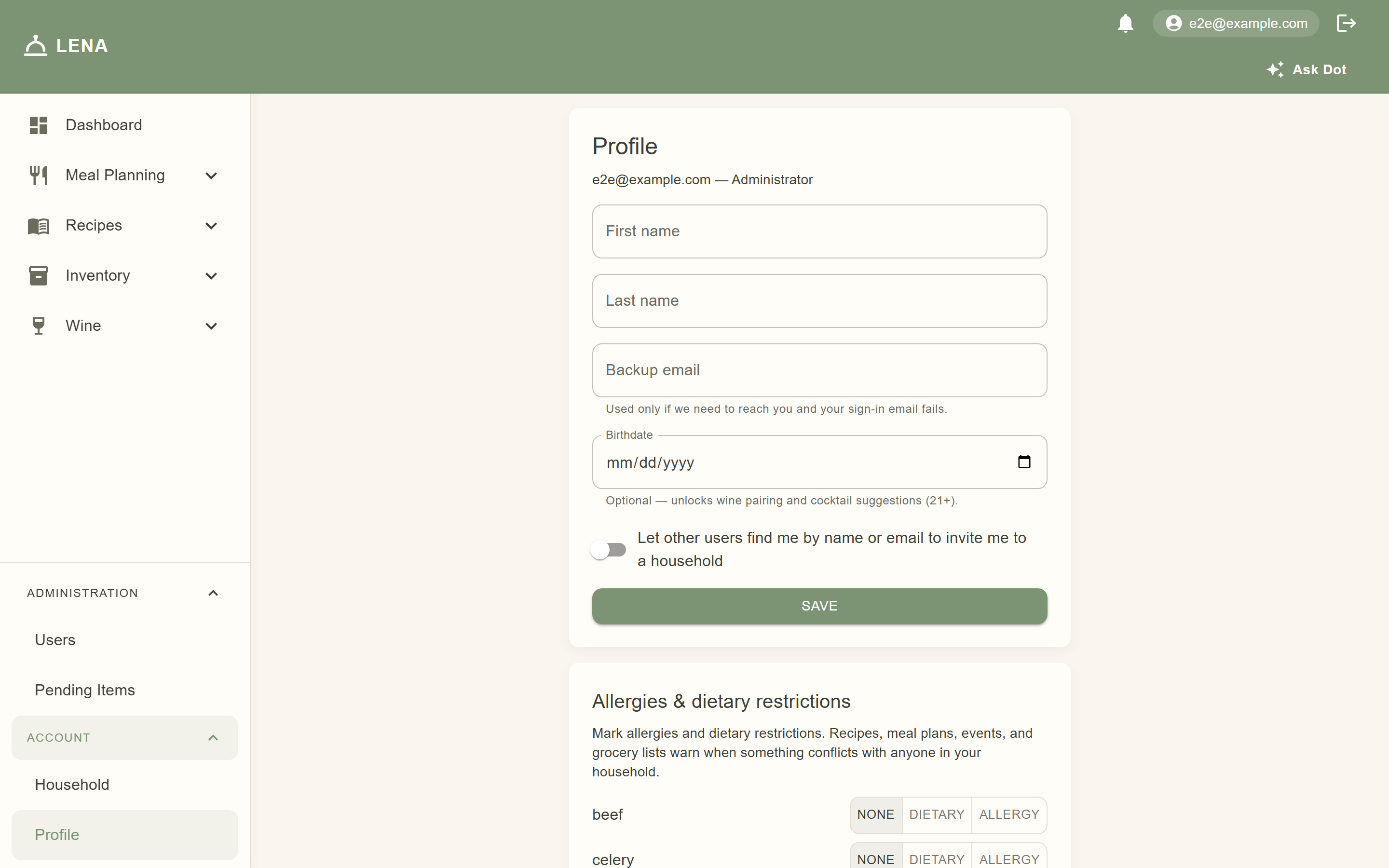
 Dashboard |
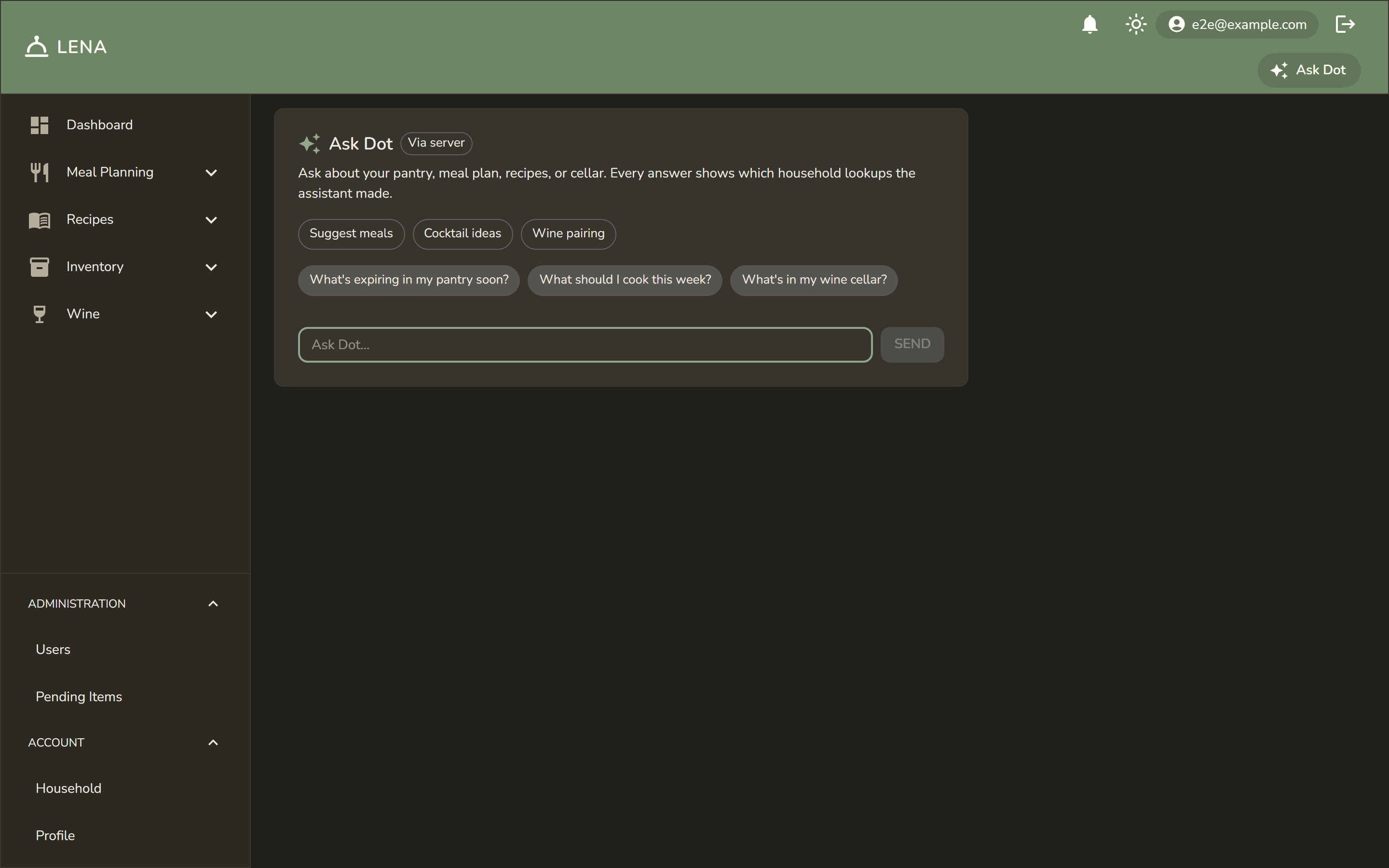 Ask Dot |
 Grocery list |
 Event timeline |
 Recipes |
 Meal plan |
 Mobile dashboard |
 Mobile scanner |
 Mobile grocery list |
 Mobile Ask Dot |
 Sign-in |
 Notification settings |
- Dark mode isn't an inverted palette — shadows are swapped for subtle borders so lists and dialogs stay readable.
- The scanner and camera viewfinder are already dark surfaces; the dark theme affects the surrounding chrome.
- The whole screenshot set is regenerated from the isolated e2e stack — see the runbook in
docs/wiki-screenshots.mdfor how the dark pass works.