How to make a custom mode for games - HyperHaxStudios/LaunchPadControllers GitHub Wiki
First, find the game's keyboard controls for the game you want to make a custom mode for.
Once you find the keyboard controls, note them down so that you can remember what button does what.
How we make your launchpad a keyboard is by using a new feature that was introduced in firmware 2.0: Keystrokes!
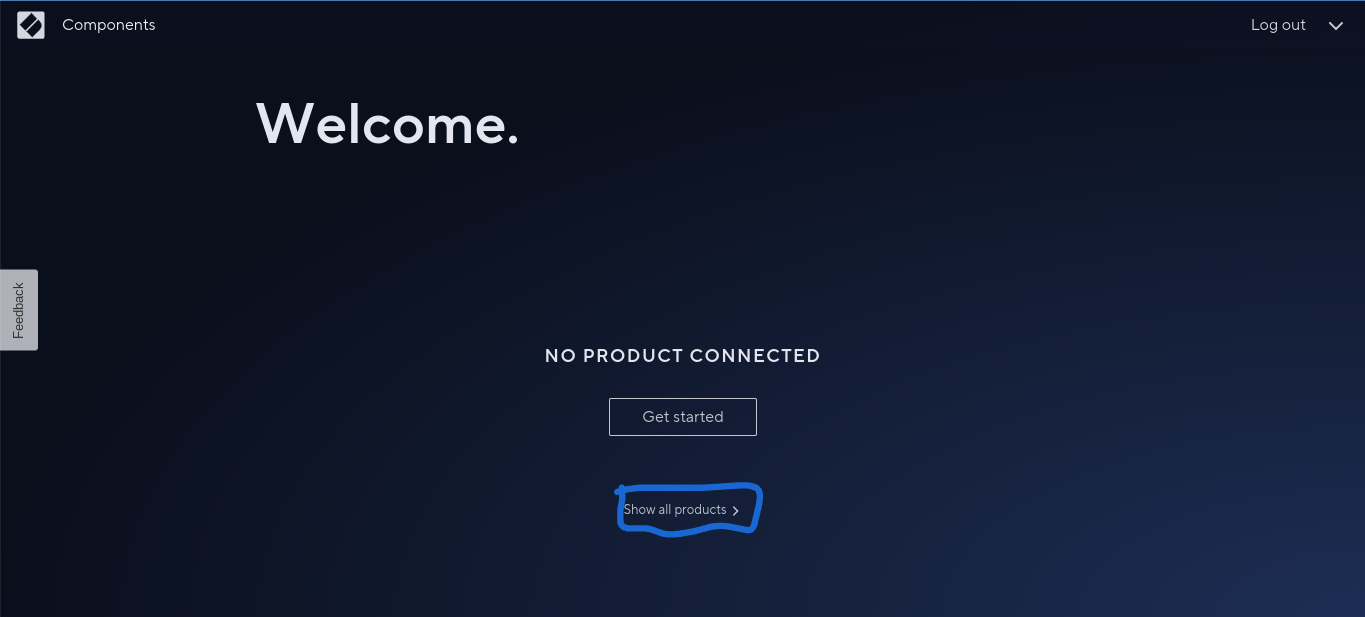
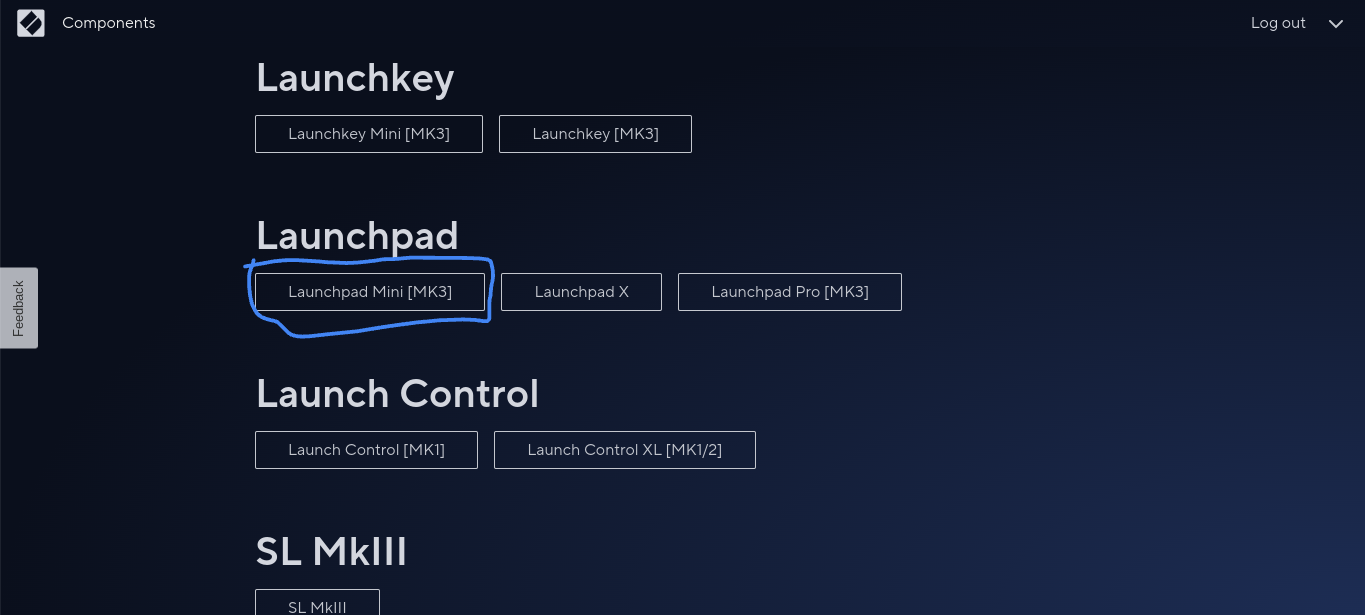
Go to Novation Components (Make sure you connect your Launchpad Mini MK3 first), sign in and Click or Tap "Show all products" Then, Launchpad Mini MK3 from the list.
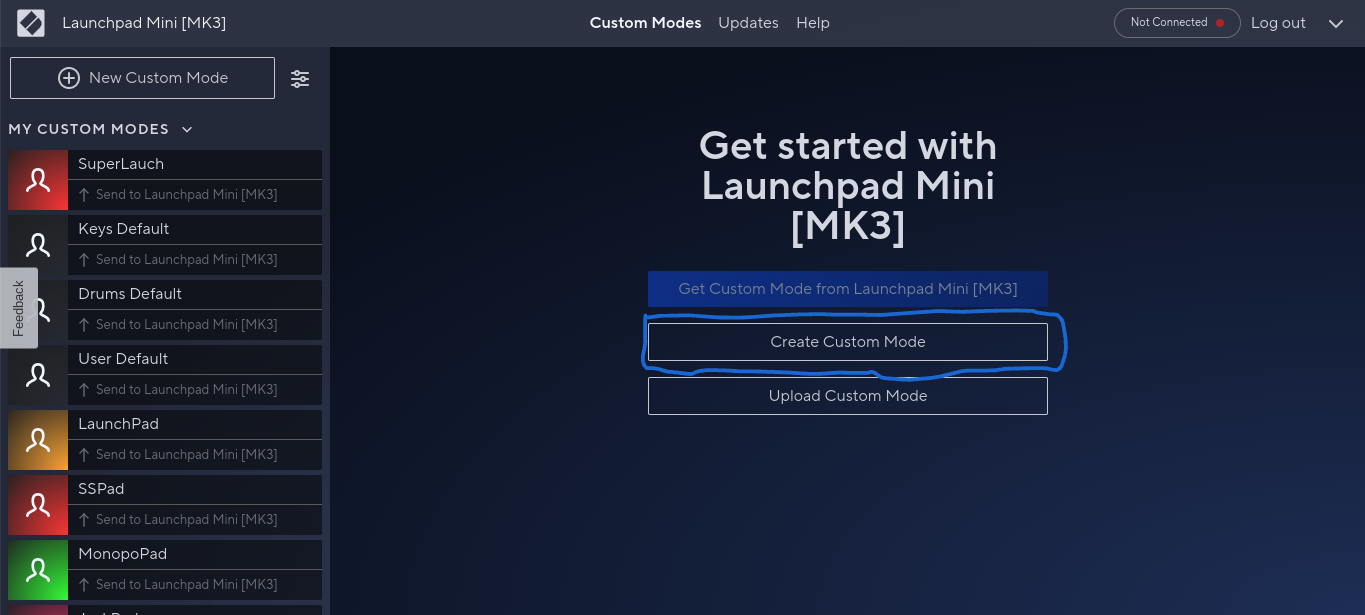
 Once you're on the menu, Click or Tap "Create Custom Mode"