2. GATHERING PERTINANT INFORMATION - H-Division-2021-2022-Even/Repo-14 GitHub Wiki
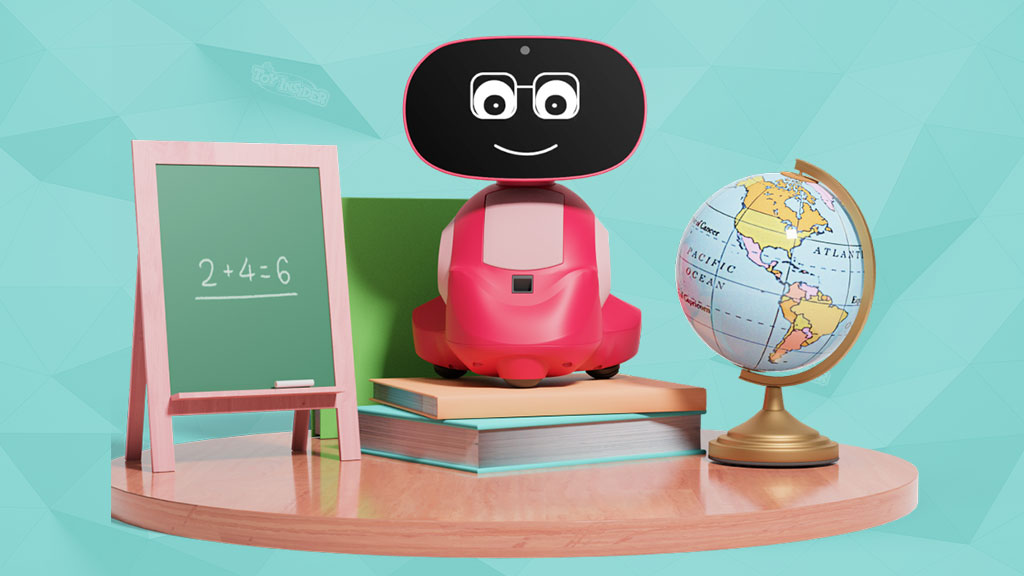
Educational Machines: MIKO 3

Miko 3 offer age-appropriate content on science, technology, engineering and mathematics to improve the child’s learning experience. Miko 3 makes learning fun and easy with its super-powered brain and supportive personality. Housing a wide range of academic opportunities and an integrated learning platform that offers access to live classes from educators around the world, Miko is a healthy gateway to what technology has to offer.
Components
| Sl. no | Name of the components | Picture |
|---|---|---|
| 1. | Wide Angle Hd Camera | |
| 2. | DUAL MEMS MICROPHONES |  |
| 3. | WIDE ANGLE HIGH RESOLUTION IPS DISPLAY | 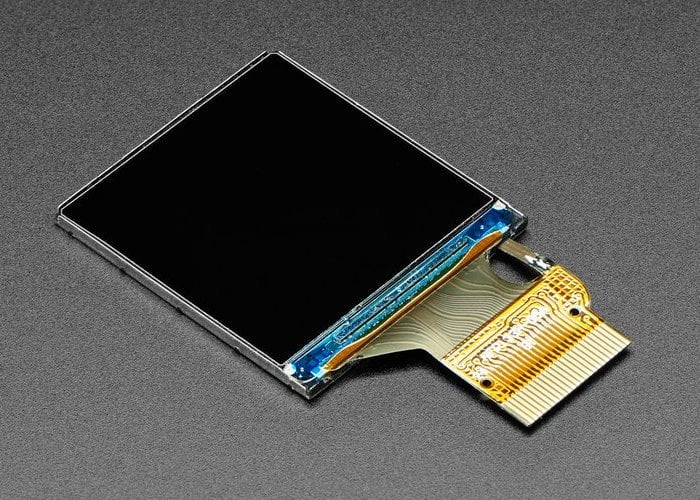 |
| 4. | HIGH PERFORMANCE SPEAKERS |  |
| 5. | TIME OF FLIGHT RANGE SENSORS |  |
| 6. | ODOMETRIC SENSORS |  |
| 7. | RUBBERIZED WHEELS | |
| 8. | BATTERY |  |
| 9. | TOUCHSCREEN |  |
Miko 3 is equipped with a wide-angle HD camera, time of flight range sensor, and odometric sensors that help the robot to map distance seamlessly and to avoid edges and obstacles. The expansive touchscreen provides a healthy alternative to playtime on smartphones and tablets. The Mikonnect video calling feature keeps kids and parents connected safely and seamlessly. The MIKO 3 comes with an IPS display which can be used for video calling, high performance speakers, rubber wheels, and ABS body, which is claimed to be engineered to be impact-resistant,non-toxic, and built to last. HOW IT WORKS To connect with kids on a highly personal level and facilitate learning, Miko 3 was built around proprietary emotional intelligence; a complex conversational and multilingual ai framework; edge and hybrid speech and vision recognition; and an active learning and behavioral analysis engine.
This smart robot toy features an autonomous navigation system with an integrated wide-angle HD camera and odometric sensors to measure distances and detect edges.
Miko 3 also has a touchscreen that kids can use to improve learning experiences and connect with the family, parents can video chat with their kids. Miko 3 needs to stay connected to Wi-Fi to give kids access to amazing games and educational content. Kids can talk to their smart bot, ask questions and get answers.
ADVANTAGES OF MIKO 3
- It can talk, respond, educate, and provide entertainment.
- It can understand your child’s needs, emotions, and likes and dislikes.
- It helps in creative learning and better understanding.
- It also helps to develop a better imagination and problem solving mind.
- Kid learns with playing.
- Parents don't need to pay attention while they are working when their kids are playing ('learning') with such robots.
- It is made up of a rugged ABS body, thus needing less maintenance.
LIMITATIONS
- Miko has a set-up process that is fairly easy, but it can be a difficult task for some non-techy parents.
- Thick carpets, glass, water, and wet surfaces should be avoided.
REFERENCE
https://littlerobotshop.com/miko-3-review/
CARD TYPE EDUCATIONAL MACHINE

WHAT IS CARD TYPE EDUCATIONAL MACHINE?
The learning machine is designed in a portable size and it is easy for you to carry and store, you can play it with your kids anytime anywhere. Specially designed for young children, the machine is small and light, with cute graphics, suitable for children's small hands. Live recording, standard pronunciation, No WIFI required. it lets kids have enough time to learn and play.
HOW IS CARD TYPE AN EDUCATIONAL MACHINE?
Educational literacy toy, allows children to make the connection between objects and their names with the flashcards. Perfect for preschoolers, matching letter helps develop memory skills, strategic thinking, sociability, spelling and increases word recognition. By this product the kids can learn names of different fruits, vegetables, animals etc. This further enhances the visual knowledge and the imagination of a child. When the card is inserted, the product makes a standard pronunciation and the voice of the object which helps the child to pronounce the words better and know the sounds of various objects.

COMPONENTS
| Sl.NO | NAME OF THE COMPONENTS | TYPES | PICTURE |
|---|---|---|---|
| 1. | 300mAh BATTERY | ELECTRONIC | 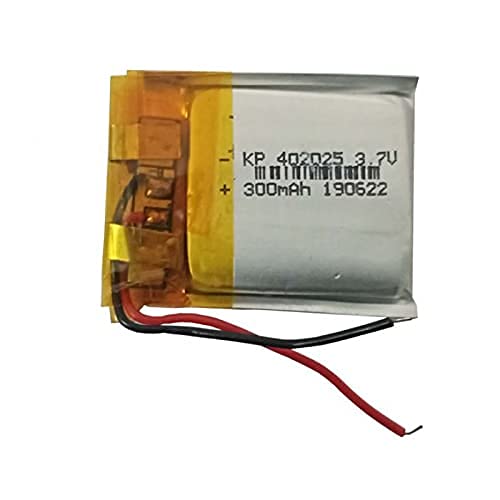 |
| 2. | USB CABLE | ELECTRONIC |  |
| 3. | CARD READER | ELECTRONIC |  |
| 4. | MICRO SPEAKERS | ELECTRONIC | 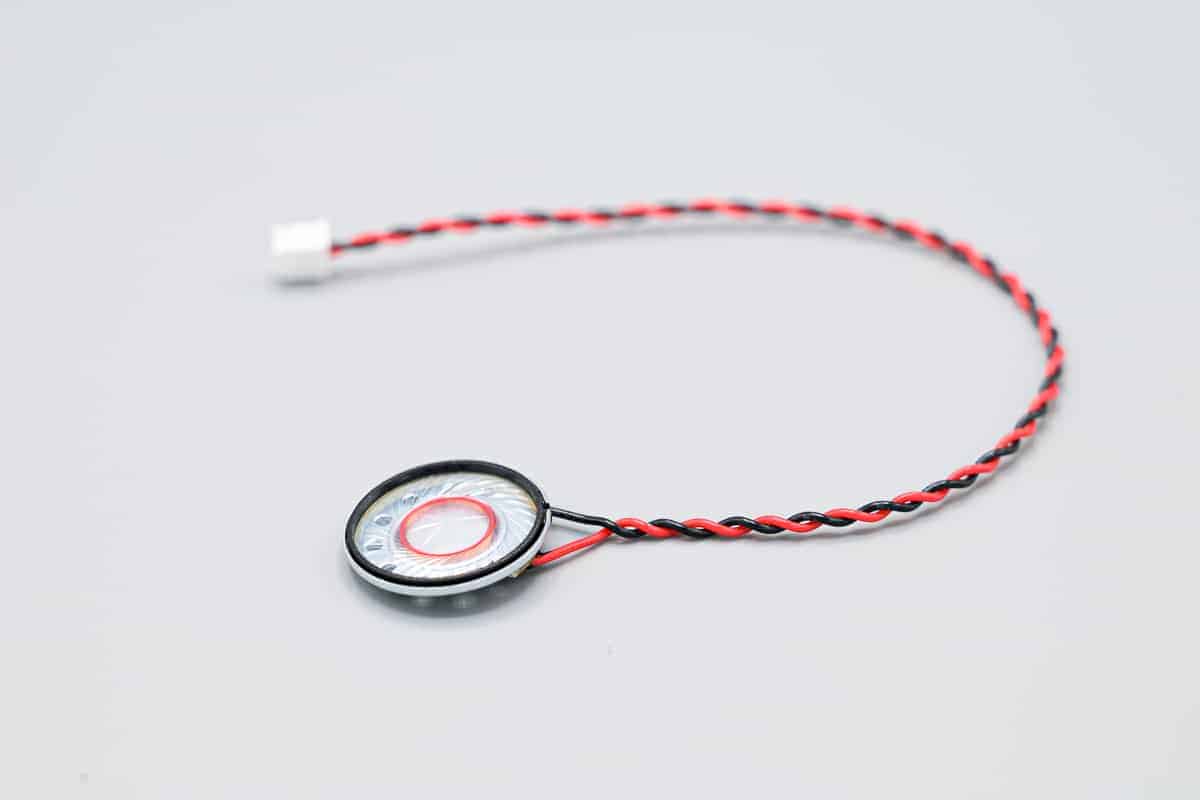 |
| 5. | CHIP SENSOR | ELECTRONIC |  |
HOW IT WORKS?

STEP 1:Insert the card to the card reader

STEP 2:The card reader will pronounce the word and make a sound

STEP 3:Press repeat button to replay the sound, press the volume button to adjust volume
ADVANTAGES
- Easy to Use for Toddler.
- As no screen is used, it protects baby's eyesight.
- Fun and educational toys which helps kid to recognize essential words.
- Light weight and convenient to handle.
- Low maintenance and easy to use.
- Strengthening parent children interaction.
LIMITATIONS
- The kid can learn only limited words.
REFERENCE
| Project | Objective | Function | Components |
|---|---|---|---|
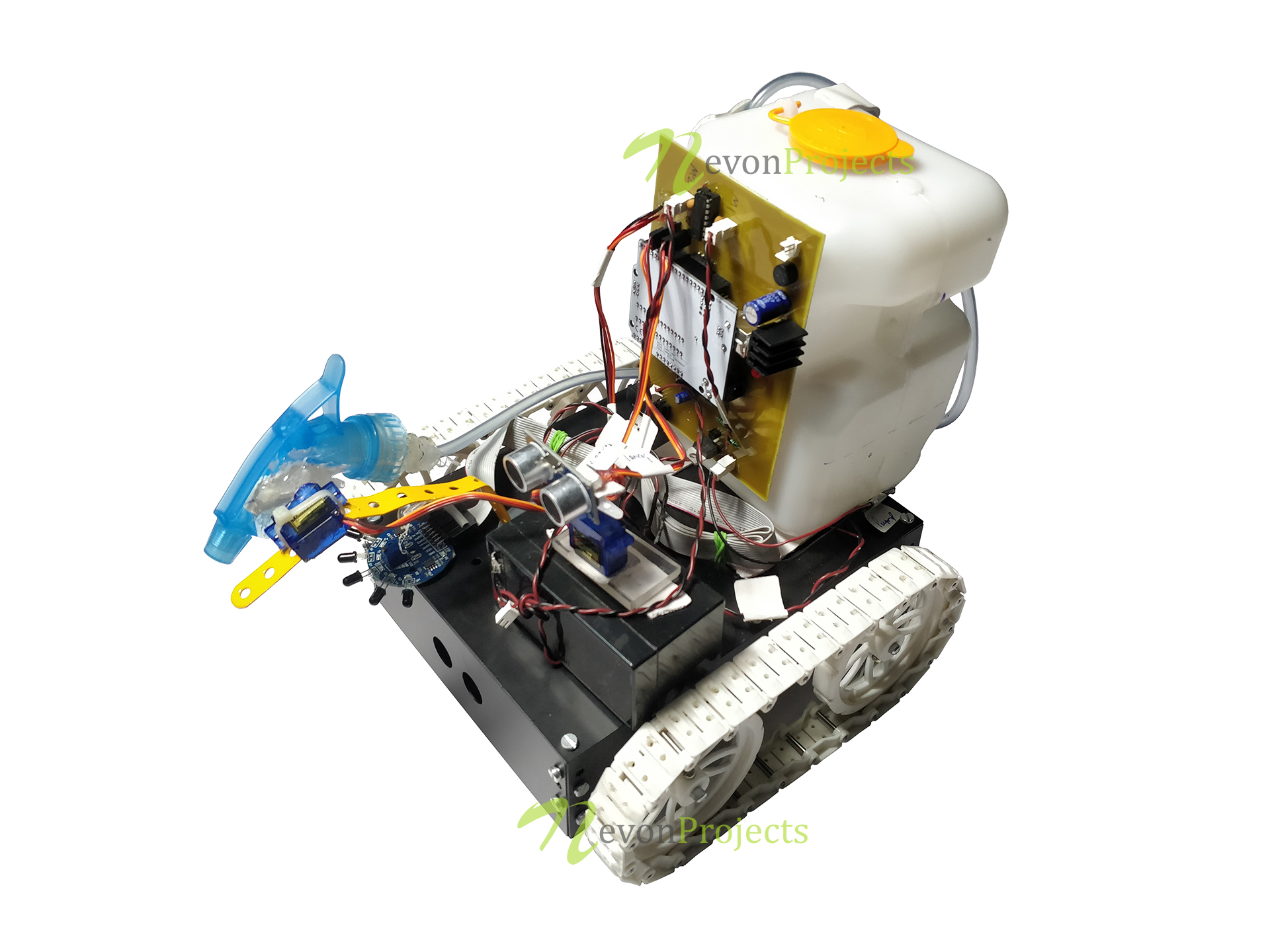
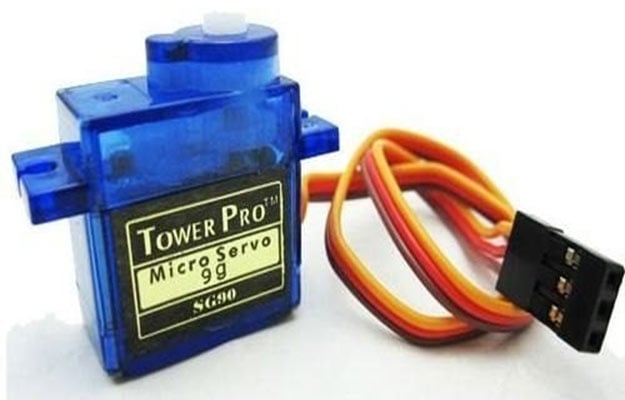
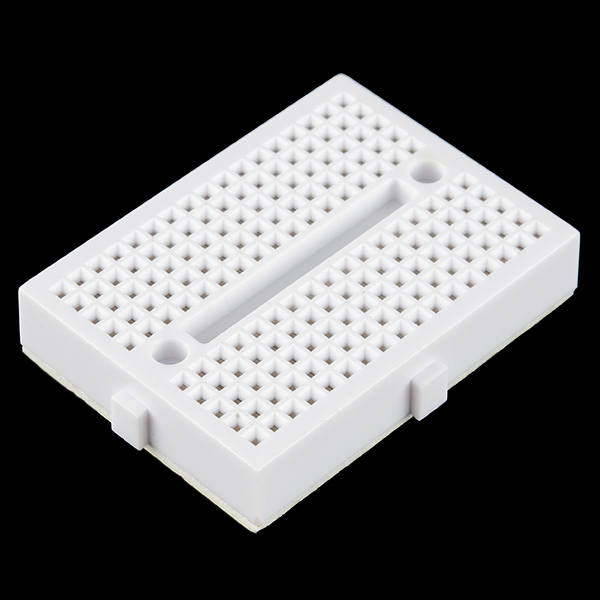
| 1. FIRE FIGHTING BOT | To Extinguish fire | It will automatically sense the fire and start the water jump | * Arduino UNO-Manipulating/simulating bot. L293-Motor Driver - For Simulating DC Motor. Flame sensor - senses the fire . Wheels - For the motion of the Bot. Servo - Facilitates the spraying of water. Battery-For powering the bot. ** Jumper** - For connnecting different components of the Bot. Mini Breadboard-Mounting the circuital components. Container-To store the water. |
Fire Fighting Bot
Arduino UNO

L293-Motor Driver

Flame Sensor

Servo
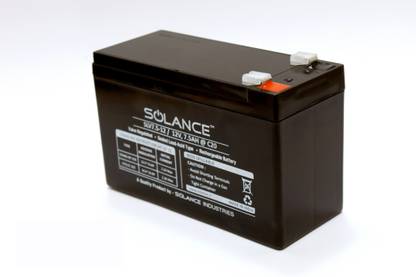
Battery

Jumper

Mini-Breadboard
| Project | Objective | Function | Components |
|---|---|---|---|
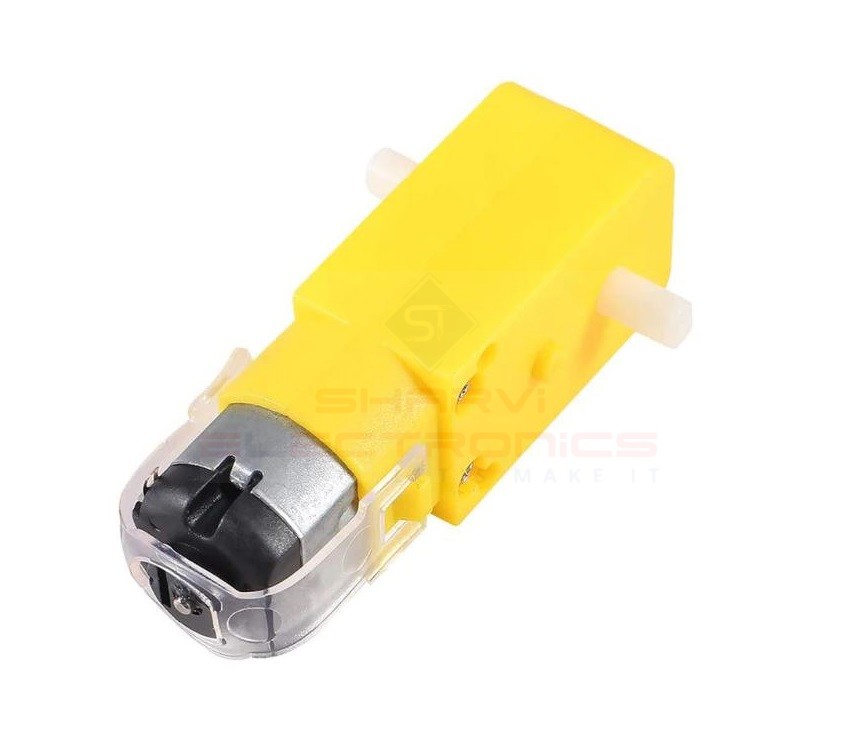
| 2. FLOOR CLEANING BOT | To clean the place | It will automatically sense the dirt and cleans it | HC-SR04 Ultrasonic Sensor - Used for detecting the distance to an object using sonar. Motor Driver L298 - controls the speed and direction of DC motors. Servo Motor SG-90 - it allows to rotate 180 degrees. BO Motors - Gives good torque and rpm at lower voltages. 18650-Battery-Provides energy for the motion of the robot. Jumpers- used to interconnect the components of breadboard. Miscellaneous Components - Glue gun,Water dripper,Soldering Iron etc. |
Floor Cleaning Robot

Ultrasonic Sensor

Motor Driver

Servo Motor

BO Motors
Battery
Jumpers

| Project | Objective | Function | Electrical Components | Mechanical Components | Links |
|---|---|---|---|---|---|
| 1.Simple Interactive Machine | To interact with the kids | The machine should interact with the kids in a simple but exciting manner | Arduino-Compatible UNO R3,Small Breadboard,Breadboard Jumper Wires,HC-SR04 Ultrasonic Distance Sensor,10kΩ Carbon Film Resistor,4" Black Nylon Zip-Ties | SpringRC SM-S4303R Continuous Rotation Servos,Mini Push Button Switch | https://i0.wp.com/makezine.com/wp-content/uploads/2014/03/dsc_3028_brightened-medium1.jpg?w=535&ssl=1 |
| 2.Drawing Machine | To draw various shapes and figures | It draws different types of drawing based on the command given by the user | Arduino uno,Lots of wires | Stepper motor,Adafruit motor shield v2,Two computer cd trays,some 3d printed gears and rails,Some wood or structural material | https://duino4projects.com/wp-content/uploads/2021/11/Arduino-CNC-Drawing-Machine-or-the-Road-to-Success.png |

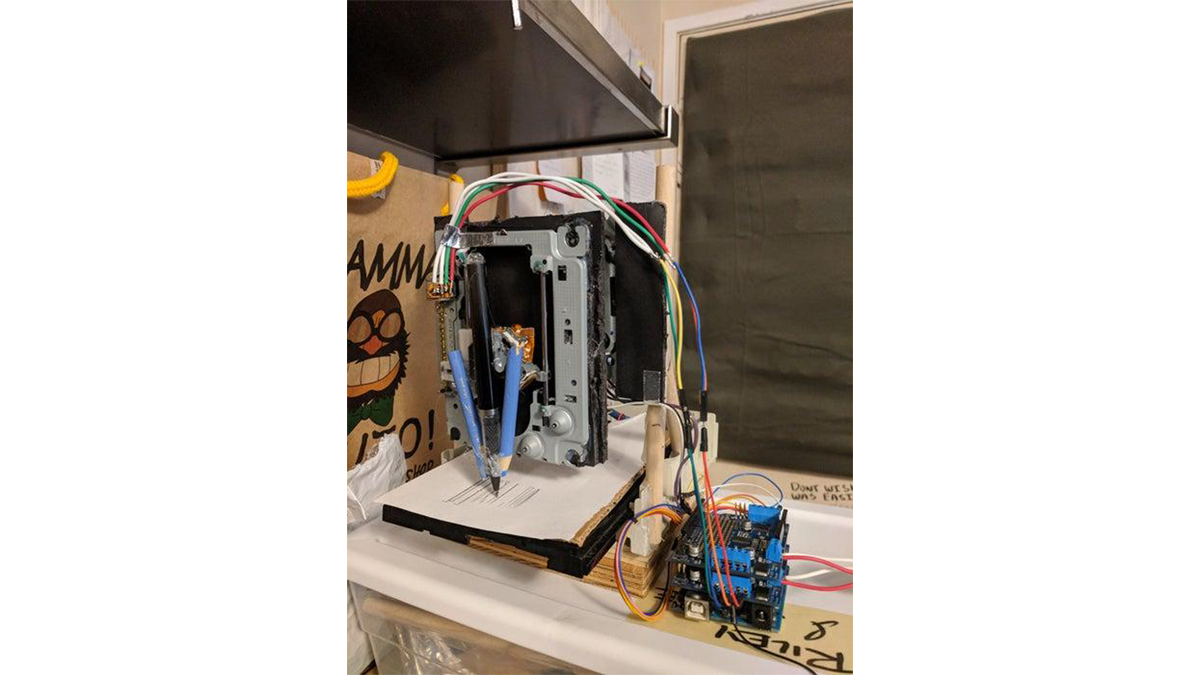
Components for Simple Interactive Machine
| Sl.No. | Components Required | Images |
|---|---|---|
| 1. | Arduino-Compatible UNO R3 | 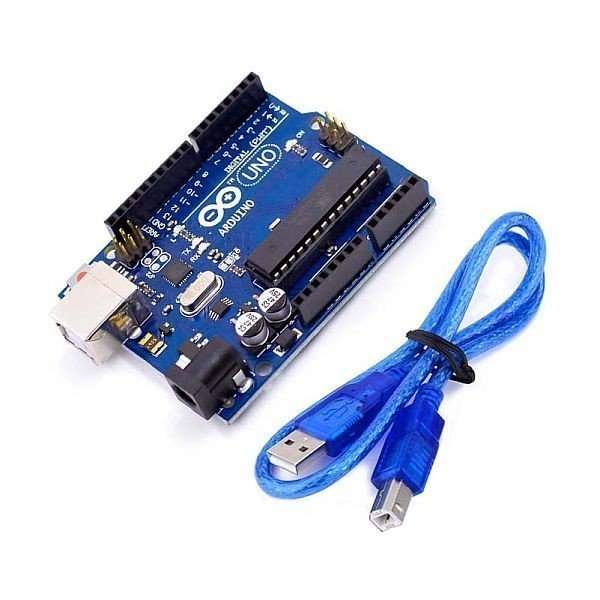 |
| 2. | Breadboard |  |
| 3. | Breadboard Jumper Wires | 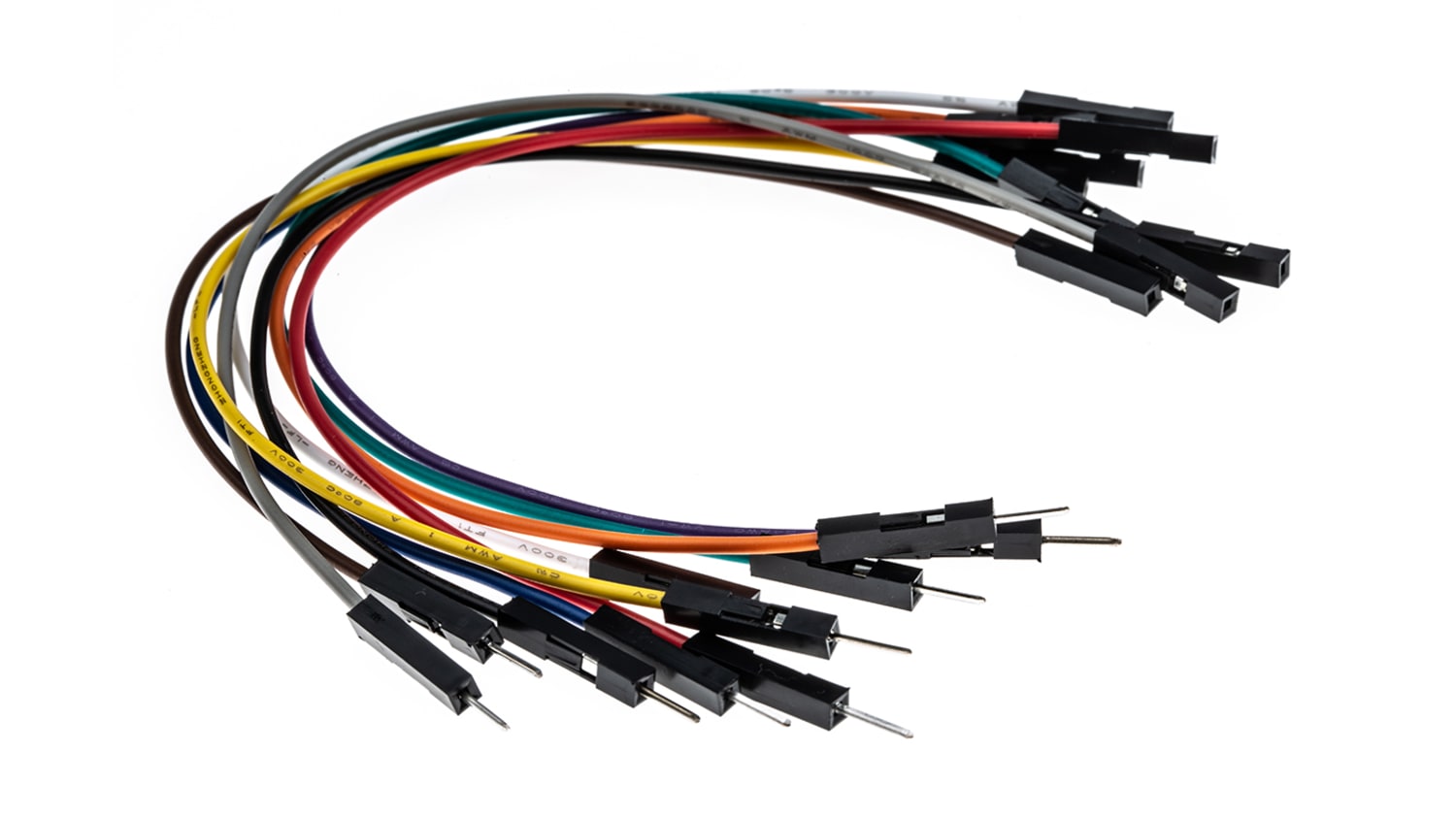 |
| 4. | HC-SR04 Ultrasonic Distance Sensor |  |
| 5. | 10kΩ Carbon Film Resistor |  |
| 6. | SpringRC SM-S4303R | 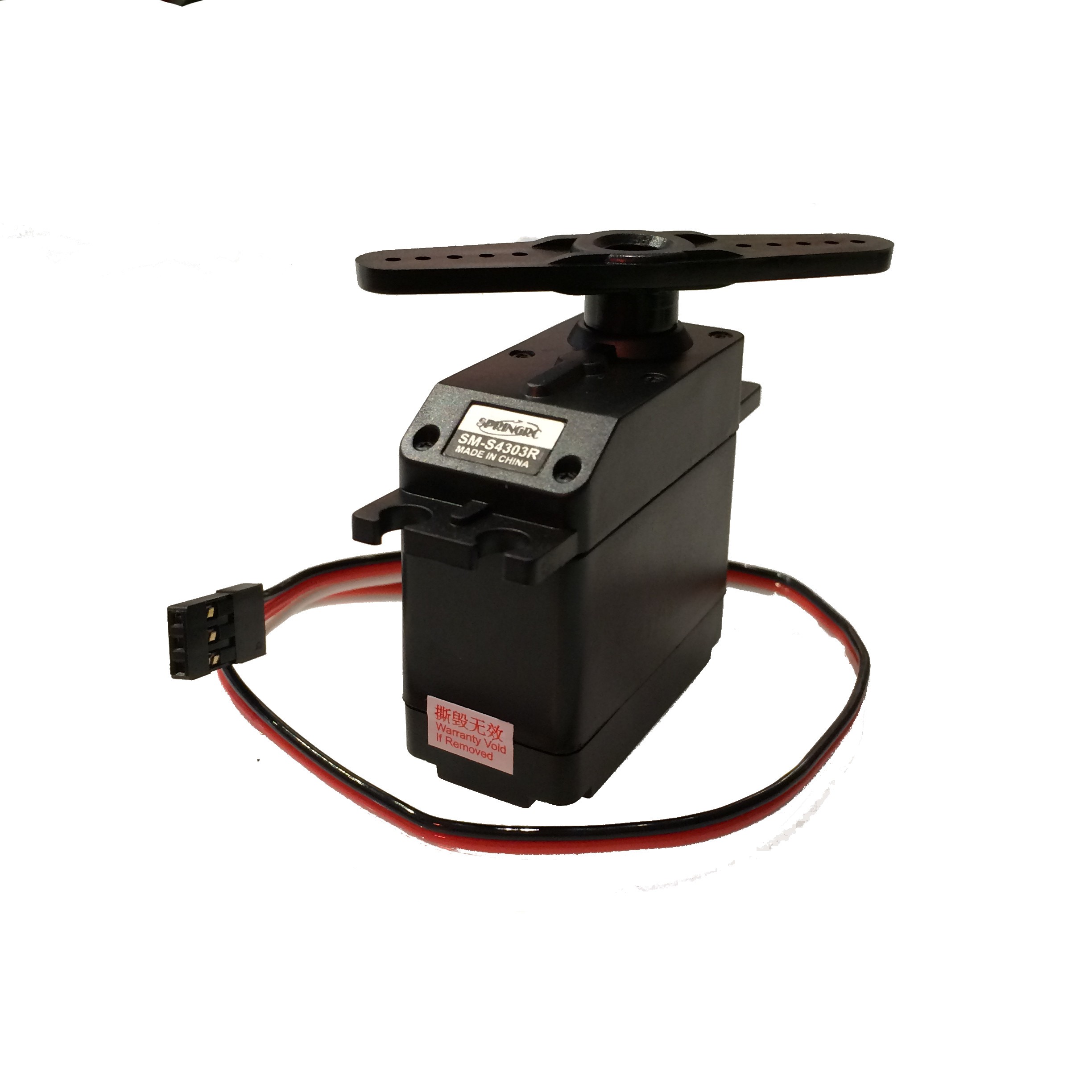 |
| 7. | Mini Push Button Switch |  |
| 8. | Tires | 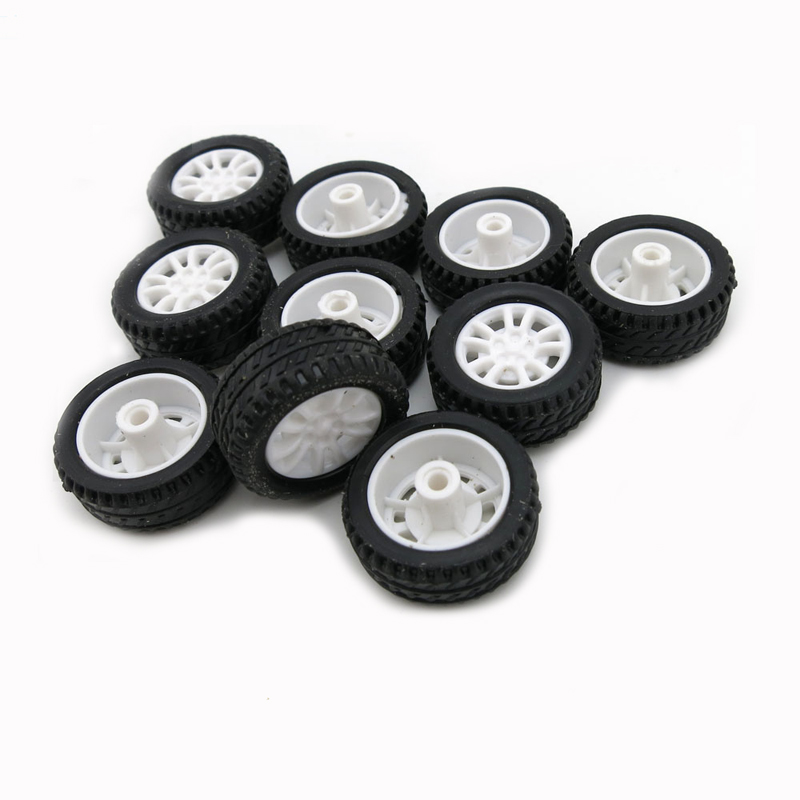 |
Components for Drawing Machine
| Sl.No. | Components Required | Images |
|---|---|---|
| 1. | Arduino Uno |  |
| 2. | Wires | |
| 3. | Stepper Motor | 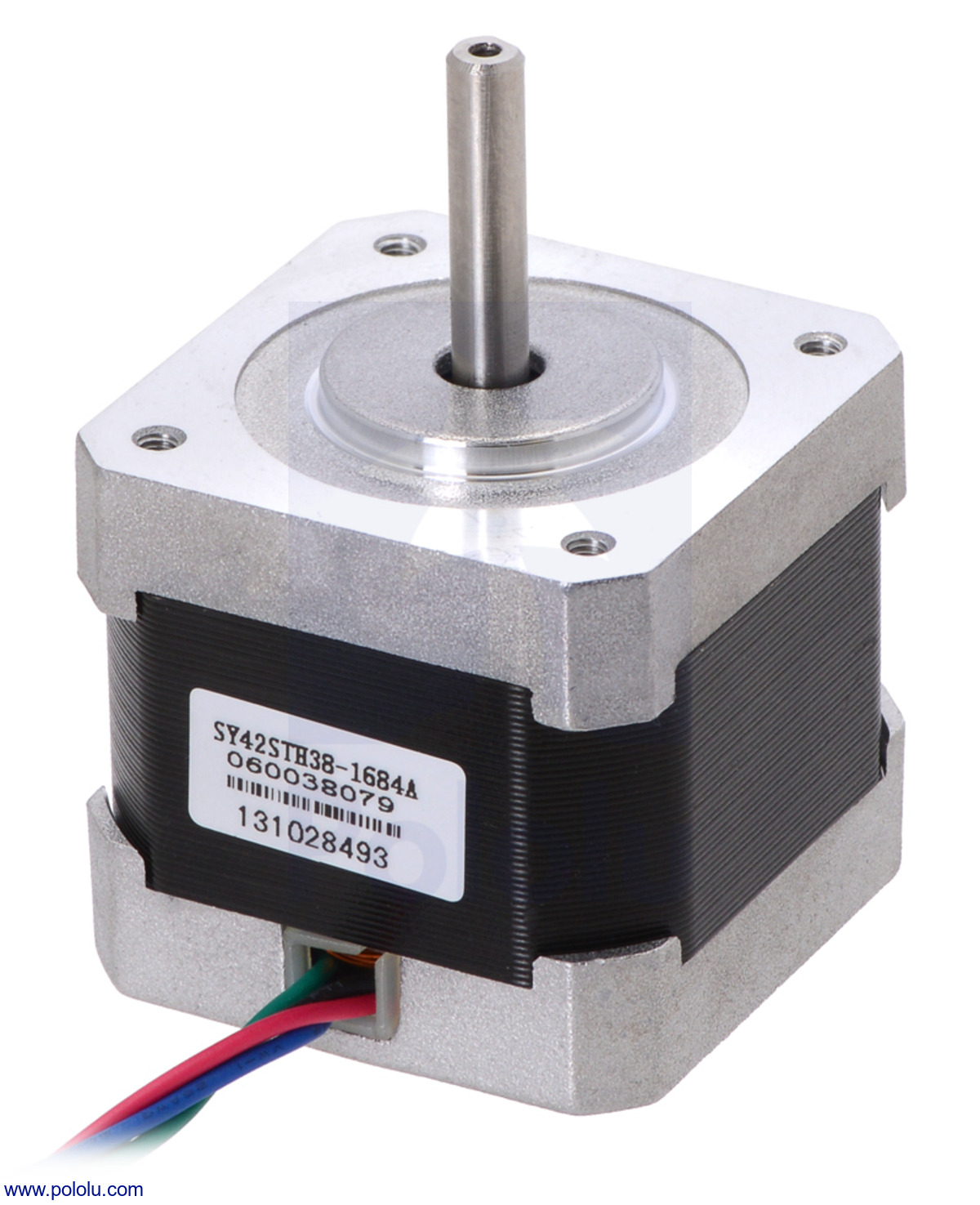 |
| 4. | Adafruit Motor Shield v2 | 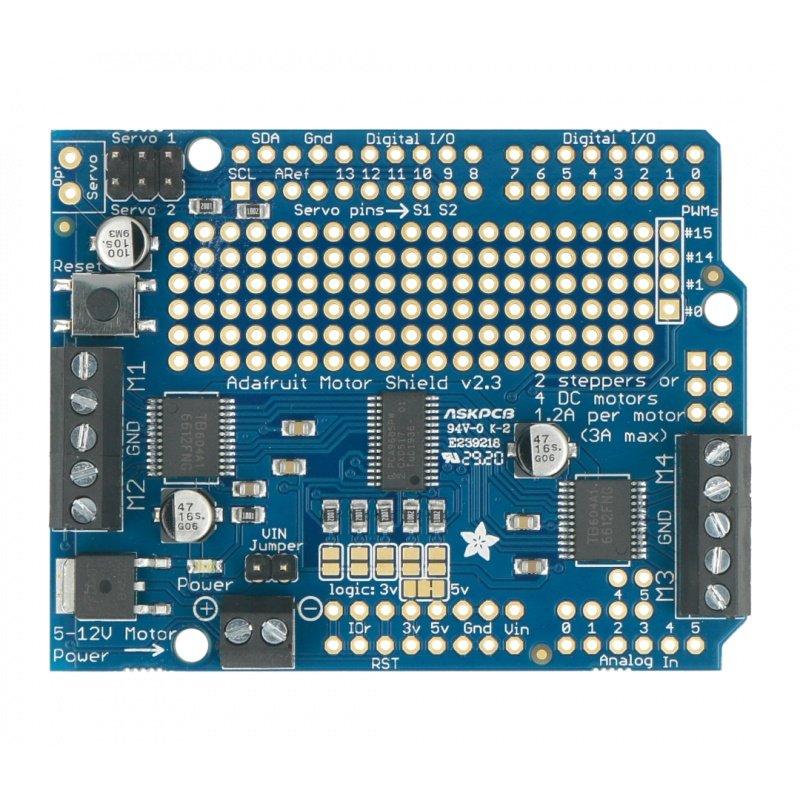 |
| 5. | Two Computer CD trays |  |
| 6. | 3d printed gears and rails | 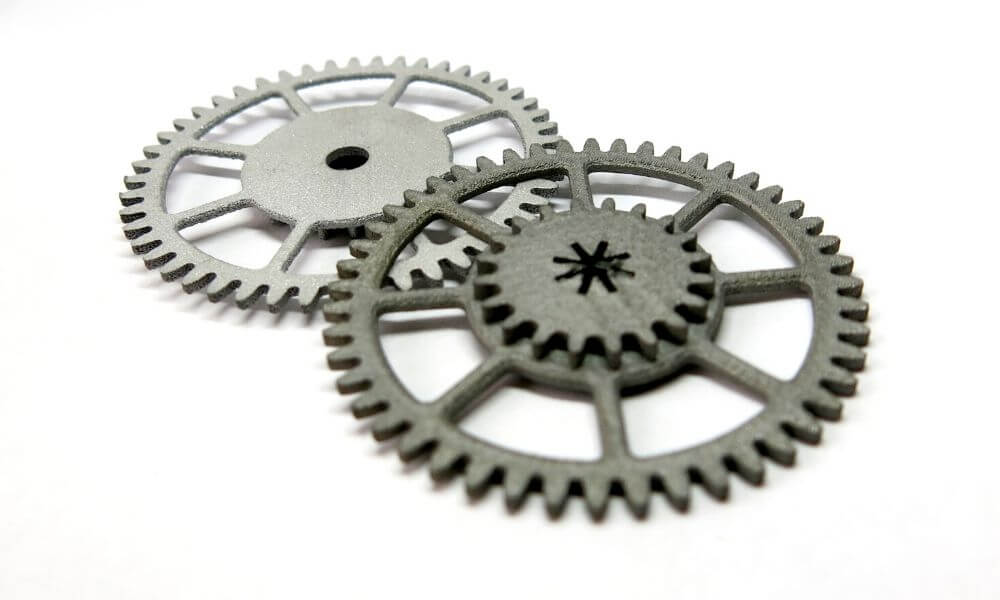 |
| 7. | Wooden Material |
| Project | Objective | Function | components | Links | |
|---|---|---|---|---|---|
| 1.3d printer. | To print the given sample. | It will automatically prints the given sample in 3d view. | Arduino mega,SMPs,Extruder,nema 17,hotend,slider,DVD slider. | https://i.ytimg.com/vi/DZfd2ZCFT2A/maxresdefault.jpg | |
| 2..Finger counter. | To count the numbers using fingers. | It will automatically counts the numbers using fingers . | Arduino,seven-segment LED,jumper wires,USB connector,bread board. |
https://electrocircuit.net/wp-content/uploads/2021/10/1-1024x571.jpg https://electrocircuit.net/wp-content/uploads/2021/10/circuit-1024x392.png |


