HowToBuild - Gskartwii/geckowii GitHub Wiki
Getting Started
Download the following
Visual Studio Express C# 2008 - http://www.microsoft.com/express/Downloads/#Visual_Studio_2008_Express_Downloads
I also suggest TortoiseSVN to get the source - http://tortoisesvn.net/downloads
Downloading the Source
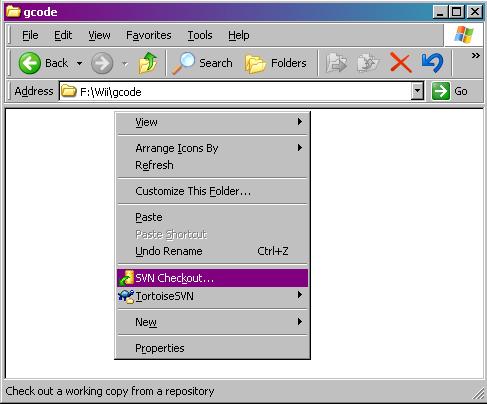
Create an empty folder somewhere. Right click on it. You should see an SVN Checkout... option in the context menu.
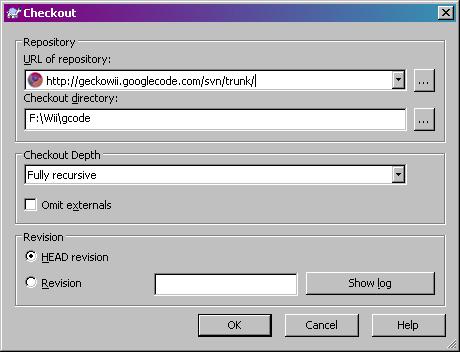
The URL of the repository is http://geckowii.googlecode.com/svn/trunk/
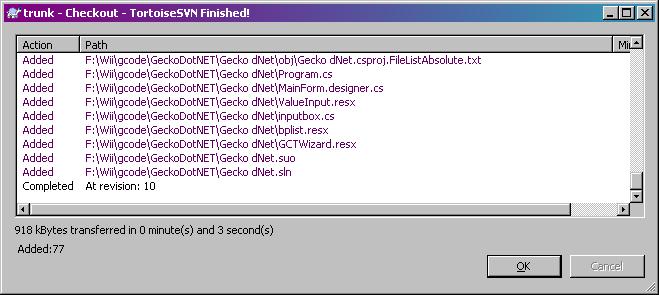
You should see the list of files downloaded from the repository.
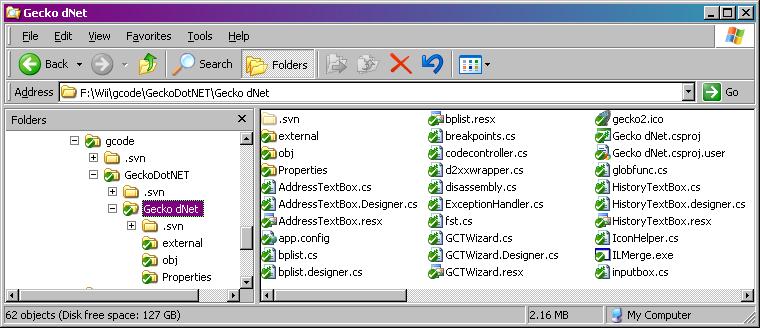
You should also see the Windows Explorer folder icons change to show SVN status.
Compiling and Running
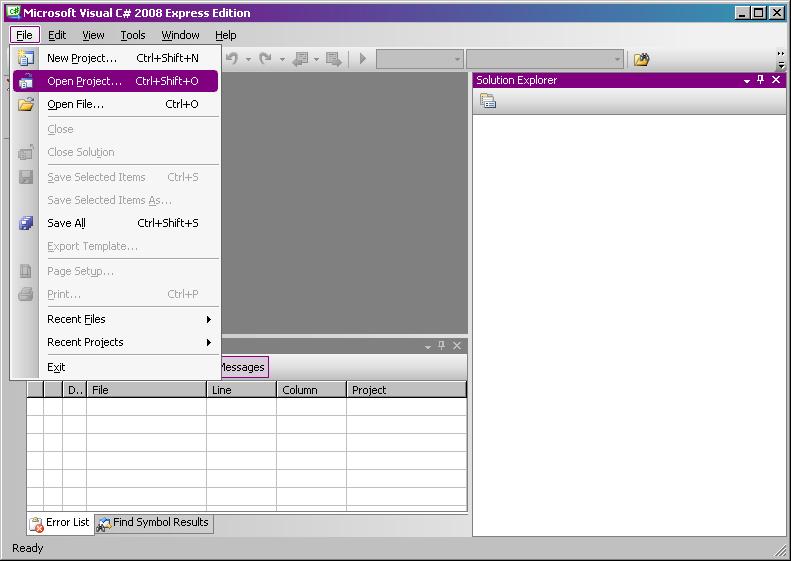
Now open Visual Studio. Go to File -> Open Project...
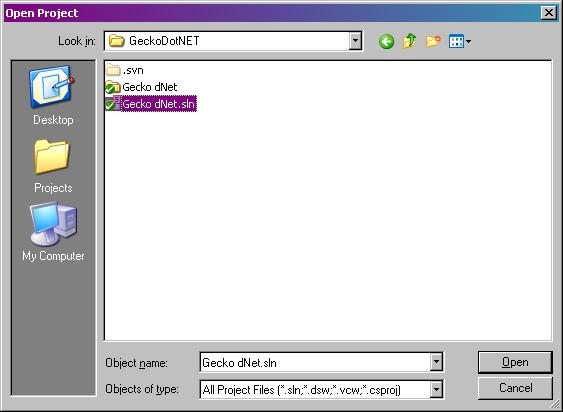
Navigate to the Gecko dNet.sln file.
You should see all the source files appear in the Solution Explorer tab. Either press F5, or click the green triangle at the top. You will see a little message in the lower left corner when the build succeeded.
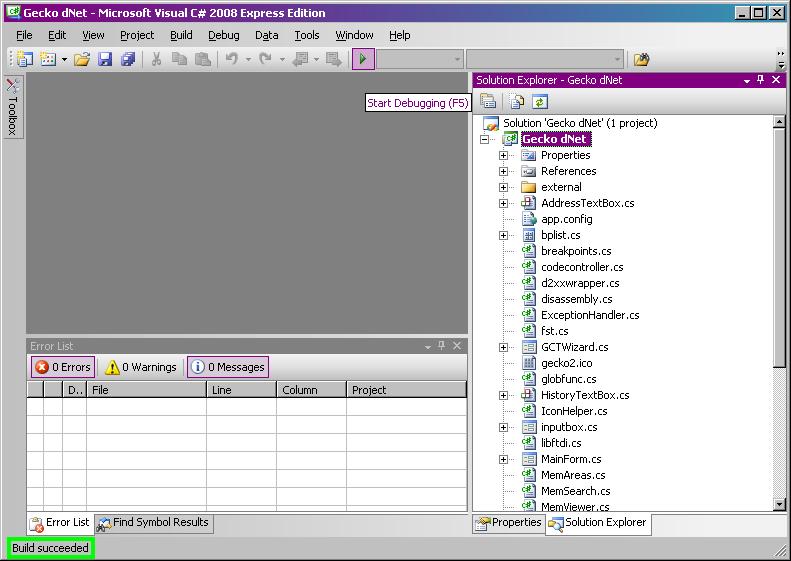
There you go! Gecko.NET should appear and start running.