Using H.O.T Clip Highlight Maker - Grat10borg/Hotkey-Operated-Timestamper GitHub Wiki
Using H.O.T Clip Highlight Maker
The Clip Highlight Maker is for making clip highlights, if you periodically clip yourself with a Hotkey, Twitchs Browser Clipper or other means, then once the Catagory / Game is over you can run this to make a description for it! it'll also sort clips from Oldest to Newest
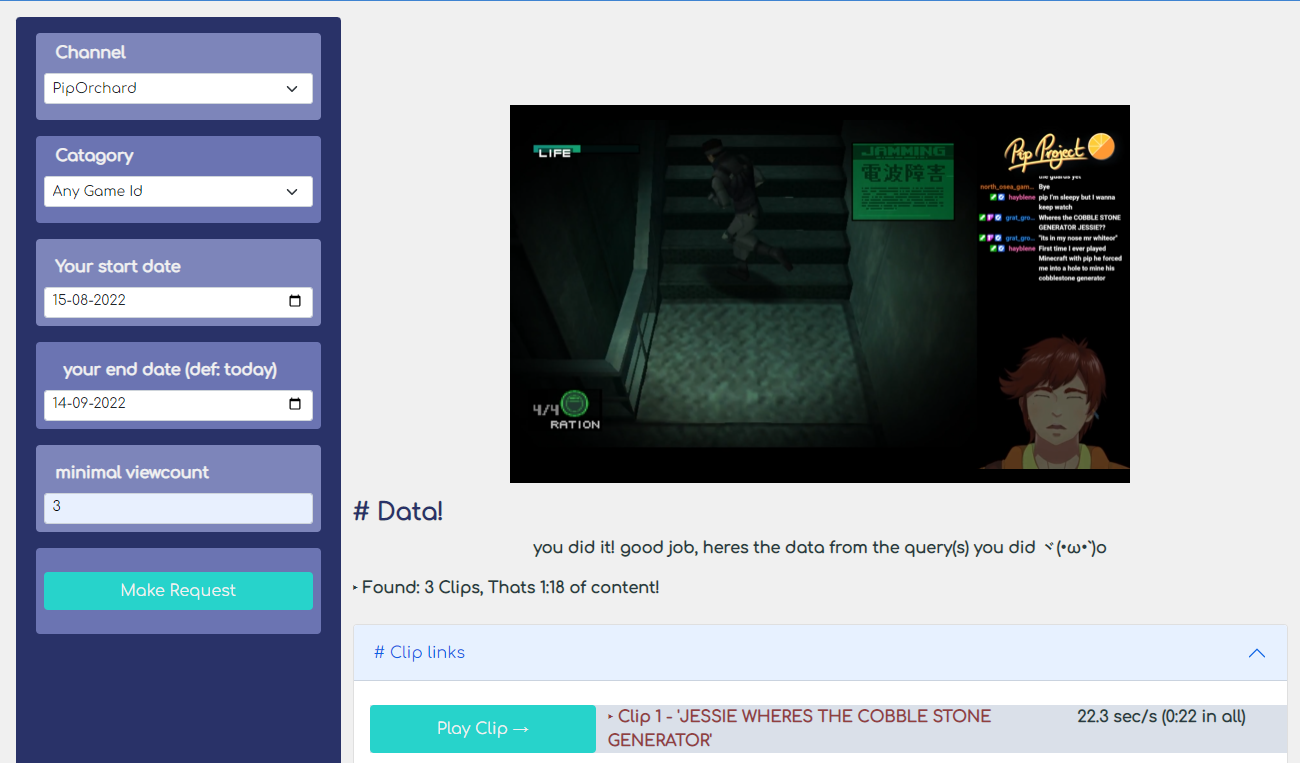
This is the main page
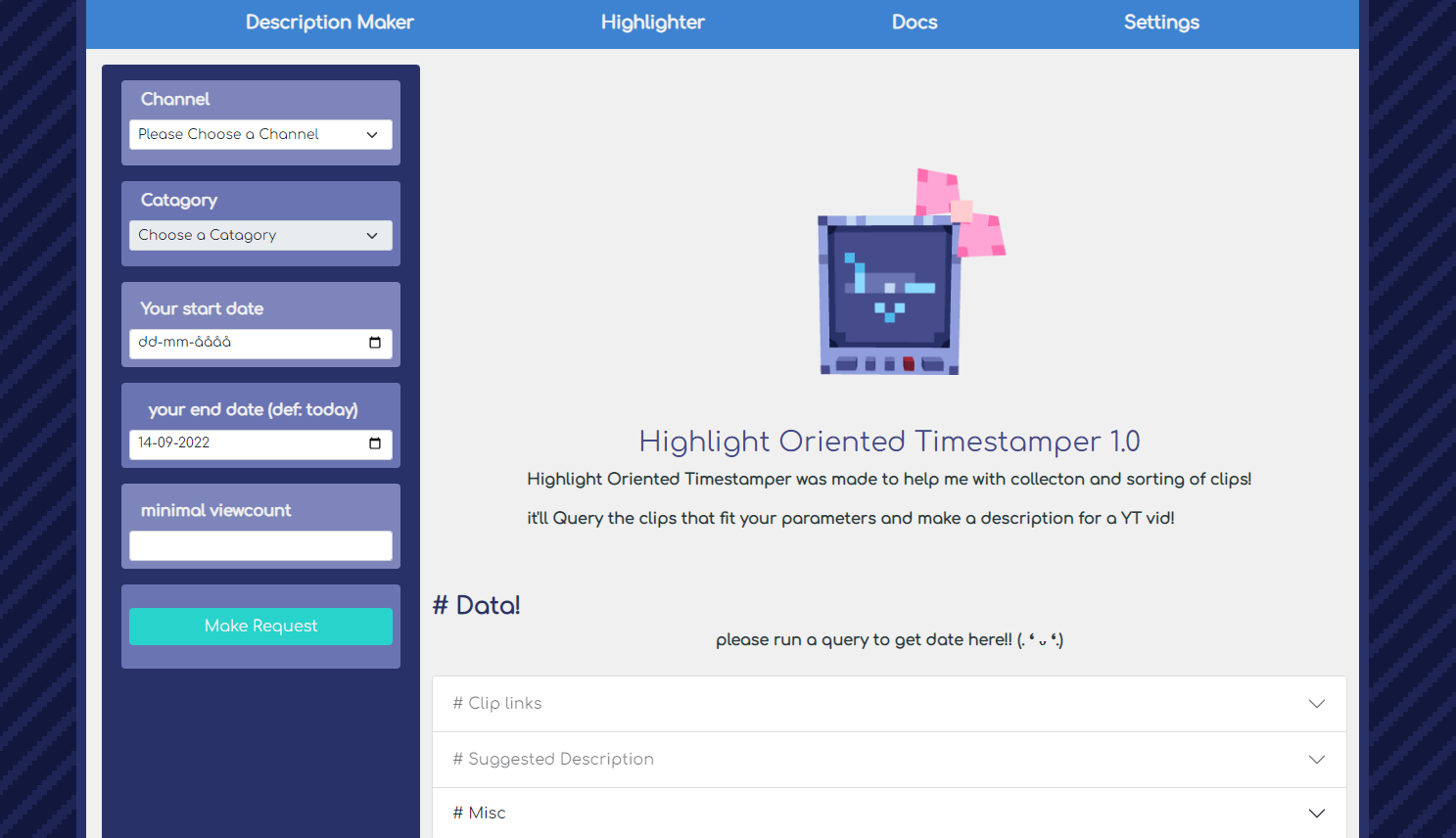
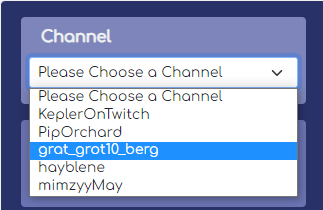
To Start getting clips you'll first need to Select a Channel you want to collect clips from.
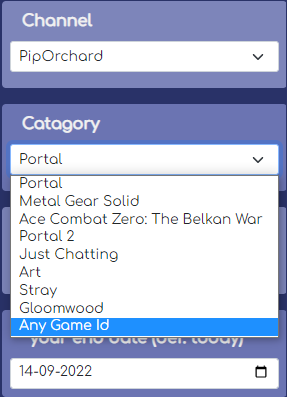
Once you've selected a Channel the Catagory select will be unlocked and you can select a Recent catagory that channel has used! Note: If you dont care what catagory then you can pick "Any Game Id"
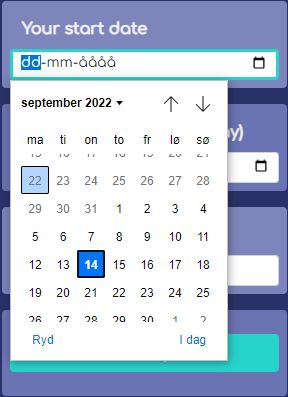
Then you need to select a Start date. selecting a few weeks ago is generally what i do, but if you remember when you started playing a game then select that date!
You can also select an end date if want to!
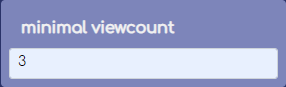
The last thing you can select is Viewcount, if you want to sort by popular clips!
Then just click on the "Make Request" Button

After the request is complete the page should change and Unlock the "Clip Links" & "Suggested Description" Accordions
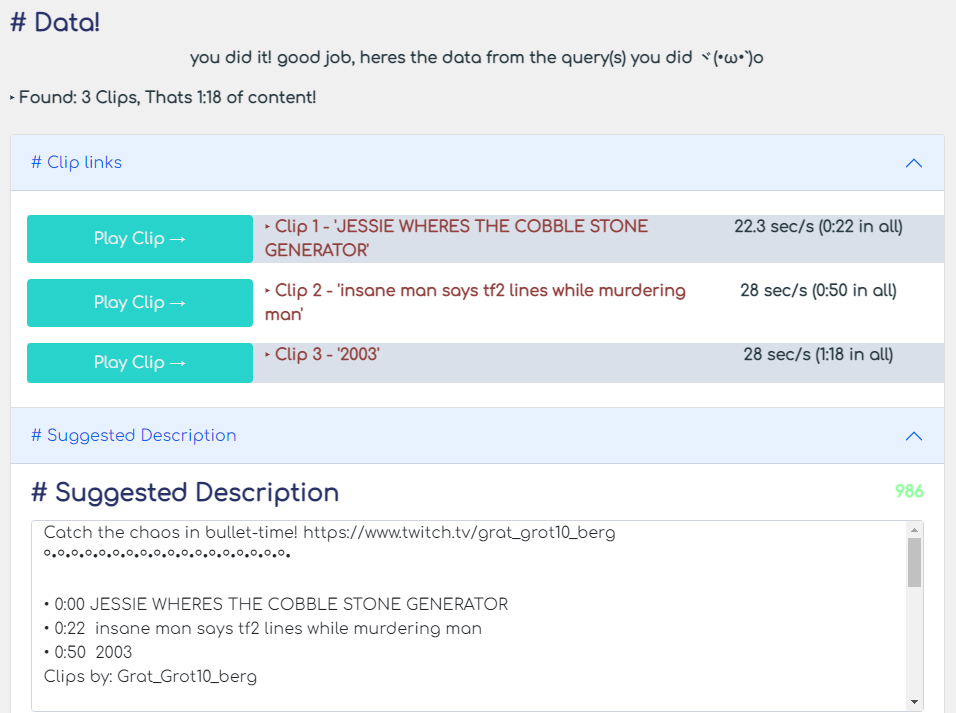
Clicking on the Links inside the Clip Links accordian will open them up in a new Tab. and Clicking on The "Play Clip" Button will play the clip inside H.O.T
Something like This v
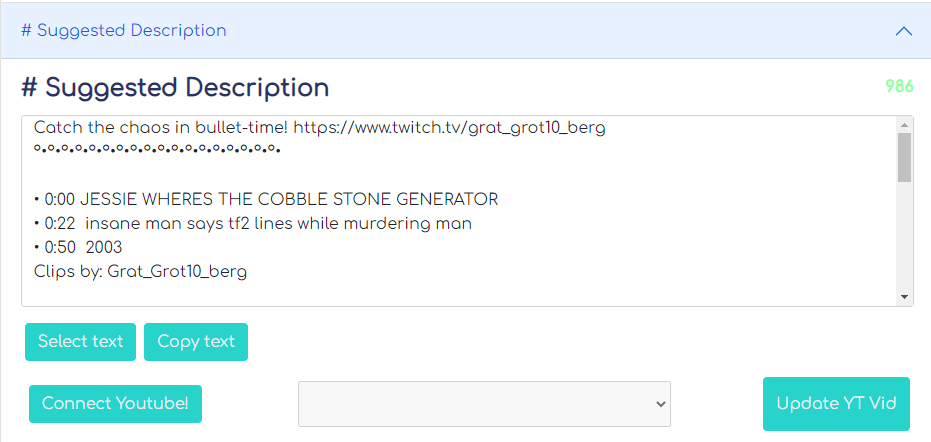
Inside the Suggested Description theres the ability to Select, Copy, And Update a Youtube Video, it works the same was as in The Description Maker
Thats the basics!
Go back to Wiki? Go Back