Making a Youtube Client Id and Api Key - Grat10borg/Hotkey-Operated-Timestamper GitHub Wiki
Making a Youtube Client Id and Api Key
H.O.T needs a Youtube ClientId & Api key to connect to youtube and update videos.
Note: Youtube Client Id and Api key is not needed for basic functionability
Walkthrough
first off we need to go to the Google cloud console
in there you need to create a new project, click on the " ▼ " near the logo and make a new project.

After doing that you'll be placed on a screen where you can give it a name, the name doesnt really matter Once done it should look kinda like this V
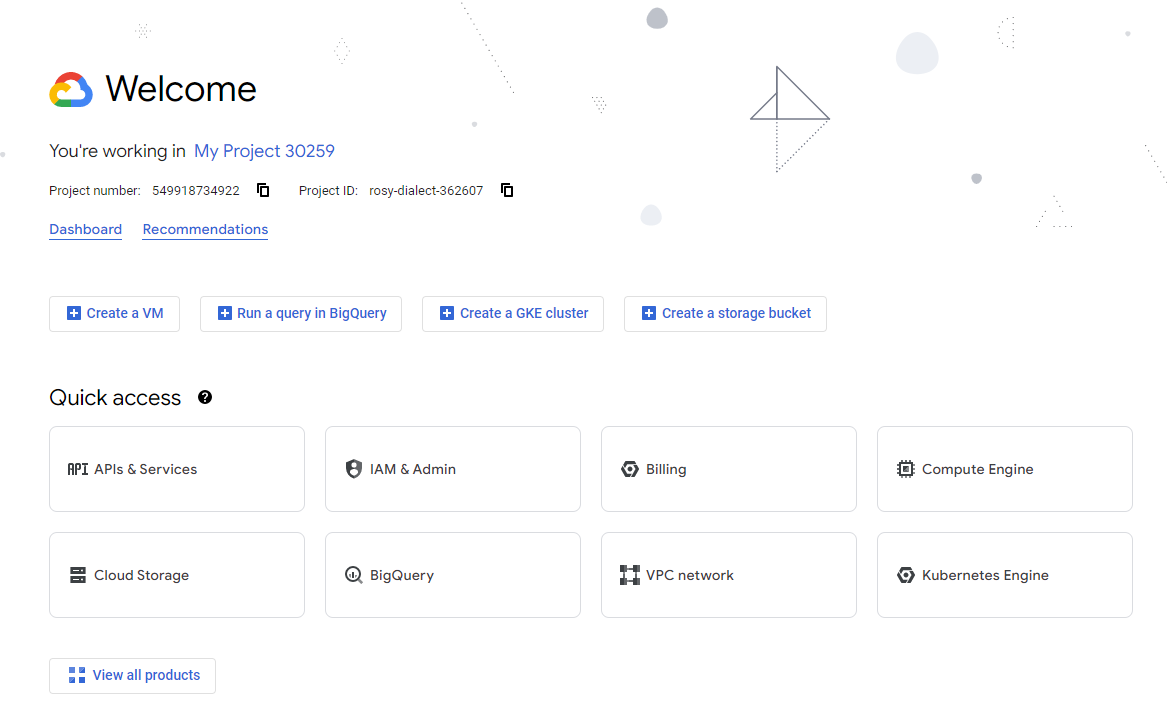
you can either click on API & SERVICES or type it in the search bar!
once on done it should look like this.
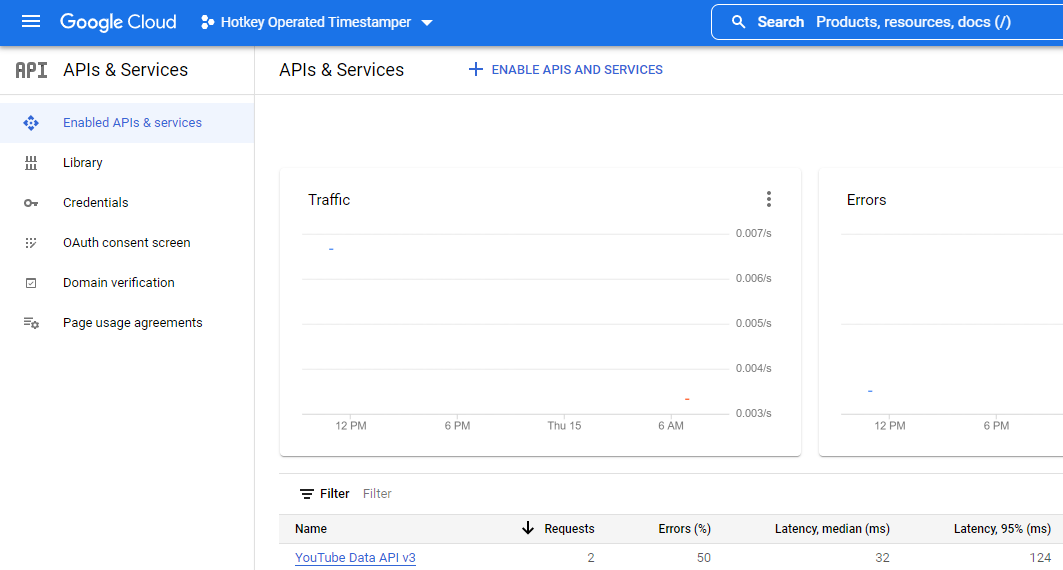
Near the APIs & Services text theres this button

we need to click on it and Find the Youtube api. the one you want is the "Youtube data api v3". once found click it and press Enable.
Great now we just need to get Our ClientId and APi-key!
you need to go the Credentials page inside APIs & Services.
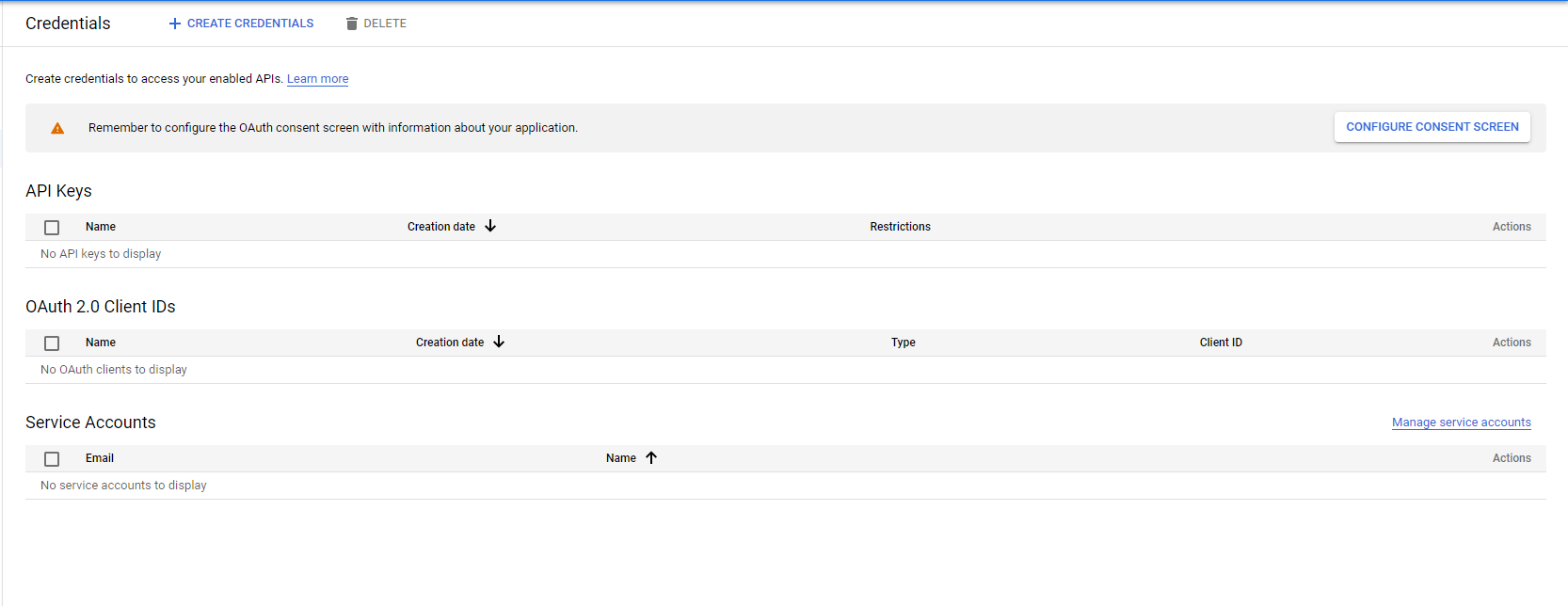
first you'll need to configure, so click the popup and click External.
when you click submit then it sends you to a form where you need to input a lotta stuff
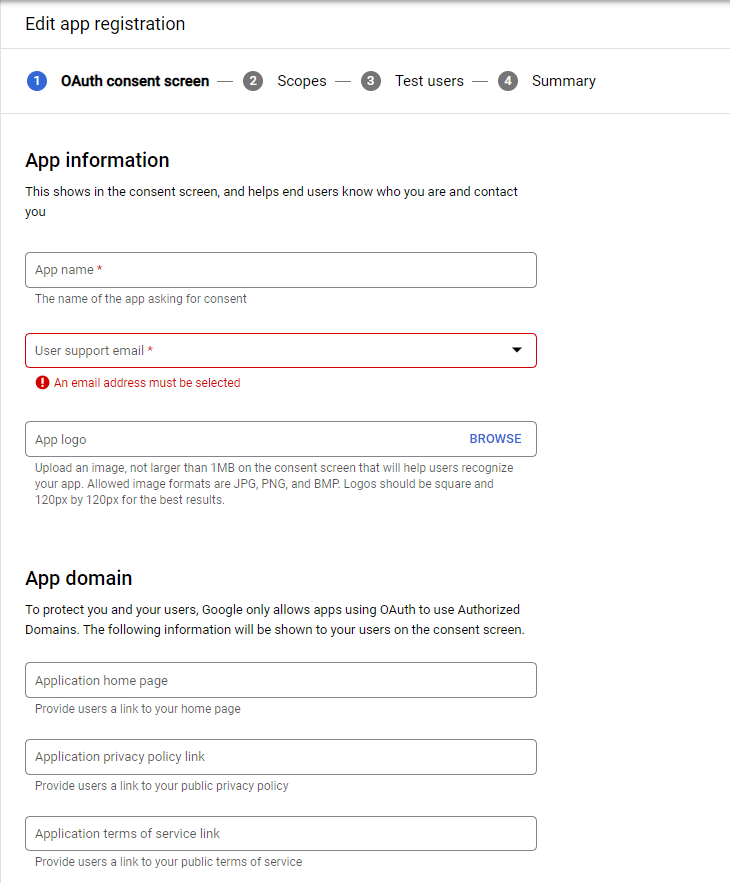
remember to fill out the Website domains else H.O.T will be barred from using the api since its not a validated site
Once at the Test Users page add the Email/Emails of your Youtube acount
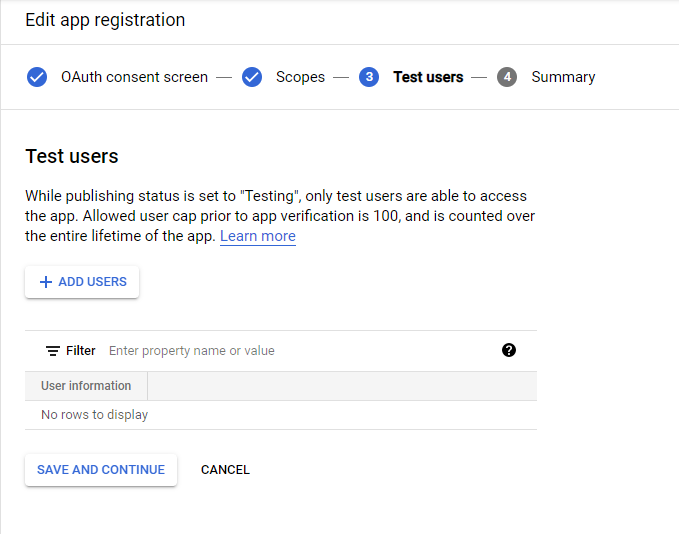
Once completed you'll be back at the Credentials page. on the page click on the Create Credentials button
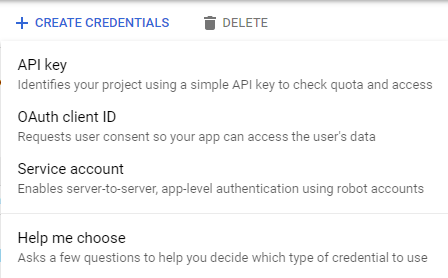
You can click on an API key and it will make you one! save it somewhere
Clicking on the Create OAuth button we'll get place in another form, copy the settings i've chosen
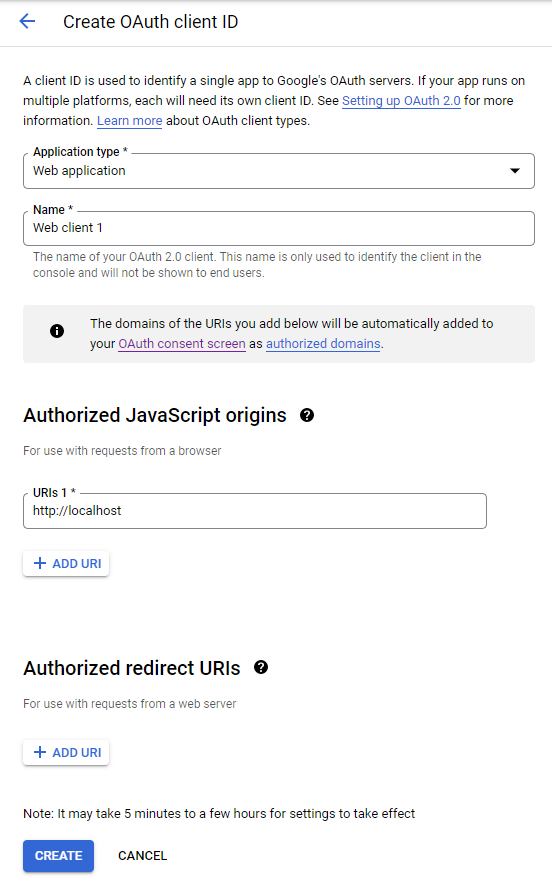
Thats it you now have both the Client ID and the API-Key for the Youtube Api!